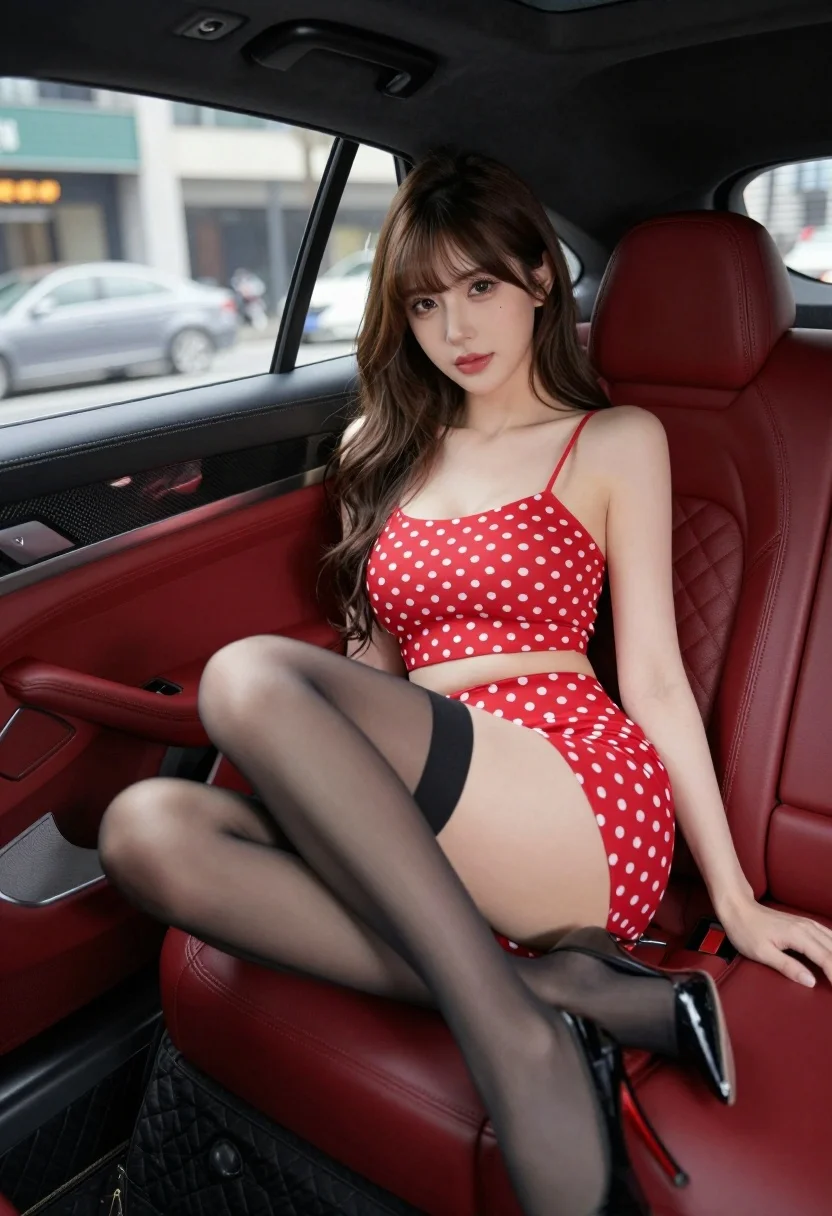
Young woman in red polka dot outfit seated inside luxury car cabin
Prompt
A young woman with long brown hair sits in the back seat of a luxury car.

Subject: A young woman with long wavy brown hair and bangs, featuring fair skin and defined facial features.

Clothing: She wears a red two-piece outfit with white polka dots consisting of a spaghetti strap crop top and a matching mini skirt, paired with sheer black thigh-high stockings and black high heels.

Action: She is seated with her legs crossed, one arm resting along the back of the seat, and looking directly at the camera with a calm expression.

Environment: The interior of a luxury vehicle featuring red quilted leather seats and carbon fiber trim on the door panel.

Camera: Shot from a low angle inside the cabin, focusing on the subject against the blurred city street visible through the windows.

Lighting: Soft ambient light illuminates her face and upper body, creating a polished look with subtle shadows in the car interior.

Style Details: High-resolution photography with a shallow depth of field that blurs the background lights to emphasize the subject.
Description
This prompt is useful for creating editorial fashion spreads, automotive lifestyle advertising, and character portraits set in urban environments. The combination of 'low angle' framing against the backdrop of a luxury vehicle with 'red quilted leather seats' directs focus upward onto the subject while the 'shallow depth of field' ensures that even visible background lights remain abstract bokeh rather than distracting details.
Suggestions
- Change 'spaghetti strap crop top' to 'structured bustier' for more formality.
- Adjust 'red quilted leather seats' to 'deep navy quilted leather seats' for contrast.
- Swap 'low angle' for 'eye-level shot' if you want a less imposing portrait.
Category
Tags
Brown HairCasual WearFair SkinFemaleLow AngleMedium ShotPortrait ShotRealisticStreet
Date added
August 5, 2026
Added by
PromptDexter Team
Related Prompts
More prompts with similar categories and tags.
Woman leaning against vintage race car in dry grassy field
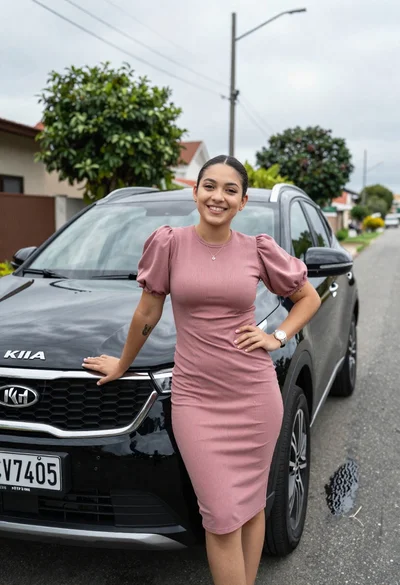
Smiling young woman leaning on black suv parked on paved street
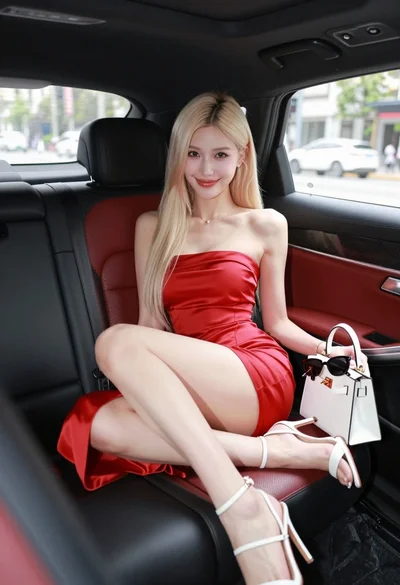
Glamorous blonde woman in red dress sitting inside luxury car

Woman in red swimsuit sitting on black sports car at coastal sunset

Confident woman in red bodysuit posing at formula one race track low
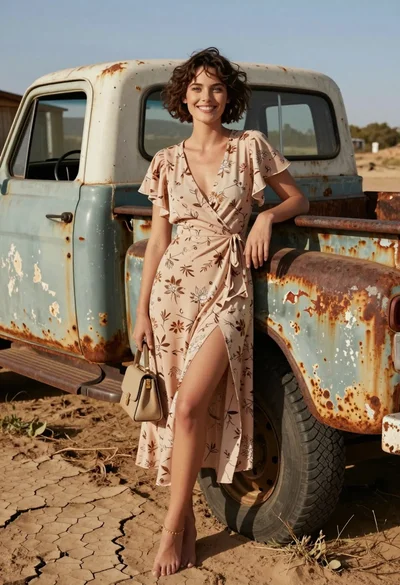
Smiling woman in floral dress by rusty vintage pickup truck in dry

Young woman in pink top and white skirt leaning on car in
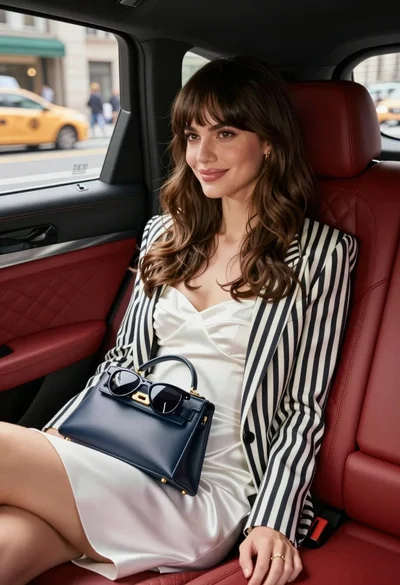
Stylish woman in white dress sitting inside luxury car overlooking city street
Stylish woman in satin slip dress driving convertible car outside luxury home

Young woman leaning against white wall with beige handbag under bright sunlight