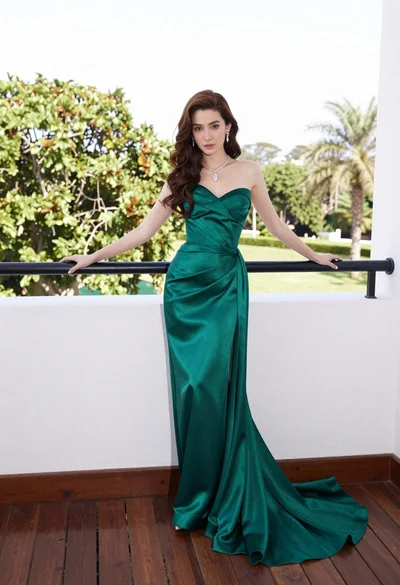
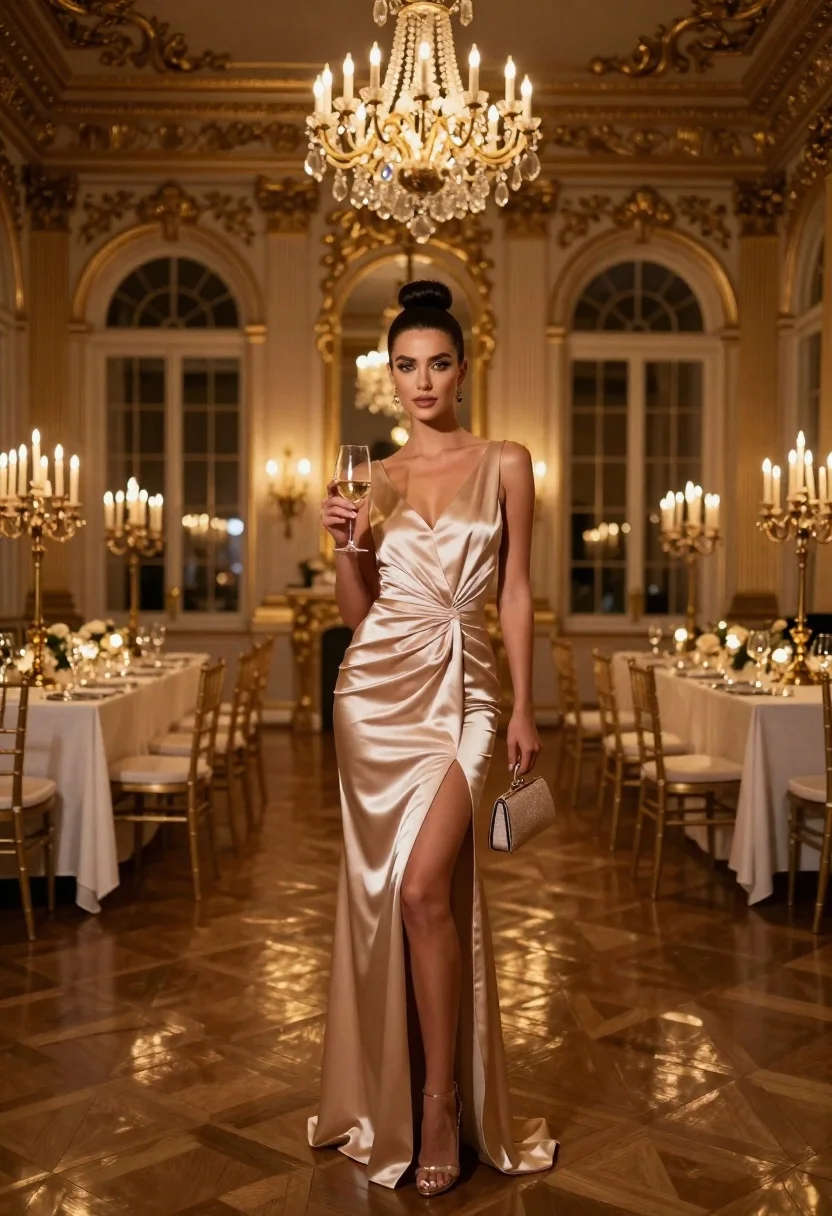
Glamorous woman in champagne satin gown holding wine glass in opulent candlelit
Prompt
A full-length portrait of a glamorous woman standing confidently in an opulent, candlelit ballroom.

Subject: A beautiful woman with dark hair styled in a high, sleek bun and dramatic winged eyeliner, looking directly at the camera with a poised expression.

Clothing: She wears a sleeveless, champagne-colored satin gown featuring a twisted waist detail, a high thigh slit, and a fitted silhouette that drapes elegantly to the floor.

Action: She stands facing forward, holding a glass of white wine in her right hand and carrying a small matching clutch purse in her left hand.

Environment: The setting is a grand, historic hall with ornate gold architectural details, tall arched windows, and a parquet wood floor reflecting the ambient light.

Camera: A full-body shot taken from a straight-on angle that captures the entire figure against the depth of the luxurious background.

Lighting: Warm, golden illumination emanates from large crystal chandeliers hanging from a high ceiling, casting soft highlights on her skin and dress while creating a rich, atmospheric glow.

Objects: Several dining tables with white tablecloths are arranged in the background, along with wooden chairs and tall candelabras placed around the room.

Style Details: The image features a hyper-realistic, cinematic aesthetic with high contrast between the warm interior lighting and the deep shadows of the ornate architecture.
Description
This prompt is useful for creating luxury editorial spreads, formal event advertising, and sophisticated character portraits for film concept art. The combination of 'champagne-colored satin gown' with 'warm, golden illumination' ensures that the fabric catches highlights beautifully while the 'high contrast between the warm interior lighting and the deep shadows' prevents the opulent setting from looking flat or overly bright.
Suggestions
- Change 'champagne-colored satin gown' to 'deep emerald velvet gown' for a richer color pop.
- Adjust 'straight-on angle' to 'low angle shot' to emphasize height and grandeur.
- Swap 'crystal chandeliers' for 'antique brass sconces' to alter the light source quality.
Category
Tags
FemaleFormal WearFull BodyHigh AngleIndoorsOutdoorsPortrait ShotRealistic
Date added
June 23, 2026
Added by
PromptDexter Team
Related Prompts
More prompts with similar categories and tags.
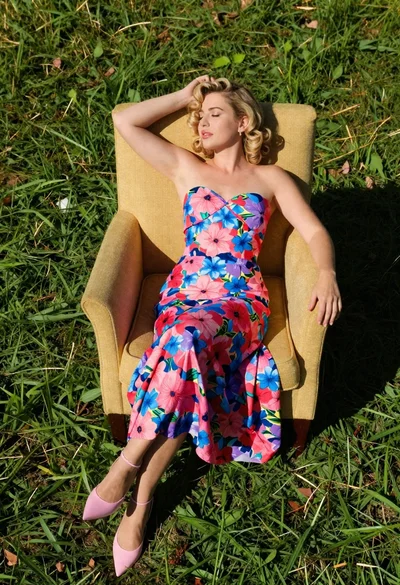
Blonde woman in floral dress reclining on green grass under bright sun
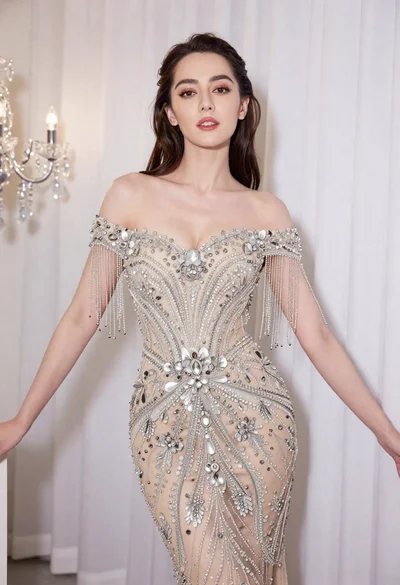
Glamorous woman in embellished gown standing before white draped curtains
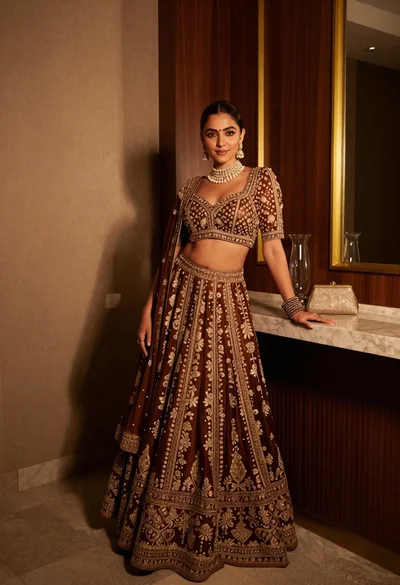
Poised woman in ornate lehenga choli against dark wood paneling interior
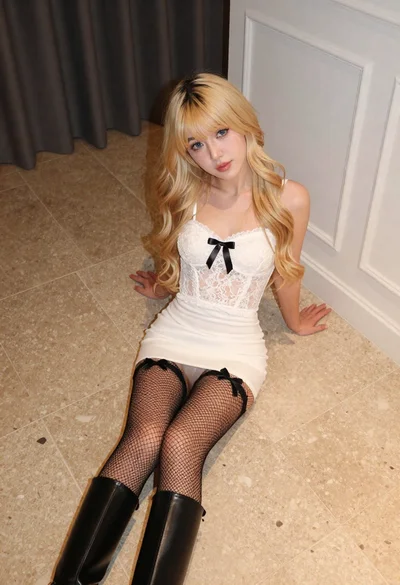
Fair blonde woman in white lace camisole sitting on tiled floor
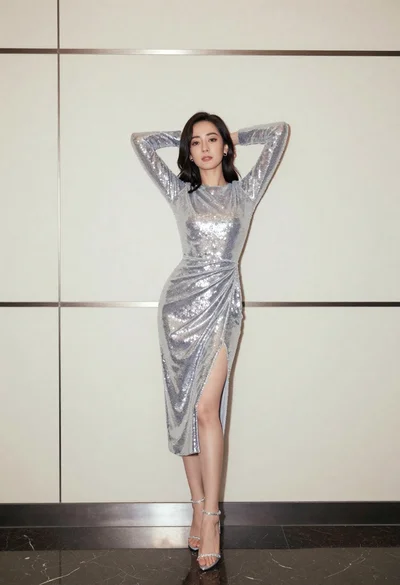
Full body portrait of woman in silver sequin dress against modern paneling
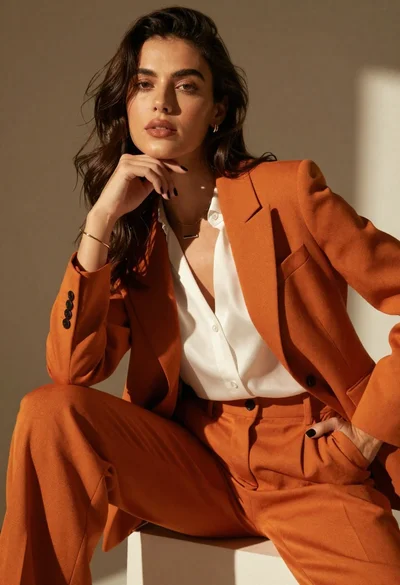
High fashion portrait of woman in orange pantsuit
Woman spinning in shimmering pleated gown against textured concrete wall
Glamorous woman in champagne gown posing at a bright outdoor event
