Glamorous woman in silver gown sits near man by vintage red suitcase
Prompt
A glamorous woman with voluminous red curly hair sits atop a vintage red suitcase on a metal platform while a man in a tuxedo stands beside her looking down at the luggage.

Subject: A woman with striking voluminous red curly hair and dark lipstick, wearing a shimmering silver sequined slip dress and white high-heeled shoes.

Clothing: The woman wears a floor-length silver sequin gown with thin straps, while the man is dressed in a formal black tuxedo with a white shirt and bow tie.

Action: The woman sits confidently on the red suitcase with one leg crossed over the other, her hand resting on the metal platform, while the man stands upright looking down at the luggage with a serious expression.

Environment: A dark studio setting with a black curtain backdrop and a concrete floor.

Camera: Medium shot capturing both figures from the waist up, emphasizing their interaction with the suitcase.

Lighting: Soft studio lighting highlights the woman's silver dress and red hair against the dark background.

Objects: A vintage red hard-shell suitcase with metal latches sits on a rolling metal platform table.

Style Details: Cinematic portrait photography with high contrast between the bright subjects and dark background.
Description
This prompt is useful for creating dramatic editorial fashion spreads, cinematic character portraits, and luxury brand advertising campaigns. The combination of 'shimmering silver sequined slip dress' against a 'dark studio setting' with 'high contrast' lighting ensures the subject pops dramatically, while specifying the man looking down at the luggage grounds the interaction within a narrative context.
Suggestions
- Change 'vintage red hard-shell suitcase' to 'antique leather trunk' for a different texture.
- Swap 'shimmering silver sequined slip dress' for 'liquid mercury gown' to alter the reflectivity.
- Adjust 'serious expression' to 'smoldering gaze' to change the emotional tone.
Category
Tags
FemaleFormal WearMaleMedium ShotRealisticRed HairStudio
Date added
June 19, 2026
Added by
PromptDexter Team
Related Prompts
More prompts with similar categories and tags.

Blonde woman in silver gown with fur stole studio portrait
Studio portrait of smiling black man in white tuxedo
Woman with red hair sitting on dresser before ornate gold mirror
Medium close up portrait of woman in white gown with floral appliqué
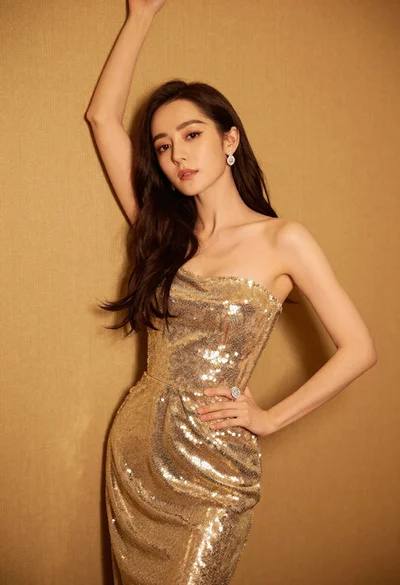
Glamorous woman in shimmering gold gown posing against warm textured wall
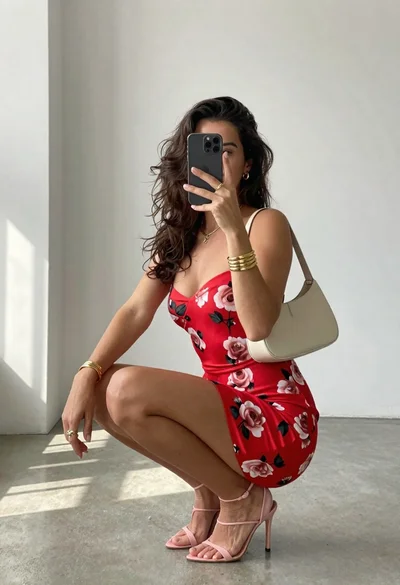
Woman taking a mirror selfie in minimalist bright room
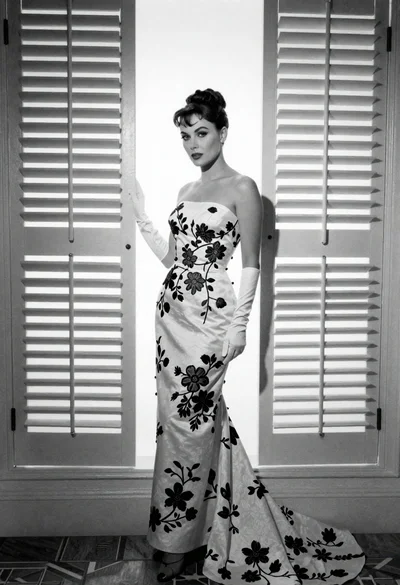
Full length portrait of woman in gown near tall window shutters
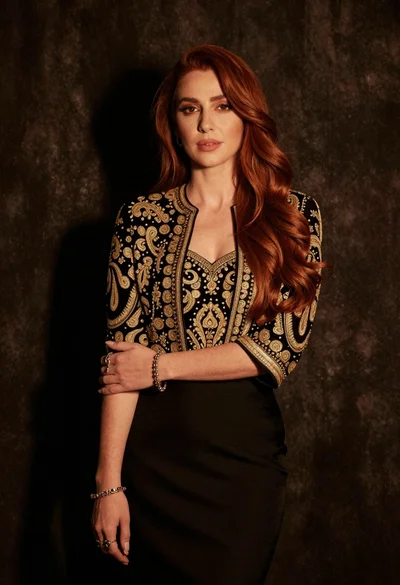
Medium close up portrait of woman in black embroidered jacket studio
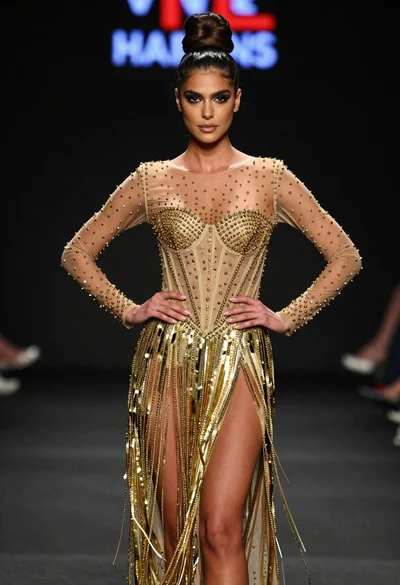
Poised woman in elaborate gold gown on dark runway under spotlight
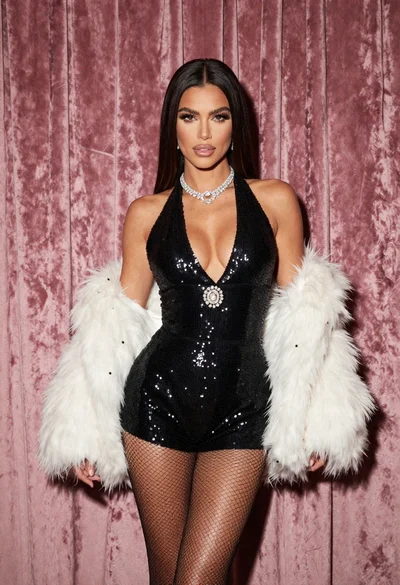
Glamorous woman in black sequined romper standing before dusty rose velvet curtains