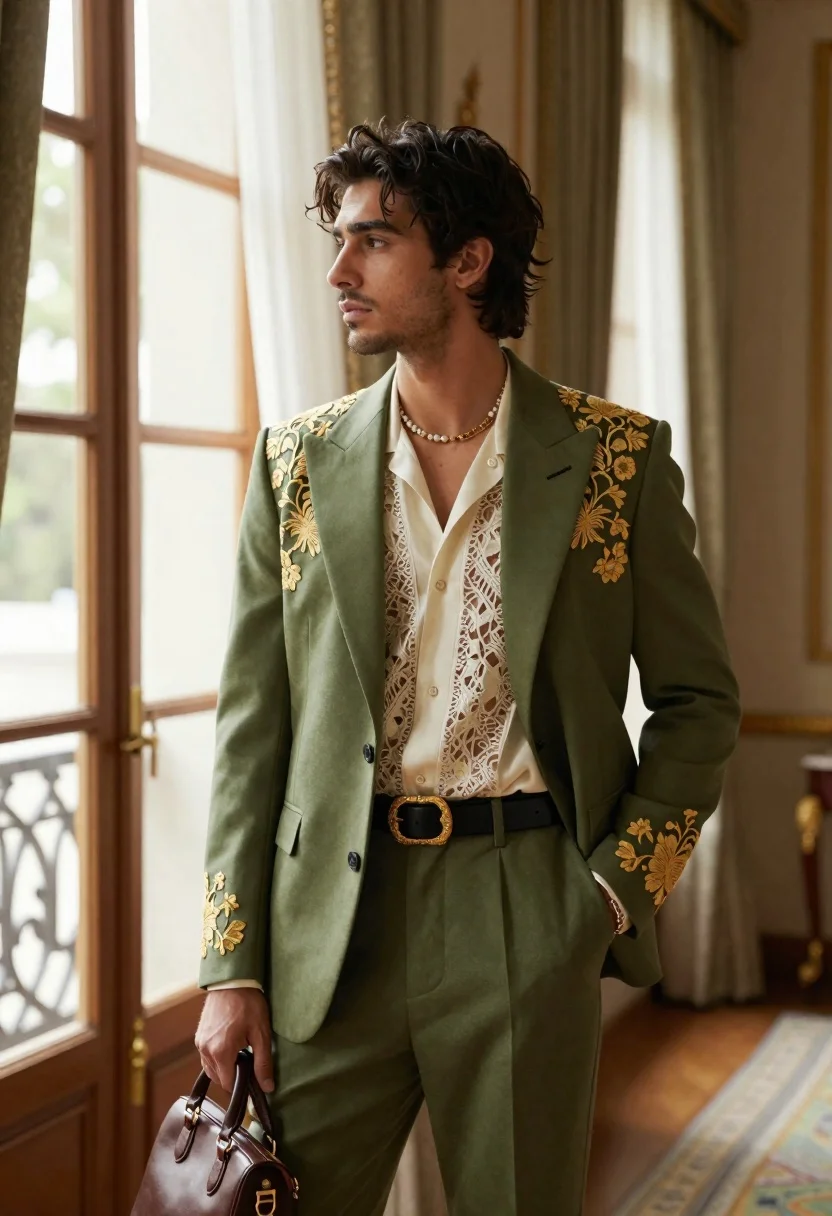
Handsome young man in embroidered suit standing in luxurious interior room
Prompt
A handsome young man with dark wavy hair and stubble stands in a luxurious interior looking out a window.

Subject: A stylish young man with dark tousled hair, defined jawline, and light facial stubble gazing thoughtfully to the side.

Clothing: He wears an olive green suit jacket featuring intricate gold floral embroidery along the lapels and cuffs, paired with matching high-waisted trousers. Underneath is a cream-colored silk shirt with delicate lace detailing on the front panels, worn open at the collar. Accessories include layered necklaces—one pearl strand and one gold chain—and a wide black leather belt with an ornate gold buckle. He holds a vintage-style brown handbag with gold hardware in his right hand.

Environment: The setting is an elegant room with tall windows draped in sheer white curtains, allowing soft natural light to filter through. Wooden window frames and cream-colored walls suggest a classic or aristocratic interior space.

Camera: Medium shot capturing the subject from mid-thigh up, framed slightly off-center with shallow depth of field blurring the background softly.

Lighting: Soft, diffused daylight enters from the right side, casting gentle shadows and highlighting the textures of the fabric and embroidery while creating a warm, contemplative mood.

Style Details: High-fashion editorial aesthetic with rich color palette, detailed textile rendering, and cinematic composition emphasizing luxury and sophistication.
Description
This prompt is useful for creating high-end menswear editorials, character portraits for period dramas, and luxury brand campaign visuals. The combination of 'olive green suit jacket featuring intricate gold floral embroidery' against the soft natural light ensures that the detailed textile rendering remains visible without harsh highlights, which is crucial for conveying both opulence and a contemplative mood.
Suggestions
- Change 'gold floral embroidery' to 'silver geometric embroidery' for a cooler tone.
- Swap 'cream-colored silk shirt' for 'ivory raw silk shirt' to alter the sheen.
- Adjust 'soft, diffused daylight' to 'directional sidelight' to increase shadow contrast.
Category
Tags
Brown HairFormal WearIndoorsMaleMedium ShotPortrait ShotRealistic
Date added
June 21, 2026
Added by
PromptDexter Team
Related Prompts
More prompts with similar categories and tags.
Stylish man in olive blazer leaning on wooden fence in countryside
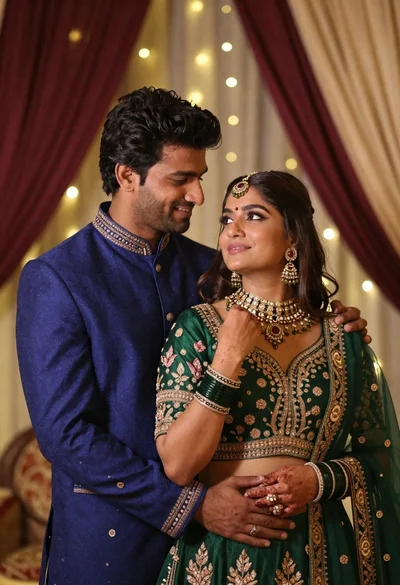
Indian couple in traditional wedding attire posing together in festive indoor setting
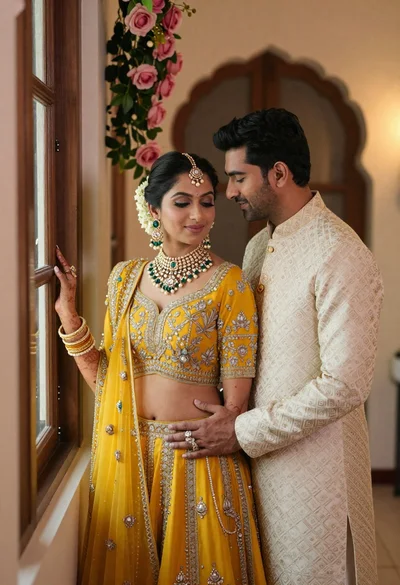
Indian couple in traditional wedding attire posing near a wooden window
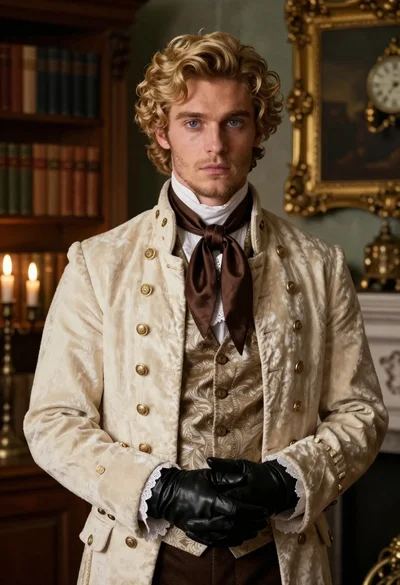
Handsome young man in historic velvet jacket standing in dimly lit room
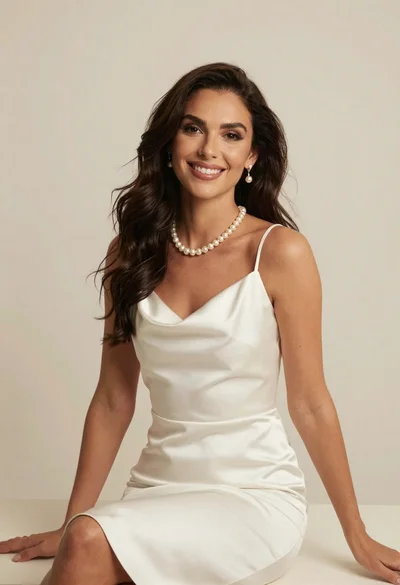
Woman in white satin slip dress with pearl jewelry sitting against cream

Young woman in white lace dress seated against soft floral backdrop

Studio portrait of smiling black man in white tuxedo

Man and woman in formal attire posing in an ornate ballroom