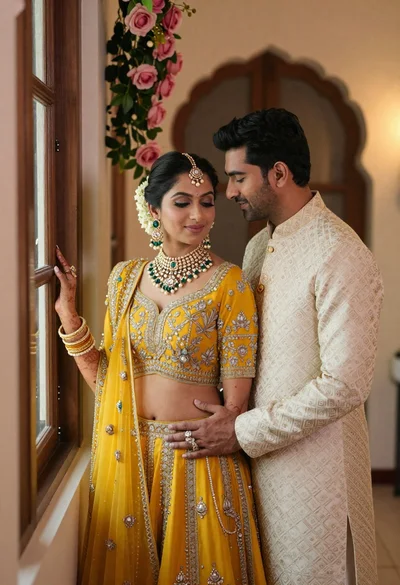
Indian couple in traditional wedding attire posing together in festive indoor setting
Prompt
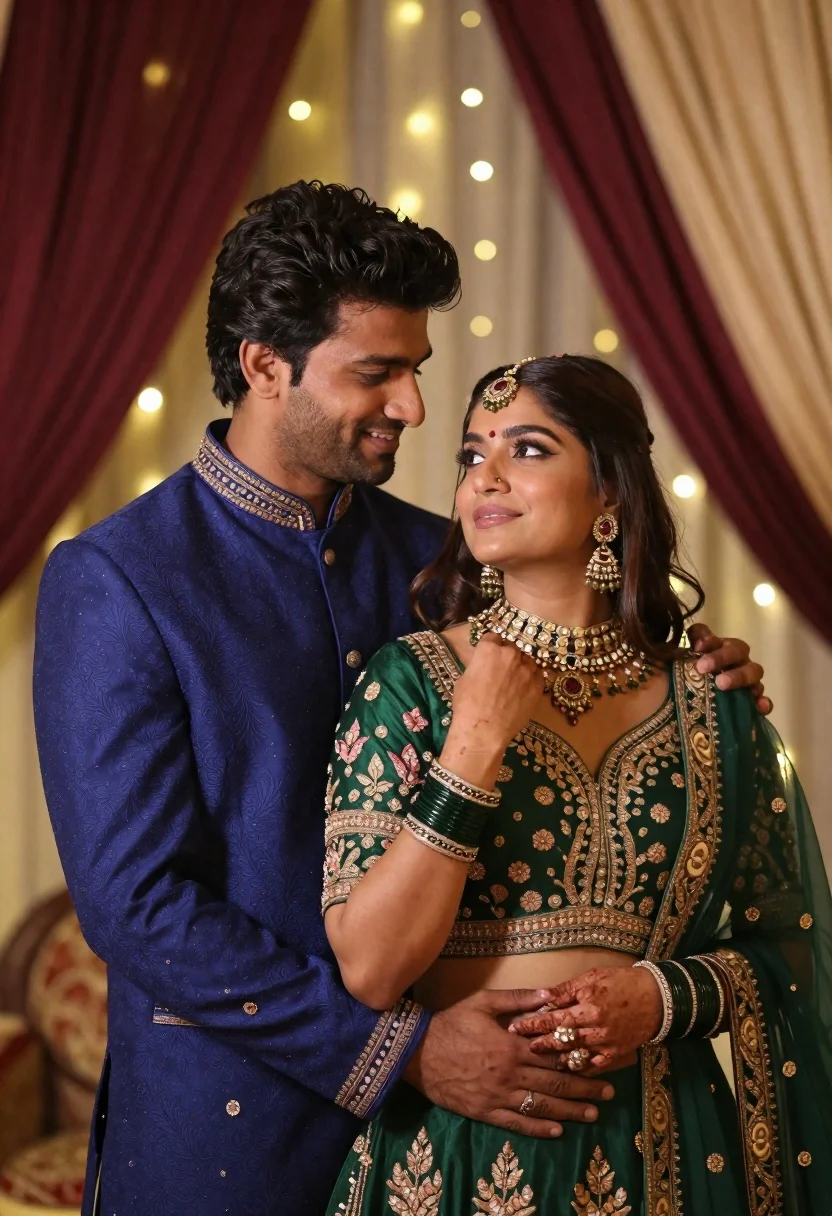
A romantic portrait of a man and woman in traditional Indian wedding attire standing close together against a softly lit festive backdrop.

Subject: A handsome man with dark wavy hair and light stubble stands beside a beautiful woman with long dark hair, both looking at each other with affectionate expressions.

Clothing: The man wears a royal blue sherwani with intricate gold embroidery on the collar and cuffs. The woman wears an emerald green lehenga choli featuring heavy gold floral embroidery, paired with traditional jewelry including a maang tikka, jhumka earrings, a choker necklace, and multiple bangles.

Action: The man gently holds the woman's shoulder with one hand while his other arm wraps around her waist; the woman looks up at him with a soft smile while touching her necklace.

Environment: An elegant indoor setting decorated with draped maroon and cream fabric curtains, illuminated by warm fairy lights strung in the background to create a bokeh effect.

Camera: A medium close-up shot framed from slightly below eye level, utilizing a shallow depth of field that keeps the couple sharp while blurring the festive background into soft glowing orbs.

Lighting: Warm ambient lighting with soft highlights on their faces and clothing textures, creating a romantic and intimate mood with gentle shadows.

Style Details: High-resolution cinematic photography with rich color saturation, detailed fabric textures, and a polished, dreamy aesthetic typical of professional wedding portraiture.
Description
This prompt is useful for creating editorial wedding album spreads, romantic engagement announcements, and high-end cultural fashion editorials. The combination of 'royal blue sherwani' against the 'emerald green lehenga choli,' coupled with the 'bokeh effect' from warm fairy lights, establishes a rich, saturated palette that directs all focus onto the couple's intimate interaction while keeping the background visually soft enough to avoid distraction.
Suggestions
- Change 'maroon and cream fabric curtains' to 'deep burgundy velvet drapes' for more drama.
- Swap 'softly lit festive backdrop' for 'mandap decorated with marigolds' to change the cultural feel.
- Adjust 'medium close-up shot framed from slightly below eye level' to 'eye-level medium shot' for a more balanced portrait.
Category
Tags
Brown HairFair SkinFemaleIndoorsMaleMedium ShotPortrait ShotRealisticTraditional Wear
Date added
June 21, 2026
Added by
PromptDexter Team
Related Prompts
More prompts with similar categories and tags.
Young woman in red top sitting at cafe table during christmas
Woman in pink embroidered lehenga standing before a colorful mandala tapestry
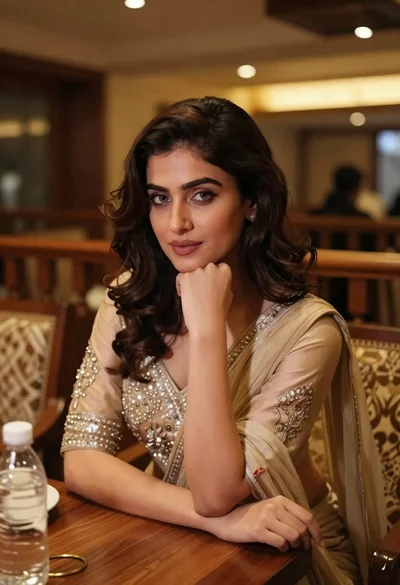
Young woman in traditional attire sitting at restaurant table with warm lighting
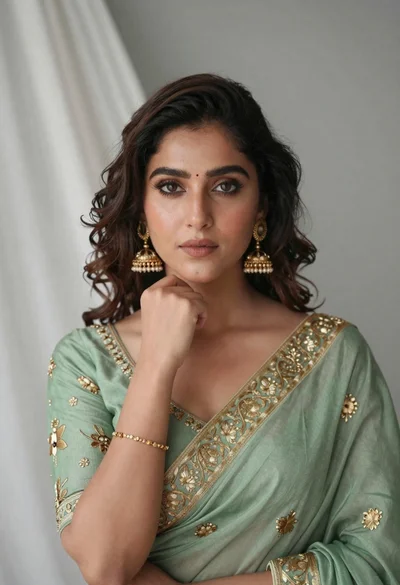
Portrait of young woman in sage green saree with gold embroidery
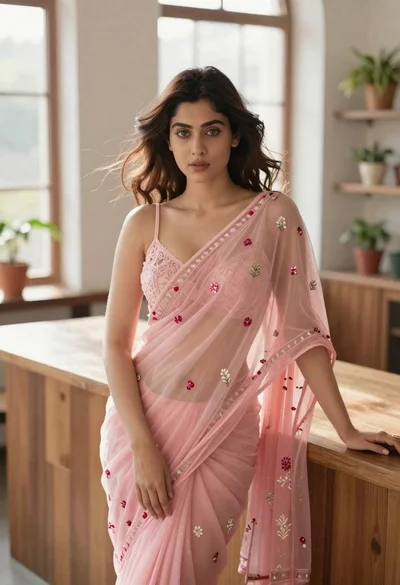
Young woman in pink saree leaning against counter in sunlit room
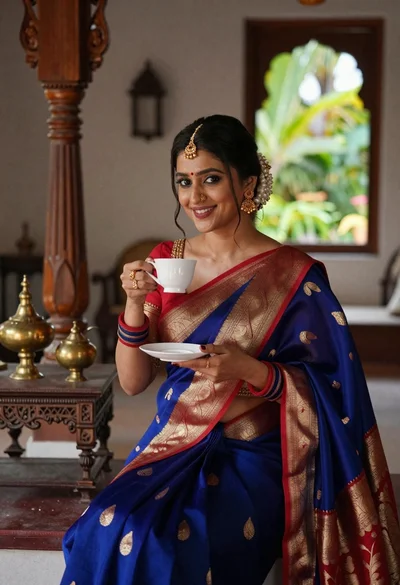
Smiling indian woman in blue silk saree holding a teacup indoors
Smiling woman in maroon velvet saree touching gold earring indoors
Woman in red corset dress standing in dimly lit room with ornate
