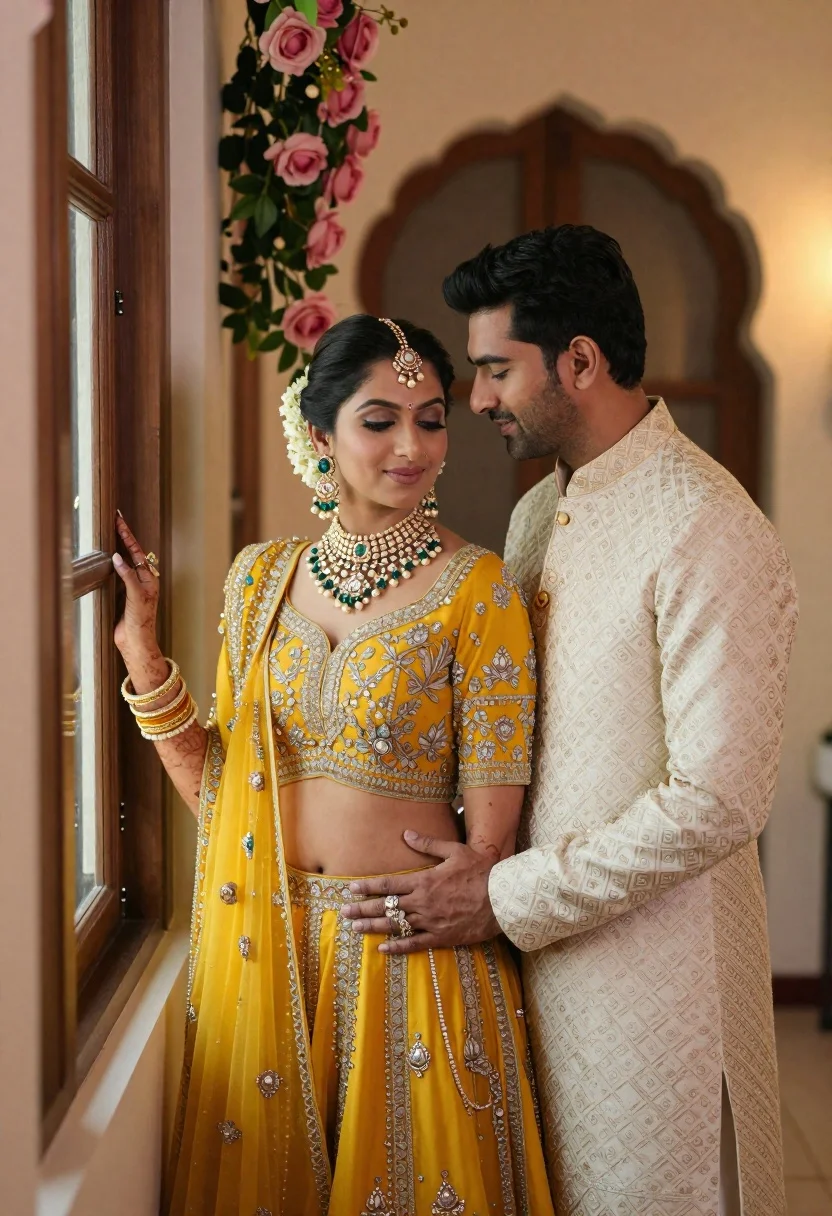
Indian couple in traditional wedding attire posing near a wooden window
Prompt
A romantic portrait of a couple dressed in traditional Indian wedding attire standing intimately near a wooden window frame.

Subject: A woman with dark hair styled in an updo adorned with a gold maang tikka and floral hairpiece, wearing heavy pearl and emerald jewelry including a choker necklace, large earrings, and multiple bangles on both wrists. Beside her stands a man with short dark hair and light stubble, looking down at her affectionately.

Clothing: The woman wears a vibrant yellow lehenga set featuring intricate silver embroidery and a matching sheer dupatta draped over her shoulder. The man wears an off-white or cream sherwani with subtle gold patterns and a high mandarin collar.

Action: The couple stands close together in a tender embrace; the woman rests one hand on the wooden window shutter while the man wraps his arm around her waist, his other hand resting gently on her stomach. They gaze lovingly at each other with soft smiles.

Environment: An elegant indoor setting featuring an arched doorway in the background and lush pink rose arrangements hanging from above near the window frame.

Lighting: Soft, warm ambient light illuminates the scene, creating a gentle glow on their faces and highlighting the textures of their clothing without harsh shadows.

Camera: A medium shot capturing the couple from the waist up with a shallow depth of field that blurs the background slightly to emphasize their connection.

Style Details: High-resolution photography with rich color saturation, elegant composition, and a romantic cinematic aesthetic typical of modern Indian wedding portraits.
Description
This prompt is useful for creating editorial wedding album spreads, intimate engagement announcements, and luxury lifestyle catalog imagery. The combination of 'soft, warm ambient light' and the 'shallow depth of field' ensures that the viewer's focus remains tightly on the couple's tender embrace and the rich details of the 'vibrant yellow lehenga set', preventing background clutter from distracting from their connection.
Suggestions
- Change 'vibrant yellow lehenga set' to 'deep maroon lehenga set' for a richer tone.
- Swap 'lush pink rose arrangements' for 'white jasmine garlands' for a more traditional scent profile.
- Adjust the lighting by adding 'rim light catching hair edges' to separate them from the background.
Category
Tags
Brown HairFair SkinFemaleIndoorsMaleMedium ShotPortrait ShotRealisticTraditional Wear
Date added
June 21, 2026
Added by
PromptDexter Team
Related Prompts
More prompts with similar categories and tags.
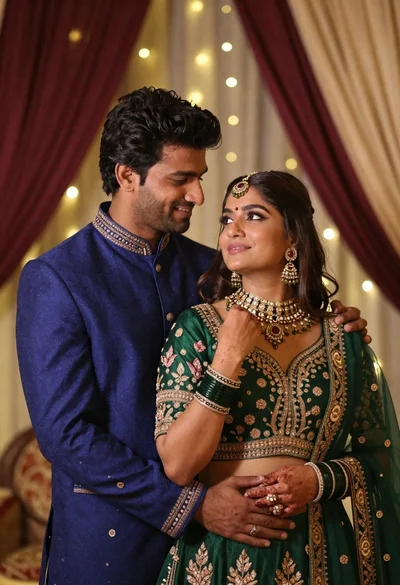
Indian couple in traditional wedding attire posing together in festive indoor setting
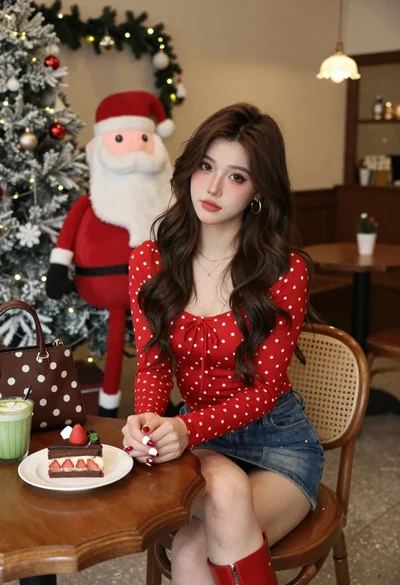
Young woman in red top sitting at cafe table during christmas
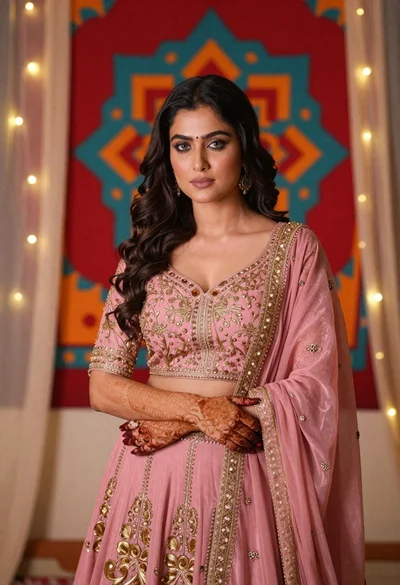
Woman in pink embroidered lehenga standing before a colorful mandala tapestry
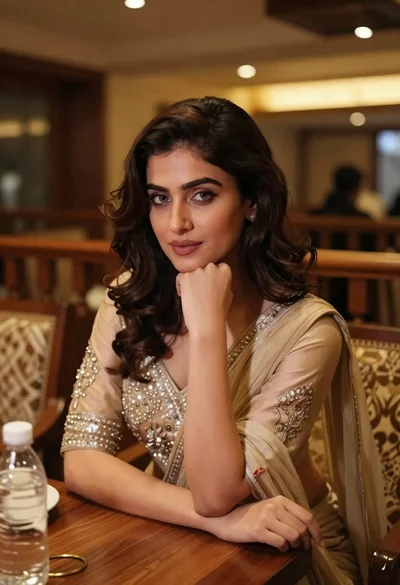
Young woman in traditional attire sitting at restaurant table with warm lighting
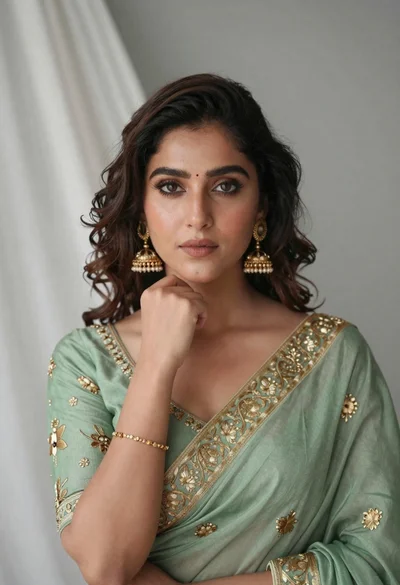
Portrait of young woman in sage green saree with gold embroidery
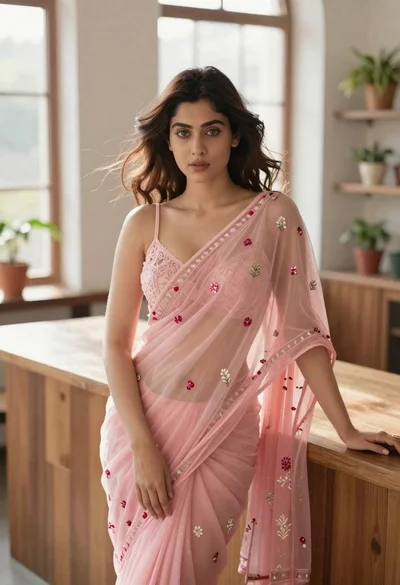
Young woman in pink saree leaning against counter in sunlit room
Smiling indian woman in blue silk saree holding a teacup indoors
Woman in red corset dress standing in dimly lit room with ornate
