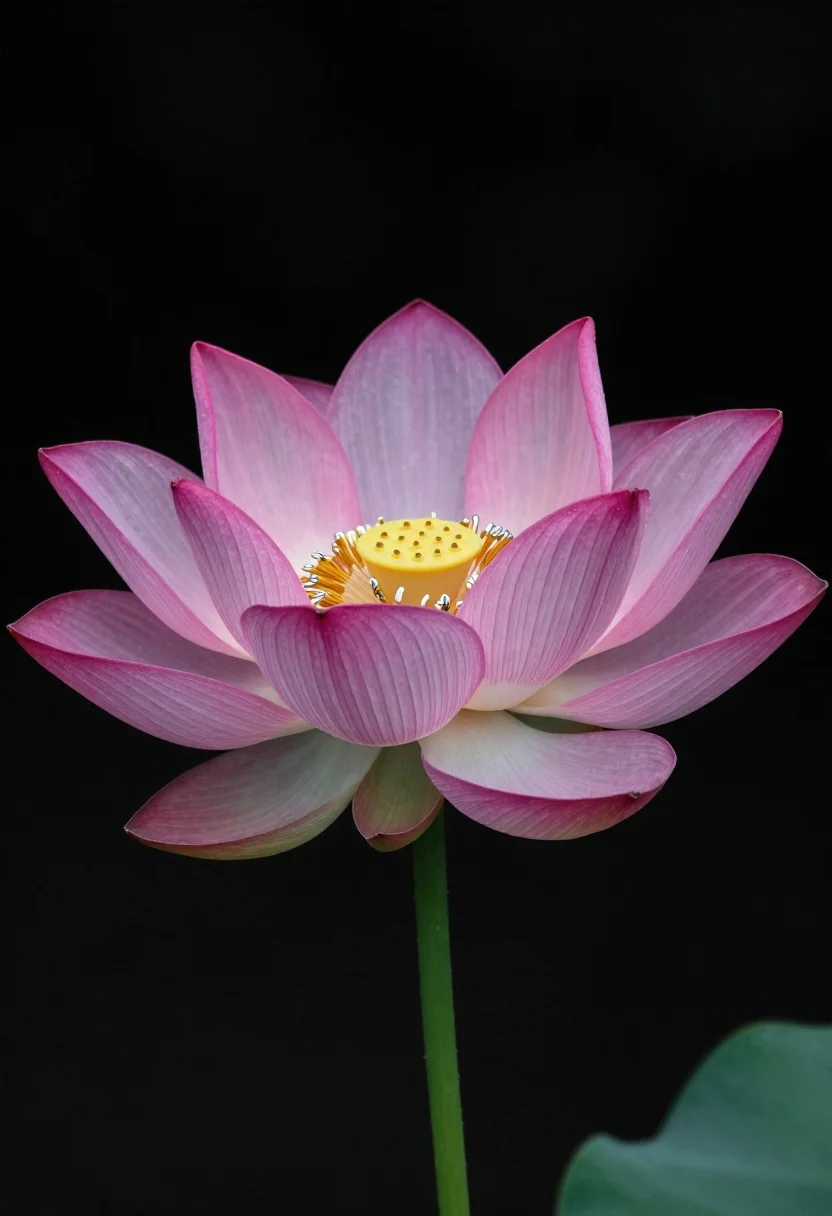
Hyper realistic lotus flower against a black background
Prompt
A photorealistic close-up of a single lotus flower against a pure black background

Subject: a vibrant pink and magenta lotus bloom with delicate vertical striations on the petals, transitioning to pale creamy green near the base, featuring intricate silver stamens at the center glowing with soft yellow light.

Clothing: The stem is thick and curved like jade-green glass or polished stone.

Environment: An isolated composition set against a void-like black background that creates dramatic contrast and depth.

Lighting: High-contrast studio lighting illuminates the flower from above while leaving shadows in deep blacks, enhancing texture and dimensionality

Style Details: Hyper-realistic macro photography with sharp focus on fine details like petal veins and stamen tips.
Description
This prompt is useful for creating botanical art prints, high-end product catalog mockups for luxury goods, and dramatic nature studies. The combination of 'high-contrast studio lighting' with the specified 'pure black background' ensures that the vibrant pink and magenta tones pop dramatically, while the inclusion of 'delicate vertical striations' prevents the petals from looking like a flat wash of color.
Suggestions
- Change 'vibrant pink and magenta' to 'deep indigo and violet' for a cooler palette.
- Add 'bokeh effect' to soften the background void slightly.
- Swap 'jade-green glass or polished stone' for 'oxidized copper' for an aged metallic look.
Category
Tags
Close UpMacro ShotRealisticStudio
Date added
June 19, 2026
Added by
PromptDexter Team
Related Prompts
More prompts with similar categories and tags.
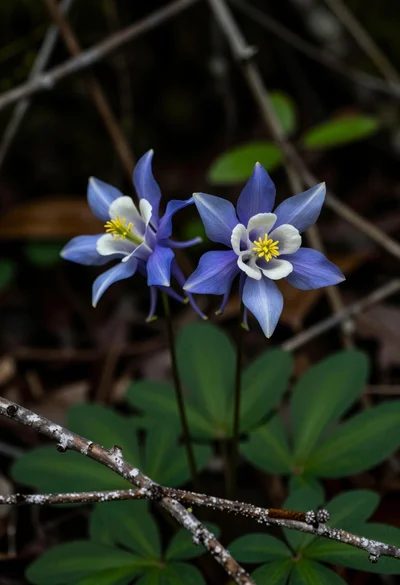
Close up macro photograph of blue and white columbine flowers on forest
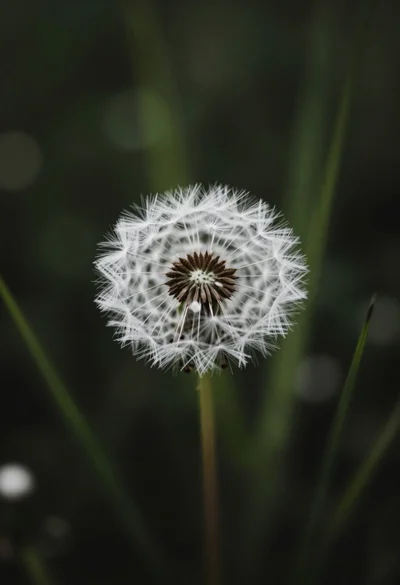
Close up macro shot of solitary white dandelion seed head against dark
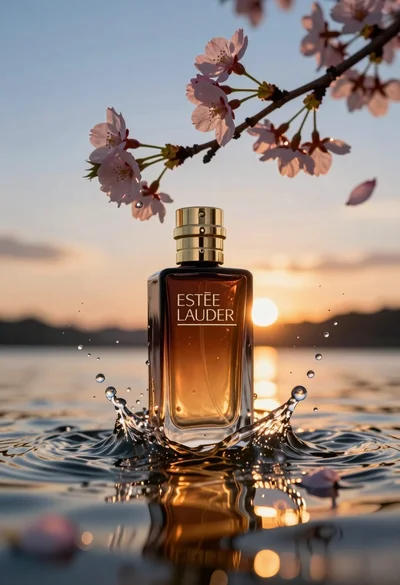
Luxurious amber perfume bottle submerged in water under sunset cherry blossoms
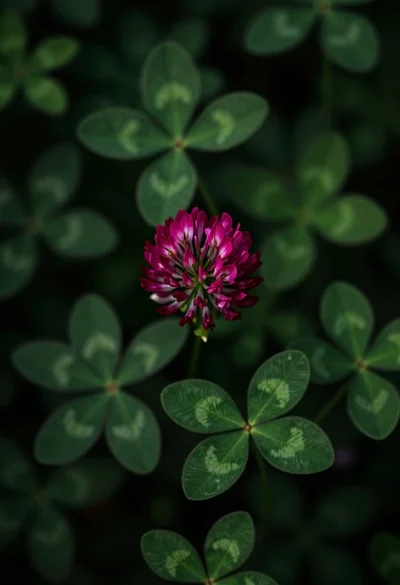
Close up view of vibrant magenta clover flowers in dense green foliage
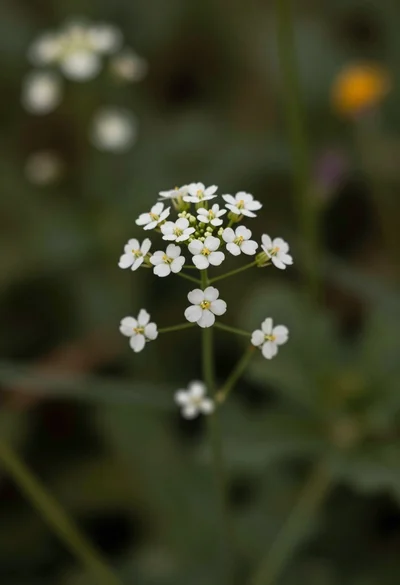
Macro photograph of delicate white wildflowers with yellow centers on dark green
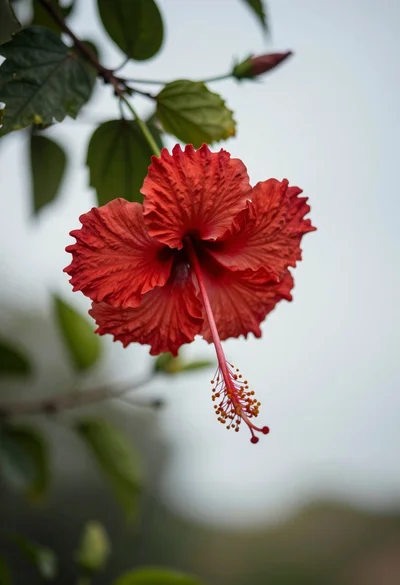
Close up photograph of vibrant red hibiscus flower against soft green bokeh
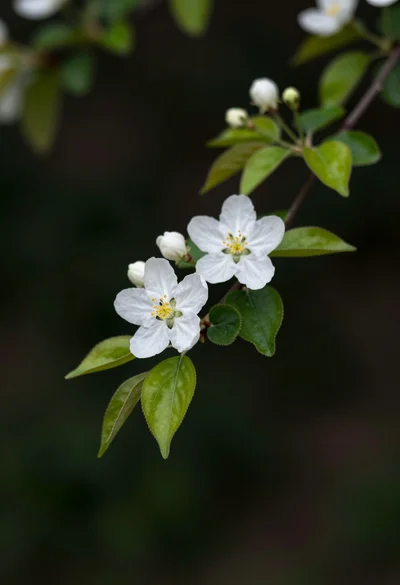
Close up of white blossoms on a branch against a dark blurred
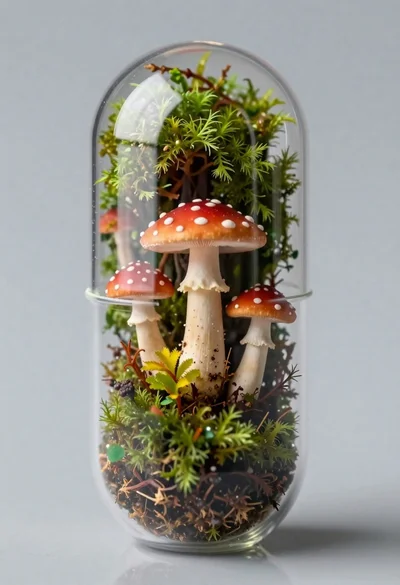
Macro shot of miniature forest inside a medical capsule