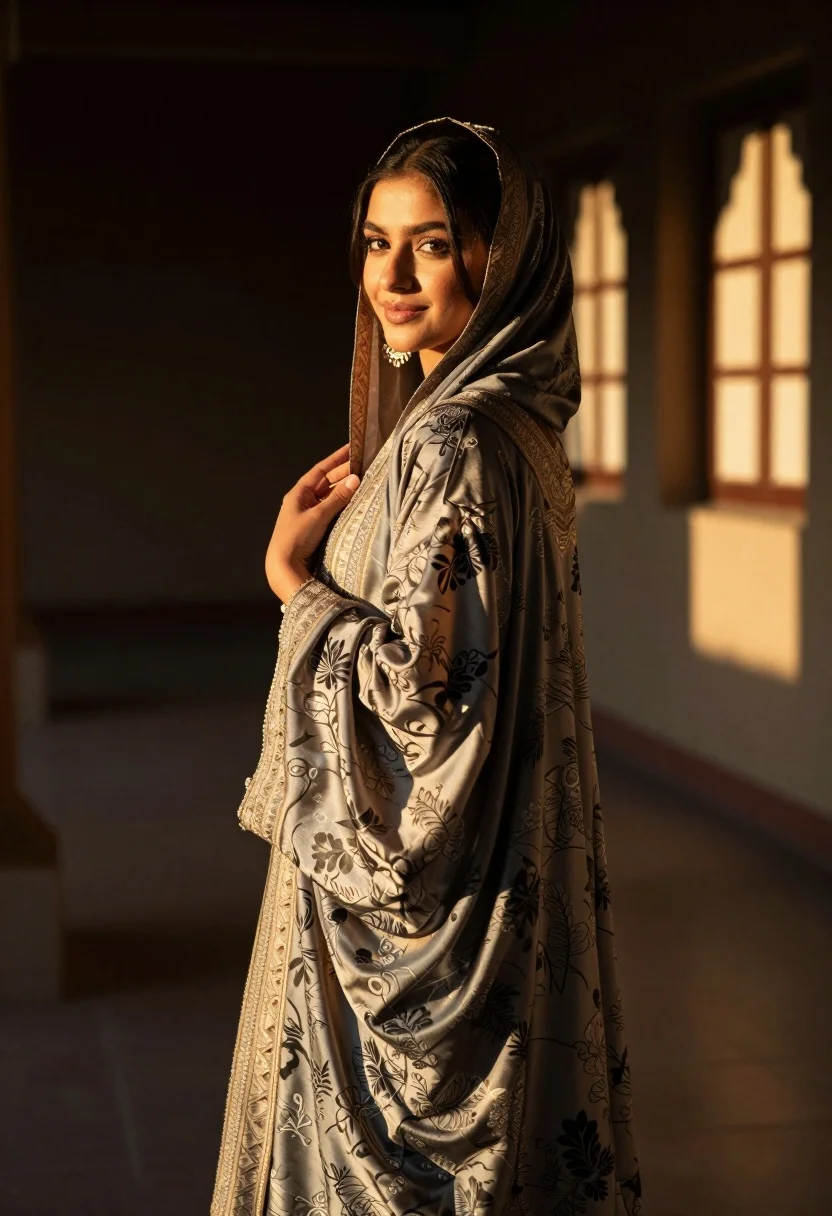
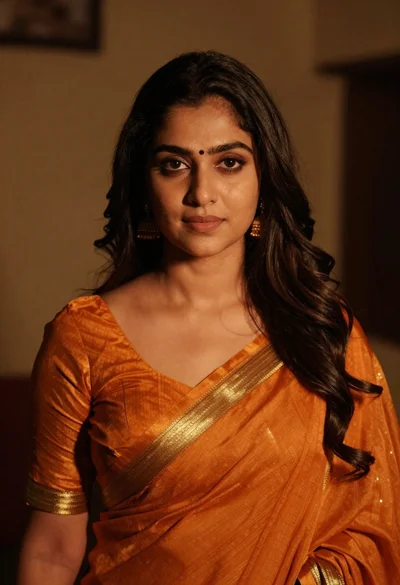
Woman in traditional attire looking back indoors with golden sunlight glow
Prompt
A woman in traditional attire stands indoors with a warm, golden glow illuminating her face and clothing.

Subject: A young woman with dark hair partially covered by a patterned headscarf, looking back over her shoulder with a soft smile.

Clothing: She wears an elaborate, floor-length garment made of shimmering fabric featuring intricate floral and geometric patterns in muted tones of grey and beige, paired with large ornate earrings.

Action: Her body is angled away from the camera while she turns her head to face it, holding the sleeve of her robe gently near her chest.

Environment: The setting appears to be a dimly lit interior space with dark walls and a staircase visible in the background, bathed in warm sunlight streaming through windows.

Camera: A medium shot captures the subject from the waist up, utilizing a shallow depth of field that keeps her face and upper body sharp while softly blurring the background.

Lighting: Strong directional light from the side creates a dramatic rim light effect, highlighting the texture of her clothing and casting deep shadows in the corners of the room.

Style Details: The image features a cinematic color palette with high contrast between the warm highlights and cool shadows, emphasizing the luxurious texture of the fabric.
Description
This prompt is useful for creating editorial portraiture, cultural storytelling visuals, and luxury catalog imagery that emphasizes dramatic atmosphere. The combination of 'strong directional light from the side' generating a 'dramatic rim light effect' sculpts the subject's form against the 'dimly lit interior space,' while the shallow depth of field ensures the viewer focuses on the intricate details of the 'shimmering fabric' rather than the background elements.
Suggestions
- Change 'muted tones of grey and beige' to 'jewel tones like emerald and sapphire' for richer color.
- Swap 'staircase visible in the background' for 'arched doorway' to change the composition.
- Adjust 'medium shot' to 'full body' if you want more context on the floor-length garment.
Category
Tags
BrunetteFemaleFull BodyIndoorsMedium ShotPortrait ShotRealisticTraditional Wear
Date added
August 5, 2026
Added by
PromptDexter Team
Related Prompts
More prompts with similar categories and tags.
Young woman in white embroidered saree smiling indoors with soft natural light
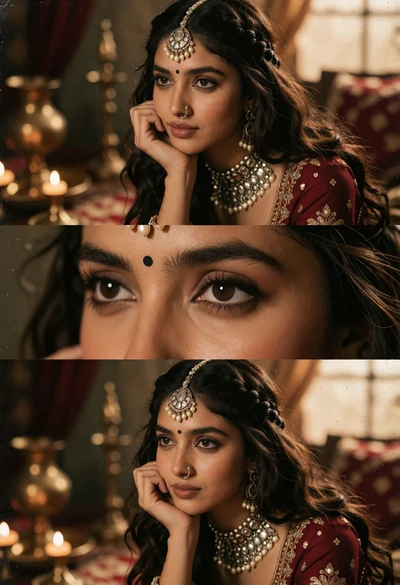
Portrait of young woman with dark hair wearing traditional maroon outfit indoors
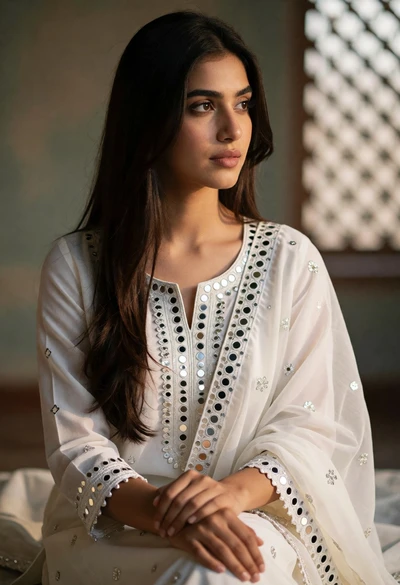
Young woman in white traditional kurta gazing thoughtfully near lattice screen
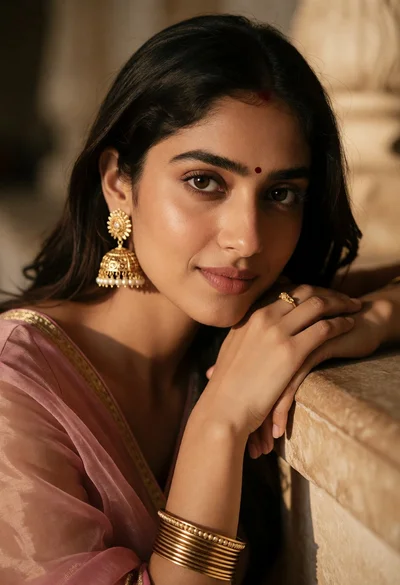
Close up portrait of young woman with dark hair and gold jewelry
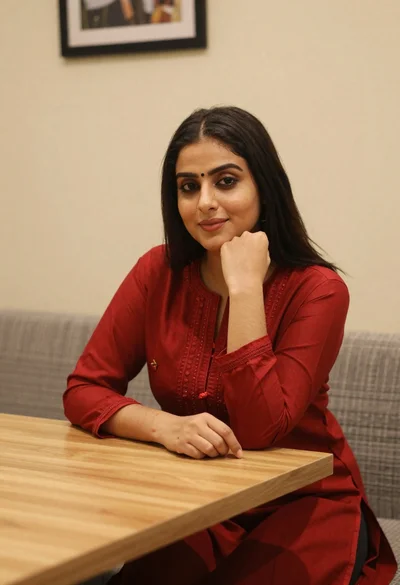
Young woman in red salwar kameez resting chin on hand indoors
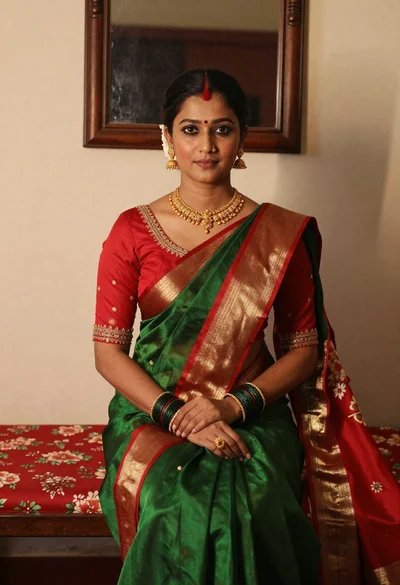
Portrait of woman in green saree and red blouse indoors
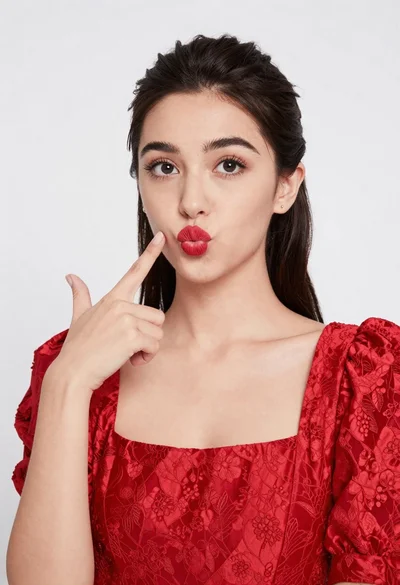
Young woman pointing playfully at cheek in deep red studio dress
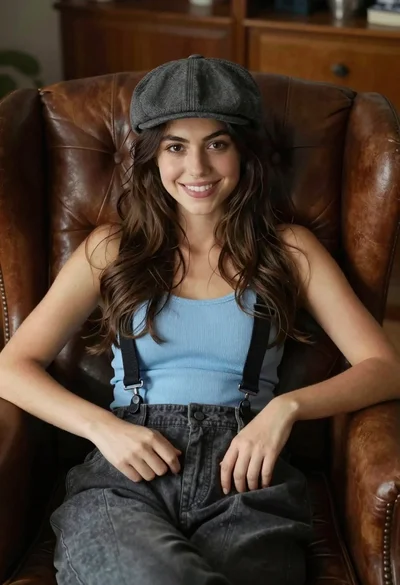
Young woman with brown hair sitting in a leather armchair indoors
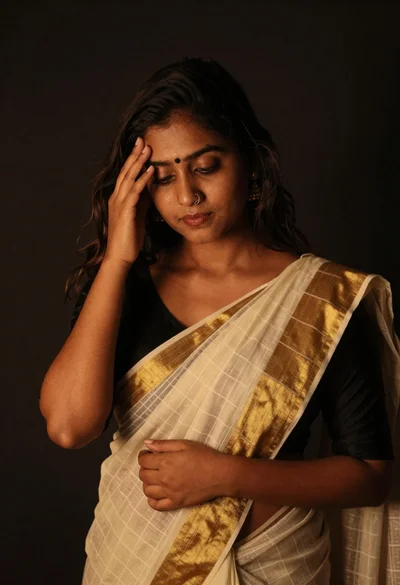
Young woman in traditional saree posing contemplatively against dark background
Intimate portrait of woman in orange saree with gold borders indoors