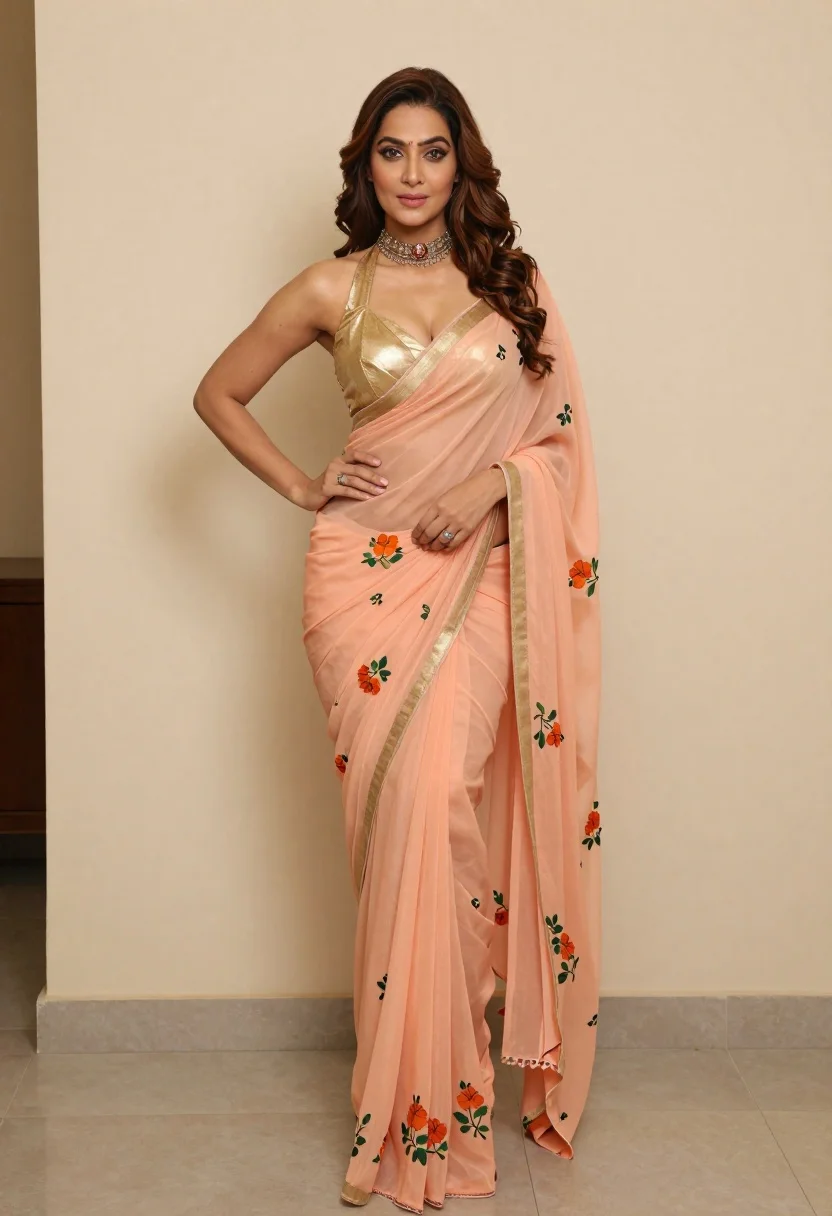
Poised woman wearing peach saree and gold halter blouse indoors
Prompt
A confident woman posing in a full-length shot wearing an elegant peach saree with a golden halter-neck blouse and floral embroidery.

Subject: A poised woman with long wavy brown hair styled in loose curls, featuring defined eyebrows, subtle makeup, and a soft gaze directed at the camera.

Clothing: She wears a shimmering gold halter-neck blouse paired with a flowing peach-colored saree adorned with delicate floral patterns in orange and green hues; she accessorizes with an ornate silver choker necklace and a ring on her finger.

Action: Her right hand rests on her hip while her left hand gently holds the pleats of the saree near her waist, exuding confidence and grace.

Environment: The background consists of a plain light beige wall with a hint of a tiled surface visible on the left side.

Camera: Shot from a straight-on medium-full angle that captures the full length of the outfit, emphasizing the drape and texture of the fabric.

Lighting: Soft indoor lighting illuminates the subject evenly, highlighting the sheen of the blouse and the subtle folds in the saree without harsh shadows.

Style Details: High-resolution portrait photography with a focus on fashion and elegance, featuring natural skin tones and realistic fabric textures.
Description
This prompt is useful for creating bridal lookbooks, cultural editorial features, and high-end catalog imagery showcasing traditional textiles. The combination of 'soft indoor lighting' and the specified 'shimmering gold halter-neck blouse' ensures that the metallic elements catch light gracefully without producing distracting hotspots, while the 'plain light beige wall' keeps the focus entirely on the rich colors and 'delicate floral patterns'.
Suggestions
- Change 'peach saree' to 'marigold silk saree' for a bolder color statement.
- Add 'bokeh background' to soften the plain wall environment.
- Swap 'ornate silver choker necklace' for 'pearl drop earrings' to change the metal focus.
Category
Tags
Brown HairBrunetteFemaleFull BodyMedium ShotPortrait ShotRealisticTraditional Wear
Date added
June 19, 2026
Added by
PromptDexter Team
Related Prompts
More prompts with similar categories and tags.
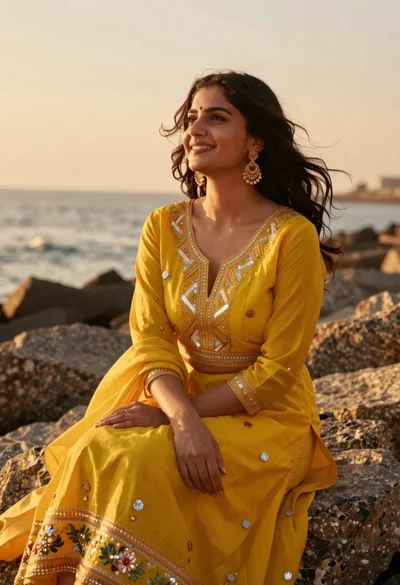
Woman in yellow traditional outfit sitting on rocks by the sea
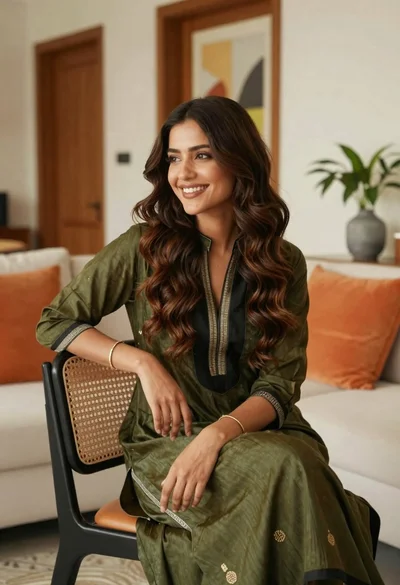
Smiling young woman with brown hair in modern living room setting
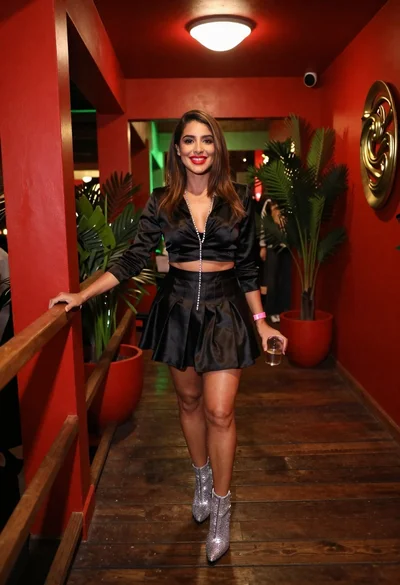
Confident woman smiling indoors on dark wood walkway with red decor
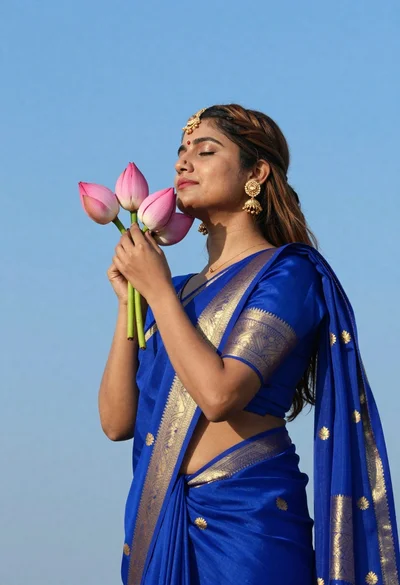
Profile portrait of woman holding lotus buds against bright blue sky

Young woman in pink flight suit in airplane cockpit at night

Woman in traditional thai dress standing before a grand golden temple
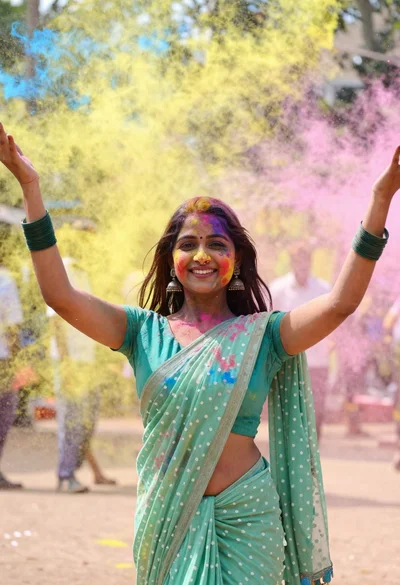
Young woman in traditional saree celebrating with vibrant colored powder explosion
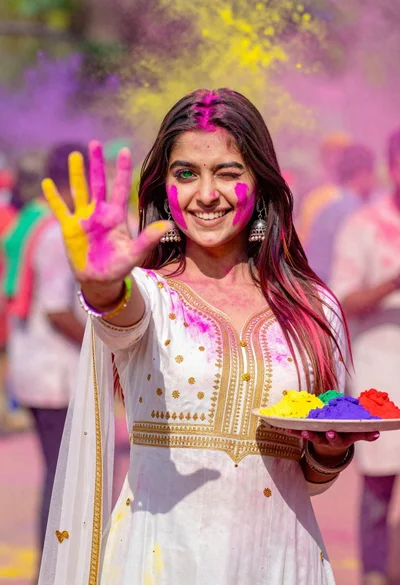
Young woman in traditional dress celebrating holi festival with colorful powders
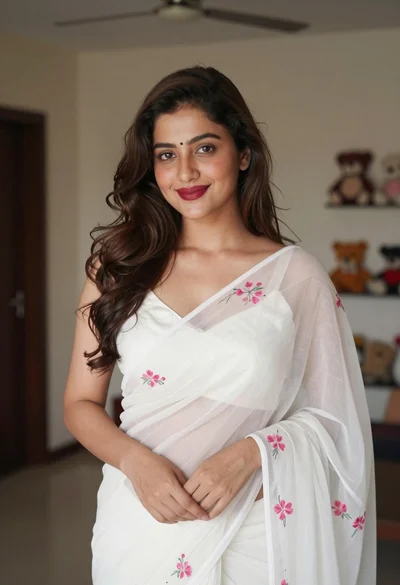
Young woman in white embroidered saree smiling indoors with soft natural light
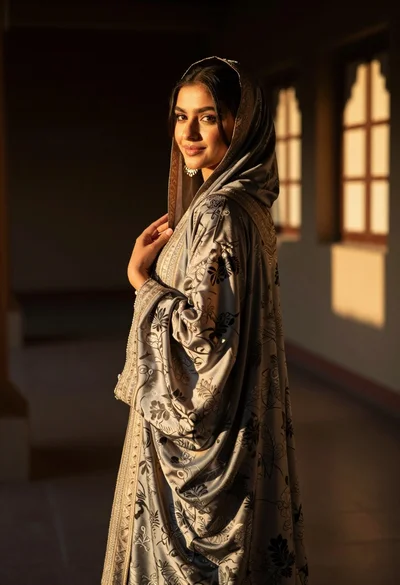
Woman in traditional attire looking back indoors with golden sunlight glow
