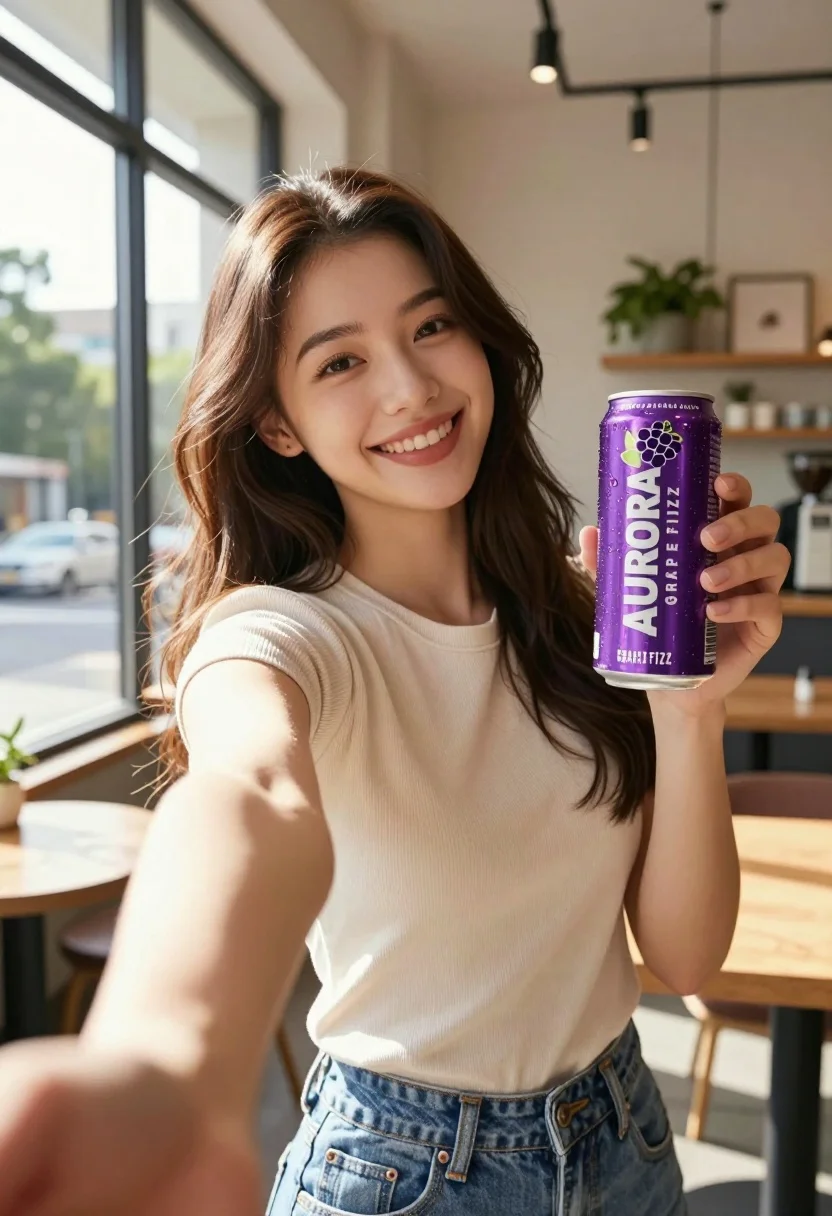
Young woman taking selfie in cafe holding purple beverage can
Prompt
A young woman with long brown hair smiles warmly at the camera while holding a purple beverage can in her left hand and extending her right arm forward as if taking a selfie.

Subject: A smiling young woman with long, wavy brown hair and light skin tone.

Clothing: She wears a beige ribbed short-sleeve top tucked into blue denim jeans.

Action: She holds a purple can up for display while extending her right arm outward in a selfie pose.

Environment: The setting is a bright, modern cafe with large windows, wooden tables, and potted plants on shelves in the background.

Camera: Shot from a low angle looking up at the subject, creating a dynamic perspective typical of a handheld selfie or close-up shot.

Lighting: Natural sunlight streams in from the left, casting soft highlights on her face and arm while creating a warm, airy atmosphere.

Objects: A purple aluminum can labeled "AURORA GRAPE FIZZ" with condensation droplets is held prominently in her left hand.

Text/Graphics: The can features white text reading "AURORA" and "GRAPE FIZZ" along with a stylized grape cluster logo.

Style Details: High-resolution, commercial product photography style with vibrant colors and sharp focus on the subject and product.
Description
This prompt is useful for creating lifestyle advertising campaigns, social media influencer content, and beverage product catalog imagery. The combination of 'low angle looking up' and 'natural sunlight streams in from the left' emphasizes the product by giving it prominence against the backdrop of a 'bright, modern cafe,' while the specified condensation droplets on the can add necessary visual proof of refreshment.
Suggestions
- Change 'purple beverage can' to 'vibrant blue beverage can' for better contrast.
- Swap 'beige ribbed short-sleeve top' for 'cream knit sweater' for a different texture.
- Adjust 'low angle looking up' to 'eye level' if you want a more direct product focus.
Category
Tags
Brown HairCafeCasual WearFemaleLight SkinLow AngleMedium ShotOutdoorsPortrait ShotRealistic
Date added
July 12, 2026
Added by
PromptDexter Team
Related Prompts
More prompts with similar categories and tags.
Young woman holding energy drink can making kissy face in studio setting

Woman leaning on silver sports car in showroom
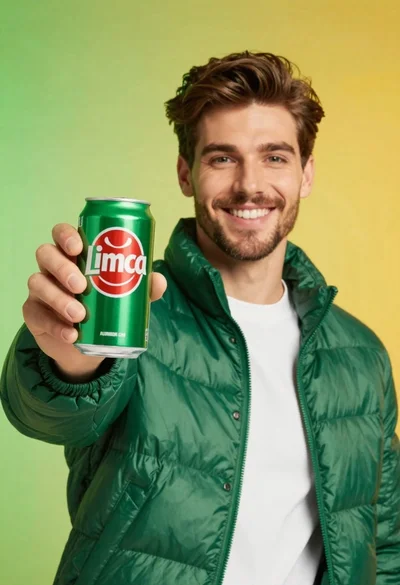
Young man holding green limca soda can in front of gradient background
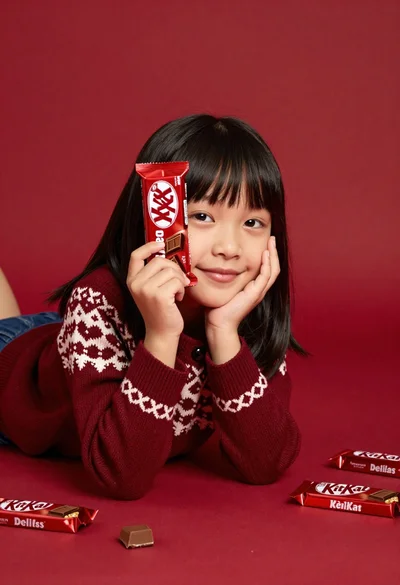
Young girl with black hair holding kitkat chocolate bar against red backdrop
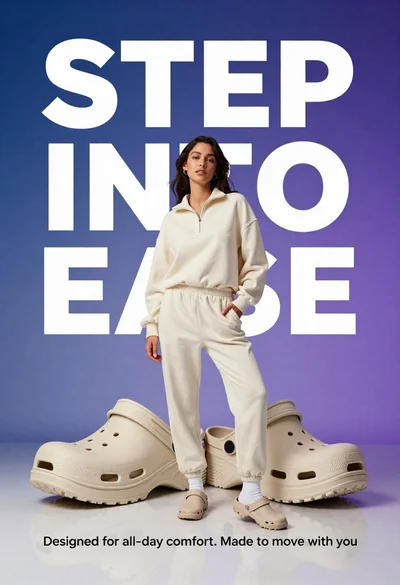
Young woman in cream sweatshirt leaning against oversized beige clogs in studio
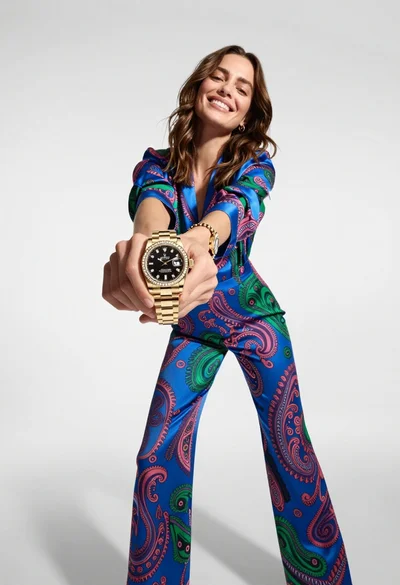
Woman in blue paisley jumpsuit presenting diamond wristwatch against white studio backdrop
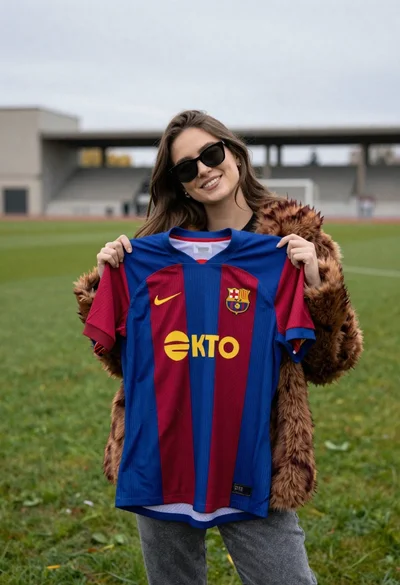
Smiling woman holding striped soccer jersey on green sports field
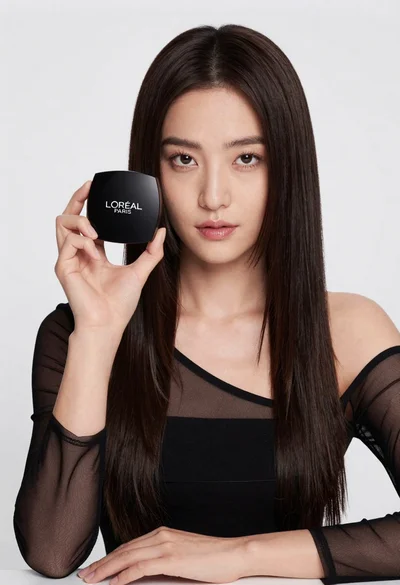
Medium close up portrait of woman holding makeup compact in studio
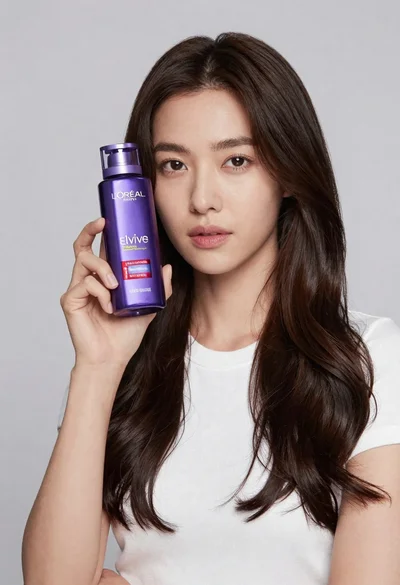
Woman holding purple hair product against cheek in studio setting
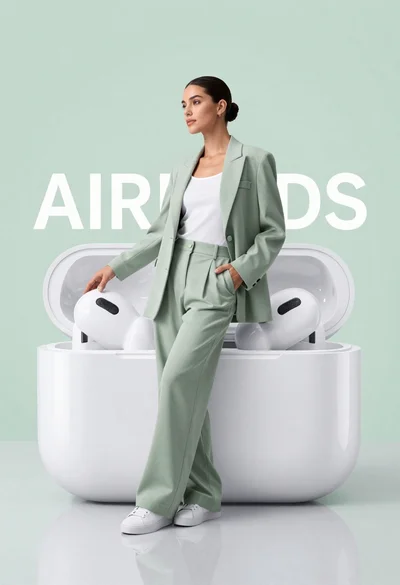
Stylish woman in sage green blazer leaning against white charging case