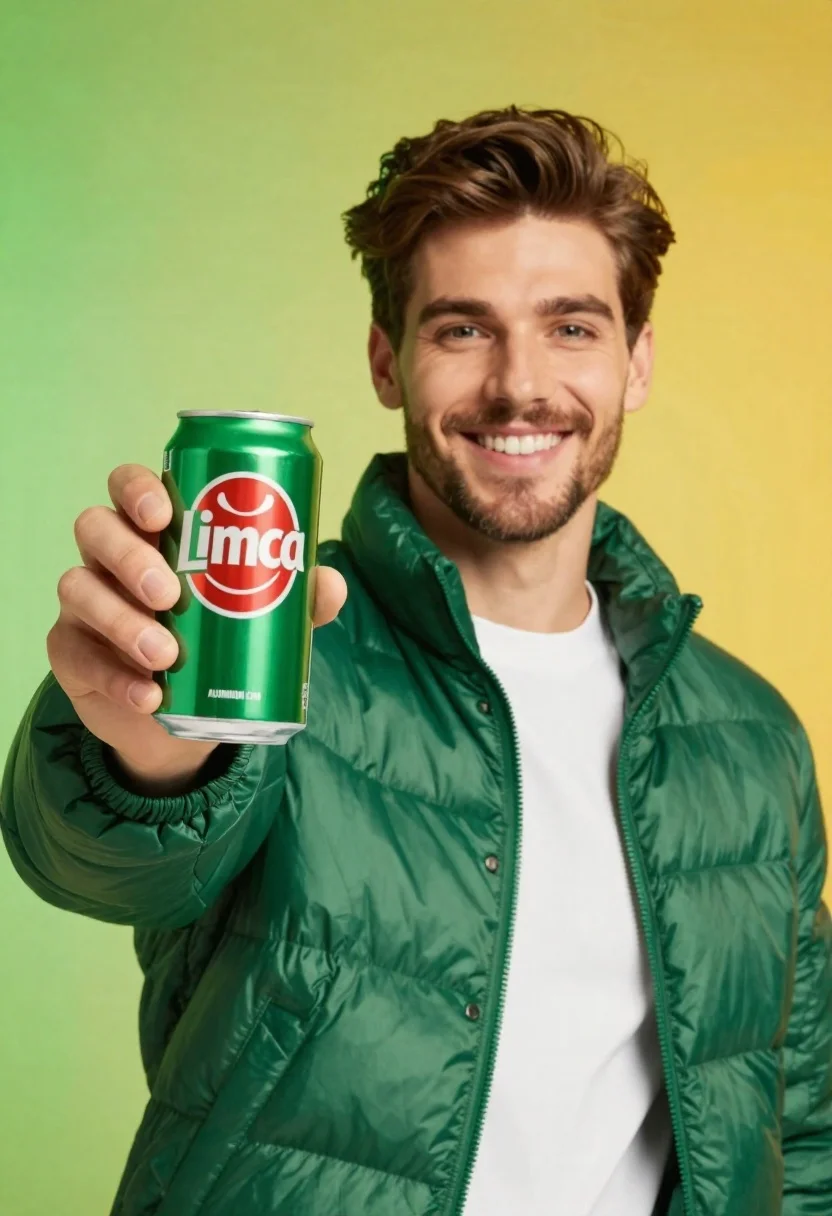
Young man holding green limca soda can in front of gradient background
Prompt
A smiling young man with short brown hair and a light beard holds up a green aluminum can of Limca soda toward the camera.

Subject: A handsome young man with styled dark brown hair and a well-groomed light beard, looking directly at the viewer with a bright, engaging smile.

Clothing: He wears a shiny, quilted green puffer jacket over a plain white crew-neck t-shirt.

Action: He holds a large green soda can in his right hand, presenting it forward to the camera while smiling broadly.

Environment: A smooth gradient background transitioning from lime green on the left to bright yellow on the right.

Camera: Medium close-up shot with a shallow depth of field that keeps the subject and the can in sharp focus while softly blurring the background.

Lighting: Bright, even studio lighting that creates soft highlights on his face and the shiny texture of his jacket without harsh shadows.

Objects: A green aluminum soda can featuring the red and white Limca logo and text reading "ALUMINUM CAN" near the bottom.

Text/Graphics: The word "Limca" is clearly visible in white letters inside a red oval on the can, with smaller text above and below the logo.

Style Details: High-resolution commercial photography style with vibrant colors, clean composition, and a polished product advertisement aesthetic.
Description
This prompt is useful for creating beverage advertisements, lifestyle product placements, and e-commerce catalog shots requiring high visual impact. The combination of 'bright, even studio lighting' and the 'smooth gradient background transitioning from lime green on the left to bright yellow on the right' ensures that the focus remains sharply on the subject and the can, preventing distracting shadows or color clashes that would undermine a polished product advertisement aesthetic.
Suggestions
- Change 'shiny, quilted green puffer jacket' to 'matte black bomber jacket' for contrast.
- Adjust the background gradient from lime green to bright yellow to deep teal to orange.
- Swap 'Medium close-up shot' for 'waist-up shot' to better display the product interaction.
Category
Tags
Brown HairCasual WearFull BodyLight SkinMaleMedium ShotOutdoorsRealistic
Date added
June 23, 2026
Added by
PromptDexter Team
Related Prompts
More prompts with similar categories and tags.
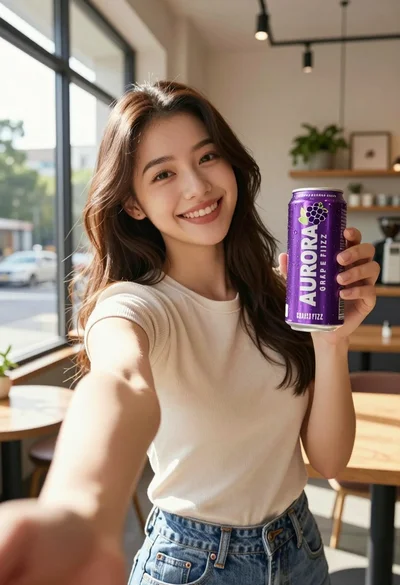
Young woman taking selfie in cafe holding purple beverage can

Woman leaning on silver sports car in showroom
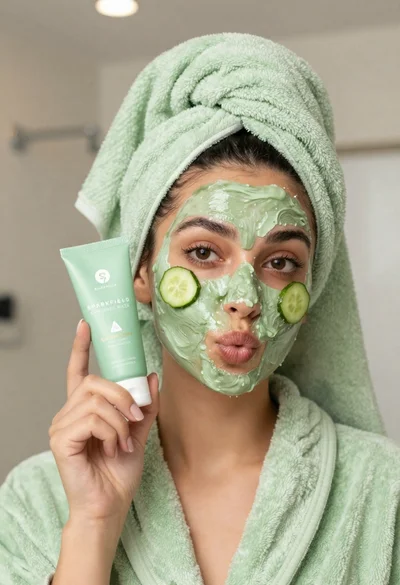
Woman in light green bathrobe holding cucumber face mask tube
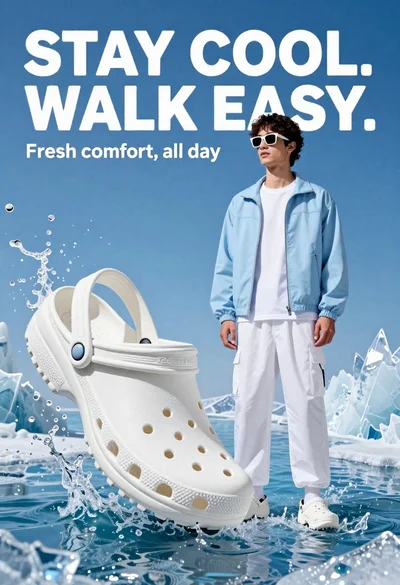
Young man in white crocs stands confidently against splashing blue water and

Young woman holding energy drink can making kissy face in studio setting

Couple sitting closely on park bench at dusk
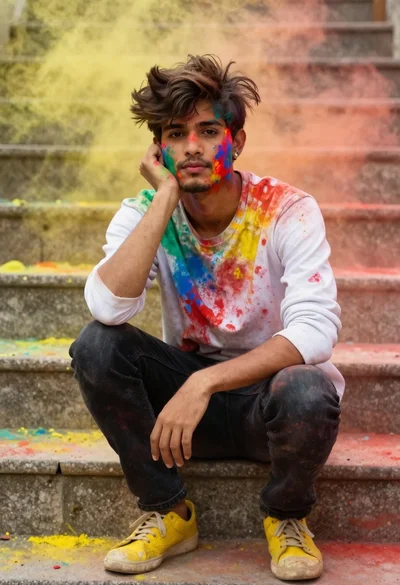
Young man with dark hair covered in colored powder on stone steps

Two smiling children holding red kitkat bars against a blue sky