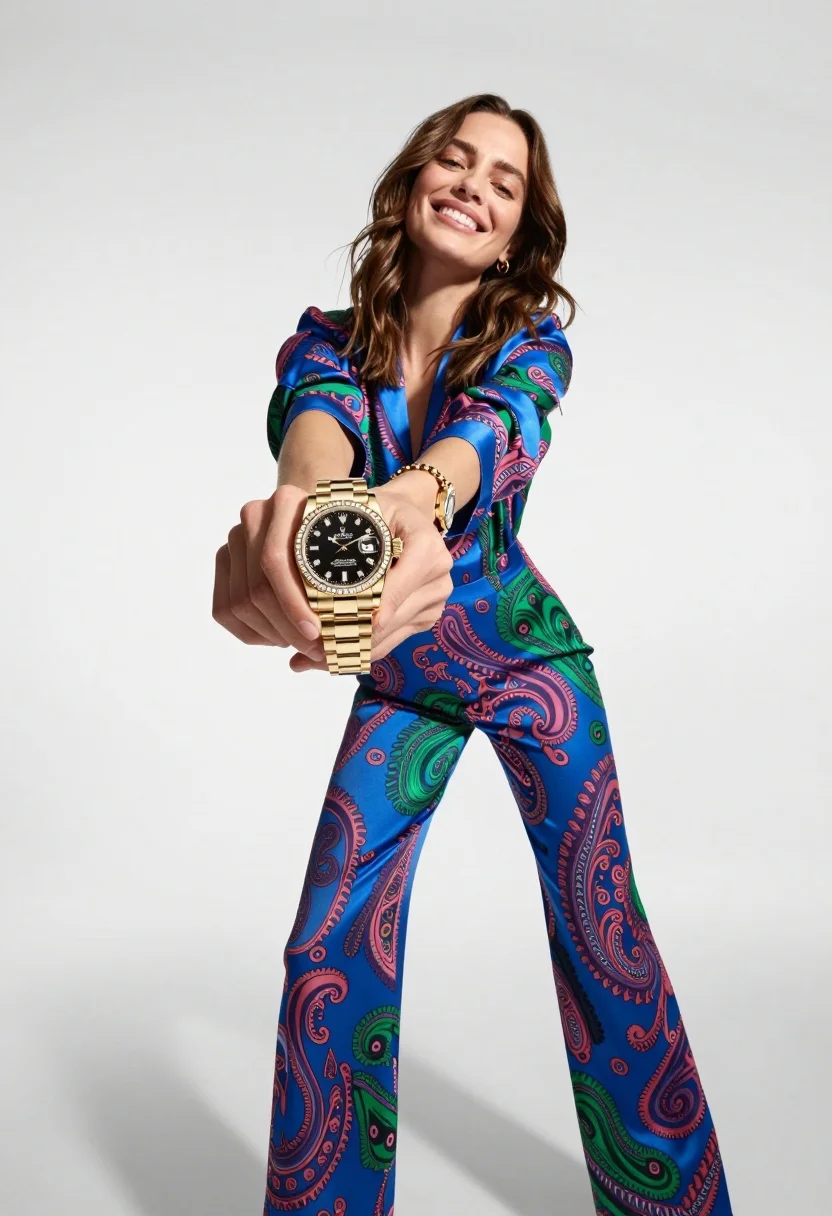
Woman in blue paisley jumpsuit presenting diamond wristwatch against white studio backdrop
Prompt
A woman in a vibrant blue and green paisley jumpsuit holds out a gold diamond-encrusted watch toward the camera.

Subject: A smiling woman with shoulder-length brown hair holding a luxury wristwatch forward.

Clothing: She wears a colorful, silky jumpsuit featuring a bold blue base with pink and green paisley patterns, long sleeves, and a deep V-neckline.

Action: The woman is in a wide-legged stance, leaning back slightly while extending her right arm to present the watch directly to the viewer.

Environment: A seamless white studio background with soft shadows cast on the floor.

Camera: Low angle shot looking up at the subject, creating a dynamic perspective that emphasizes the watch held in the foreground.

Lighting: Bright, high-key studio lighting that evenly illuminates the scene and highlights the sparkle of the watch bezel.

Objects: A gold Rolex Submariner-style watch with a black dial, diamond-studded bezel, and matching bracelet link band.

Style Details: High-fashion commercial photography style with sharp focus on the product and soft background blur.
Description
This prompt is useful for creating luxury jewelry advertisements, high-end e-commerce catalog shots, and editorial fashion spreads featuring accessories. The combination of 'low angle shot' and 'bright, high-key studio lighting' forces the viewer's eye directly to the product by making the watch appear monumental against the seamless white background, while specifying a 'diamond-studded bezel' ensures the necessary specular highlights are captured.
Suggestions
- Change 'vibrant blue and green paisley jumpsuit' to 'solid black crepe jumpsuit' for more focus on the watch.
- Swap 'Rolex Submariner-style watch' for 'Patek Philippe Nautilus style watch' to change the perceived luxury brand.
- Adjust 'soft background blur' to 'shallow depth of field' for a more pronounced separation.
Category
Tags
Brown HairBrunetteCasual WearFemaleFull BodyLow AnglePortrait ShotRealisticStudioWide Shot
Date added
July 12, 2026
Added by
PromptDexter Team
Related Prompts
More prompts with similar categories and tags.
Woman holding purple hair product against cheek in studio setting
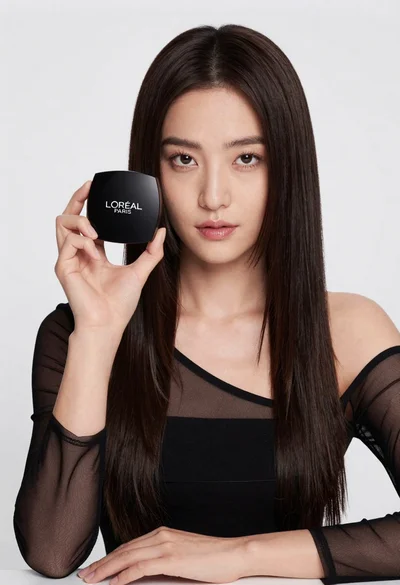
Medium close up portrait of woman holding makeup compact in studio
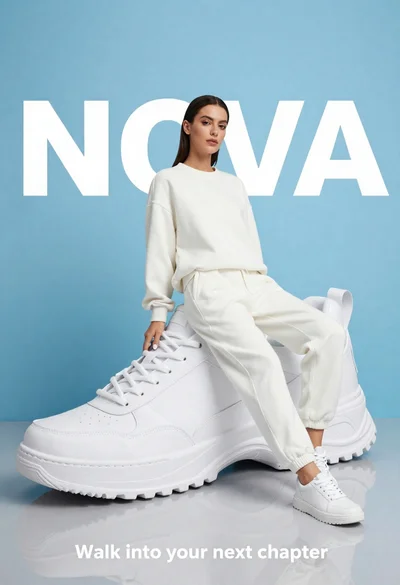
Stylish woman in white tracksuit leaning against oversized sneaker in studio

Large brown leather hiking boot on rock peak near lone hiker at
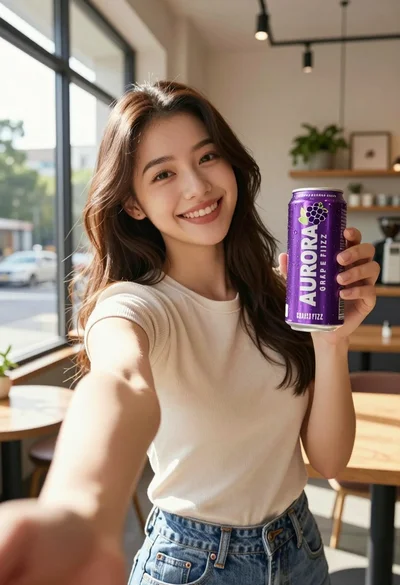
Young woman taking selfie in cafe holding purple beverage can
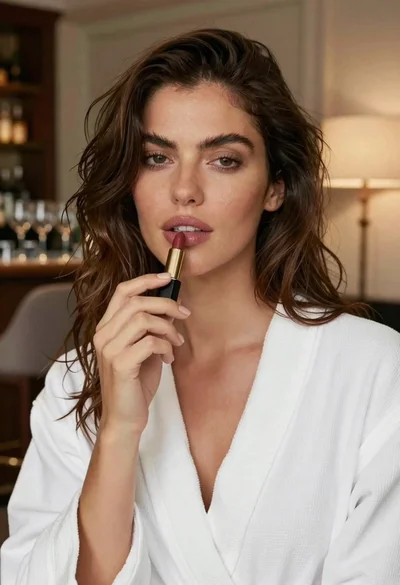
Close up portrait of woman with brown hair holding black lipstick indoors
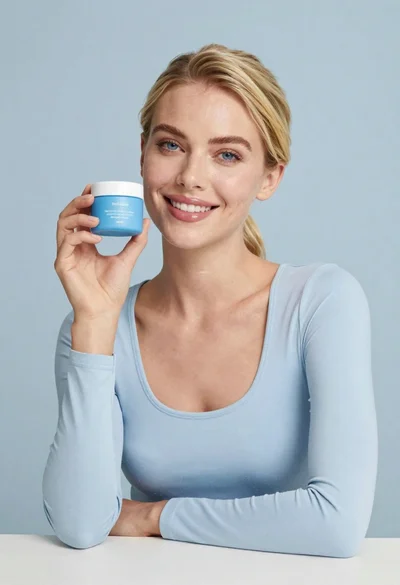
Smiling blonde woman holding a blue jar in a minimalist studio setting
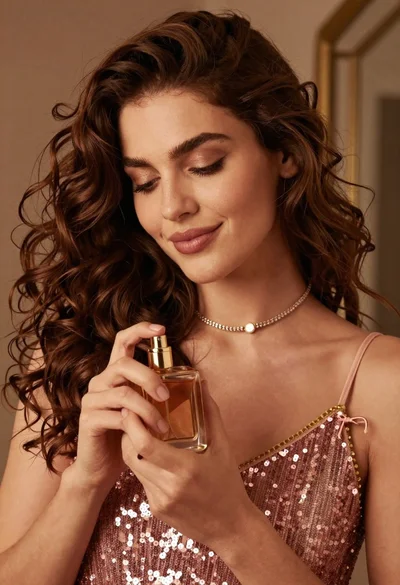
Portrait of woman holding perfume bottle in soft warm indoor light
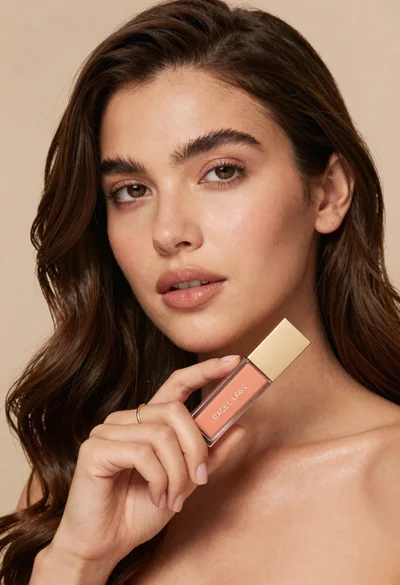
Woman holding cosmetic tube near face in closeup portrait shot
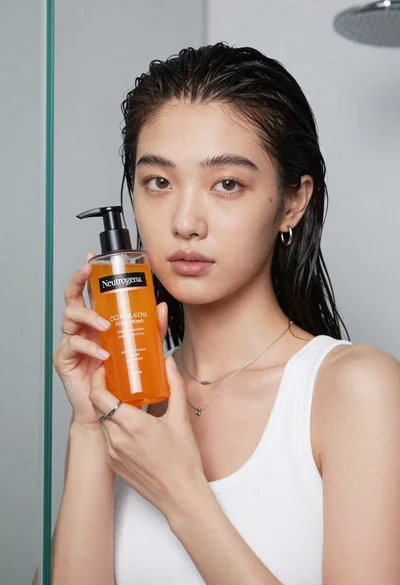
Young east asian woman holding orange liquid bottle in studio