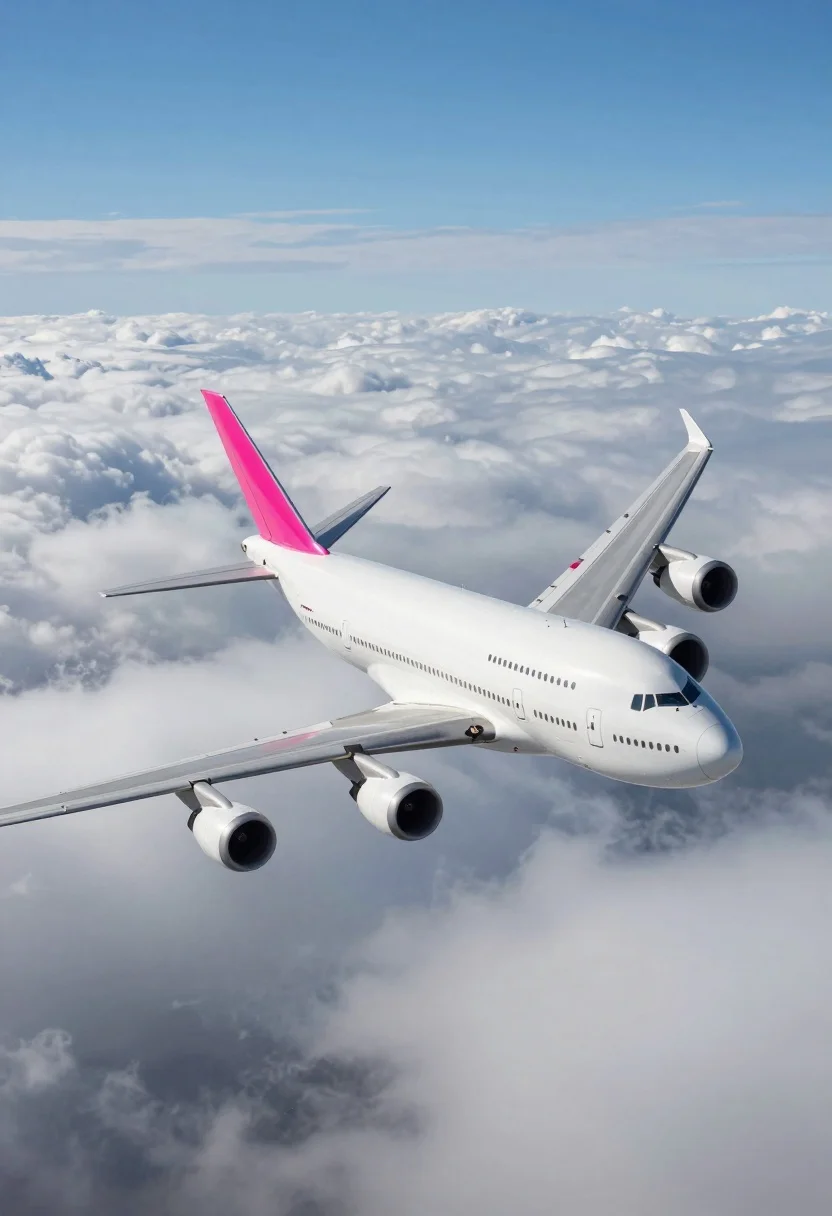
Massive white four engine jetliner banking above thick cumulus clouds
Prompt
A massive white four-engine jetliner with a bright pink tail fin soars upward through the sky above a thick layer of clouds.

Subject: A large white commercial airliner featuring four engines and a distinctive bright pink vertical stabilizer on its tail.

Action: The aircraft is banking slightly and climbing steeply into the air, angled sharply upwards towards the right side of the frame.

Environment: The plane flies high above a dense blanket of fluffy white cumulus clouds with deep blue sky visible in the upper portion of the image.

Camera: A low-angle perspective looking up at the aircraft from below, emphasizing its size and upward trajectory against the vast sky.

Lighting: Bright natural daylight illuminates the scene from above, casting soft shadows on the underside of the fuselage and wings while highlighting the white paintwork.

Style Details: The image features a clean, high-definition digital rendering with smooth textures and vibrant, saturated colors that give it a polished commercial aesthetic.
Description
This prompt is useful for creating aviation concept art, travel advertisement backdrops, and dramatic cinematic establishing shots. The combination of 'low-angle perspective' looking up at the aircraft from below exaggerates its scale, while specifying 'soft shadows on the underside of the fuselage' prevents the white paintwork from appearing flat under the 'bright natural daylight'.
Suggestions
- Change 'bright pink tail fin' to a specific color like 'deep crimson' for more impact.
- Add 'anamorphic lens flare' to enhance the sense of altitude and speed.
- Adjust 'thick layer of clouds' to 'wispy cirrus clouds' for a different atmospheric feel.
Category
Tags
Low AngleRealisticVehicleWide Shot
Date added
August 5, 2026
Added by
PromptDexter Team
Related Prompts
More prompts with similar categories and tags.
Purple muscle car driving through city at sunset
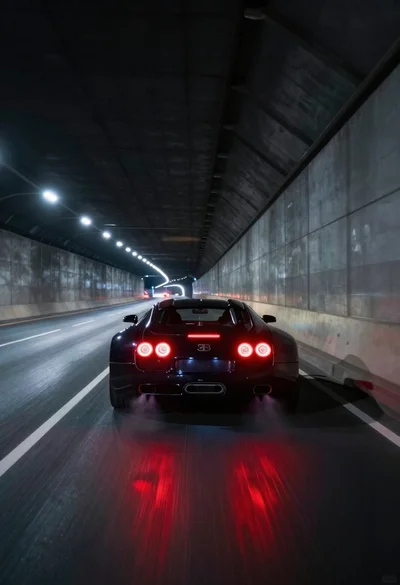
Black supercar speeding through a concrete tunnel at night
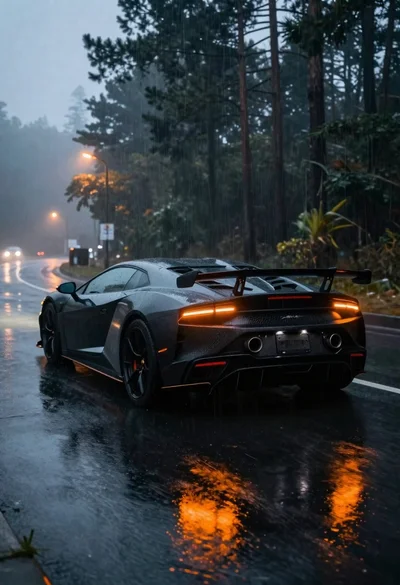
Black sports car on wet asphalt road in misty forest
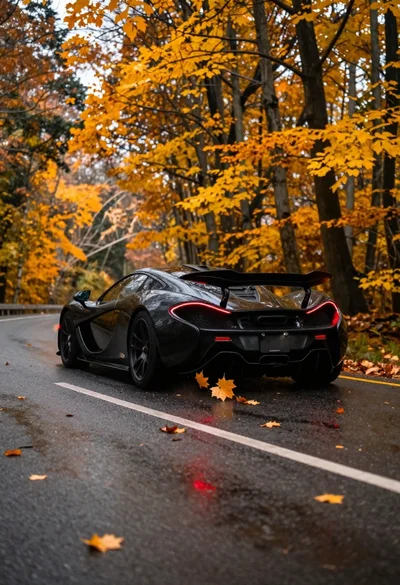
Matte black supercar speeding through autumn forest road
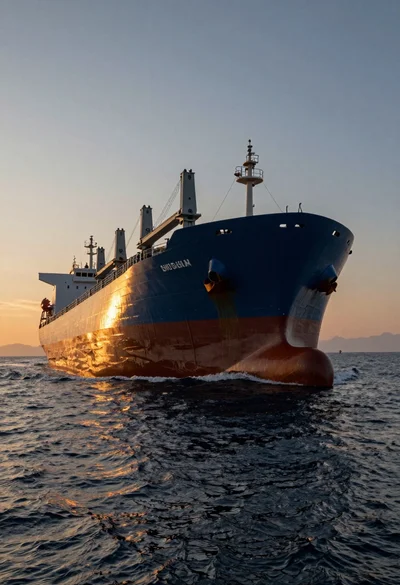
Massive cargo ship sailing on rippling ocean water during dramatic sunset
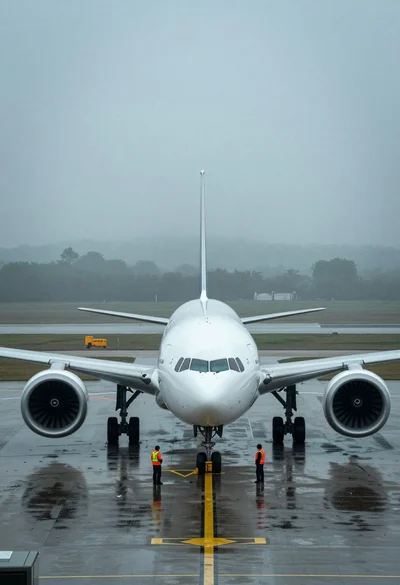
Massive white airliner on wet tarmac viewed from low angle in fog
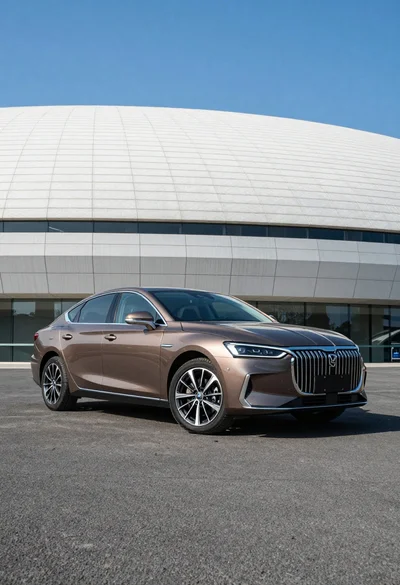
Sleek brown sedan parked before modern architecture under bright blue sky
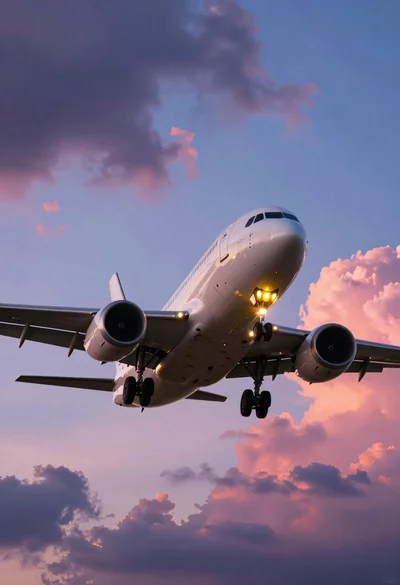
Large twin engine jet airliner descending through dramatic sunset clouds
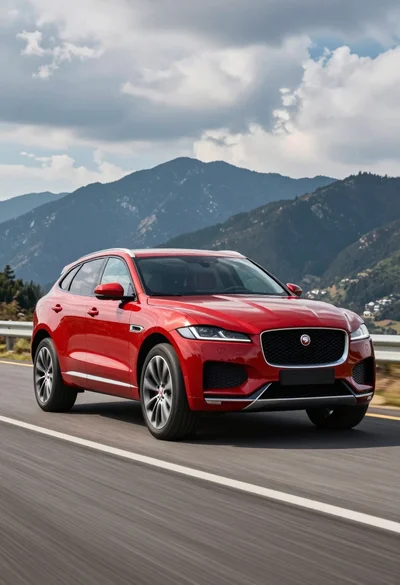
Glossy red jaguar f pace suv driving on paved road against dark
Yellow formula one race car speeding through wet night track corner