

Laughing woman in black dress seated on grey armchair studio setting
Prompt
A woman with long brown hair sits laughing while seated on a grey armchair in a television studio setting.

Subject: A smiling woman with long straight brown hair and red lipstick sitting on a chair.

Clothing: She wears a black spaghetti strap dress and black strappy high heels, with red nail polish visible on her hands and feet.

Action: The subject is seated with legs crossed, hands clasped in her lap, laughing openly with her head tilted slightly back.

Environment: A studio set featuring a dark blue background with a stylized city skyline silhouette and bokeh lights resembling stars or distant windows.

Camera: Medium shot framing the subject from the knees up, utilizing a shallow depth of field to blur the background.

Lighting: Professional studio lighting illuminates the subject evenly against the darker backdrop, creating soft shadows and highlighting facial features.

Style Details: High-definition photography with vibrant colors and sharp focus on the foreground subject.
Description
This prompt is useful for creating editorial portraiture, commercial beauty campaigns, and character studies requiring a sophisticated indoor setting. The combination of 'professional studio lighting' ensuring even illumination against the 'dark blue background' prevents harsh shadows that would distract from the subject's expression, while the 'shallow depth of field' isolates the laughing woman by softening the stylized city skyline silhouette.
Suggestions
- Change 'black spaghetti strap dress' to 'velvet slip dress' for a richer texture.
- Swap 'red lipstick' for 'deep burgundy lipstick' to match the moodier background.
- Adjust 'dark blue background' to 'midnight blue backdrop with gold accents' for more contrast.
Category
Tags
Brown HairBrunetteFemaleIndoorsMedium ShotRealisticStudio
Date added
June 19, 2026
Added by
PromptDexter Team
Related Prompts
More prompts with similar categories and tags.
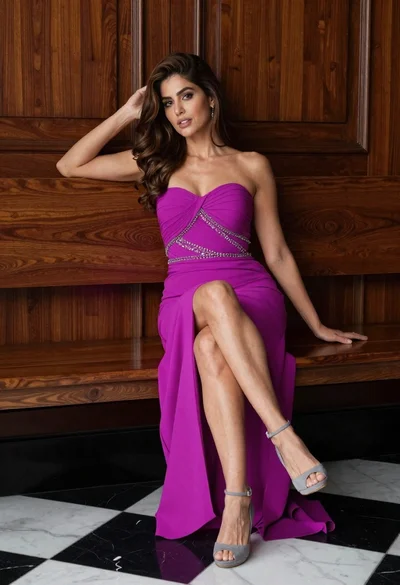
Glamorous woman in magenta gown sitting on wooden bench indoors

Smiling woman with dark hair at wooden table wearing blue ribbed outfit
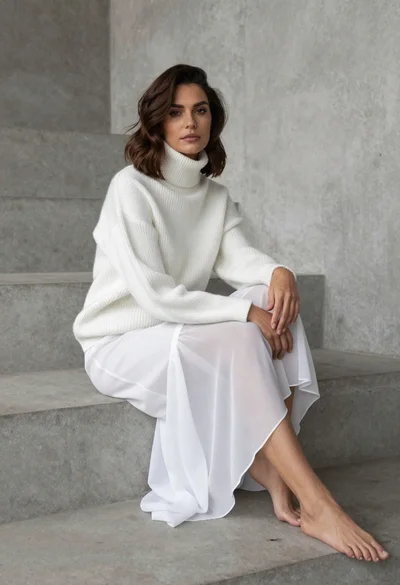
Woman in white ribbed sweater sitting on concrete steps fashion portrait

Woman seated in armchair near large windows with greenery

Poised woman in white top touching collarbone against dark studio background

Glamorous woman in red dress framed by beige curtains and olive branches

Glamorous woman in gold sequin gown holding white cup in modern kitchen

Confident woman in black lace dress against solid pink studio background
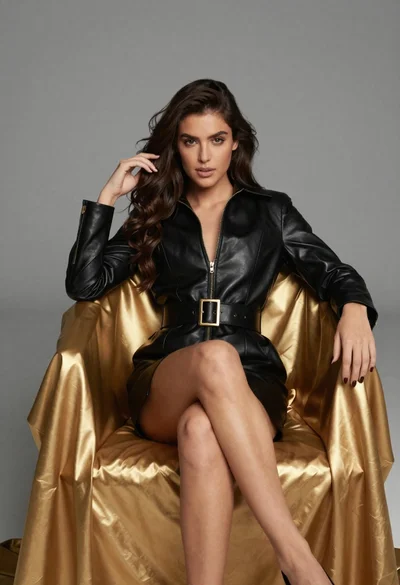
Confident woman in black leather dress sitting on golden chair studio portrait
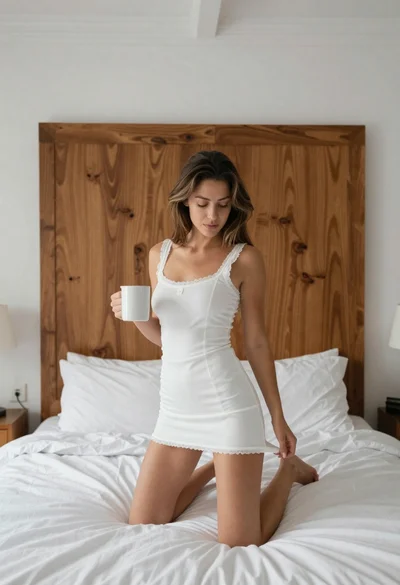
Young woman kneeling on bed holding mug in white dress
