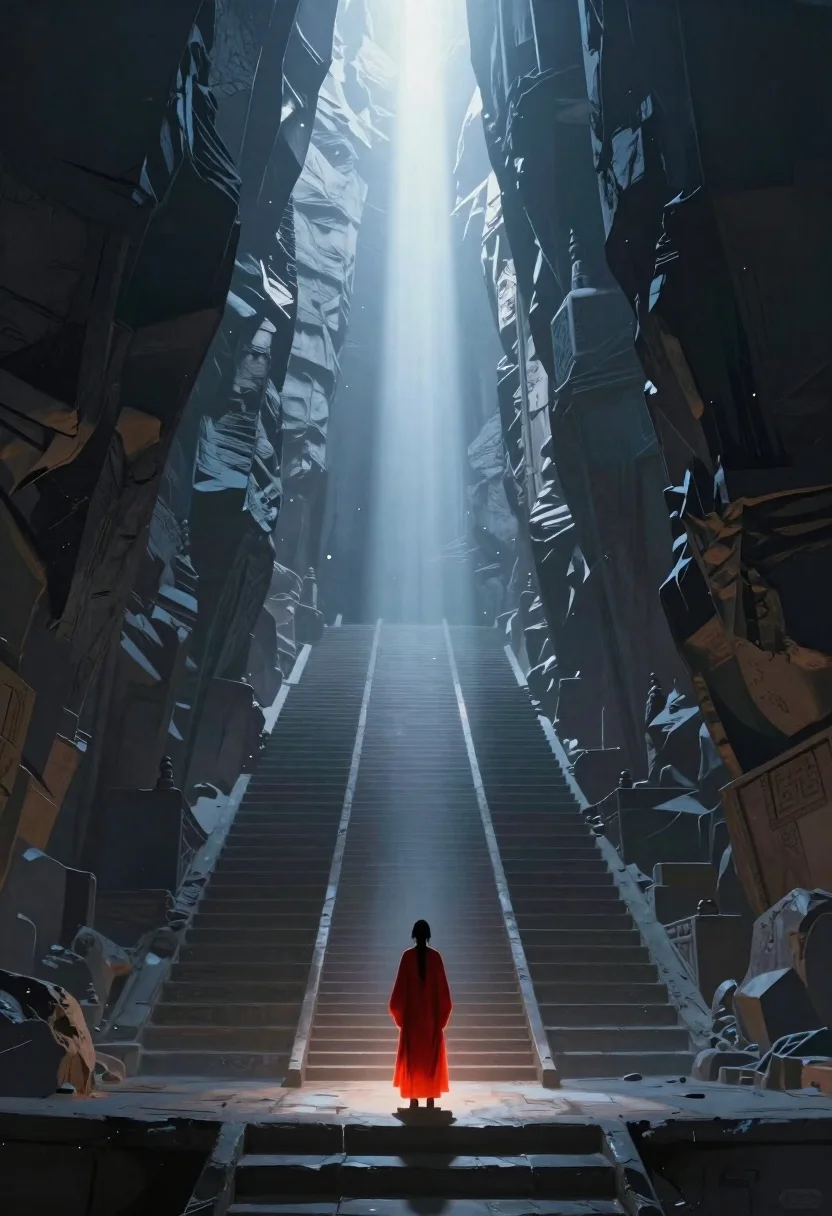
Lone figure in red robes at bottom of massive canyon
Prompt
Digital painting of a lone figure standing at the bottom of an immense vertical canyon carved with ancient stone steps leading upward toward a blinding celestial light

Subject: A small solitary human silhouette wearing flowing red robes, glowing softly from within as they stand facing away on a narrow ledge.

Environment: Massive towering rock walls form a deep, symmetrical gorge filled with layered geometric terraces and staircases that recede into misty atmospheric distance.

Lighting: Intense vertical beam of divine white light descends from the sky above, illuminating dust particles in the air while casting long cool blue shadows across the stone surfaces below; warm orange glow emanates from within the figure's robes creating strong color contrast against the cold environment.

Camera: Wide-angle perspective looking up into the canyon depth with low viewpoint emphasizing scale and verticality of architecture.

Style Details: Dramatic chiaroscuro lighting, hyper-detailed digital painting style reminiscent of fantasy concept art by artists like Greg Rutkowski
Description
This prompt is useful for creating epic fantasy book covers, cinematic landscape concept art, and dramatic album artwork suggesting a journey toward enlightenment. The combination of 'intense vertical beam of divine white light' contrasting with the 'warm orange glow' emanating from the robes establishes a powerful focal point against the deep shadows, which prevents the massive canyon walls from appearing flat or monotonous.
Suggestions
- Change 'flowing red robes' to 'tattered crimson silks' for more visible wear.
- Swap 'blinding celestial light' for 'ethereal nebula sky' to alter the source of illumination.
- Adjust 'low viewpoint' to 'worm's-eye view' for an even more extreme sense of scale.
Category
Tags
Digital ArtForestFull BodyLow AngleRuinsWide Shot
Date added
June 19, 2026
Added by
PromptDexter Team
Related Prompts
More prompts with similar categories and tags.
Figure before colossal glowing dragon eye in misty water
Cosmic spirit standing in water viewed by small child
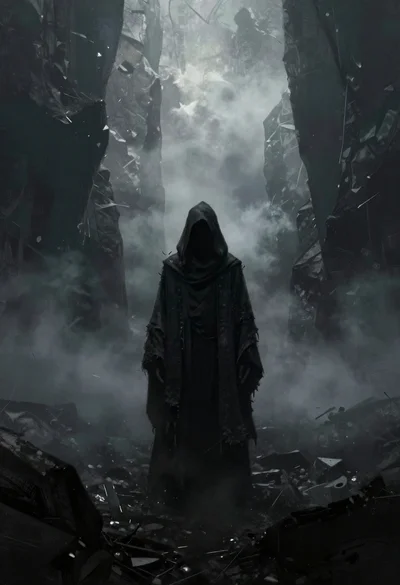
Hooded figure in misty dark canyon gorge
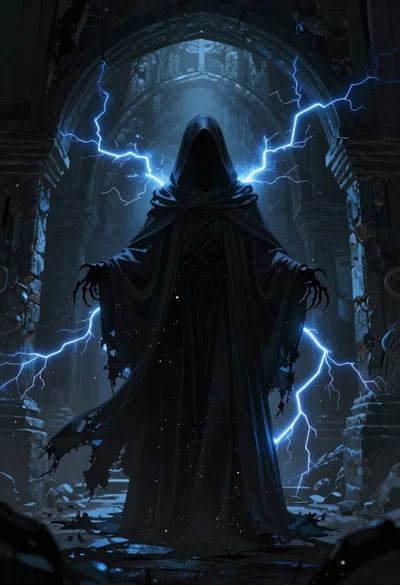
Supernatural entity in stone archway with blue lightning
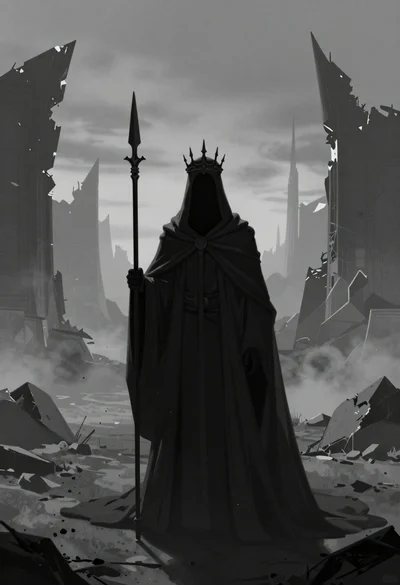
Mysterious hooded figure in desolate ruined landscape
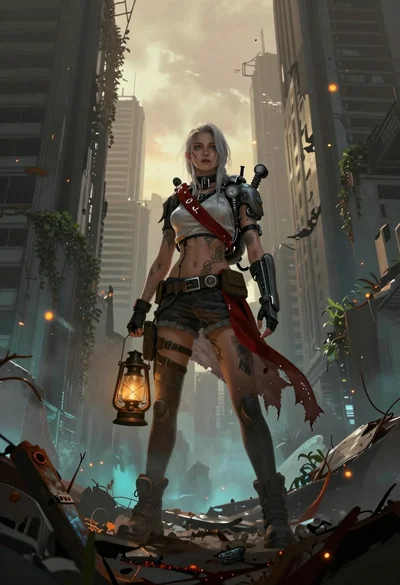
Female survivor in ruined cityscape with glowing embers
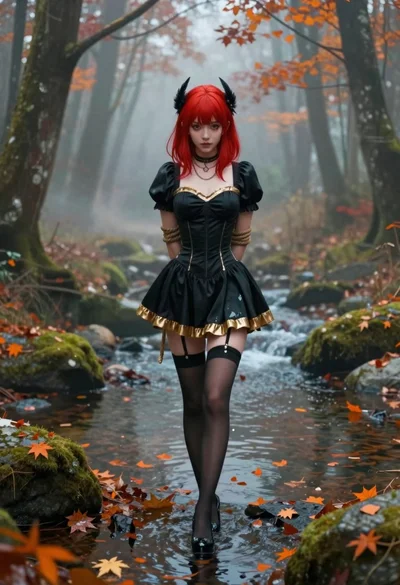
Anime woman in black dress in a misty forest stream

Obsidian humanoid in neon cube holding glowing heart
