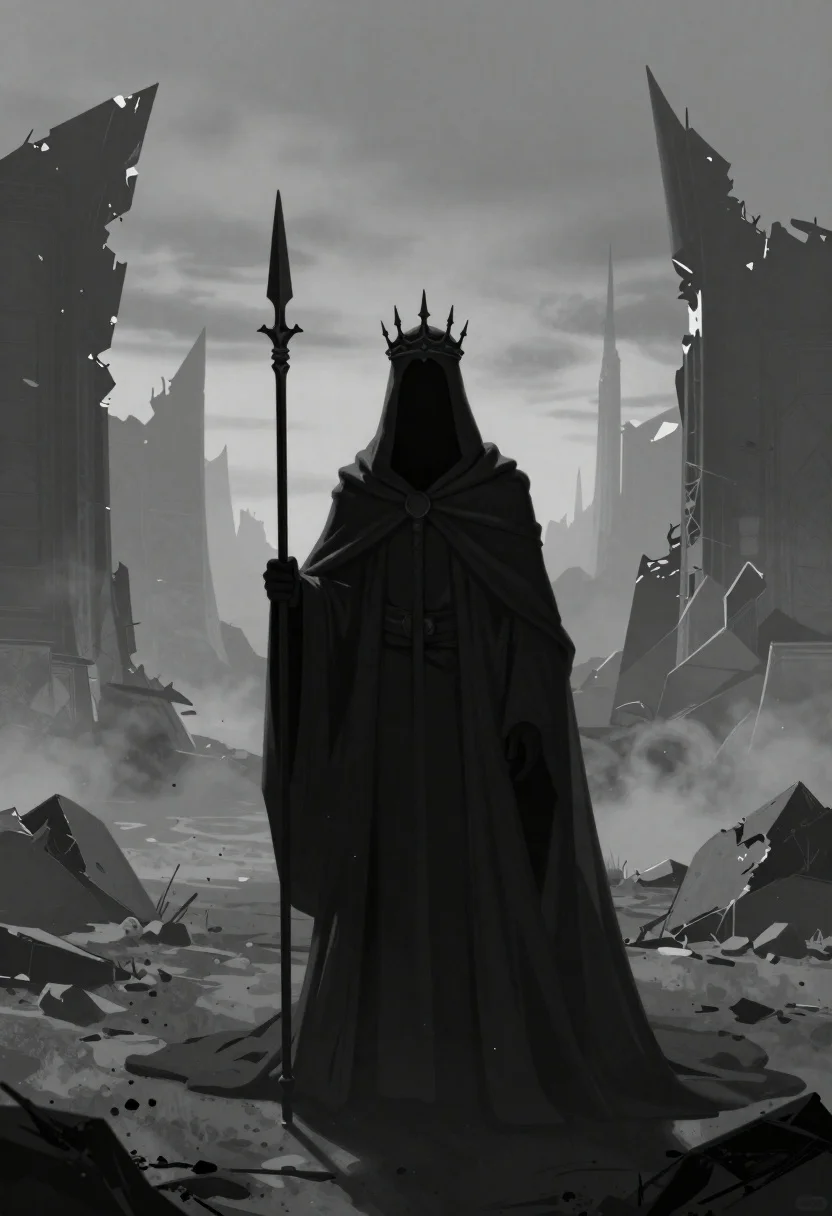
Mysterious hooded figure in desolate ruined landscape
Prompt
A cinematic digital painting of a dark monochrome scene depicting a mysterious hooded figure standing solemnly in a bleak landscape

Subject: A tall cloaked entity wearing an ornate crown with sharp spikes and holding a long spear upright, the face completely obscured by shadow.

Clothing: Heavy textured fabric draped over shoulders cascading into a massive floor-length train that pools around the feet.

Environment: A desolate ruined terrain featuring jagged broken walls in silhouette against misty foggy skies; small rocky outcrops scattered across sandy ground with atmospheric haze obscuring distant structures.

Camera: Wide angle perspective capturing full body shot emphasizing imposing stature and grand scale of surroundings; low horizon line composition enhancing height dominance over landscape features like towering spires behind figure head; symmetrical framing centered on main subject creating balanced visual weight between foreground character background architecture elements.

Lighting: Diffused soft ambient light source filtering through dense fog creates subtle highlights along edges while deep shadows envelop interior spaces producing dramatic chiaroscuro effect.
Description
This prompt is useful for creating dark fantasy concept art, album cover visuals, and cinematic scene storyboards requiring an imposing atmosphere. The combination of 'low horizon line composition' with a 'wide angle perspective' exaggerates the figure's height against the 'misty foggy skies,' while the 'dramatic chiaroscuro effect' ensures that the obscured face remains mysterious rather than simply blacked out.
Suggestions
- Change 'ornate crown with sharp spikes' to 'weathered iron circlet' for a less overtly aggressive feel.
- Swap 'sandy ground' for 'cracked obsidian pavement' to increase foreground texture contrast.
- Adjust 'diffused soft ambient light source' to 'single shaft of moonlight' for more directional drama.
Category
Tags
Digital ArtFictional CharacterFull BodyLow AngleOutdoorsRuinsWide Shot
Date added
June 19, 2026
Added by
PromptDexter Team
Related Prompts
More prompts with similar categories and tags.
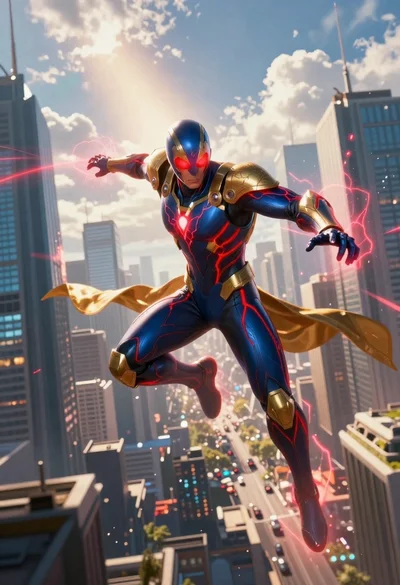
Superhero leaping through a futuristic cityscape under cloudy sky
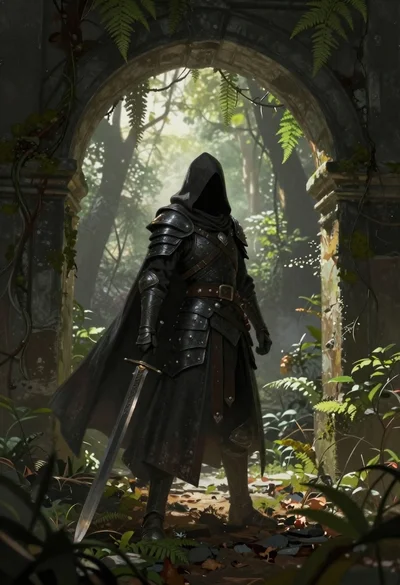
Warrior in dark armor within ancient overgrown stone archway
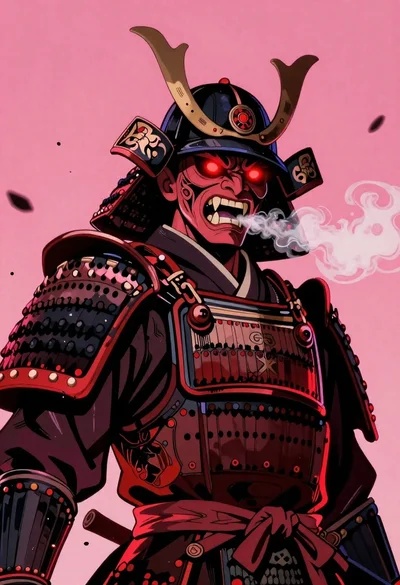
Samurai warrior roaring in dark armor against pink background
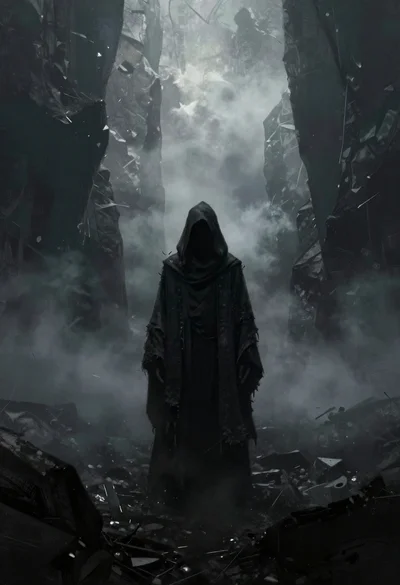
Hooded figure in misty dark canyon gorge
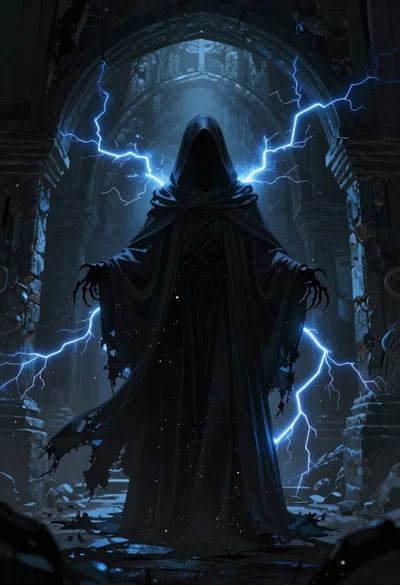
Supernatural entity in stone archway with blue lightning
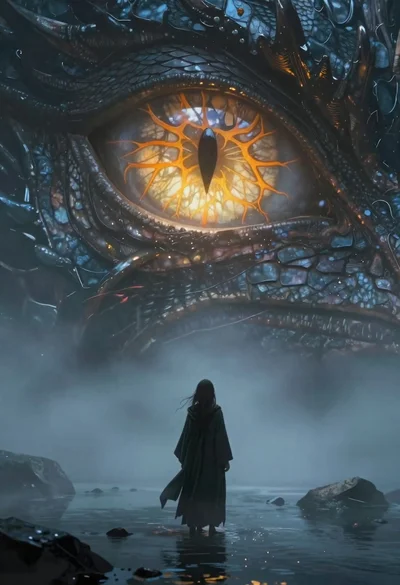
Figure before colossal glowing dragon eye in misty water
Lone figure in red robes at bottom of massive canyon

Obsidian humanoid in neon cube holding glowing heart
