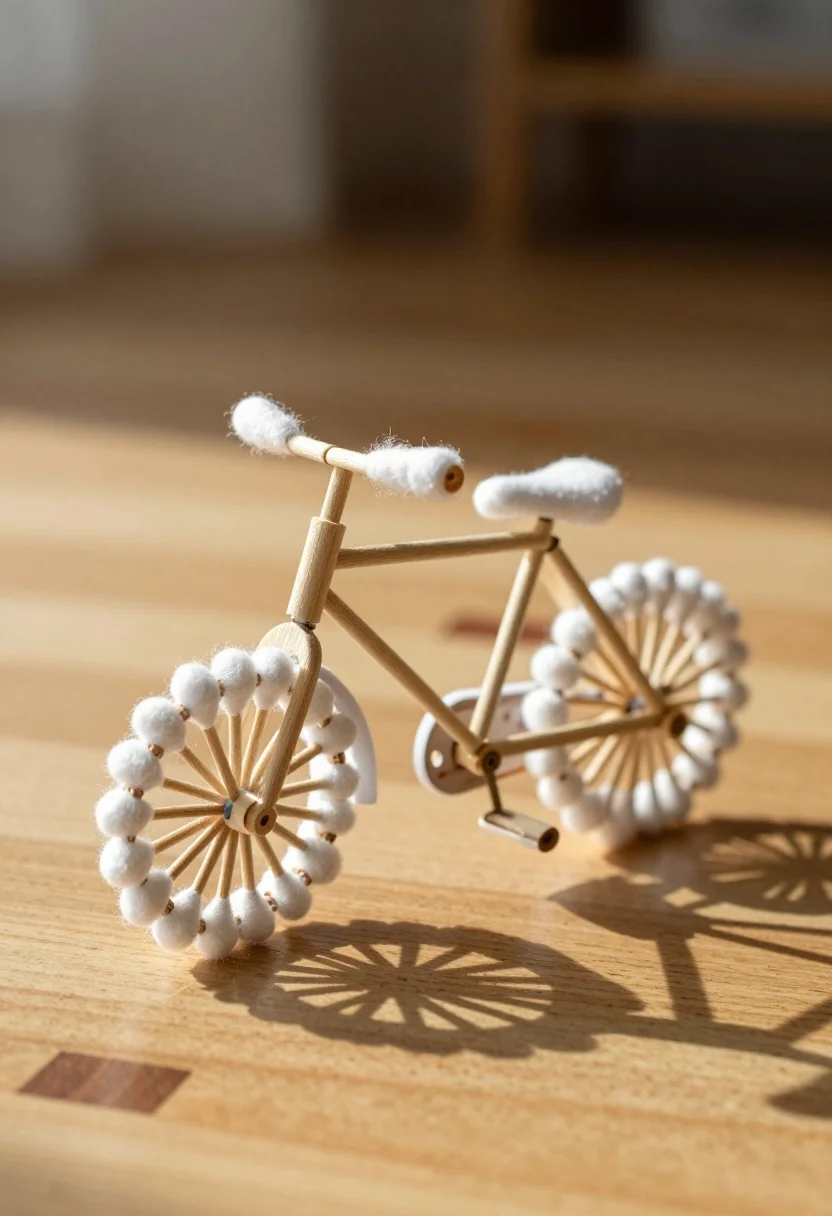
Macro photograph of miniature bicycle made from wood sticks and cotton swabs
Prompt
A miniature bicycle constructed from cotton swabs and wooden sticks sits on a smooth wooden surface.

Subject: A small-scale bicycle model featuring a frame made of light-colored wooden sticks and wheels composed of numerous cotton swabs arranged in a radial fan pattern.

Clothing: The handlebars and the seat are wrapped in fluffy white cotton material to mimic padding.

Action: The bicycle is stationary, resting on its pedals and wheels with no movement or motion blur.

Environment: The object rests on a polished light wood table or floor against a soft, out-of-focus background that suggests an indoor setting with warm tones.

Camera: The shot is taken from a slightly low angle looking up at the bike, utilizing a shallow depth of field to keep the bicycle in sharp focus while blurring the background.

Lighting: Warm, directional sunlight illuminates the scene from the left side, casting soft shadows on the wooden surface and highlighting the texture of the cotton swabs.

Style Details: The image has a macro photography aesthetic with high detail on the miniature object, warm color grading, and a cozy, artistic atmosphere.
Description
This prompt is useful for creating detailed product visualizations, whimsical still life arrangements, and nature-inspired craft showcases. The combination of 'macro photography aesthetic' with 'warm, directional sunlight' ensures that the intricate textures of both the wooden sticks and cotton swabs are sharply defined against a softly blurred background, preventing the small subject from looking flat or lost in detail.
Suggestions
- Change 'light-colored wooden sticks' to 'bamboo skewers' for more contrast.
- Adjust 'warm tones' to 'cool blues' for an alternative mood.
- Replace 'soft shadows' with 'harsh specular highlights' to emphasize material rigidity.
Category
Tags
3dIndoorsLow AngleMacro Shot
Date added
July 3, 2026
Added by
PromptDexter Team
Related Prompts
More prompts with similar categories and tags.
Anthropomorphic fox in tuxedo dances with rabbit in yellow dress under crystal

Chibi girl in penguin costume holding glowing gift bag in cozy kitchen

Miniature baristas working around giant coffee cup on rustic wooden table
Woman resting in meadow with white rabbit at golden hour
Three disney characters on a tropical grassy rock
Close up portrait of serene bust with gold kintsugi cracks

Obsidian humanoid in neon cube holding glowing heart
Batman action figure in silver and gold armor
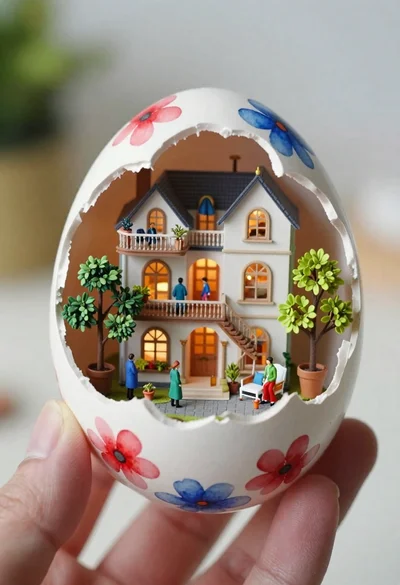
Macro shot of miniature dollhouse in broken eggshell
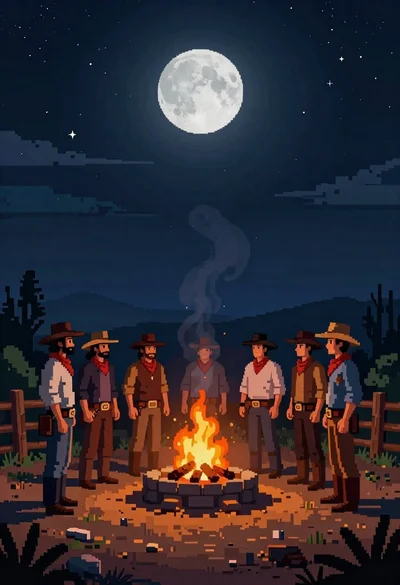
Pixel art cowboys around a campfire under starry night