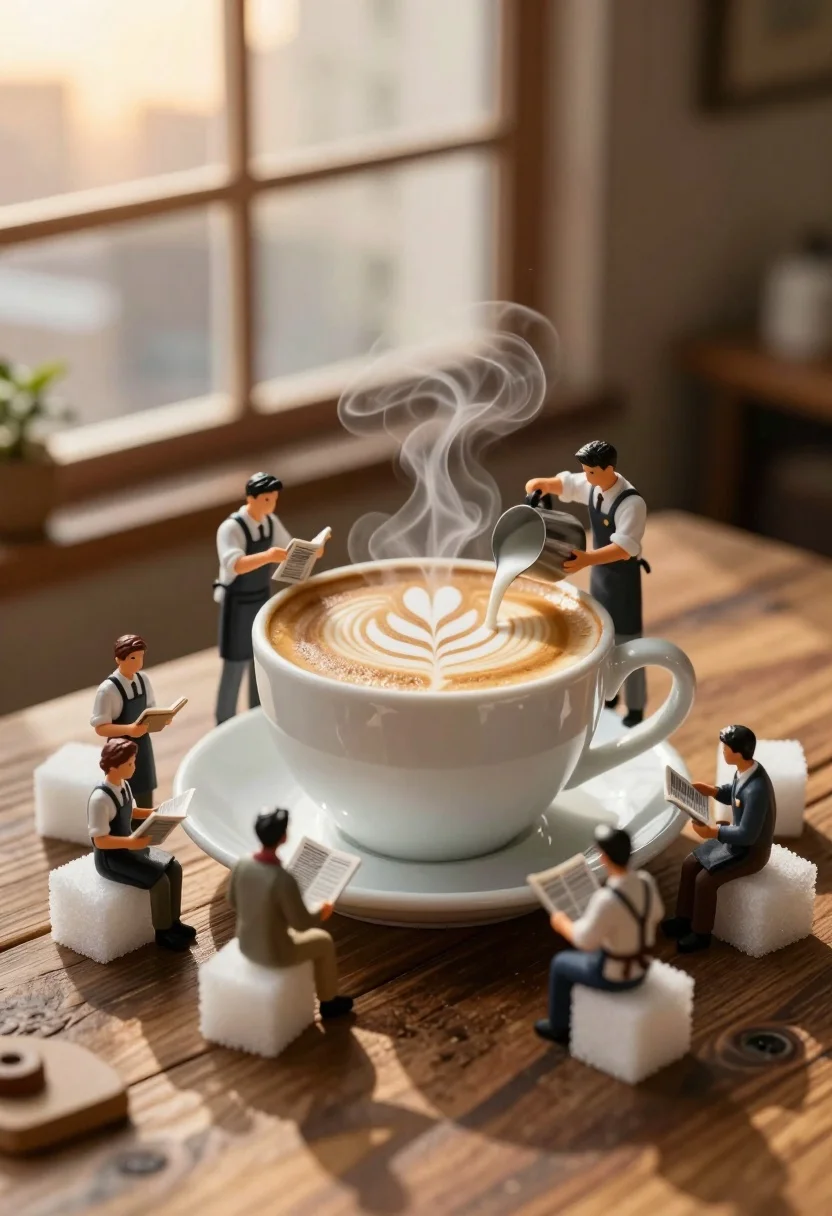
Miniature baristas working around giant coffee cup on rustic wooden table
Prompt
A miniature fantasy scene featuring tiny baristas working around a giant steaming coffee cup on a wooden surface.

Subject: A large white ceramic coffee cup filled with latte art sits centrally on a saucer, surrounded by six miniature human figures dressed as baristas in aprons and shirts.

Clothing: The miniature figures wear white shirts, dark aprons, and some have ties or vests, resembling professional cafe staff attire.

Action: Two figures pour milk from metal pitchers into the cup to create latte art, while others sit on sugar cubes reading newspapers or holding notepads.

Environment: The scene is set on a rustic wooden table with large white sugar cubes scattered around the base of the cup and saucer.

Camera: A macro close-up shot that emphasizes the scale difference between the tiny people and the giant coffee cup, with a shallow depth of field blurring the background window.

Lighting: Warm golden hour sunlight streams through a large window in the background, casting soft highlights on the steam rising from the coffee and creating a cozy atmosphere.

Subject: The background features a blurred cityscape or office view visible through the window, bathed in the warm glow of the setting sun.

Objects: Metal milk pitchers, white sugar cubes, miniature newspapers, and a ceramic saucer are prominent props in the scene.

Interaction: The tiny baristas are actively engaged in preparing coffee and reading, interacting with the oversized cup as if it were their workspace.

Style Details: A whimsical macro photography style with high detail on textures like wood grain and liquid foam, rendered with soft cinematic lighting and a dreamlike miniature aesthetic.
Description
This prompt is useful for creating whimsical tabletop dioramas, conceptual food advertising, and detailed fantasy world-building pieces. The combination of 'macro close-up shot' emphasizing the scale difference, coupled with 'warm golden hour sunlight,' ensures that the tiny figures feel integrated into the oversized props rather than simply placed upon them, while the 'rustic wooden table' grounds the entire scene in a tangible, tactile reality.
Suggestions
- Change 'white ceramic coffee cup' to 'dark stained porcelain cup' for more contrast.
- Swap 'miniature human figures' for 'gnome-like baristas' to enhance fantasy elements.
- Adjust 'shallow depth of field' to 'bokeh effect' for softer background separation.
Category
Tags
3dIndoorsMacro Shot
Date added
July 3, 2026
Added by
PromptDexter Team
Related Prompts
More prompts with similar categories and tags.
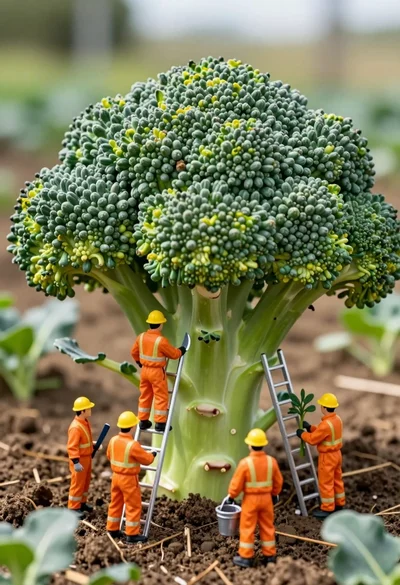
Miniature construction crew working on giant broccoli in a lush garden setting
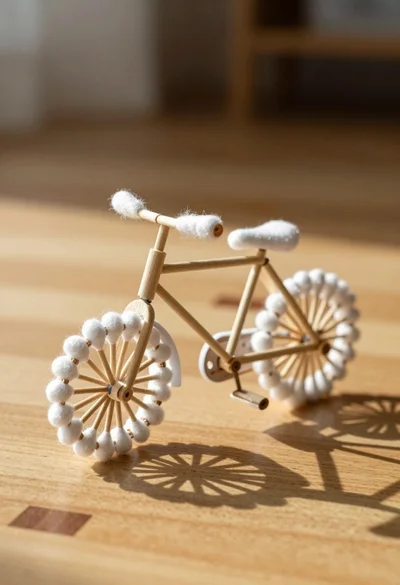
Macro photograph of miniature bicycle made from wood sticks and cotton swabs

Woman resting in meadow with white rabbit at golden hour

Three disney characters on a tropical grassy rock
Close up portrait of serene bust with gold kintsugi cracks
Macro shot of miniature dollhouse in broken eggshell

Golden origami boat on clear blue water
Macro shot of miniature forest inside a medical capsule
Moss map location pin on a white studio floor

Hyperrealistic caricature sculpture of a man sitting