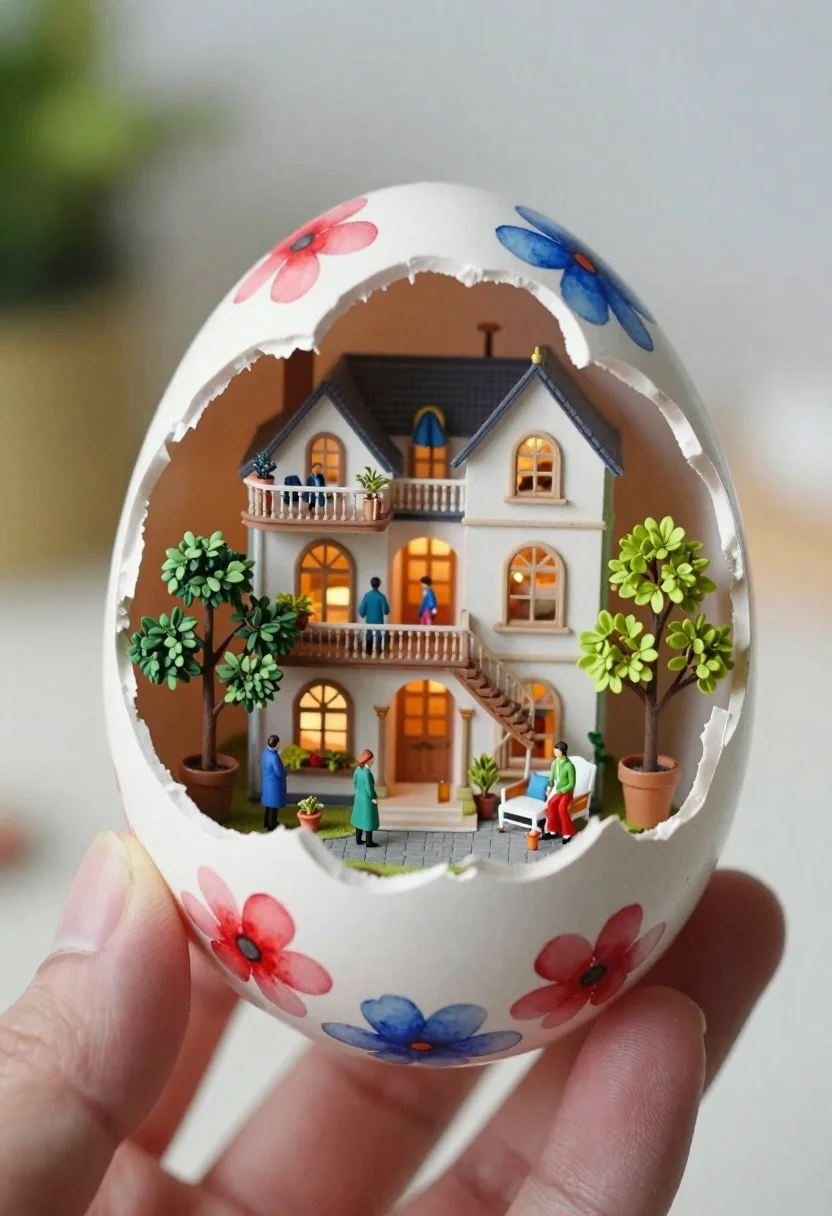
Macro shot of miniature dollhouse in broken eggshell
Prompt
A close-up macro shot of a hand holding an intricately detailed miniature diorama inside a broken eggshell painted with vibrant watercolor-style flowers in reds and blues; Subject is the ornate, multi-story dollhouse nestled within the shell featuring intricate architectural details like balconies, arched windows, and grand staircases glowing warmly from interior lights.

Clothing: Miniature figures scattered throughout wearing varied outfits including a blue coat on one figure and green attire on others near potted plants; Accessories include small trees in planters with lush green foliage and tiny furniture pieces adding to the scene's charm.

Action: Figures are positioned around various areas of this micro-world, some standing by railings while another sits under an archway suggesting daily life within their own world inside these delicate confines.

Environment: The entire setup rests comfortably against a softly blurred background emphasizing focus on what lies ahead - inviting viewers into its enchanting depths; Spatial context suggests careful placement for display purposes highlighting craftsmanship involved in creating such miniature wonders.

Camera: Framed tightly around the central action using shallow depth-of-field techniques typical of macro photography enhancing textures visible even at this scale without losing any detail along edges where colors meet seamlessly blending harmoniously together forming cohesive visual narrative throughout compositionally balanced design elements present here today!
Description
This prompt is useful for creating highly detailed product photography, whimsical tabletop displays, and concept art showcasing miniature worlds. The combination of 'macro shot' framing with 'shallow depth-of-field techniques' ensures that the viewer's eye is immediately drawn to the central dollhouse while allowing the surrounding elements like the 'vibrant watercolor-style flowers' to provide context without becoming distracting.
Suggestions
- Change 'reds and blues' to 'jewel tones' for a more opulent feel.
- Add 'bokeh effect' to enhance the background blur further.
- Swap 'potted plants' for 'moss and lichen' to increase naturalism.
Category
Tags
Close UpIndoorsMacro ShotRealistic
Date added
June 19, 2026
Added by
PromptDexter Team
Related Prompts
More prompts with similar categories and tags.

Portrait of young woman with brown skin and floral dress in 3d

Handsome man taking a selfie with anime character goku in a cozy
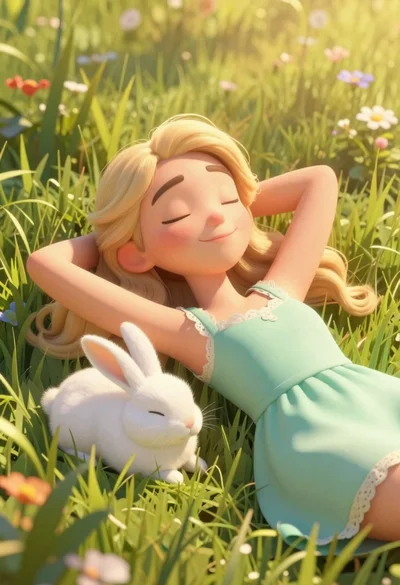
Woman resting in meadow with white rabbit at golden hour
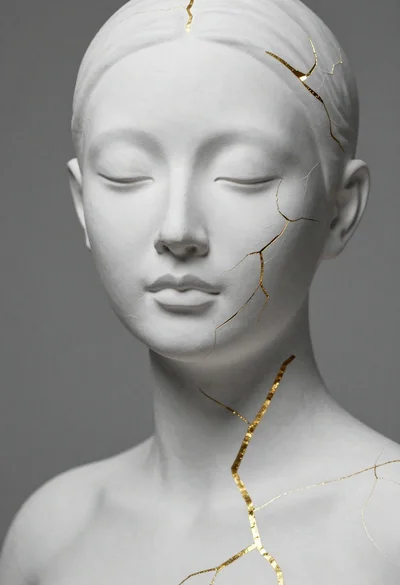
Close up portrait of serene bust with gold kintsugi cracks
Macro shot of miniature forest inside a medical capsule

Hyperrealistic portrait of a warrior in falling snow

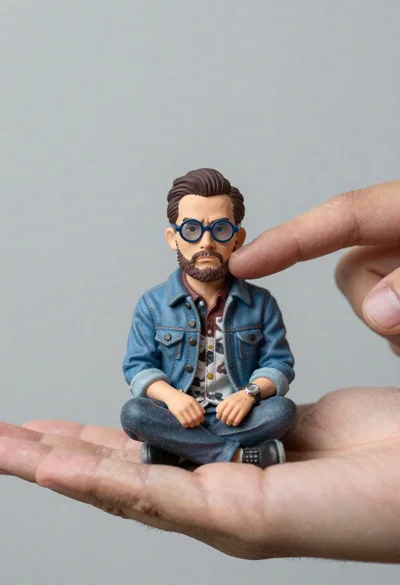
Hyperrealistic caricature sculpture of a man sitting
Young woman painting miniature village diorama with red hair