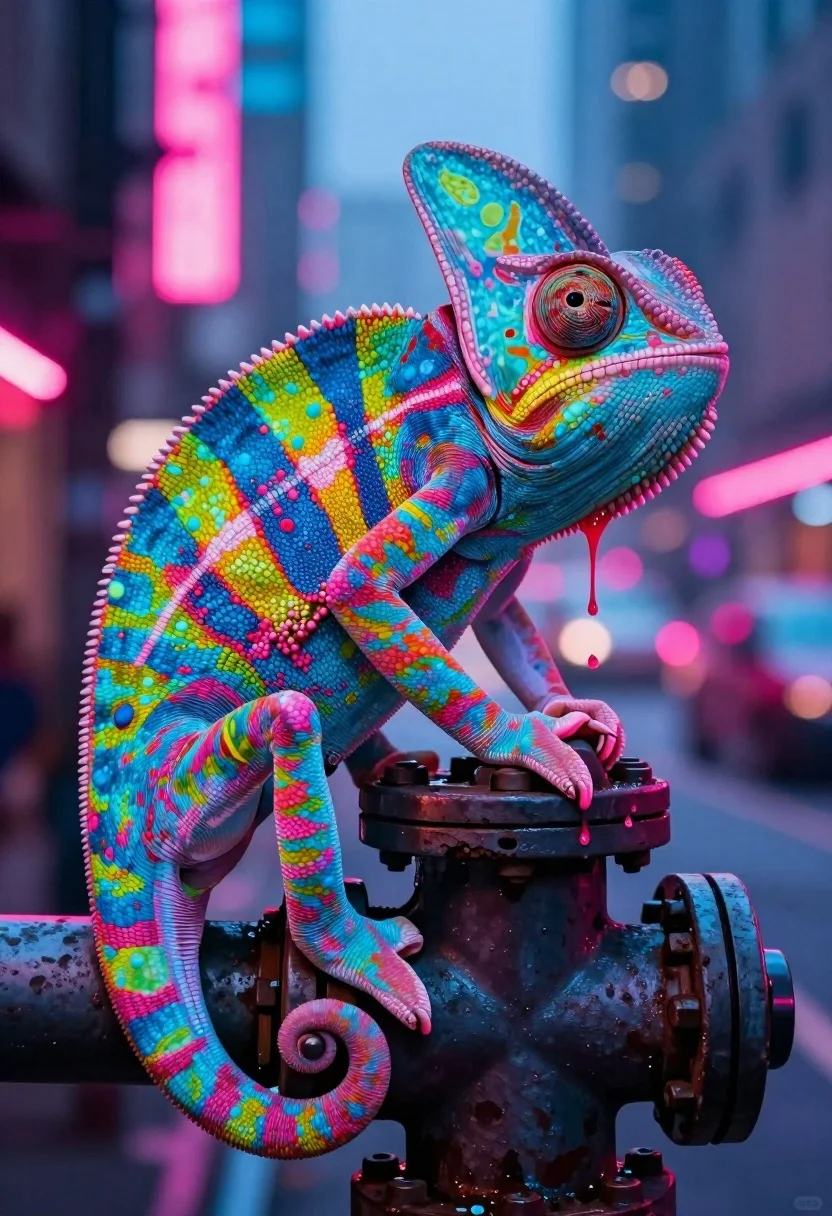
Vivid chameleon on dark pipe in neon lit futuristic city street
Prompt
A vividly colorful chameleon perched on a dark pipe in a neon-lit urban setting.

Subject: A large chameleon with iridescent scales featuring a vibrant mosaic of electric blue, hot pink, lime green, and yellow patterns. Its skin texture is highly detailed, resembling bumpy beads or pebbles, and its eye is large and spiraled. Pink liquid drips from the corners of its mouth down onto the pipe.

Clothing: None visible.

Action: The chameleon grips a dark industrial pipe with its front limbs while its curled tail wraps around the base for support. It faces slightly to the right with a calm, observant expression.

Environment: A gritty, futuristic city street at night with blurred background elements suggesting tall buildings and atmospheric haze.

Camera: Close-up shot focusing sharply on the chameleon with a shallow depth of field that blurs the background into soft bokeh lights.

Lighting: Dramatic neon lighting casting strong pink and blue hues across the scene, creating high contrast and vibrant reflections on the creature's scales.
Second

Subject: None.

Objects: A dark, weathered industrial pipe or valve that the chameleon is climbing.

Interaction: The chameleon is physically interacting with the pipe by gripping it with its claws and wrapping its tail around it.

Text/Graphics: A faint watermark logo in the bottom right corner.

Style Details: Hyper-realistic digital art style with high saturation, glowing neon colors, and a cinematic composition reminiscent of cyberpunk aesthetics.
Description
This prompt is useful for creating striking album art, concept illustrations for sci-fi media, and highly stylized character portraits. The combination of 'iridescent scales' against the 'dramatic neon lighting casting strong pink and blue hues' ensures that the subject pops out from the background bokeh, giving it an immediate, hyper-saturated focus suitable for high-impact visual branding.
Suggestions
- Change 'electric blue' to 'cyan' for a more uniform cool tone.
- Swap 'bumpy beads or pebbles' for 'smooth obsidian facets' to alter the texture.
- Adjust 'shallow depth of field' to 'deep focus' if you want the background details visible.
Category
Tags
3dAnimalClose UpDigital ArtStreetUrban
Date added
July 12, 2026
Added by
PromptDexter Team
Related Prompts
More prompts with similar categories and tags.
Knitted meerkat pilot riding roller coaster in whimsical yarn amusement park

Fluffy golden puppy jumping joyfully in sunlit meadow with colorful ball
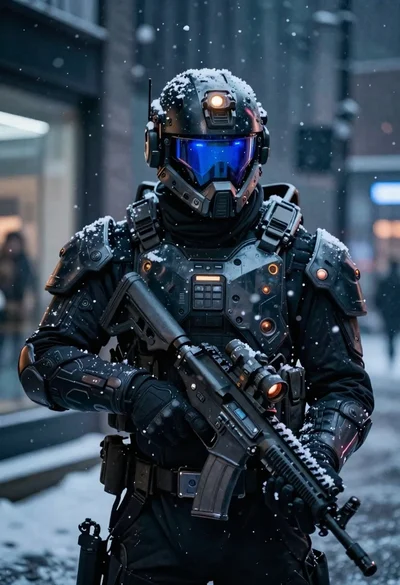
Futuristic soldier in heavy snowfall on an urban street
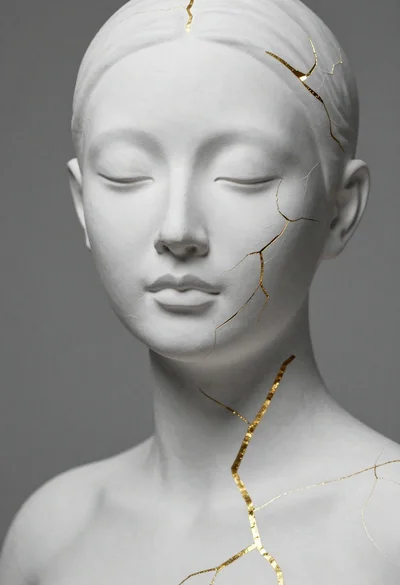
Close up portrait of serene bust with gold kintsugi cracks
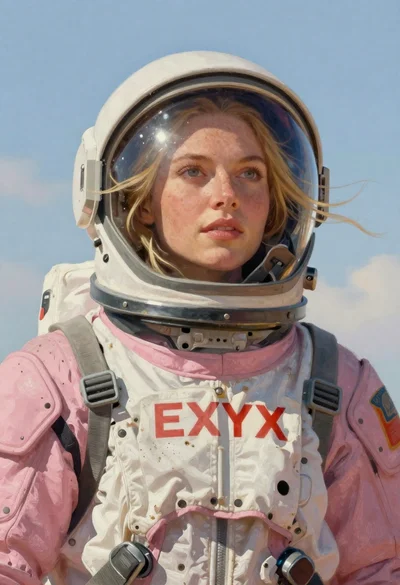
Astronaut portrait against pale blue sky background
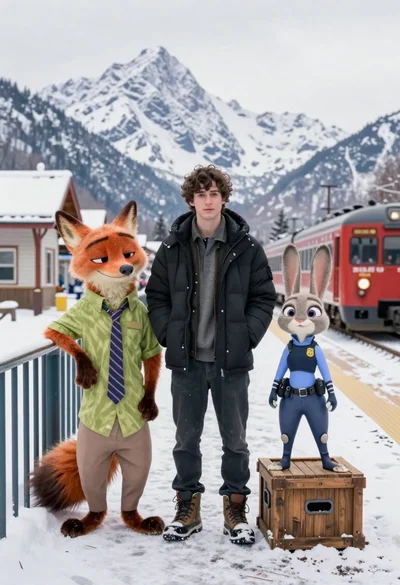
Young man flanked by fox and rabbit at snowy train platform
Young man and blue robotic cat riding bicycles down a sunny street

Cute orange and white plush fox dressed as a pirate holding treasure
Low poly crystalline horse galloping across dark background with glowing golden particles
Isometric miniature model of guangzhou city under rainy sky illustration