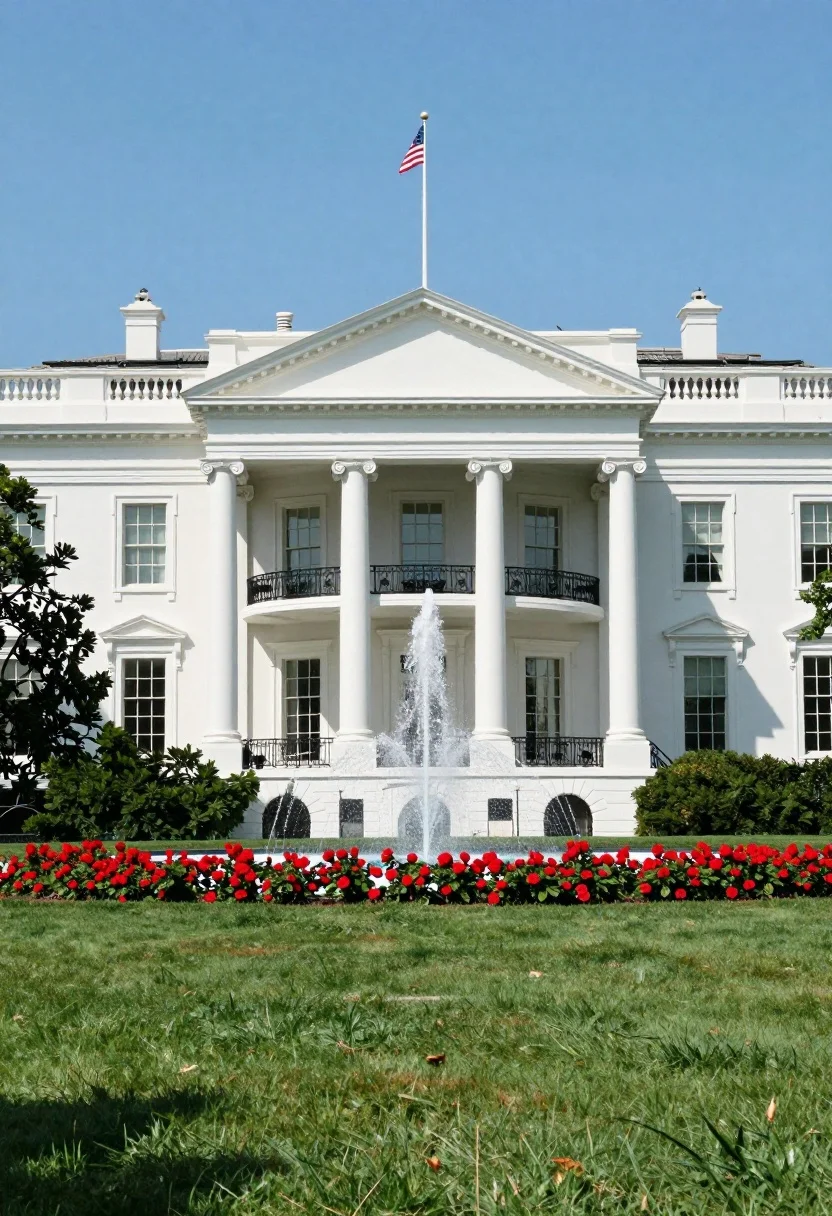
Majestic neoclassical mansion facade with columns fountain and blue sky
Prompt
A majestic white neoclassical building with a grand portico featuring tall columns and a triangular pediment stands prominently against a bright blue sky.

Subject: A large, pristine white government-style mansion characterized by symmetrical architecture, numerous multi-paned windows, and a central entrance flanked by four massive columns supporting a pediment.

Action: A fountain in the center of the lawn sprays water upward into the air.

Environment: The foreground features a lush green lawn leading to a vibrant bed of red flowers, with a row of manicured green bushes lining the base of the building. A large tree is visible on the left side, and an American flag flies from a tall pole atop the roof.

Camera: Eye-level perspective capturing the full facade of the building with a wide angle that includes the expansive lawn and sky.

Lighting: Bright natural sunlight illuminates the scene from above, casting soft shadows under the eaves and creating high contrast between the white walls and the blue sky.

Style Details: High-resolution, photorealistic image with vivid colors and sharp architectural details.
Description
This prompt is useful for creating architectural visualization concepts, historical setting backdrops, and luxury real estate marketing materials. The combination of 'bright natural sunlight' casting soft shadows under the eaves enhances the depth required for convincing visualizations, while specifying a 'pristine white' facade against a 'vivid colors' blue sky ensures the structure remains the sharp focal point despite the surrounding lush elements.
Suggestions
- Change 'red flowers' to 'yellow irises' for a different color pop.
- Swap 'wide angle' for 'ultra-wide lens' to exaggerate the scale of the portico.
- Add 'dramatic volumetric lighting' to intensify the shadows under the pediment.
Category
Tags
Full BodyRealisticWide Shot
Date added
July 12, 2026
Added by
PromptDexter Team
Related Prompts
More prompts with similar categories and tags.
Solitary figure on elevated platform in minimalist architecture
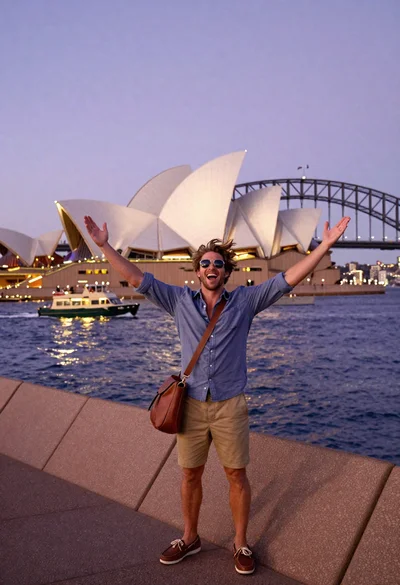
Exhilarated tourist man taking selfie near sydney opera house and bridge
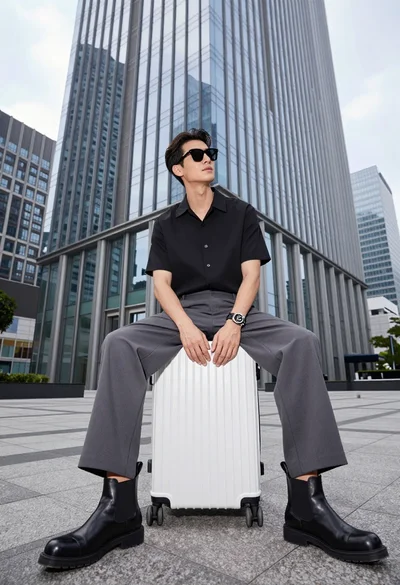
Handsome man sitting on suitcase before modern glass skyscraper in urban plaza
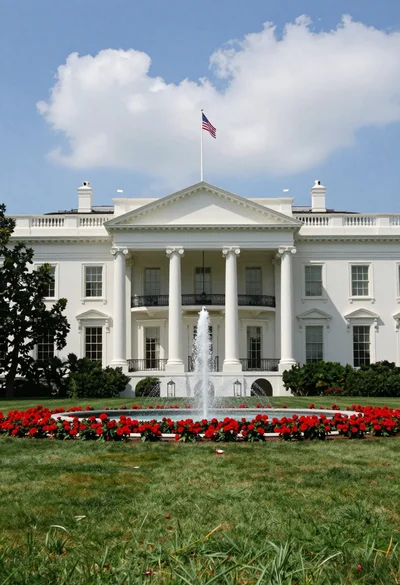
Majestic white neoclassical building with a grand portico stands under blue sky
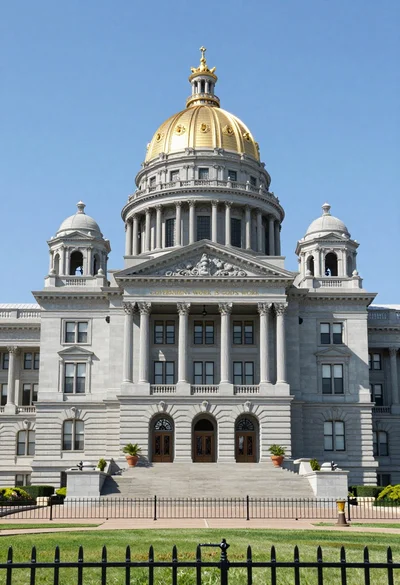
Symmetrical facade of grand colonial government building with golden dome
Woman in green sari sitting on boat facing taj mahal across calm
Black and white view of dense urban canyon architecture
Woman capturing taj mahal reflection in infinity mirror at sunrise
Delighted woman gondola riding under rialto bridge at sunset
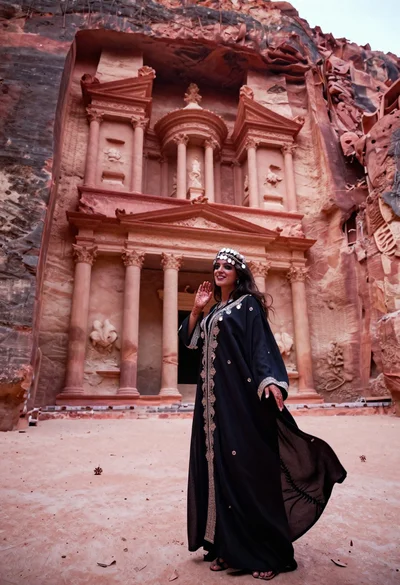
Veiled nomadic woman at petra treasury facade during rose gold dawn