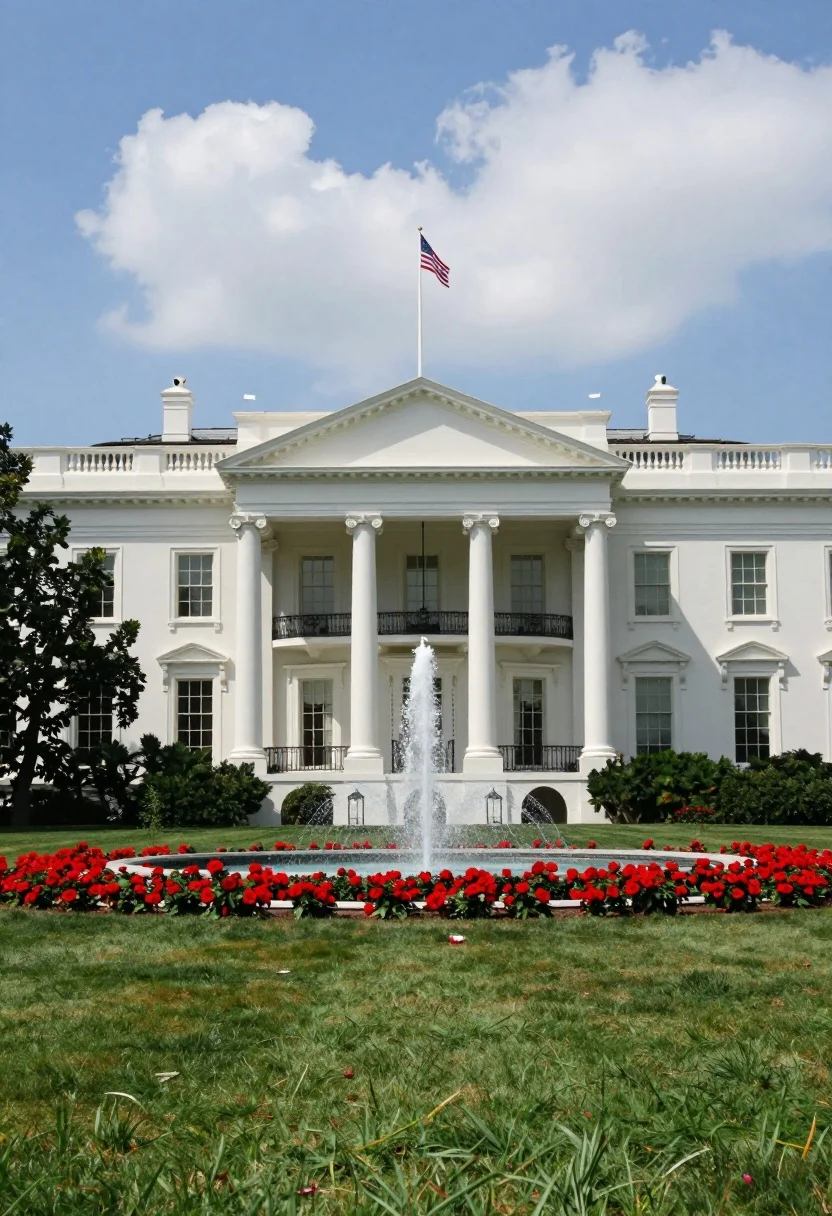
Majestic white neoclassical building with a grand portico stands under blue sky
Prompt
A majestic white neoclassical building with a grand portico and tall columns stands under a bright blue sky with fluffy white clouds.

Subject: A large white government-style mansion featuring a central triangular pediment supported by four massive white columns, numerous rectangular windows across two stories, and an American flag flying from a pole atop the roof.

Action: A fountain sprays water in the center of the lawn directly in front of the building's main entrance.

Environment: The foreground consists of a lush green lawn leading to a long bed of vibrant red flowers, followed by a row of dark green bushes at the base of the building. To the left, a large tree with dense foliage is visible.

Camera: A wide-angle shot capturing the full facade of the building from a frontal perspective, emphasizing symmetry and scale.

Lighting: Bright natural daylight illuminates the scene evenly, casting soft shadows and highlighting the white stone against the vivid green grass and red flowers.

Style Details: High-resolution architectural photography with vibrant color saturation and sharp focus on the building details.
Description
This prompt is useful for creating historical documentary backdrops, institutional branding visuals, and grand estate concept art. The combination of 'bright natural daylight' casting soft shadows against the 'majestic white neoclassical building' ensures that architectural details remain visible without harsh contrast, which is crucial for conveying both scale in the 'wide-angle shot' and pristine material quality.
Suggestions
- Change 'vibrant red flowers' to 'yellow tulips' for a different seasonal pop of color.
- Add 'dramatic volumetric lighting' to enhance shadow depth on the columns.
- Swap 'American flag' for 'national flag of [specific country]' to tailor the cultural context.
Category
Tags
Full BodyOutdoorsRealisticWide Shot
Date added
August 5, 2026
Added by
PromptDexter Team
Related Prompts
More prompts with similar categories and tags.
Awestruck young man pointing at sydney opera house at dusk
Modern wooden house in a dense forest setting
Woman in white dress at vermilion torii gate tunnel
Solitary figure on elevated platform in minimalist architecture
Classical villa in lush garden under golden hour sunlight

Exhilarated tourist man at christ the redeemer statue in rio
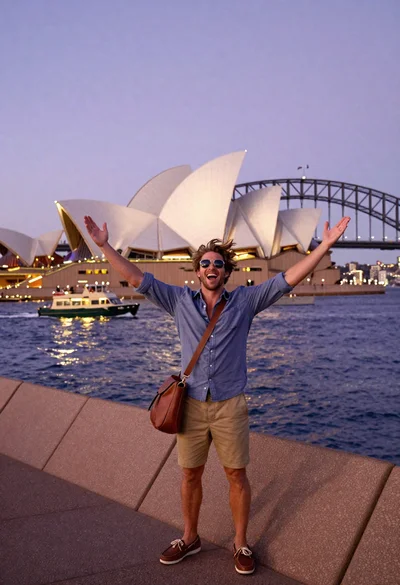
Exhilarated tourist man taking selfie near sydney opera house and bridge
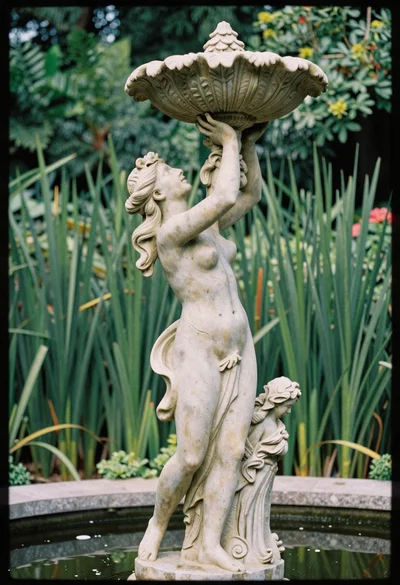
Classical garden fountain statue woman holding bird bath structure
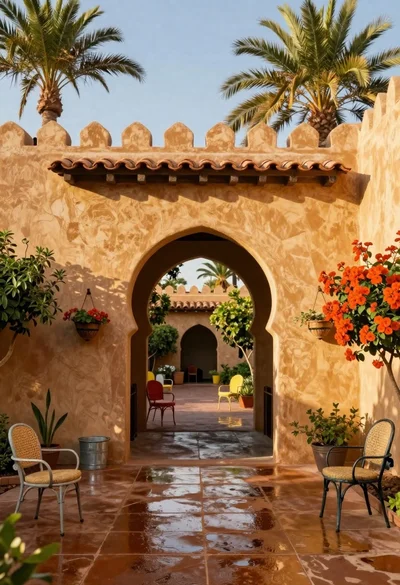
Sun drenched courtyard entrance with adobe walls and terracotta roof tiles
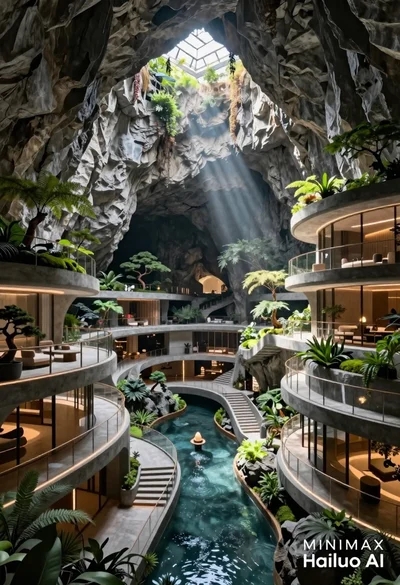
Futuristic luxury resort carved into a massive limestone cave with skylight