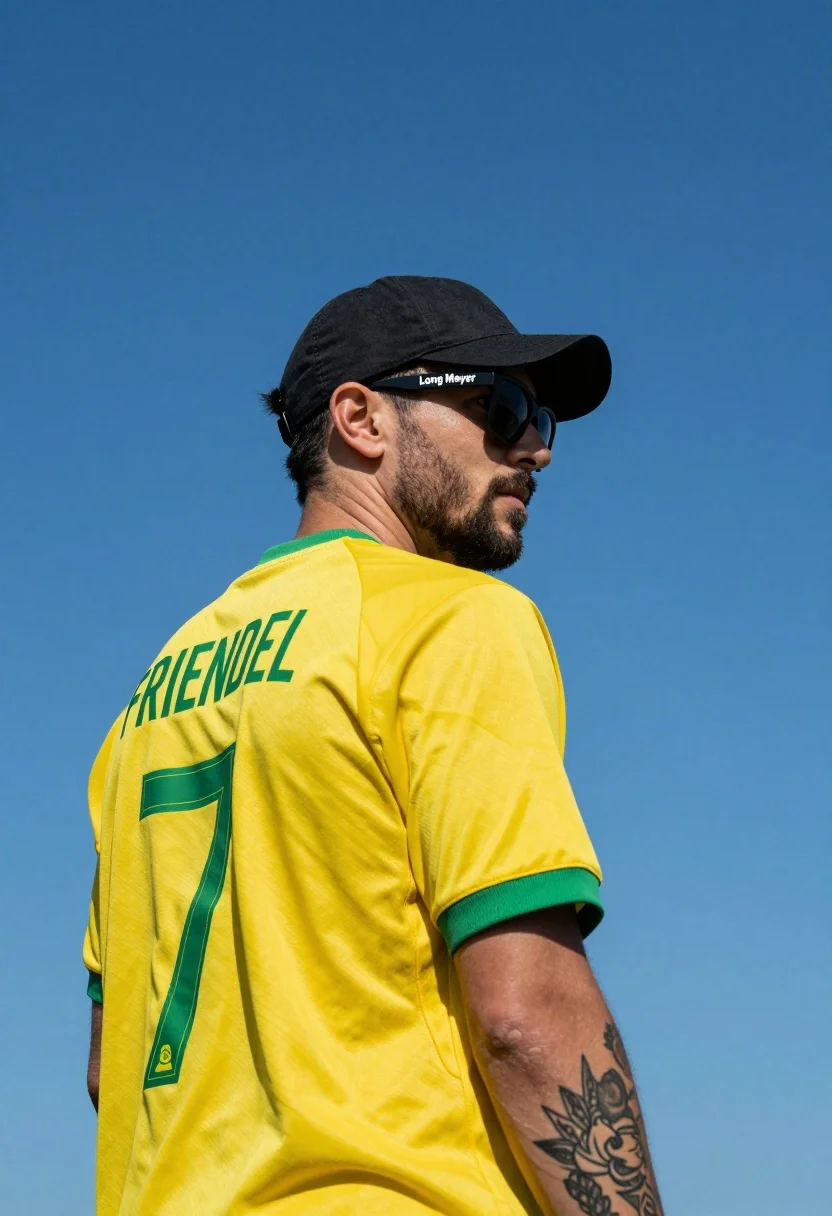
Man in yellow soccer jersey standing against clear blue sky background
Prompt
A man stands in profile against a clear blue sky, wearing a yellow jersey with green trim and the name "FRIENDEL" and number 7 on the back.

Subject: A man with short dark hair, a beard, and a tattooed left arm is shown from the chest up in a three-quarter view facing right.

Clothing: He wears a black baseball cap worn slightly backward, black sunglasses with white text on the temple reading "Long Meyer", and a bright yellow soccer jersey with green trim around the neck and sleeve edges.

Action: The man stands still with a neutral expression, looking off into the distance while his head is turned slightly toward the camera.

Environment: The background is a solid, cloudless blue sky that fills the entire frame behind the subject.

Camera: The shot is framed as a medium close-up from a low angle, emphasizing the subject against the sky with a shallow depth of field.

Lighting: Bright natural sunlight illuminates the scene from the upper left, casting distinct shadows on the right side of his face and neck.

Objects: A black baseball cap and sunglasses are worn by the subject, while a tattoo featuring floral or leaf-like patterns is visible on his left forearm.

Text/Graphics: The name "FRIENDEL" in green capital letters and the number 7 in green with an outline are printed on the back of the yellow jersey; white text reading "Long Meyer" appears on the temple of the sunglasses.

Style Details: The image features high contrast, vibrant saturated colors, and a sharp focus that highlights the texture of the fabric and skin details.
Description
This prompt is useful for creating athletic promotional materials, sports portraiture for team websites, and dynamic action shots requiring strong visual separation from the background. The combination of 'low angle' framing with a 'solid, cloudless blue sky' maximizes contrast by forcing the subject forward against an uninterrupted backdrop, while 'bright natural sunlight' ensures sharp details on the 'yellow jersey' fabric that would otherwise be lost in flat lighting.
Suggestions
- Change 'yellow jersey' to 'neon yellow jersey' for increased vibrancy.
- Add 'motion blur' to the background sky for a sense of speed.
- Swap 'low angle' for 'eye-level shot' if you want a more confrontational portrait.
Category
Tags
Low AngleMaleOutdoorsPortrait ShotRealistic
Date added
July 12, 2026
Added by
PromptDexter Team
Related Prompts
More prompts with similar categories and tags.
Young soccer player in argentina jersey against cosmic fire and lightning
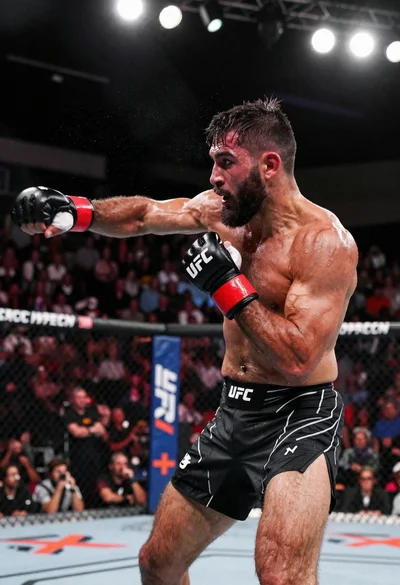
Muscular fighter recoiling from punch in bright arena
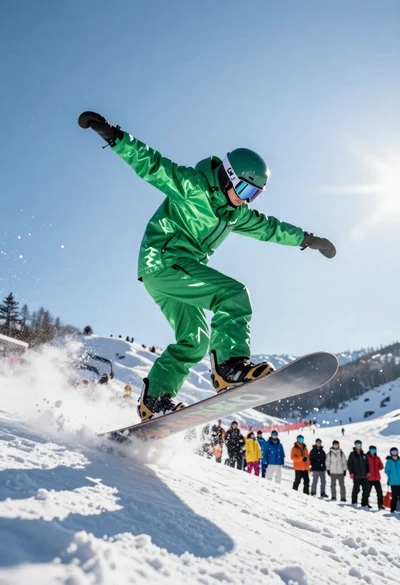
Snowboarder jumping off slope in metallic green suit against bright snow
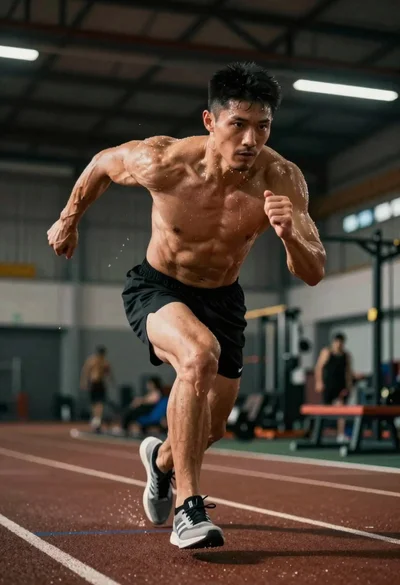
Low angle shot of an athlete showing peak athletic intensity during training
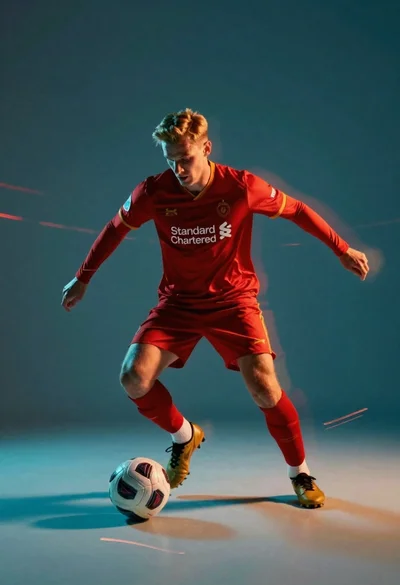
Male soccer player in red jersey dribbling ball with motion blur
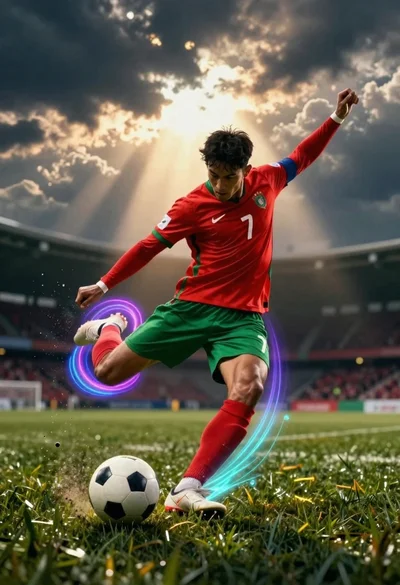
Male soccer player kicking white ball on grass field with vibrant light
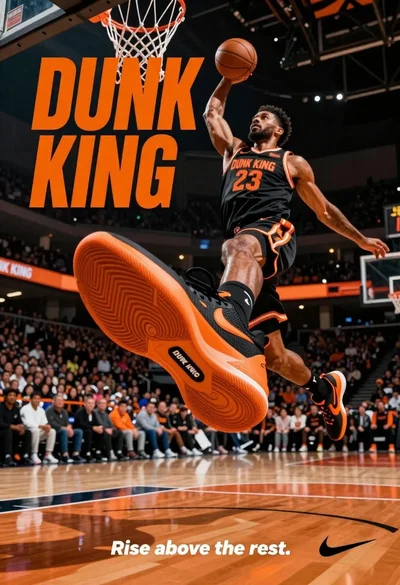
Muscular male basketball player midair dunking with large orange sneaker
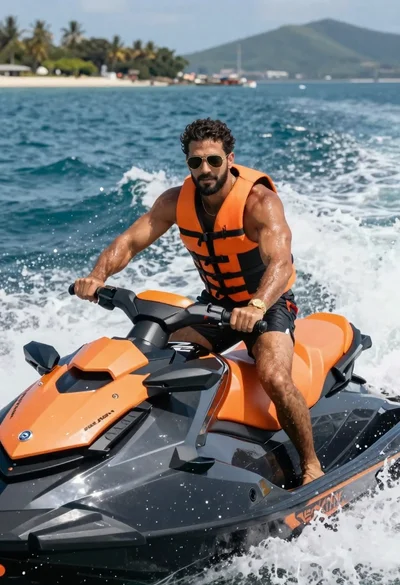
Muscular man riding black orange jet ski on choppy blue ocean water
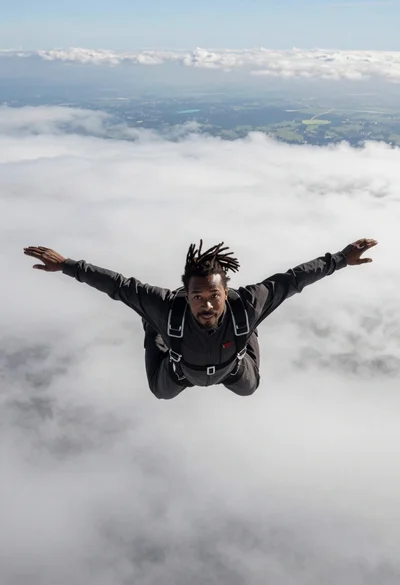
Black man with dreadlocks freefalling through white clouds in black jumpsuit
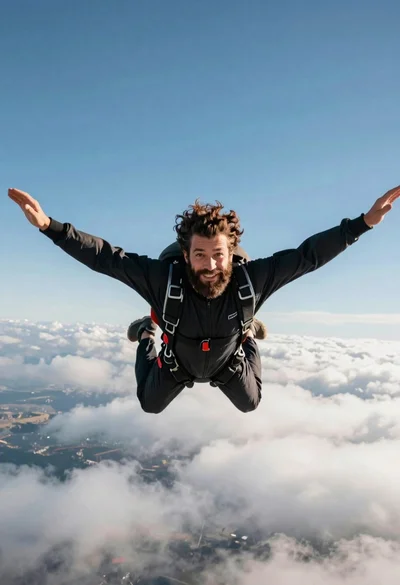
Bearded man with curly hair skydiving in freefall against blue sky