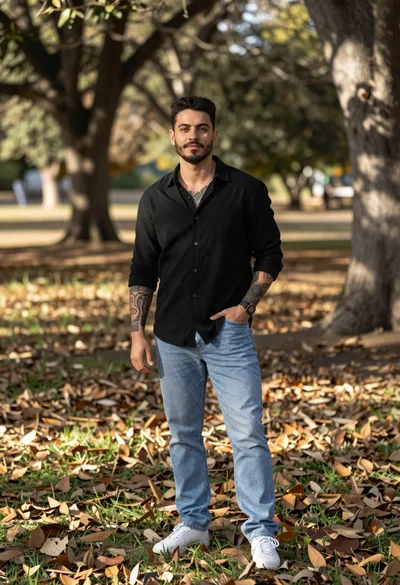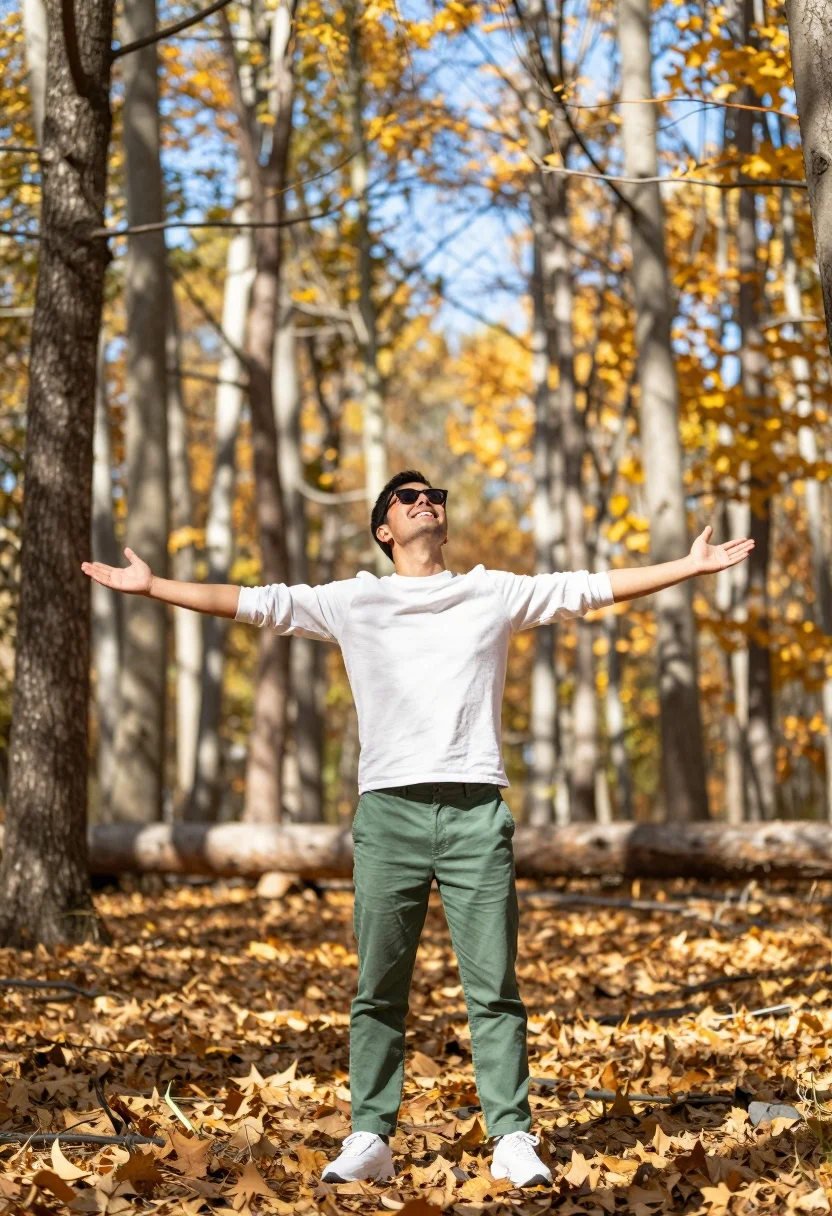
Man standing in sundrenched forest with arms outstretched showing joy
Prompt
A man stands in a sun-drenched forest with arms outstretched and head tilted back in joy.

Subject: A man wearing sunglasses and smiling broadly while looking upward.

Clothing: He wears a white long-sleeved shirt, green trousers, and white sneakers.

Action: His arms are spread wide open in an embracing gesture, conveying freedom and happiness.

Environment: The setting is a dense forest with tall trees featuring light-colored bark and golden autumn foliage on the ground.

Camera: The shot uses a medium-full body framing with a shallow depth of field that blurs the background trees to emphasize the subject.

Lighting: Bright natural sunlight filters through the canopy, creating a warm, glowing atmosphere with soft highlights on the man's face and clothing.

Objects: A fallen tree trunk is visible in the background behind the man.

Style Details: The image features a vibrant color palette with high contrast between the golden ground and blue sky, enhanced by a dreamy, slightly over-saturated aesthetic typical of modern portrait photography.
Description
This prompt is useful for creating joyful lifestyle portraits, nature editorial spreads, and personal branding content emphasizing freedom. The combination of 'bright natural sunlight filters through the canopy' with the 'shallow depth of field' ensures that the subject remains sharply focused against a softly blurred background, while the specified 'vibrant color palette' prevents the scene from looking muted despite the dense forest setting.
Suggestions
- Change 'green trousers' to 'khaki chinos' for a more earthy tone.
- Adjust 'golden autumn foliage' to 'mossy ground cover' for a different texture.
- Swap 'medium-full body framing' to 'full body shot' to better capture the outstretched arms.
Category
Tags
ForestFull BodyMaleMedium ShotNatureOutdoorsRealistic
Date added
July 12, 2026
Added by
PromptDexter Team
Related Prompts
More prompts with similar categories and tags.
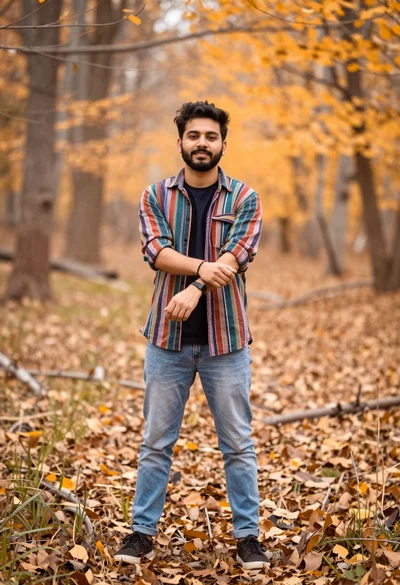
Young man in striped shirt standing in an autumnal forest clearing bokeh
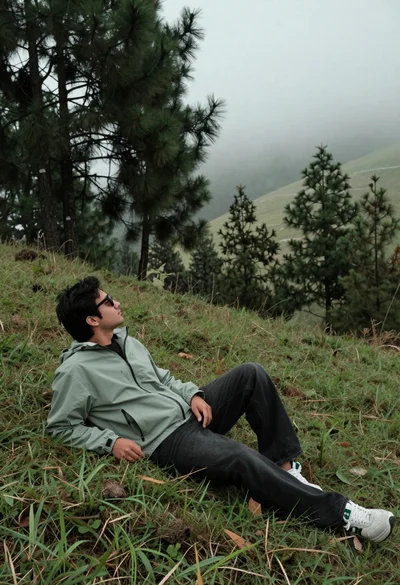
Man reclining on grassy hillside looking up at misty forest landscape
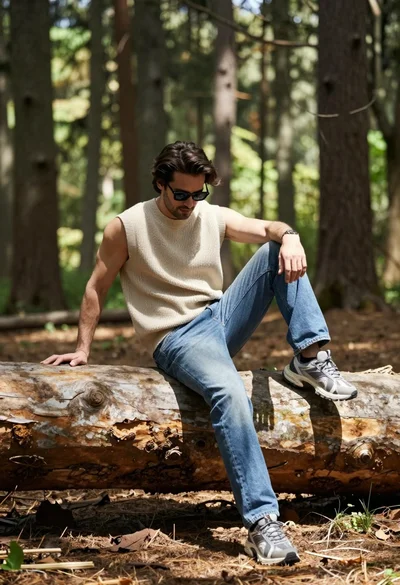
Man sitting casually on fallen log in sun dappled forest setting
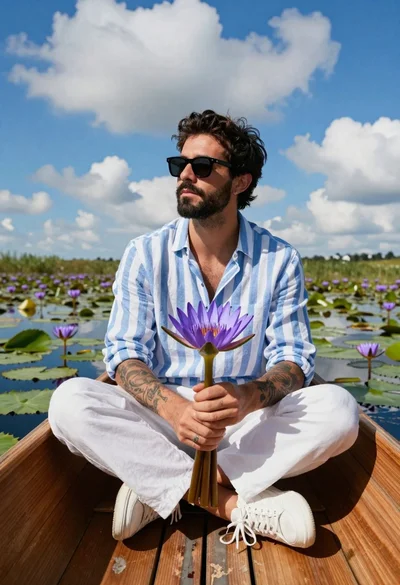
Bearded man in striped shirt holding purple water lilies in wooden boat
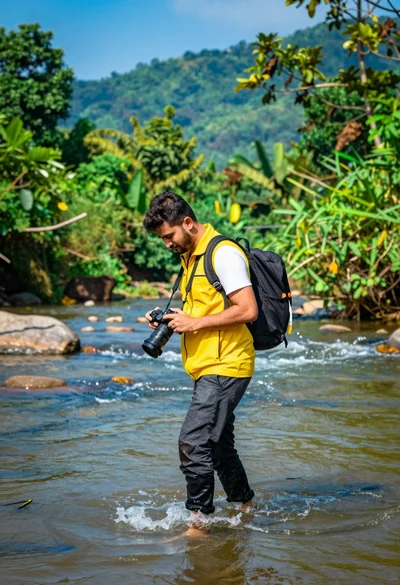
Man walking through shallow river holding camera in lush green forest
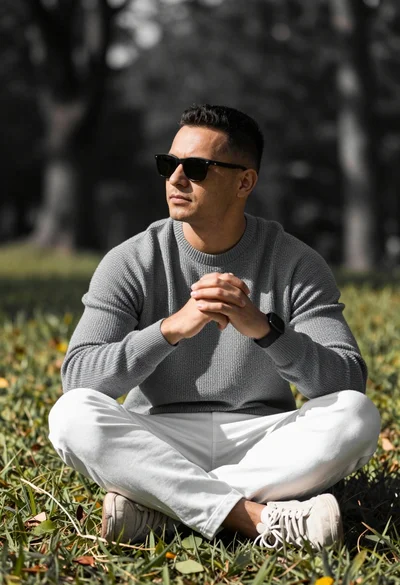
Man sitting cross legged on a grassy hill with blurred trees background
Man sitting on black motorcycle in tall grass with blurred forest background

Couple in white rowboat gazing at each other during vibrant sunset over
Man lying in grassy meadow pointing skyward with forest background
Silhouetted figure with outstretched arms against vibrant golden sunset sky