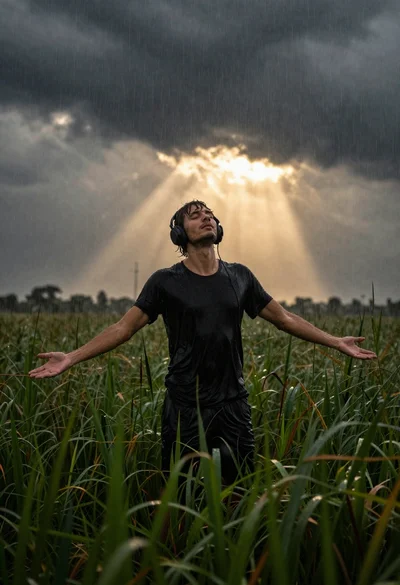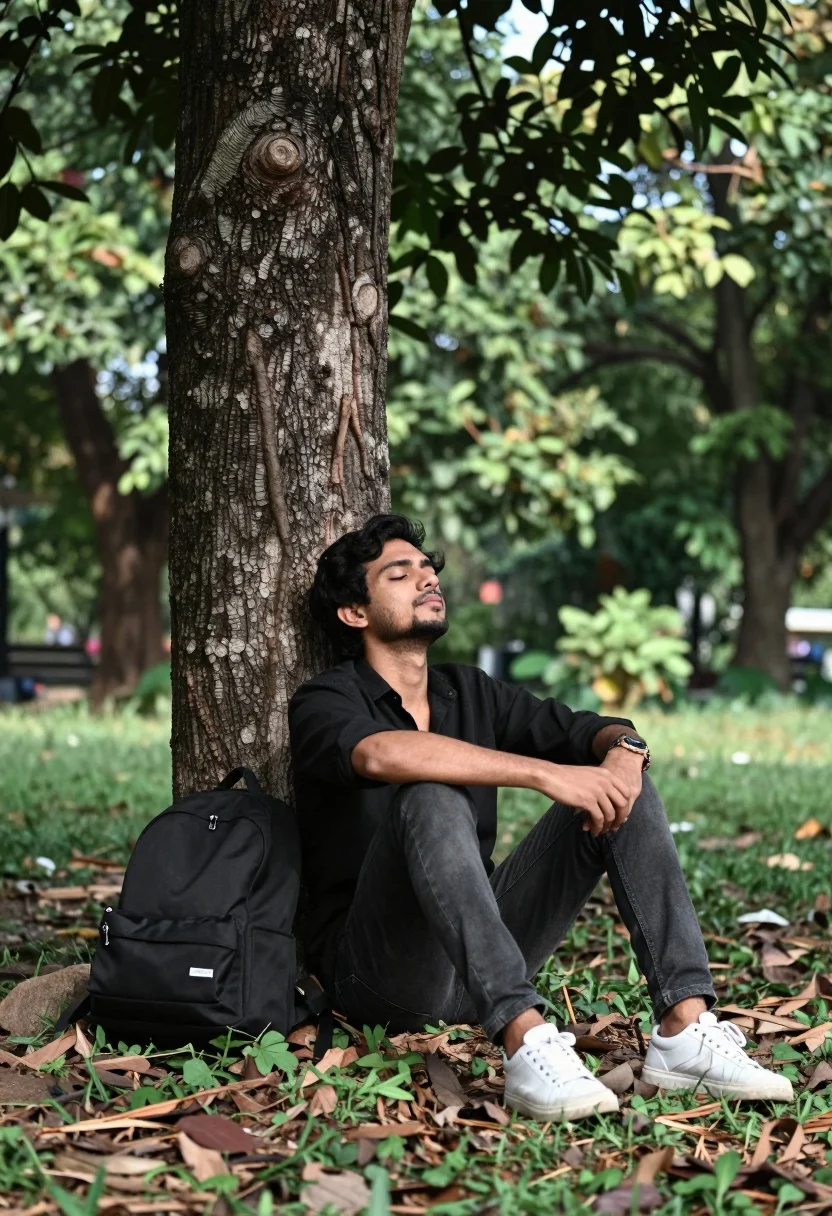
Man resting against tree trunk in lush park with backpack nearby
Prompt
A man sits leaning against a large tree trunk in a lush green park with his eyes closed and head tilted back.

Subject: A man with dark hair sitting on the ground next to a large tree.

Clothing: He wears a black button-up shirt, dark jeans, and white sneakers.

Action: He is seated with his legs bent, hands clasped together between his knees, leaning his back against the tree trunk in a relaxed pose with eyes closed.

Environment: The setting is an outdoor park or forest area with dense green foliage and trees in the background.

Objects: A black backpack with the word DREAM printed on it rests on the ground beside him.

Lighting: Soft natural daylight filters through the leaves, creating dappled shadows and a calm atmosphere.

Camera: Medium shot capturing the subject from the knees up with a shallow depth of field that blurs the background foliage.

Style Details: Naturalistic photography with a slightly desaturated color palette emphasizing greens and earth tones.
Description
This prompt is useful for creating lifestyle blog imagery, character concept art for adventure stories, and serene editorial spreads about mindfulness. The combination of 'soft natural daylight' filtering through the leaves and the 'shallow depth of field' ensures that the focus remains tightly on the man's relaxed pose while preventing the dense green foliage from becoming a distracting visual mess.
Suggestions
- Change 'black button-up shirt' to 'light grey linen shirt' for better contrast.
- Add 'golden hour rim light' to enhance the silhouette against the trees.
- Swap 'dappled shadows' for 'sunbeams piercing canopy' for more dramatic effect.
Category
Tags
ForestFull BodyMaleMedium ShotOutdoorsRealistic
Date added
August 5, 2026
Added by
PromptDexter Team
Related Prompts
More prompts with similar categories and tags.
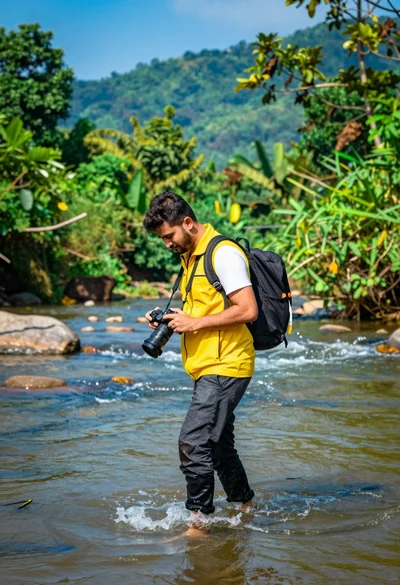
Man walking through shallow river holding camera in lush green forest
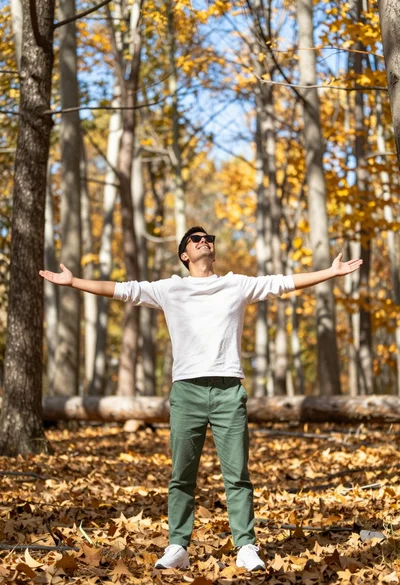
Man standing in sundrenched forest with arms outstretched showing joy
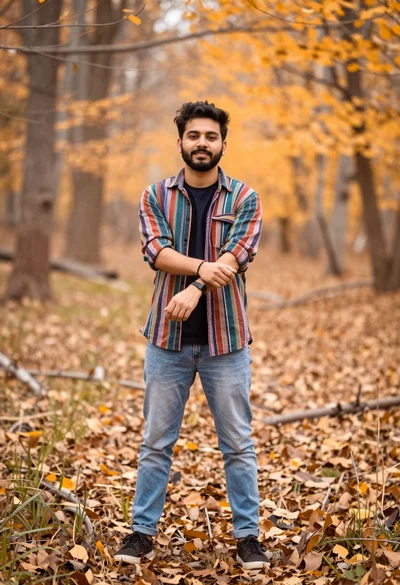
Young man in striped shirt standing in an autumnal forest clearing bokeh
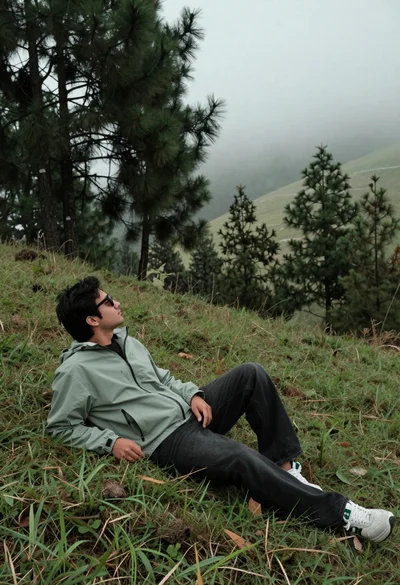
Man reclining on grassy hillside looking up at misty forest landscape
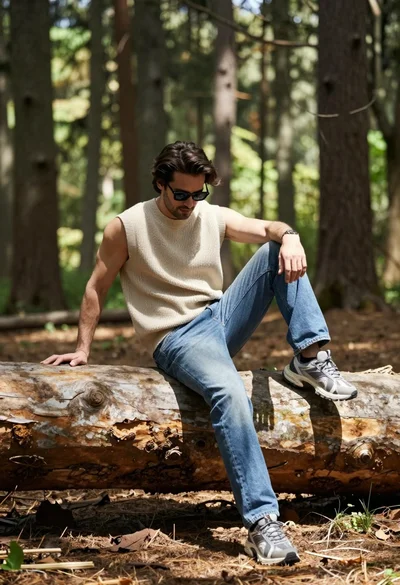
Man sitting casually on fallen log in sun dappled forest setting
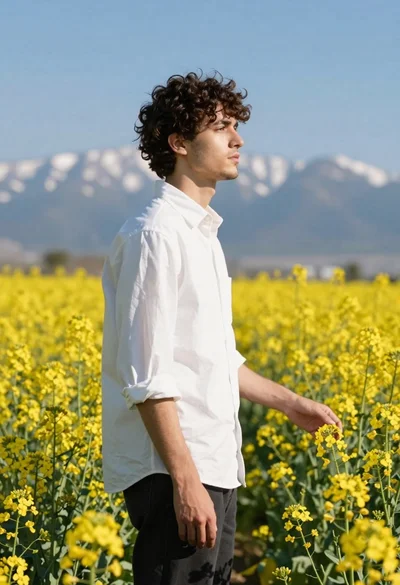
Young man in white shirt standing profile in yellow flower field
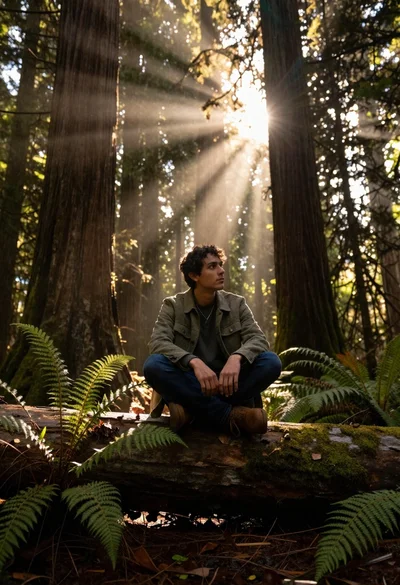
Young man sitting on log in redwood forest during golden hour
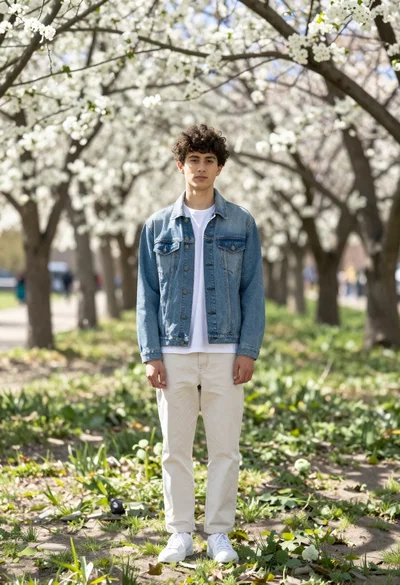
Young man in denim jacket standing in sunlit park with white blossoms

Fit man walking barefoot on tropical beach at vibrant sunset
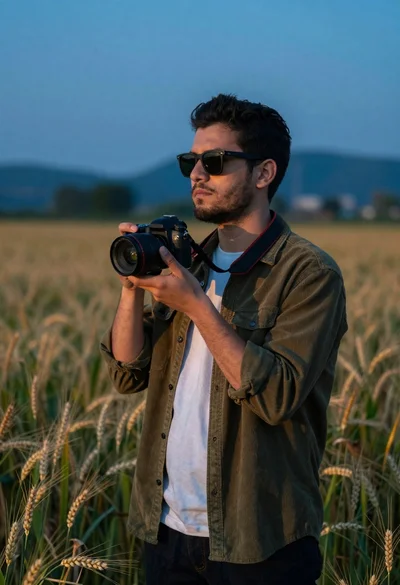
Young man with dark hair holding a camera in a wheat field