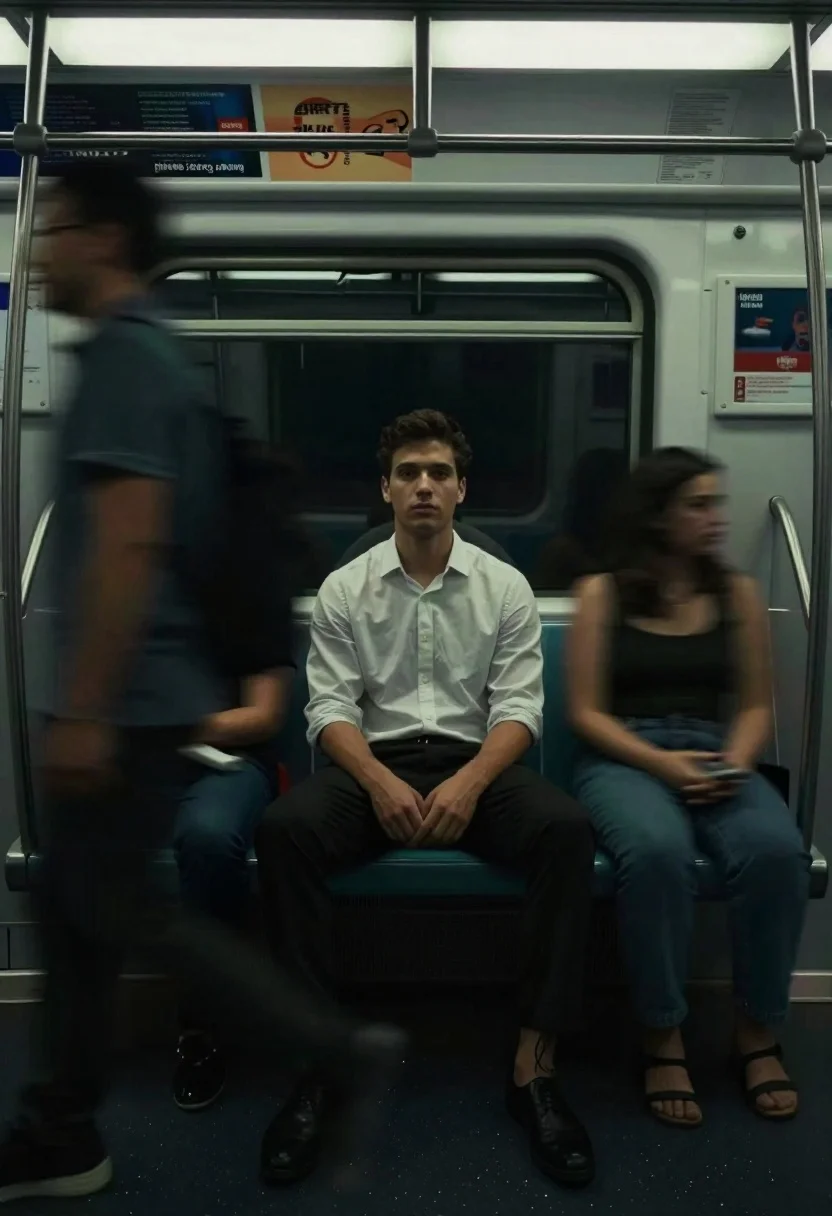
Man sitting on subway seat surrounded by motion blur
Prompt
A solitary man sitting on a subway seat while blurred motion streaks surround him

Subject: A young man with dark hair and an intense gaze sits at the center, looking directly forward in stillness

Clothing: He wears a light-colored button-up shirt and dark trousers.

Action: While he remains perfectly seated and calm, his surroundings blur into horizontal ghostly trails of commuters passing by him quickly.

Environment: The interior is a dimly lit subway car with overhead advertisements visible above the seats.

Lighting: Low-key green ambient lighting creates deep shadows that emphasize the subject's isolation against the dark background.
Description
This prompt is useful for creating editorial pieces about urban alienation, cinematic character studies, and streetwear lookbooks emphasizing mood. The combination of 'low-key green ambient lighting' casting 'deep shadows' isolates the subject by contrasting his stillness against the surrounding 'horizontal ghostly trails,' which prevents the background from becoming a distracting mess of detail.
Suggestions
- Change 'light-colored button-up shirt' to 'oversized graphic tee' for more streetwear impact.
- Adjust 'low-key green ambient lighting' to 'harsh fluorescent overhead light' for a different mood.
- Modify 'horizontal ghostly trails' to 'streaks of neon color' to enhance the visual chaos.
Category
Tags
Casual WearFull BodyIndoorsLow AngleMaleRealisticStreetwear
Date added
June 19, 2026
Added by
PromptDexter Team
Related Prompts
More prompts with similar categories and tags.
Studio portrait of man in armchair against gray background
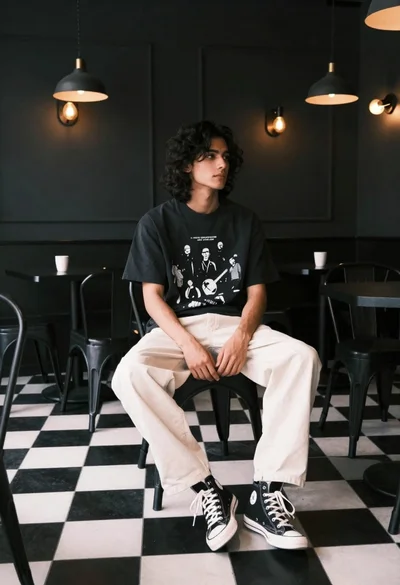
Young man with dark wavy hair sitting in dimly lit cafe interior
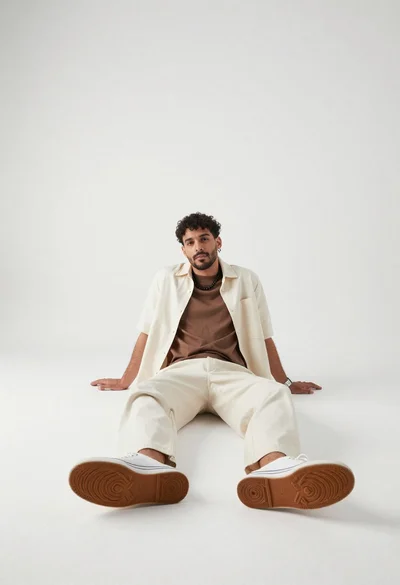
Man sitting on floor in minimalist white studio setting

Man in suit sitting on classic red car outdoors
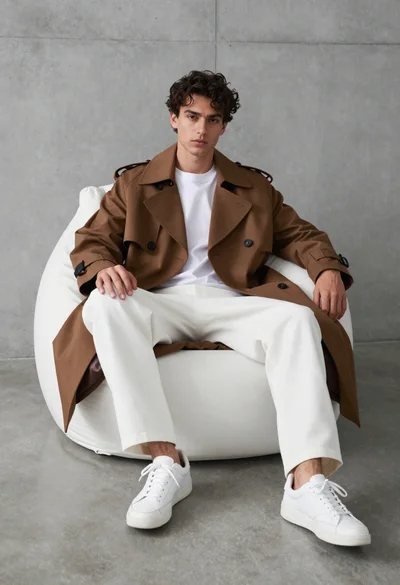
Young man in trench coat sitting on white beanbag chair against grey
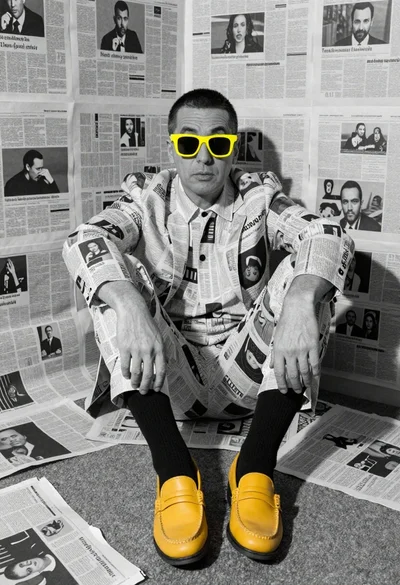
Man in monochrome suit with yellow accents studio portrait
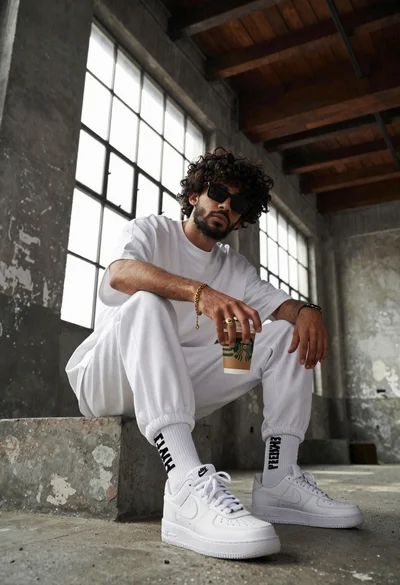
Young man with curly black hair and beard sits on concrete ledge

Black and white studio portrait of man with beard