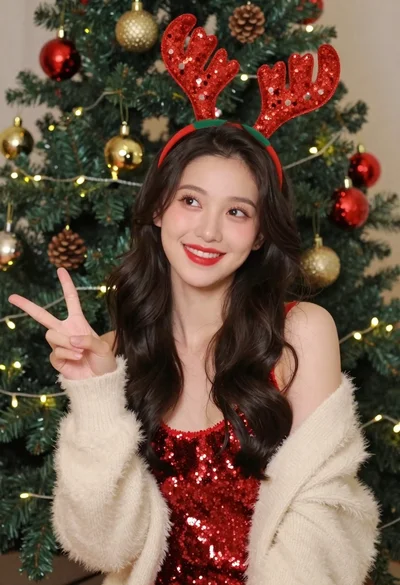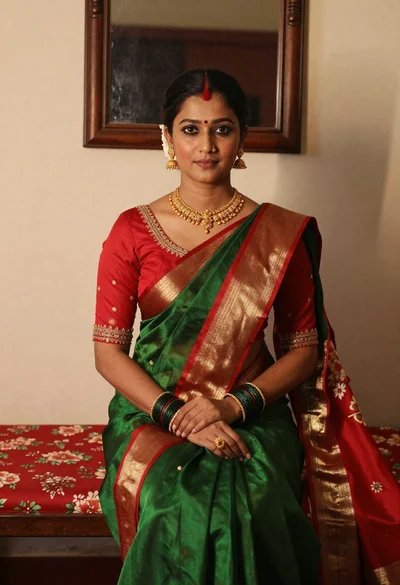

Medium close up portrait of young woman wearing dark colored sleeveless top
Prompt
A portrait of a young woman with long, straight dark hair and blunt bangs framing her face.

Subject: A young woman with pale skin, large expressive eyes, and a small nose piercing on the left nostril. She has a neutral, direct gaze looking at the camera. Her hair is very long, reaching down past her shoulders, and appears sleek and straight with a deep brown or black color that reflects warm golden highlights along the strands.

Clothing: She wears a simple, dark-colored sleeveless top with a high neckline that covers her chest. The fabric appears smooth and matte.

Action: She stands facing forward with a calm, composed expression. Her shoulders are relaxed and slightly angled.

Environment: The background is a plain, neutral-toned interior wall, possibly grey or beige, with a dark horizontal beam or molding visible near the ceiling corner.

Lighting: Warm, directional light illuminates her face from the front-left, casting soft shadows on the right side of her face and highlighting the texture of her hair. The lighting creates a moody, intimate atmosphere with a slight vignette effect around the edges.

Camera: A medium close-up shot framed to focus on her upper body and face. The angle is straight-on, capturing her direct gaze.

Style Details: The image has a soft, slightly grainy texture reminiscent of film photography or a digital filter applied to enhance skin tones and hair gloss. The color palette is muted with warm highlights contrasting against the dark hair and clothing.
Description
This prompt is useful for creating intimate character portraits, moody editorial headshots, and stylized personal branding imagery. The combination of 'warm, directional light' casting soft shadows on one side while maintaining a 'neutral, direct gaze' anchors the subject in an immediate, thoughtful moment, which complements the muted color palette and film grain texture.
Suggestions
- Change 'deep brown or black color' to 'raven black' for higher contrast.
- Swap 'plain, neutral-toned interior wall' for 'dark textured concrete' for more visual interest.
- Adjust 'soft, slightly grainy texture' to 'high-resolution digital clarity' if you want a modern feel.
Category
Tags
Black HairFemaleIndoorsMedium ShotPortrait ShotRealistic
Date added
June 19, 2026
Added by
PromptDexter Team
Related Prompts
More prompts with similar categories and tags.
Woman with black hair leaning indoors by glass railing in bright modern

Young woman in black crop top and cream trousers indoors looking over

Woman in black dress seated in dimly lit diner booth
Young asian woman in white shirt by large window
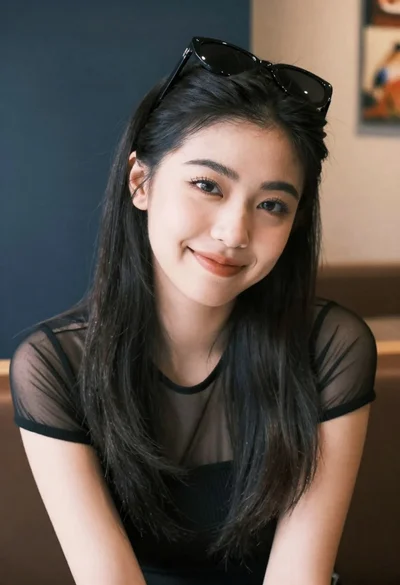
Medium close up portrait of young woman wearing black top and sunglasses
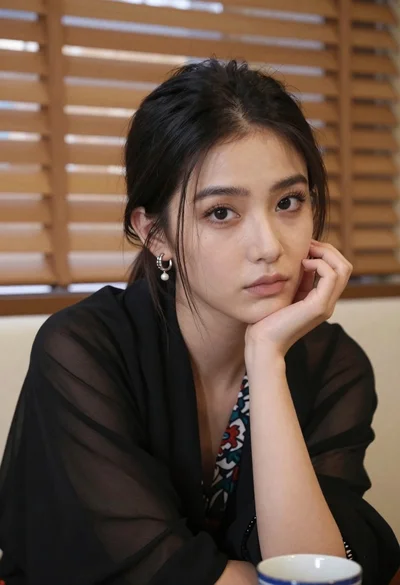
Closeup portrait of young woman with dark hair by window blinds
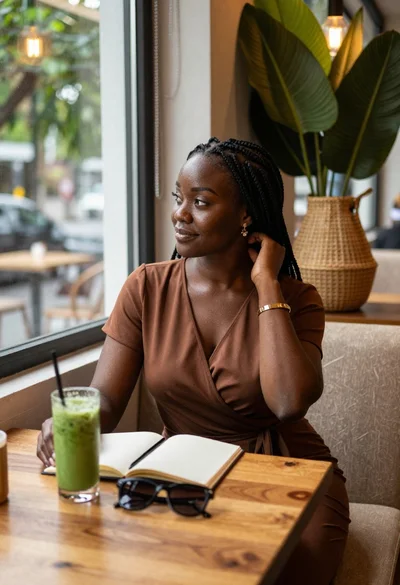
Black woman in brown dress at cafe window
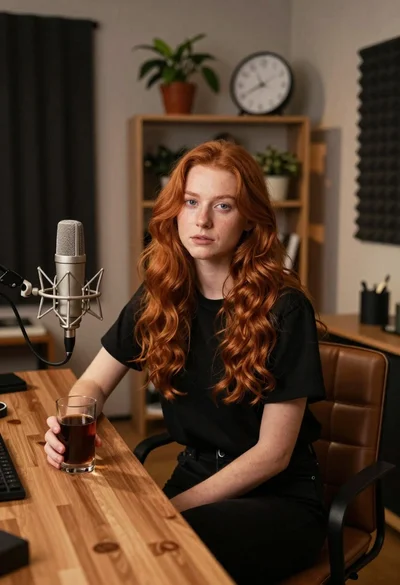
Young woman with red hair seated at wooden desk in cozy studio
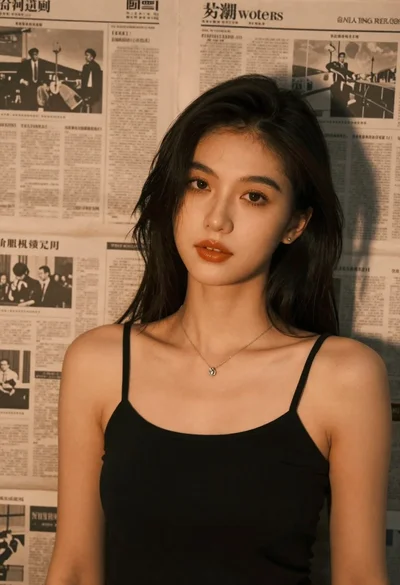
Brunette woman leaning against aged newspaper wall
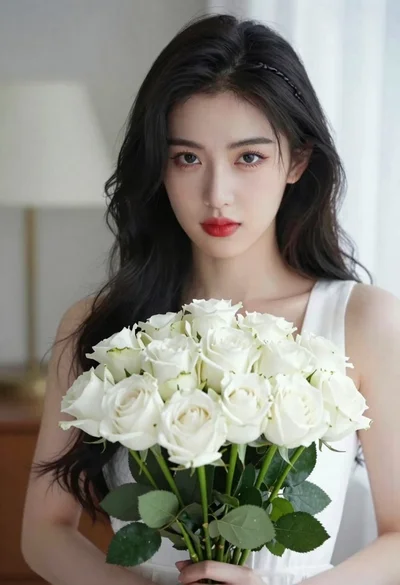
Portrait of young woman with black hair holding white roses bouquet