
Minecraft style pixelated girl in beige dress and blue jacket on blocky
Prompt
A pixelated, Minecraft-style character resembling a young girl with short brown hair and a stern expression stands in the foreground.

Subject: A blocky, voxel-based character with short dark brown hair styled in a side part, pale skin, and a serious, intense facial expression looking directly forward.

Clothing: The character wears a beige, textured dress with a pleated skirt and a matching collar, layered under an open blue jacket with visible lapels and buttons.

Environment: A blocky landscape featuring grassy hills, pixelated trees with green foliage, a winding river reflecting the sky, and distant mountains under a sunset sky with rectangular clouds.

Lighting: Warm golden hour sunlight coming from the left side, casting soft shadows and creating a glowing reflection on the water surface.

Camera: Close-up portrait shot with shallow depth of field blurring the background slightly to emphasize the character's face and upper body.

Style Details: High-fidelity 3D rendering mimicking Minecraft’s voxel aesthetic with realistic textures, smooth lighting transitions, and cinematic color grading.
Description
This prompt is useful for creating concept art for blocky video game characters, promotional material for pixelated worlds, or character sheets for indie RPGs. The combination of 'Minecraft-style' voxel rendering with 'warm golden hour sunlight' ensures the subject feels grounded in a specific, stylized environment while the 'shallow depth of field' keeps focus tightly on the character's intense expression.
Suggestions
- Change 'beige, textured dress' to 'ochre blocky tunic' for more color variation.
- Replace 'winding river reflecting the sky' with 'crystal blue voxel waterfall' for a stronger focal point.
- Adjust 'stern expression' to 'curious gaze' if you want a softer mood.
Category
Tags
3dBrown HairCasual WearClose UpFictional CharacterForestMountainsOutdoors
Date added
June 26, 2026
Added by
PromptDexter Team
Related Prompts
More prompts with similar categories and tags.
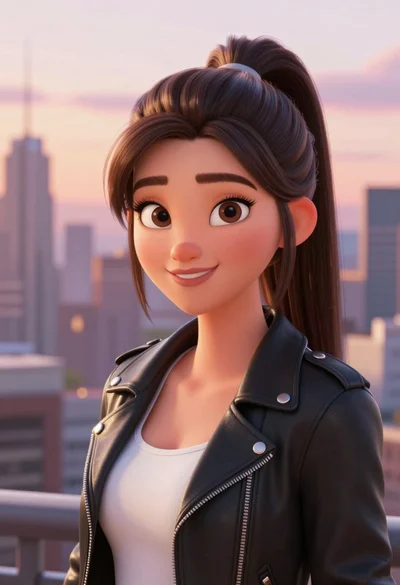
Digital portrait of young woman in black leather jacket against city skyline
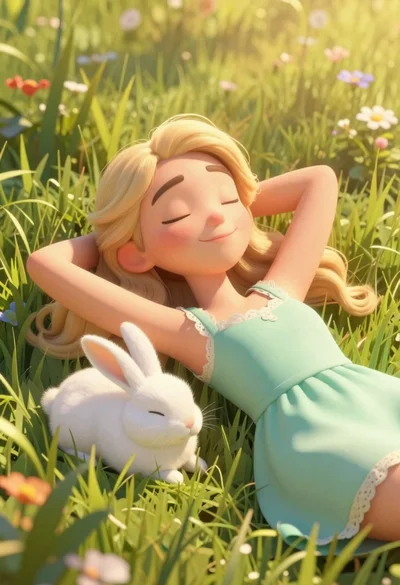
Woman resting in meadow with white rabbit at golden hour

Three disney characters on a tropical grassy rock
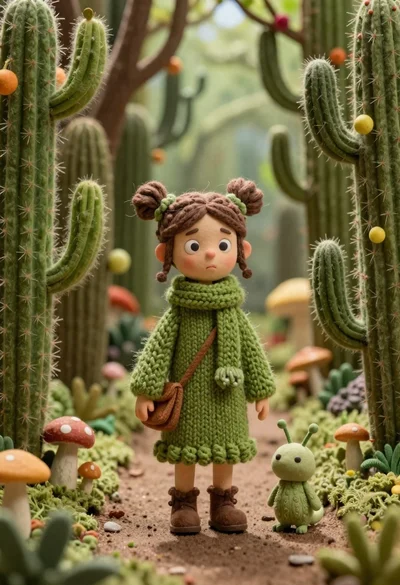
Girl in green robes with mushroom creature in fuzzy forest
Cyborg woman in hoodie with glowing amber circuitry amidst floating autumn leaves

Cheerful young man taking selfie while standing on giant smartphone screen
Cheerful young boy in colorful puzzle sweater standing against blue background
Lone figure sitting in meadow at twilight under dramatic sky
