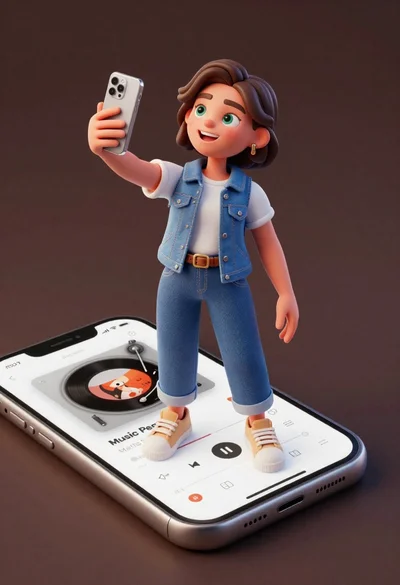
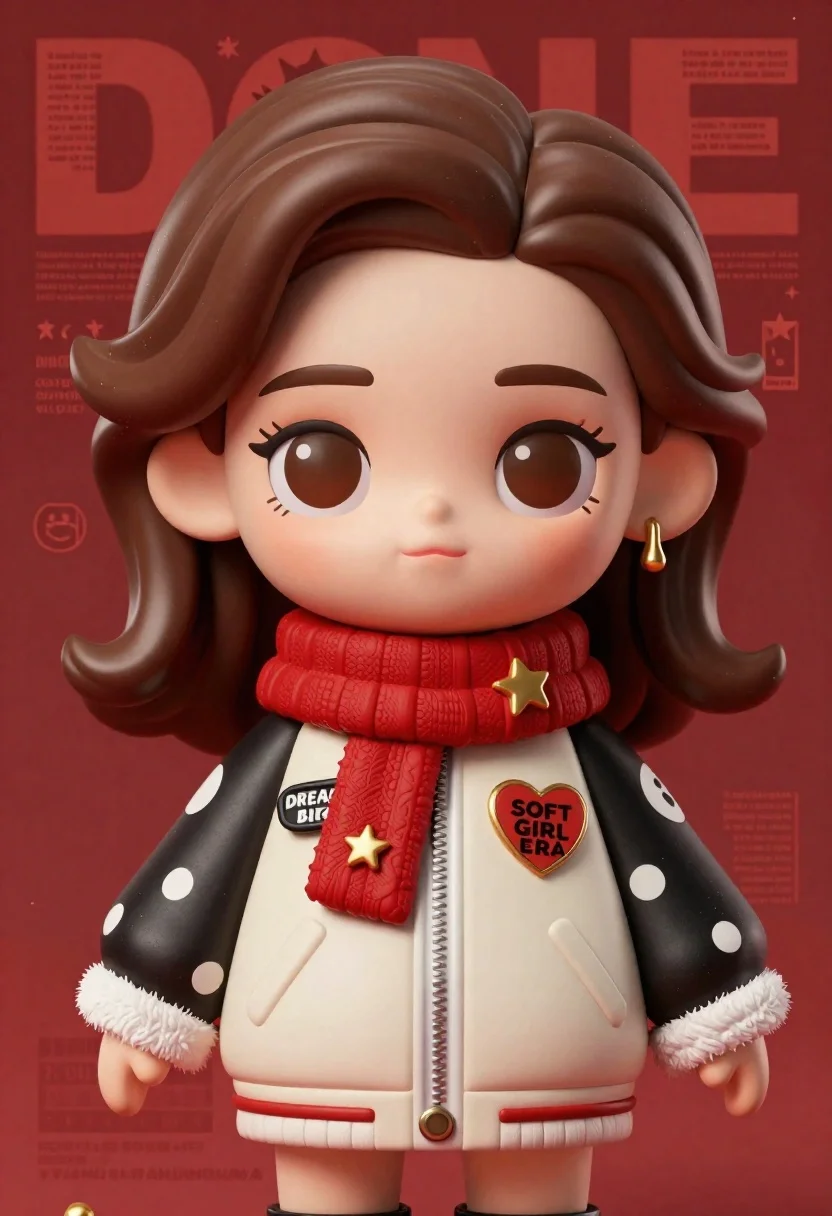
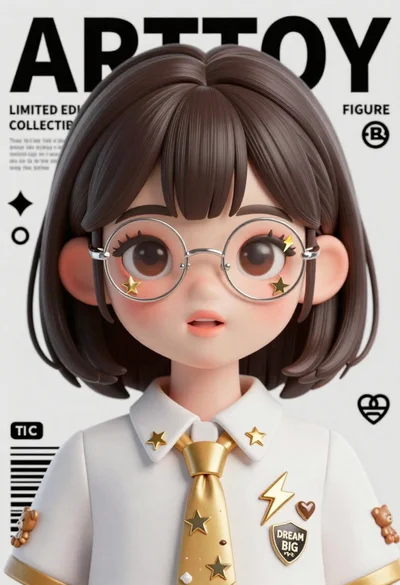
Closeup portrait of stylized female art doll figure with brown hair
Prompt
A close-up portrait of a stylized art toy figure with large expressive eyes and soft brown hair styled in loose waves against a deep red background.

Subject: A youthful female art doll character with oversized glossy brown eyes, thick dark eyelashes, and a gentle closed-mouth smile. She has voluminous shoulder-length brown hair with subtle highlights and a side part.

Clothing: She wears a cream-colored bomber jacket with black sleeves featuring white polka dots and fluffy white fur trim at the cuffs and hem. A thick red scarf is wrapped around her neck, adorned with a small gold star pin. The jacket features multiple patches including a heart-shaped patch reading SOFT GIRL ERA, a pocket patch saying DREAM BIG, and other decorative pins like a smiley face and XOXO.

Action: The figure stands facing forward with arms crossed over the chest in a confident pose, looking directly at the viewer.

Environment: A solid deep red background resembling a magazine cover layout with graphic design elements including text blocks, stars, and logos arranged around the subject.

Camera: Close-up framing focusing on the upper body and face, with a shallow depth of field that keeps the subject sharp while softening the edges slightly.

Lighting: Soft studio lighting illuminating the front of the figure evenly, creating gentle highlights on the skin and hair without harsh shadows, giving a polished commercial look.

Style Details: High-quality 3D rendered art toy aesthetic with smooth textures, vibrant colors, and clean lines reminiscent of designer collectible figures; includes subtle film grain and color grading typical of premium product photography.
Description
This prompt is useful for creating stylized character concept art, high-end collectible packaging mockups, and digital fashion lookbooks featuring toy aesthetics. The combination of 'soft studio lighting' with a 'deep red background' ensures the figure remains the focal point while the specific details like the 'white polka dots' on the jacket provide necessary visual anchors against the graphic design elements.
Suggestions
- Change 'deep red background' to 'muted burgundy backdrop' for a more sophisticated feel.
- Swap 'bomber jacket' for 'cropped cardigan' to alter the silhouette.
- Adjust 'soft studio lighting' to 'rim light from above' to add dramatic separation.
Category
Tags
3dBrown HairCasual WearClose UpFemaleOutdoorsPortrait ShotStudio
Date added
June 23, 2026
Added by
PromptDexter Team
Related Prompts
More prompts with similar categories and tags.
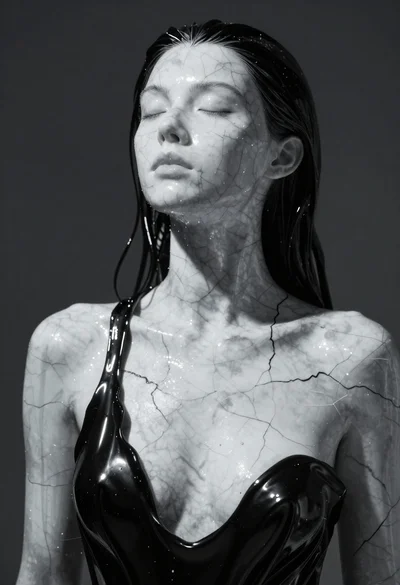
Closeup portrait of woman with white marble skin and glossy black liquid
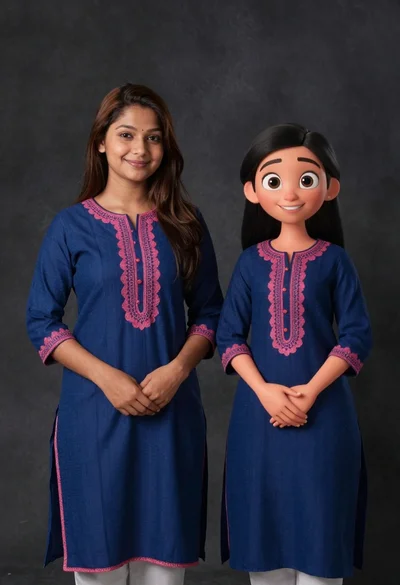
Young woman in blue traditional outfit standing next to her animated 3d
Close up portrait of cheerful young man with curly brown hair
Cheerful young man taking selfie while standing on giant smartphone screen
Young woman in pink puffer jacket standing by counter with minions
Cheerful young boy in colorful puzzle sweater standing against blue background
Anime girl portrait with glasses and gold spiked tie on magazine background

Photorealistic portrait of woman in red gold armor holding shield studio shot
