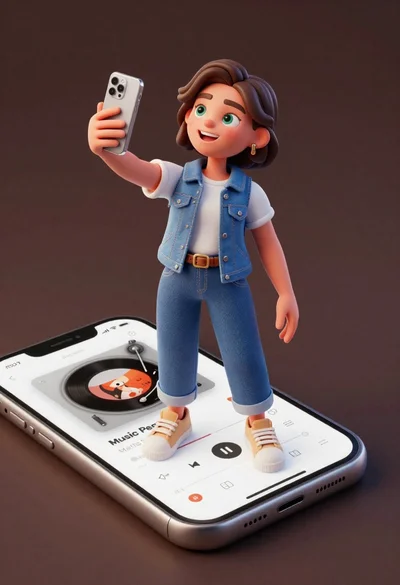
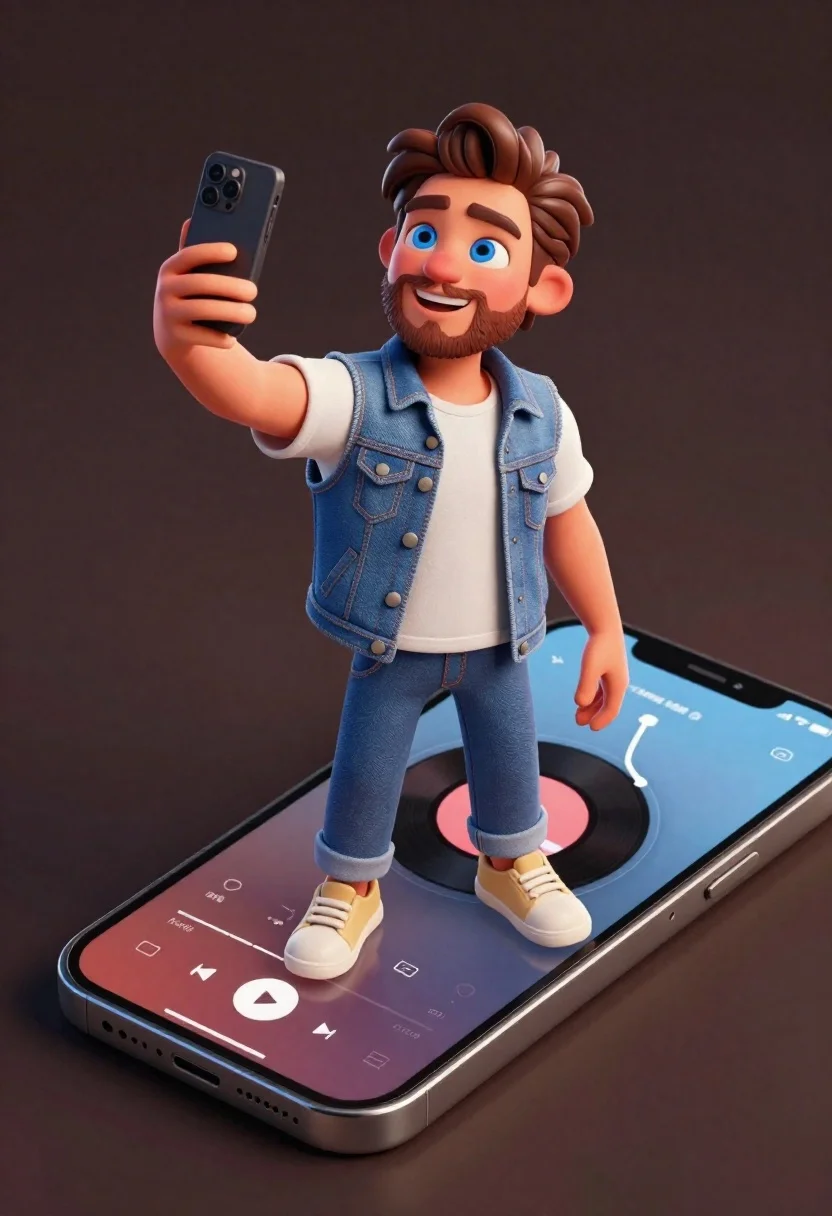
Cheerful young man taking selfie while standing on giant smartphone screen
Prompt
A cheerful young man with brown hair and a beard stands on a giant smartphone screen while taking a selfie with another phone in his hand.

Subject: A smiling young man with short brown hair, light stubble, and bright blue eyes looking at the camera.

Clothing: He wears a white t-shirt under a denim vest, blue jeans, and beige sneakers.

Action: He holds a black smartphone up to take a selfie with his right hand while standing on a larger phone screen displaying a music player interface.

Environment: A solid dark brown background with no other scenery.

Camera: High-angle shot looking down at the character, emphasizing the scale of the smartphone he is standing on.

Lighting: Soft studio lighting that highlights the subject’s face and clothing textures without harsh shadows.

Style Details: 3D animated style with smooth rendering, vibrant colors, and a playful, modern aesthetic.
Description
This prompt is useful for creating whimsical advertising concepts, character concept art for mobile games, and surreal product placements. The combination of 'high-angle shot looking down' and the 'giant smartphone screen' establishes an immediate sense of scale contrast, while the 'soft studio lighting' ensures that the subject's face remains clearly visible despite the unusual environment.
Suggestions
- Change 'denim vest' to 'graphic hoodie' for a more contemporary feel.
- Adjust 'bright blue eyes' to 'hazel eyes' for subtle variation.
- Replace 'music player interface' with 'social media feed' to change the context.
Category
Tags
3dBrown HairCasual WearFictional CharacterFull BodyHigh AngleMalePortrait ShotRealisticStudio
Date added
June 21, 2026
Added by
PromptDexter Team
Related Prompts
More prompts with similar categories and tags.
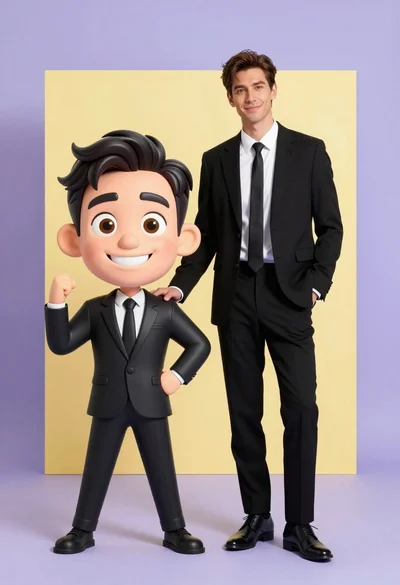
Photorealistic man next to large caricature in black suits studio setting
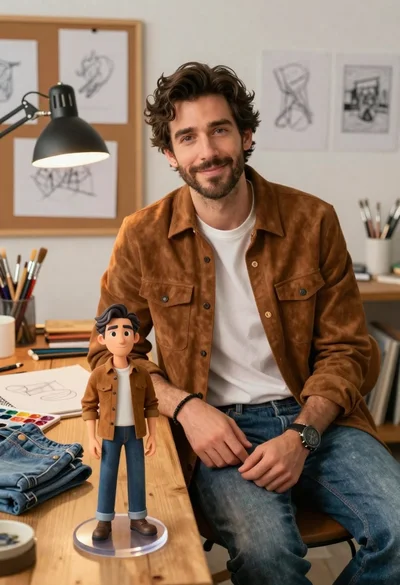
Handsome man in suede shirt sitting at desk in art studio

Cheerful chibi pirate character standing on treasure chest in studio
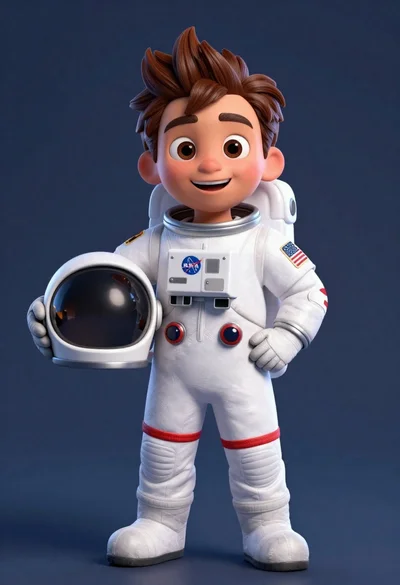
Cheerful cartoon astronaut boy holding helmet in dark blue studio
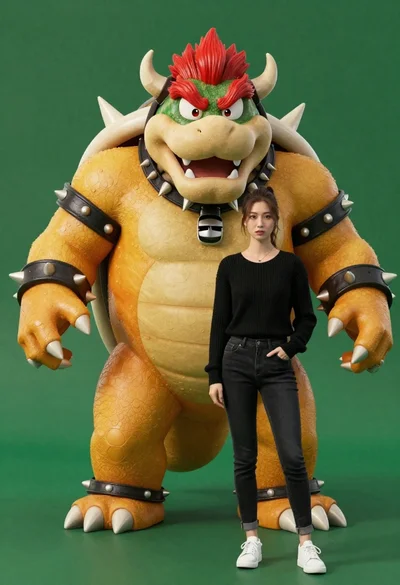
Muscular bowser character standing next to young woman in black sweater
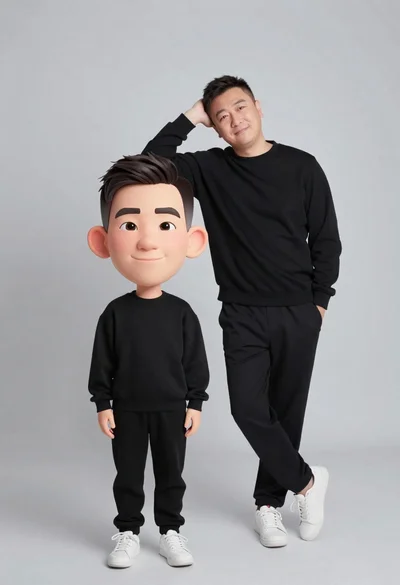
Large headed cartoon caricature standing in front of real life man in
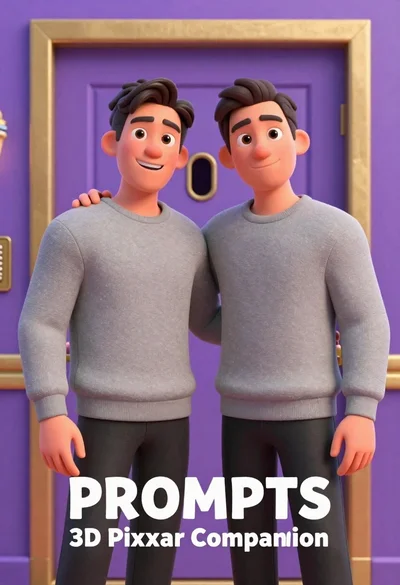
Two men standing side by side in front of a purple door

Muscular man in blue blazer on solid deep blue background