
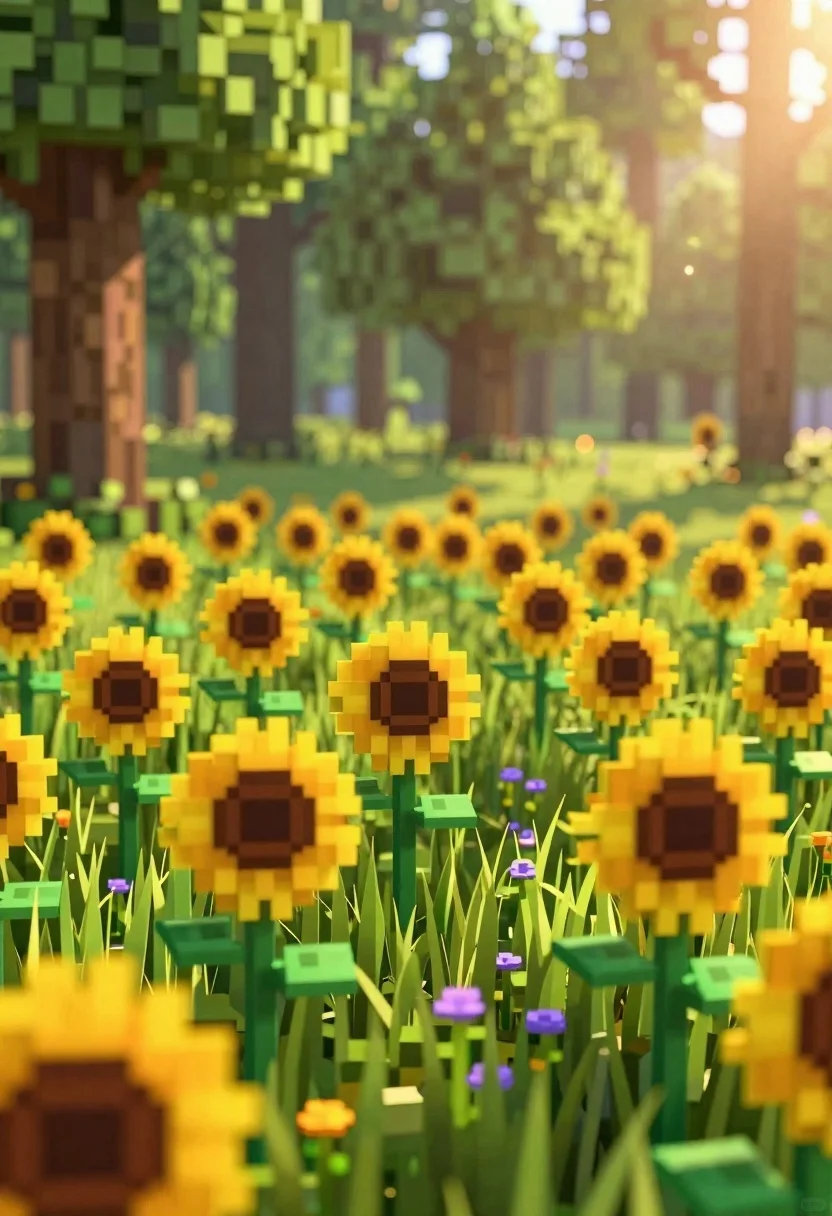
Minecraft style voxel sunflower field in a lush green forest clearing
Prompt
A sun-drenched forest clearing filled with a field of pixelated sunflowers and grass.

Subject: A dense field of large, yellow sunflowers with dark centers dominating the foreground and mid-ground.

Clothing: None visible.

Action: The flowers stand tall in the breeze, facing various directions.

Environment: A lush green meadow with small purple wildflowers scattered among the grass, leading back into a forest of tall trees with thick trunks.

Camera: Low angle shot looking across the flower field towards the sunlit background, creating a shallow depth of field that blurs the distant trees.

Lighting: Bright, warm sunlight streaming from the right side, creating a strong backlight and lens flare effect through the trees.
Second

Subject: None.

Objects: None.

Interaction: None.

Text/Graphics: None.

Style Details: Minecraft-style voxel art with blocky geometry and pixelated textures, rendered with soft atmospheric lighting and depth of field effects.
Description
This prompt is useful for creating stylized video game concept art, whimsical digital dioramas, and nature-themed educational graphics. The combination of 'Minecraft-style voxel art' geometry with 'soft atmospheric lighting' ensures the scene reads as a constructed, playful environment rather than photorealism, while the 'low angle shot' emphasizes the scale of the blocky sunflowers against the forest backdrop.
Suggestions
- Change 'pixelated sunflowers' to 'voxel sunflower heads' for more consistency.
- Swap 'lush green meadow' for 'moss-covered voxel ground' to enhance the game aesthetic.
- Add 'octane render' to boost the material quality.
Category
Tags
Digital ArtForestLow AngleMedium ShotNatureOutdoors
Date added
June 26, 2026
Added by
PromptDexter Team
Related Prompts
More prompts with similar categories and tags.
Oil painting of lotus flowers on a misty pond
Young woman sketching red fox on mossy log in magical forest setting
Young woman kneeling by mystical pond with deer and whales in forest
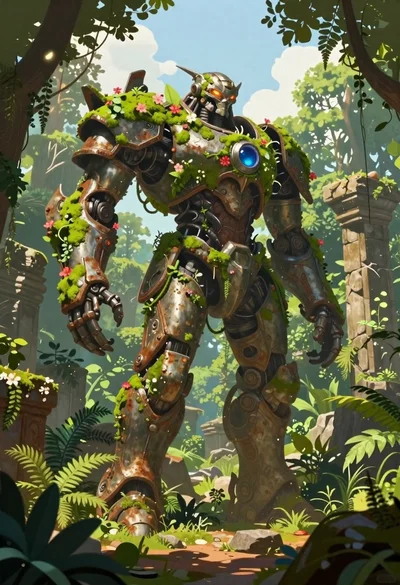
Biomechanical guardian in overgrown ancient ruins
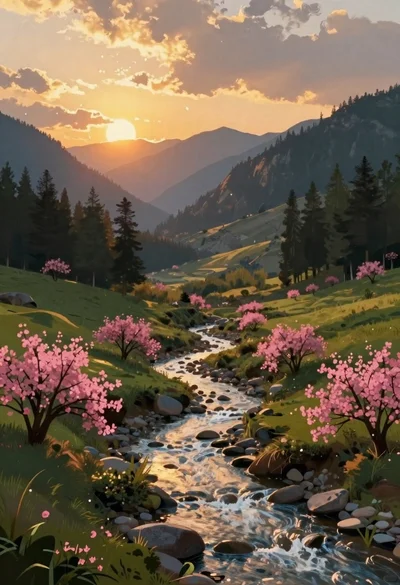
Mountain landscape with river at golden hour sunset
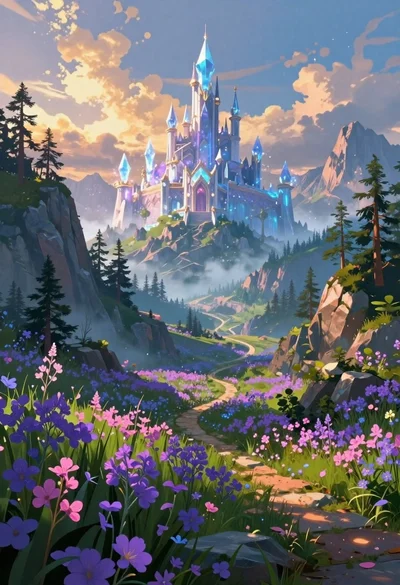
Crystalline castle on a mountain peak in fantasy landscape
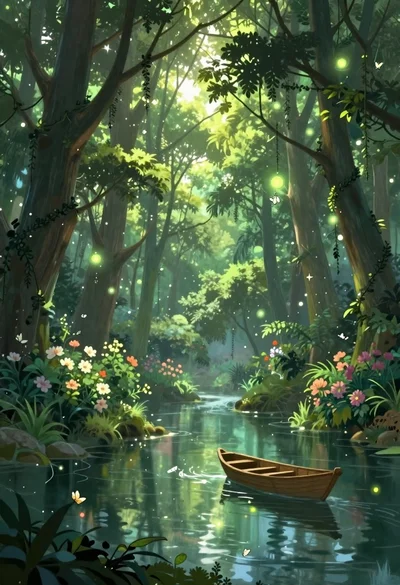
Enchanted forest scene with glowing atmosphere and light particles
Knight in dark armor holding white cat amidst pink flowers and mountains
