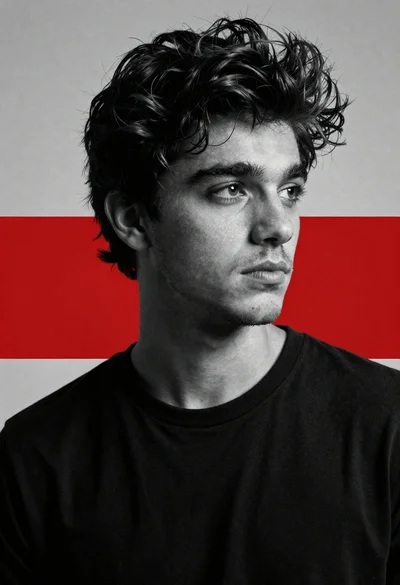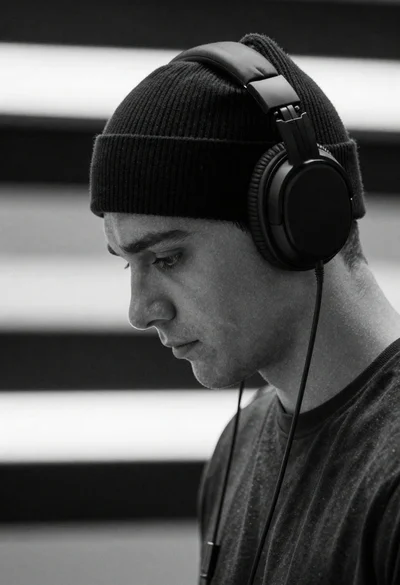
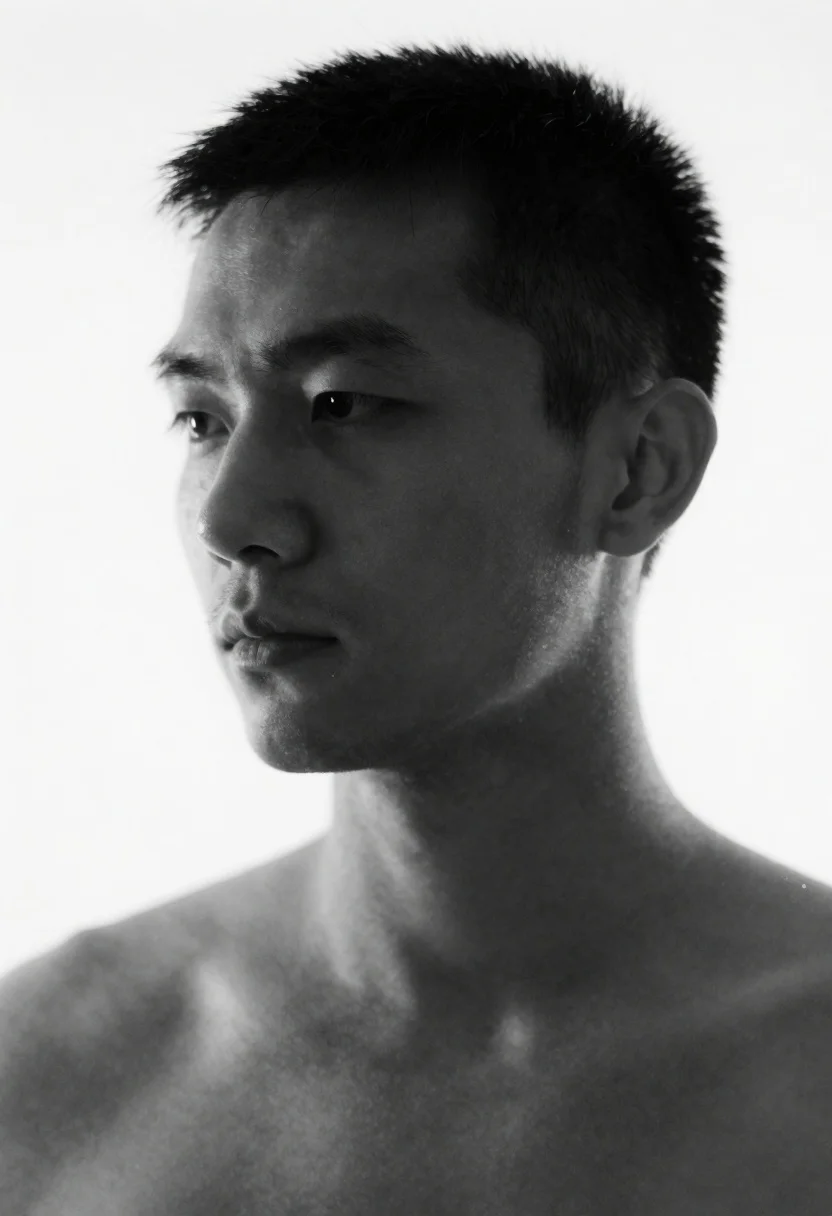
Monochrome portrait of a man against a stark white background
Prompt
Monochrome portrait of a man's head and shoulders rendered with heavy horizontal motion blur against a stark white background.

Subject: adult male visible from the neck up, short hair distorted into distinct strands by the motion blur effect.

Environment: stark white background completely isolating the figure.

Lighting: flat diffuse lighting creating high contrast between dark shadows on the skin silhouette and bright highlights without strong directional light or depth cues.

Style Details: monochrome aesthetic, abstract motion distortion, high-contrast portrait photography style.
Description
This prompt is useful for creating avant-garde album art, conceptual fine art prints, and stylized character concept sheets. The combination of 'heavy horizontal motion blur' with 'flat diffuse lighting' intentionally flattens depth cues, which abstracts the subject into pure form suitable for graphic design applications rather than realistic portraiture.
Suggestions
- Change 'head and shoulders' to 'upper torso' to incorporate more clothing texture.
- Swap 'stark white background' for 'concrete wall' to introduce subtle environmental grit.
- Adjust 'heavy horizontal motion blur' to 'subtle directional streak' for a less extreme effect.
Category
Tags
B&wClose UpMaleRealisticStudio
Date added
June 19, 2026
Added by
PromptDexter Team
Related Prompts
More prompts with similar categories and tags.
Portrait of handsome young man in black leather jacket studio shot
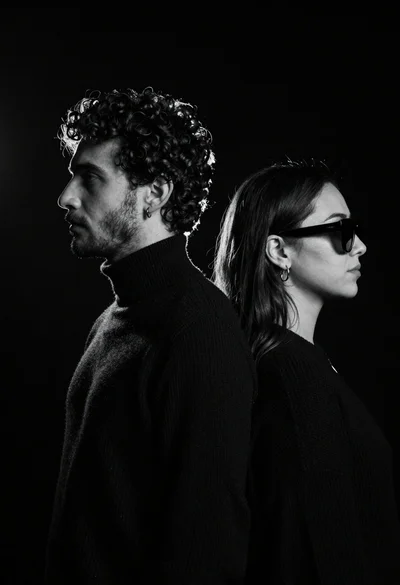
High contrast black and white profile portrait of man and woman in
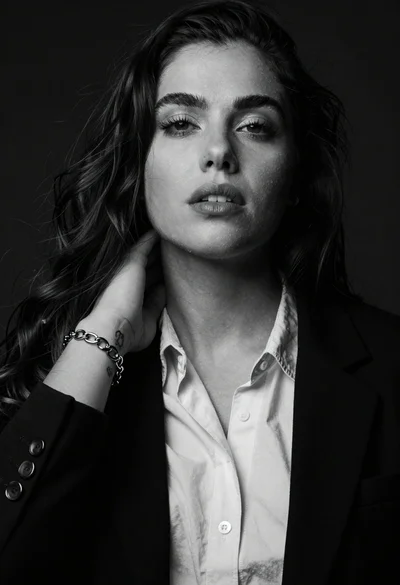
High contrast black and white studio portrait of woman with dark hair
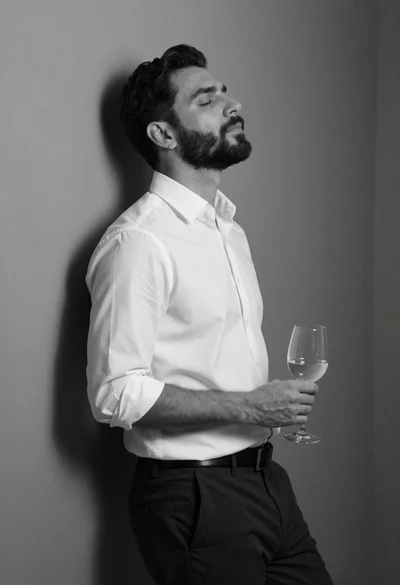
Black and white portrait of man leaning against corner wall

Black and white portrait of man with beard studio shot
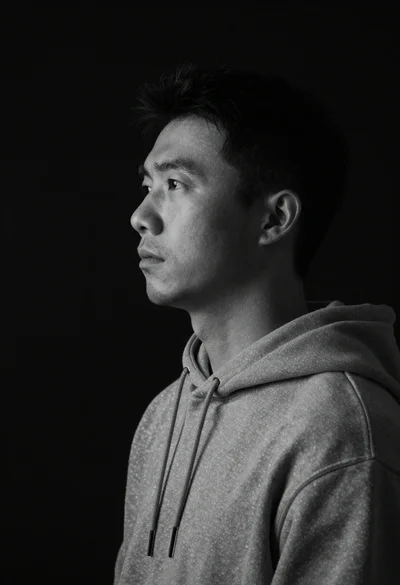
Monochrome portrait of asian man in profile
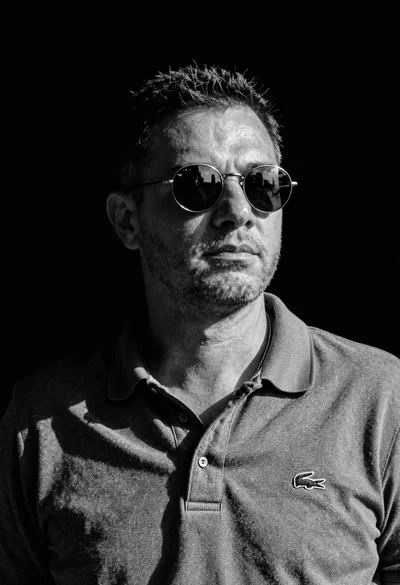
Black and white portrait of man in polo shirt
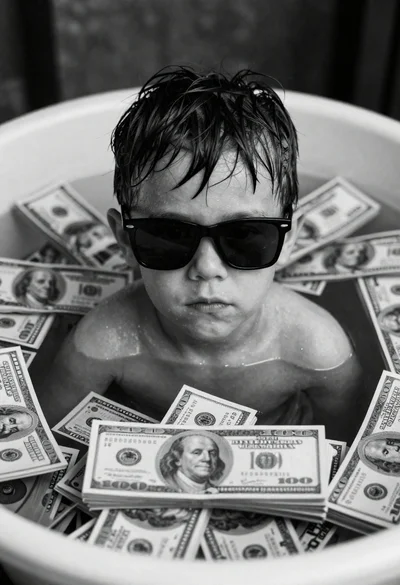
Close up portrait of young boy submerged in hundred dollar bills