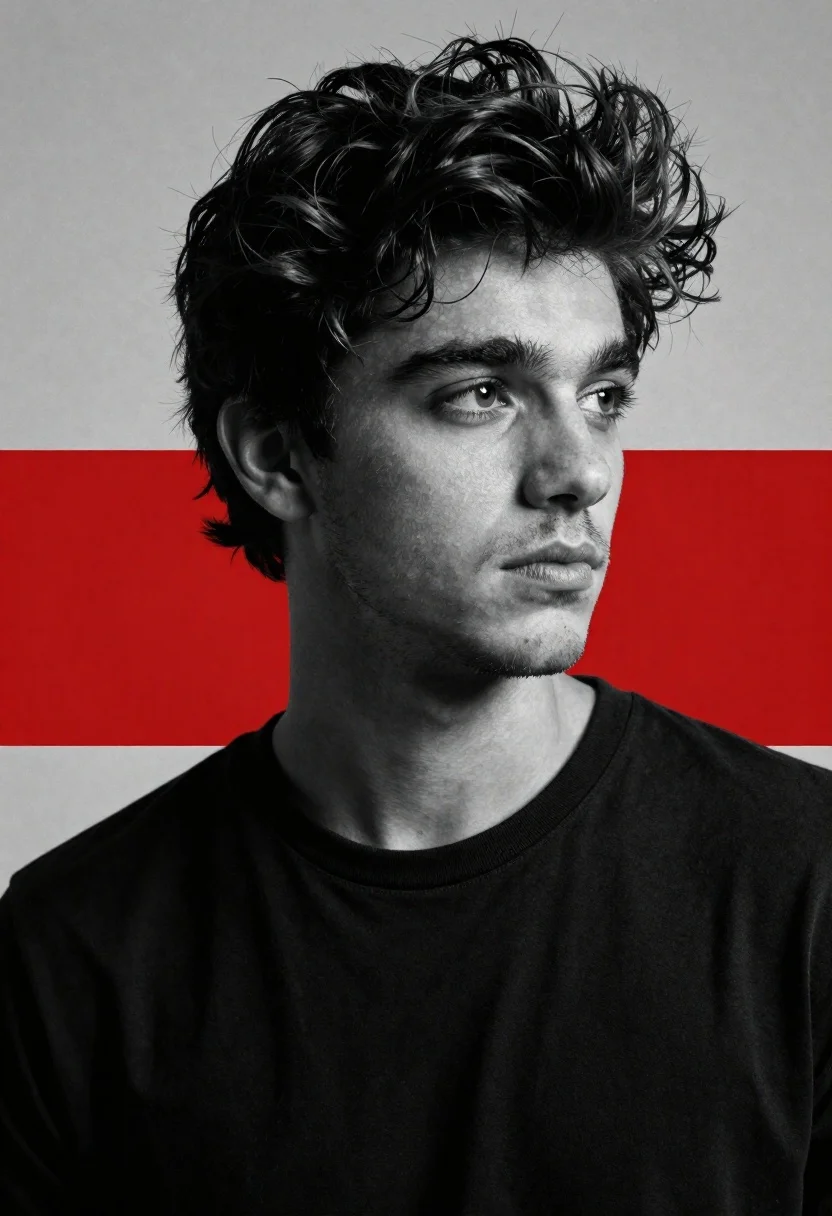
Cinematic black and white portrait of young man with dark hair
Prompt
A cinematic black-and-white portrait of a young man with tousled dark hair and stubble gazing thoughtfully to the side against a background divided by a bold red horizontal band.

Subject: A handsome young man with messy, voluminous dark hair and light facial stubble looking off-camera with an intense, contemplative expression.

Clothing: He wears a simple black crew-neck t-shirt that contrasts sharply with his pale skin.

Lighting: High-contrast studio lighting creates deep shadows on the left side of his face while illuminating the right, emphasizing his cheekbones and jawline in a dramatic chiaroscuro effect.

Style Details: The image features a grainy, film-like texture with a stark monochrome palette interrupted by a vivid red graphic band across the middle, evoking a modern artistic poster aesthetic.

Camera: A tight close-up shot framed from the chest up, utilizing a shallow depth of field to keep the subject in sharp focus while softening the background elements.
Description
This prompt is useful for creating album art covers, dramatic character concept sheets, and high-end editorial magazine spreads requiring graphic contrast. The combination of 'high-contrast studio lighting' with a 'vivid red graphic band' achieves a modern artistic poster aesthetic by using the deep shadows to sculpt facial structure while the unexpected color interrupts the otherwise stark monochrome palette.
Suggestions
- Change 'tousled dark hair' to 'slicked back wet hair' for a different mood.
- Swap 'simple black crew-neck t-shirt' for 'turtleneck sweater' to add more texture.
- Adjust 'vivid red graphic band' to 'subtle crimson horizontal line' for less visual impact.
Category
Tags
B&wClose UpMaleRealisticStudio
Date added
June 19, 2026
Added by
PromptDexter Team
Related Prompts
More prompts with similar categories and tags.

Studio portrait of young man with sunglasses against yellow
Close up portrait of dark skinned man with wet hair
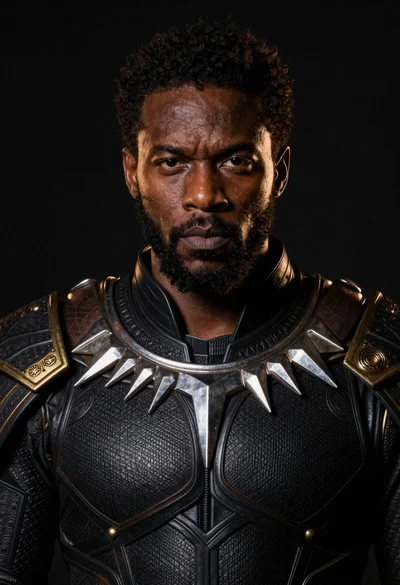
Black man in dark armored suit portrait against black background
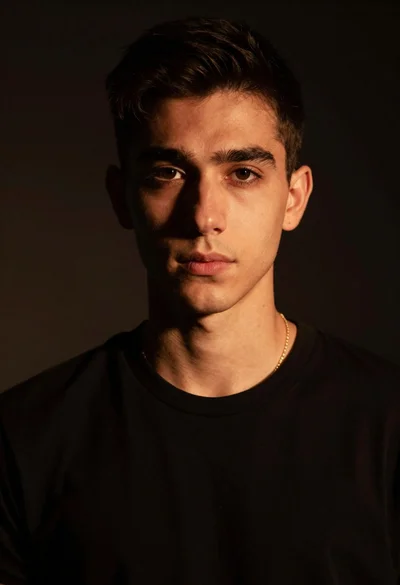
Portrait of young man with gold necklace under dramatic light
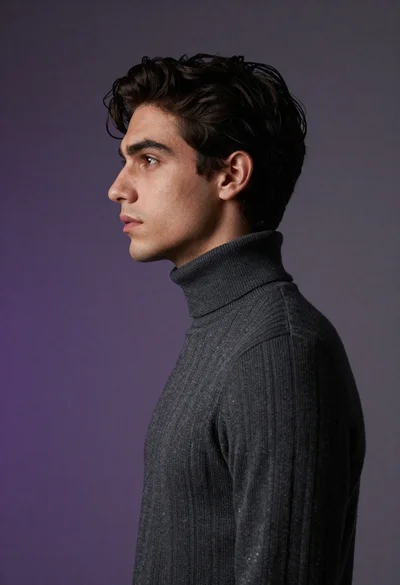
Close up profile portrait of young man in dark turtleneck sweater
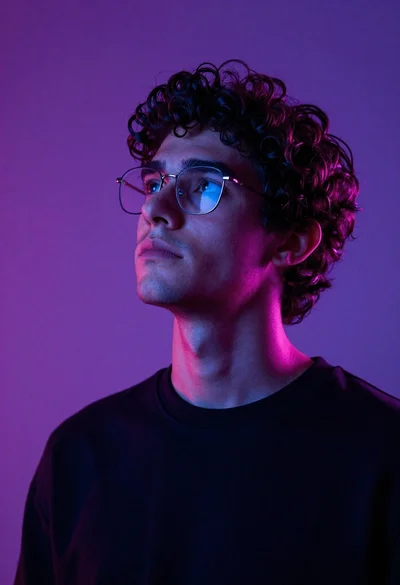
Close up portrait of young man with curly dark hair looking upward
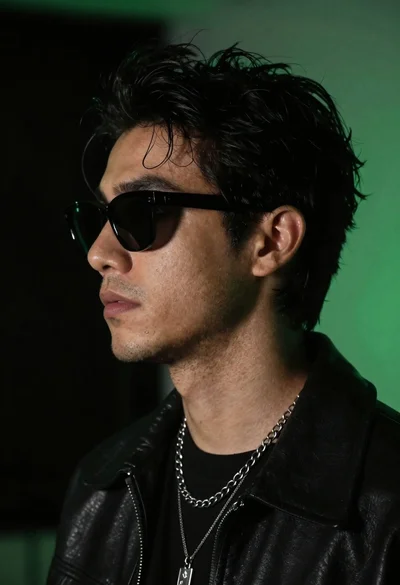
Close up profile portrait of young man in black jacket against dark
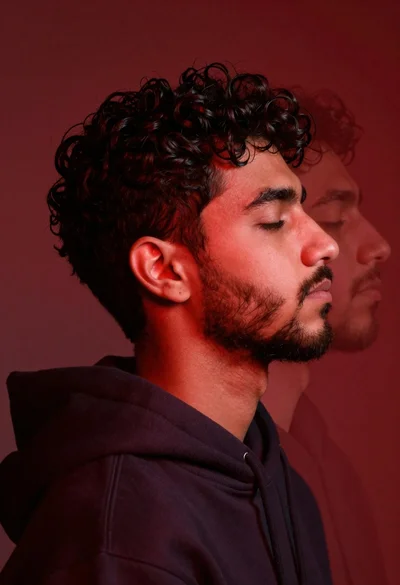
Profile portrait of young man with dark curly hair in red light
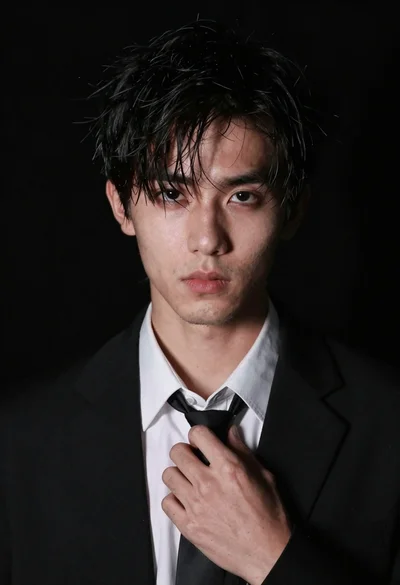
Close up portrait of young man in black suit adjusting his tie
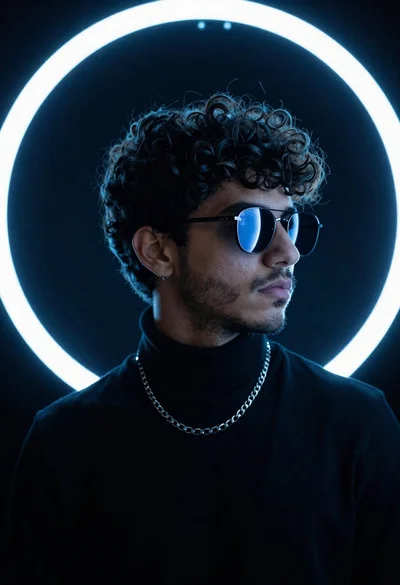
Portrait of young man in black turtleneck against glowing circular neon light