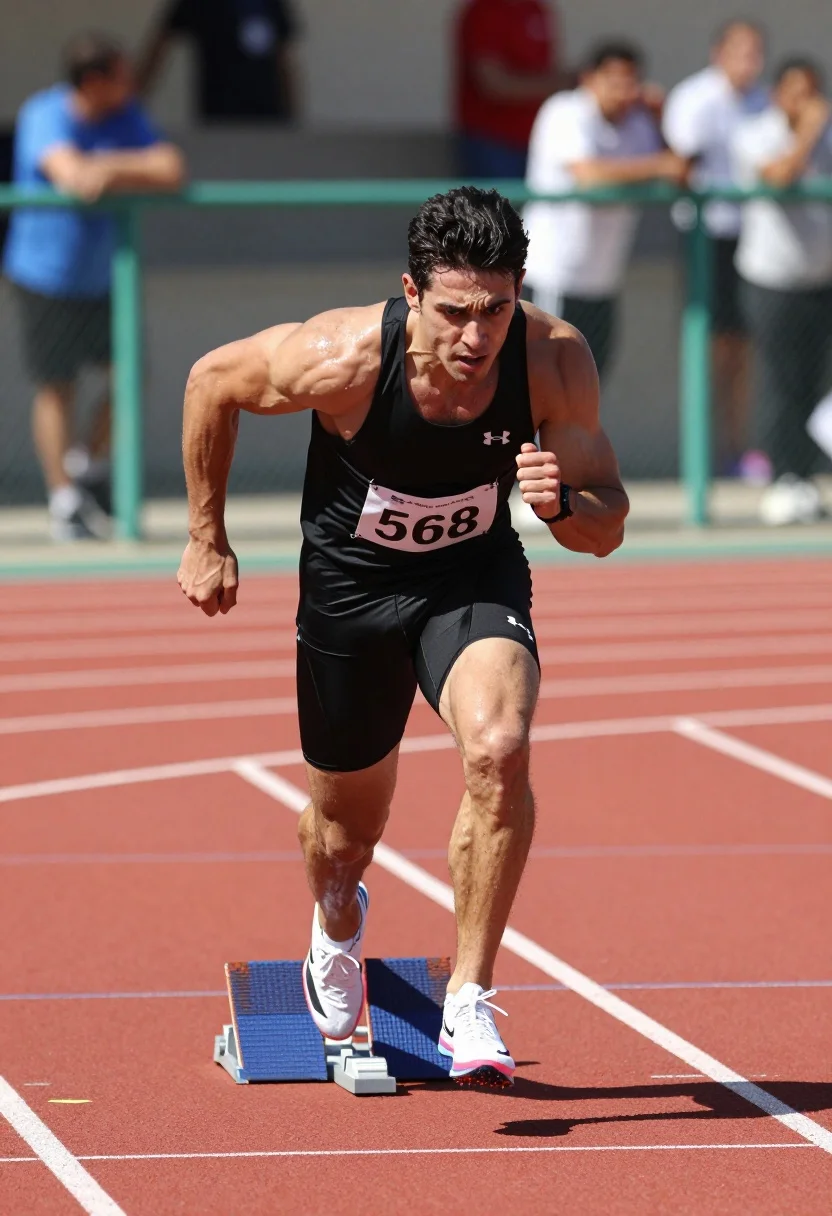
Muscular man sprinting on red track during bright daylight athletic competition
Prompt
A muscular man in a black athletic tank top and shorts sprints forward with intense focus on a red running track.

Subject: A fit male athlete with dark hair, defined muscles, and a determined facial expression sprinting towards the camera.

Clothing: Black Under Armour tank top and matching compression shorts, white running shoes with pink accents, and a black wristwatch.

Action: Mid-stride sprinting pose with arms pumping, legs extended, and body leaning forward in dynamic motion.

Environment: Outdoor athletics stadium with a red clay track surface, blue starting blocks, green metal railings, and blurred spectators in the background.

Camera: Low angle shot emphasizing speed and power, shallow depth of field blurring the background to isolate the runner.

Lighting: Bright natural daylight creating high contrast, highlighting sweat on skin and casting sharp shadows under the arms and legs.

Objects: Blue starting blocks with numbers visible on the track surface.

Text/Graphics: A white race bib pinned to the chest displaying the number 568 in black text.

Style Details: High-definition sports photography with a shallow depth of field, vibrant colors, and realistic texture rendering.
Description
This prompt is useful for creating dynamic action shots for athletic magazines, promotional material for sportswear brands, and dramatic sports documentary stills. The combination of 'low angle shot emphasizing speed and power' with 'bright natural daylight creating high contrast' ensures the runner appears monumental against the blurred background, while specifying 'sweat on skin' grounds the intensity in tangible physical effort.
Suggestions
- Change 'red running track' to 'wet black asphalt' for a different surface reflection.
- Swap 'black athletic tank top and shorts' for 'neon yellow compression gear' to increase color pop.
- Adjust 'shallow depth of field' to 'medium depth of field' if you want more background context.
Category
Tags
Brown SkinFull BodyLow AngleMaleRealisticSportswear
Date added
July 12, 2026
Added by
PromptDexter Team
Related Prompts
More prompts with similar categories and tags.

Low angle close shot of male athlete deadlifting in gritty gym
Exhausted female athlete sprinting on treadmill in dim modern gym
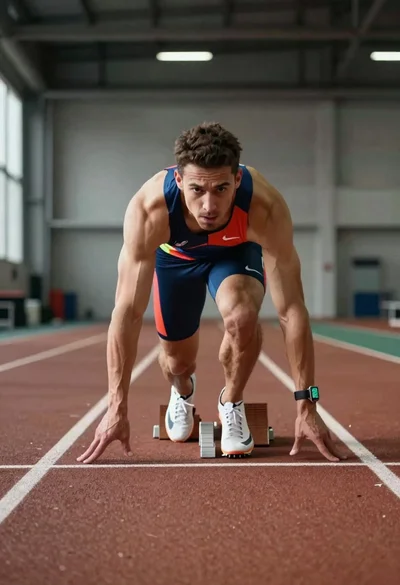
Elite male sprinter launching from starting blocks on indoor track

Low angle shot of muscular athlete lifting heavy weights in industrial gym

Young soccer player in argentina jersey against cosmic fire and lightning
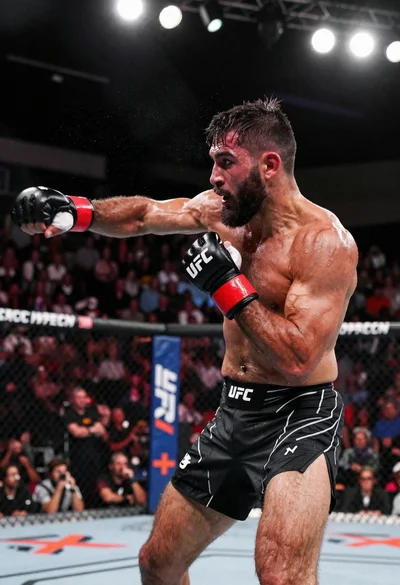
Muscular fighter recoiling from punch in bright arena
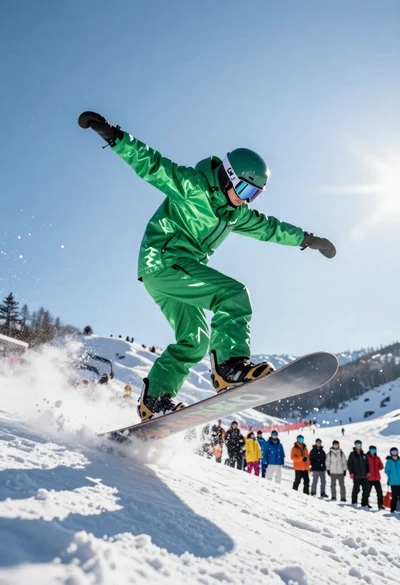
Snowboarder jumping off slope in metallic green suit against bright snow
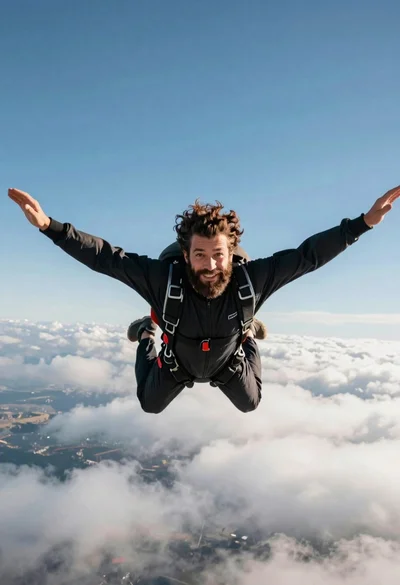
Bearded man with curly hair skydiving in freefall against blue sky

Low angle action shot of black soccer player striking ball at night

Low angle action shot of male soccer player kicking ball in stadium