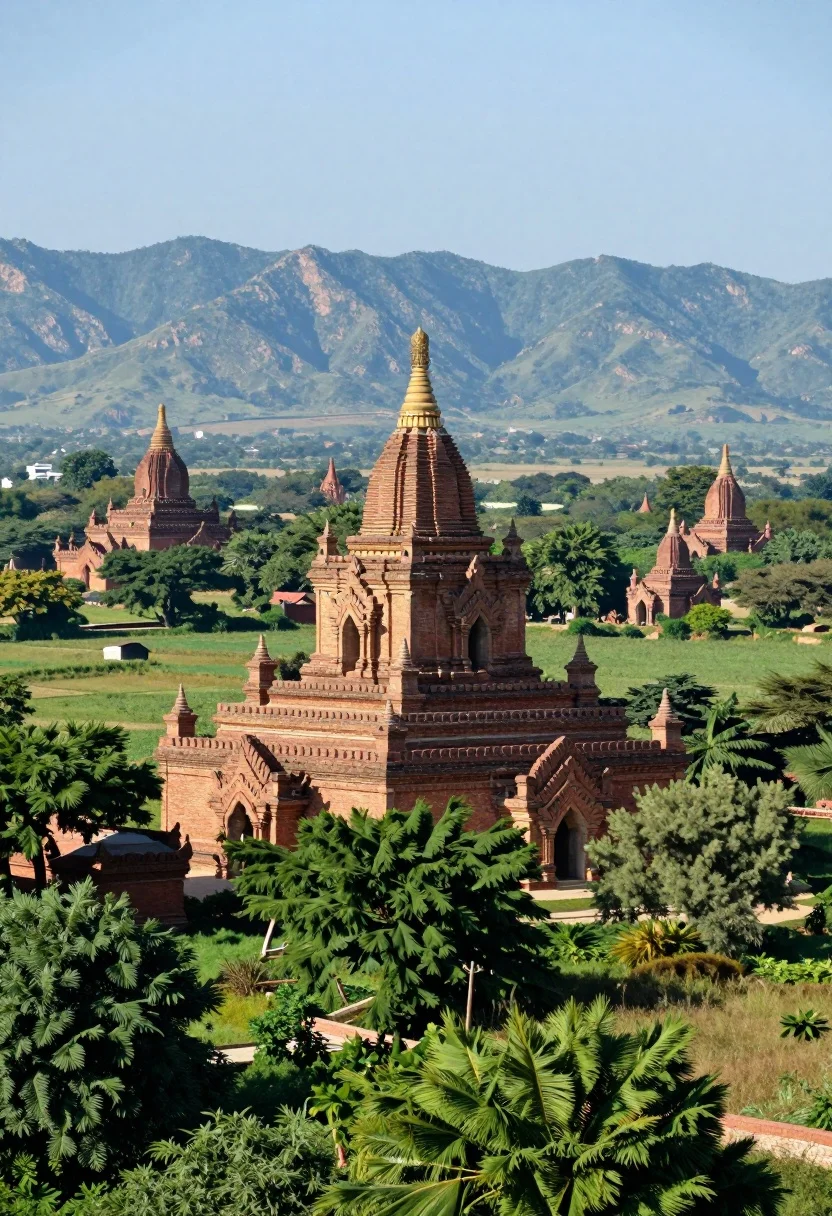
Panoramic view of ancient brick pagodas in a lush green valley with
Prompt
A sweeping panoramic view of ancient brick pagodas nestled in a lush green valley with distant blue mountains under a clear sky.

Subject: A large central brick pagoda with intricate architectural details and a golden spire, surrounded by smaller stupas and temples scattered across the landscape.

Action: The scene is static with no visible movement or activity.

Environment: A verdant valley filled with dense green trees and grassy fields, dotted with numerous ancient temples, set against a backdrop of rolling blue mountains under a bright sky.

Camera: Wide-angle perspective capturing the vastness of the landscape, high vantage point looking down on the valley, emphasizing depth and scale.

Lighting: Bright natural daylight illuminating the scene from above, casting soft shadows that highlight the texture of the brick structures and the lushness of the vegetation.

Style Details: Photorealistic rendering with vibrant colors, high detail in architectural textures, and a cinematic composition reminiscent of travel photography.
Description
This prompt is useful for creating landscape architecture visualizations, historical documentary backdrops, and immersive video game environment concept art. The combination of 'wide-angle perspective' from a 'high vantage point looking down on the valley' effectively establishes scale, while specifying 'soft shadows that highlight the texture of the brick structures' prevents the scene from appearing flat under bright natural daylight.
Suggestions
- Change 'bright natural daylight' to 'overcast diffused light' for softer shadow definition.
- Add 'mist rolling through the valley floor' to increase atmospheric depth.
- Swap 'brick pagodas' for 'weathered stone temples' to alter the material feel.
Category
Tags
High AngleNatureOutdoorsRealisticWide Shot
Date added
August 5, 2026
Added by
PromptDexter Team
Related Prompts
More prompts with similar categories and tags.
Classical villa in lush garden under golden hour sunlight
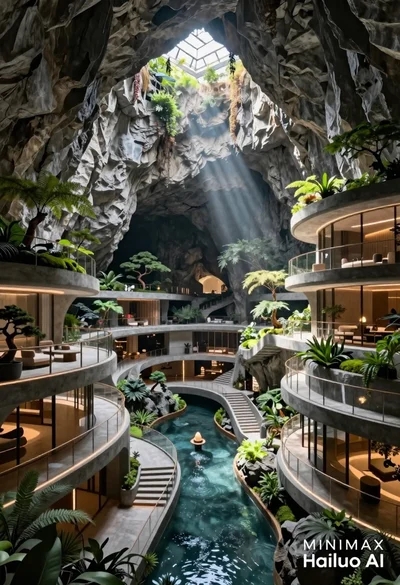
Futuristic luxury resort carved into a massive limestone cave with skylight
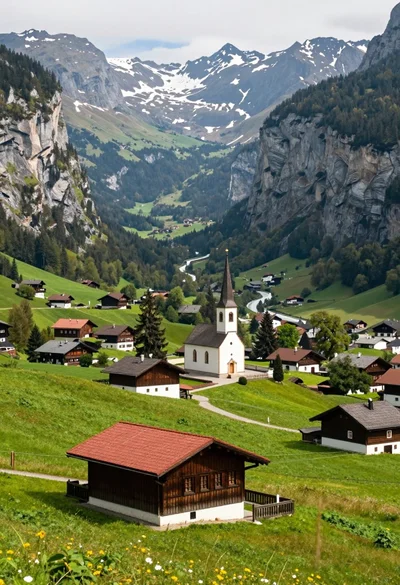
Panoramic view of lush green valley village between towering rugged mountains

Traditional wooden windmill reflected in calm lake under vibrant sunset sky
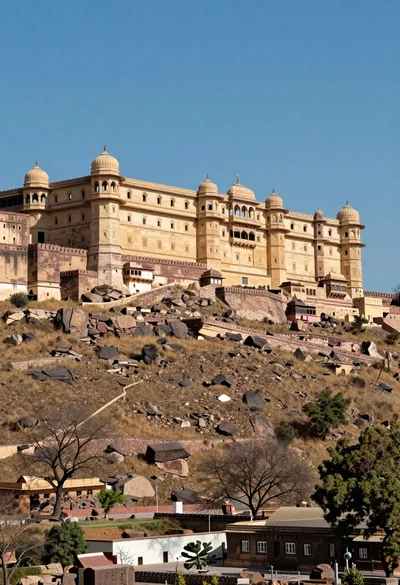
Majestic sandstone fortress complex atop a rugged arid hill under blue sky

High angle aerial view of st peters square in vatican city rome
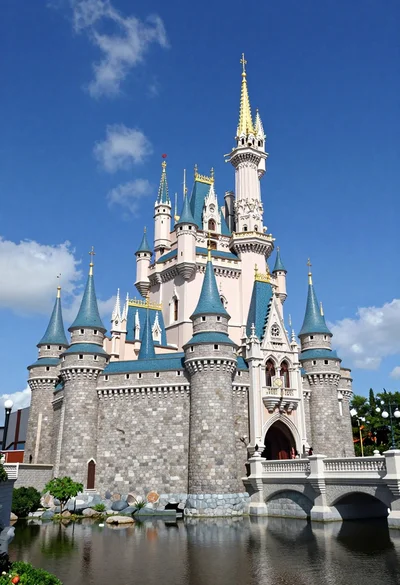
Majestic fairytale castle with blue roofs standing by a moat under bright
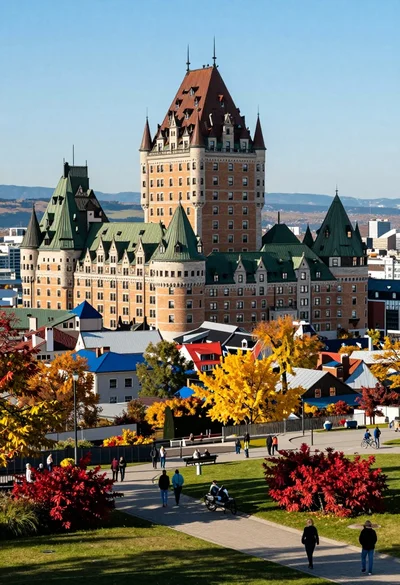
High angle view of european cityscape castle hotel amidst colorful autumn foliage
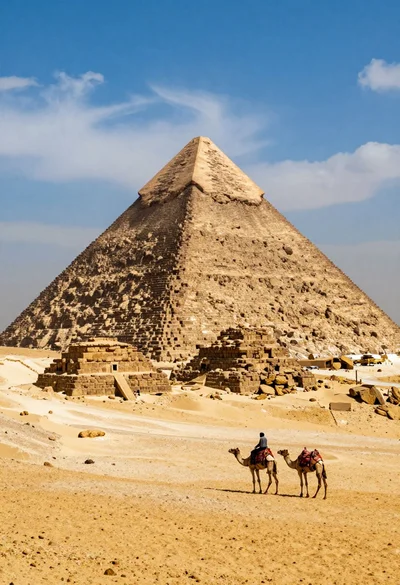
Lone figure riding camel before massive ancient pyramid in vast desert
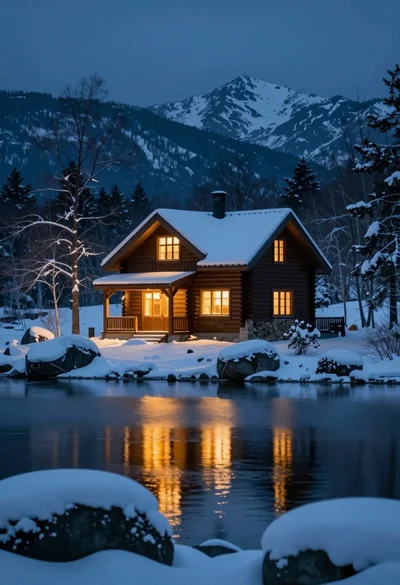
Rustic wooden cabin glowing beside calm lake under snowy winter night sky