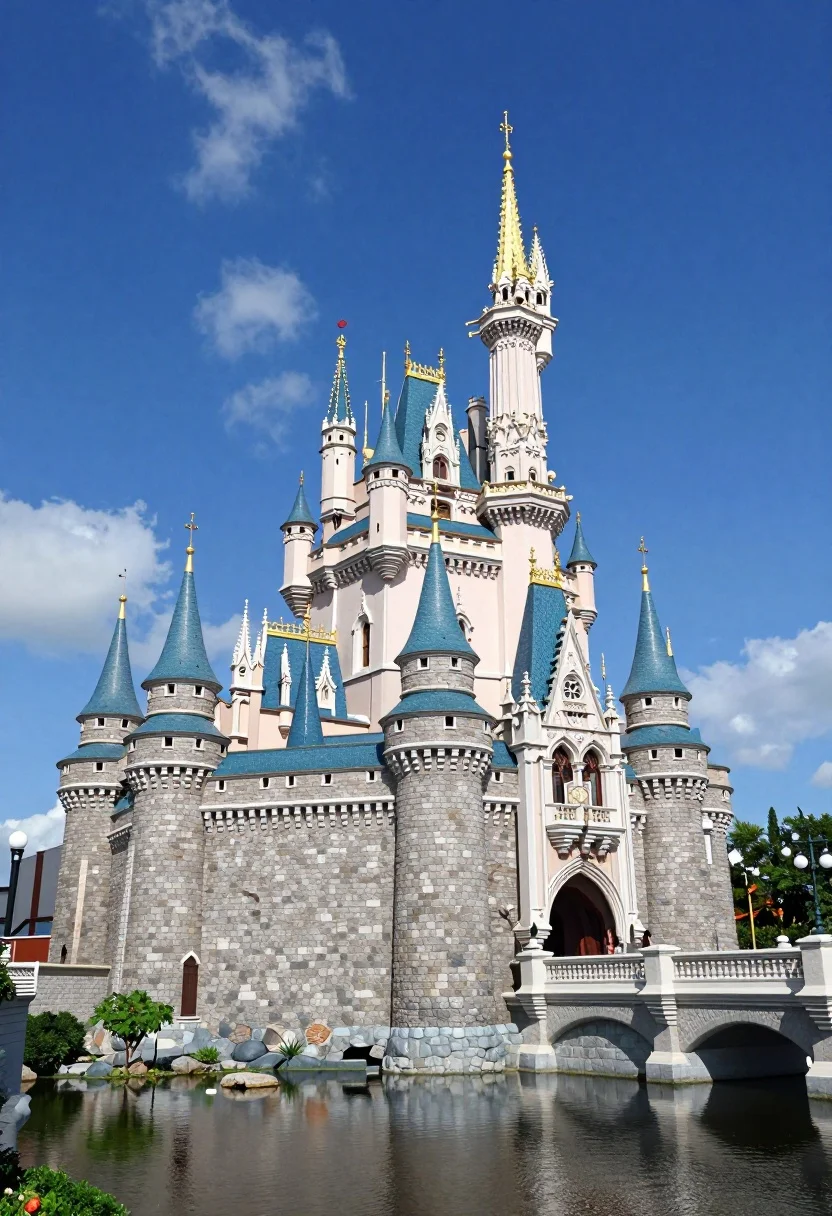
Majestic fairytale castle with blue roofs standing by a moat under bright
Prompt
A majestic fairytale castle with tall spires and blue roofs stands against a deep blue sky with wispy clouds.

Subject: A grand stone castle featuring multiple cylindrical towers topped with vibrant blue conical roofs and intricate white stonework, accented by golden finials on the highest spires.

Action: The scene is static, capturing the architectural details of the structure without any visible movement or activity.

Environment: The castle sits beside a calm moat reflecting its base, surrounded by green trees and manicured landscaping, with a stone bridge visible to the right side of the frame.

Camera: A wide-angle perspective captures the full height and breadth of the castle, emphasizing its scale against the sky with a clear, stable composition.

Lighting: Bright daylight illuminates the scene from above, casting soft shadows that highlight the texture of the stone walls and creating a vivid contrast between the white masonry and blue roofs.

Style Details: The image exhibits high-definition clarity with saturated colors and sharp architectural lines, resembling a high-quality photograph or a realistic digital rendering.
Description
This prompt is useful for creating fantasy concept art, video game environment backdrops, and storybook illustrations requiring grand scale. The combination of 'bright daylight' casting soft shadows against the 'white stonework' ensures that the texture remains visible while the saturated colors keep the blue roofs vibrant, preventing the scene from looking flat or overly muted.
Suggestions
- Change 'deep blue sky' to 'overcast sky' for softer light.
- Add 'volumetric fog' near the moat for atmosphere.
- Swap 'manicured landscaping' for 'wild overgrown foliage' for a more mysterious feel.
Category
Tags
NatureOutdoorsRealisticRooftopWide Shot
Date added
August 5, 2026
Added by
PromptDexter Team
Related Prompts
More prompts with similar categories and tags.
Majestic traditional chinese temple atop grand stone staircase under blue sky
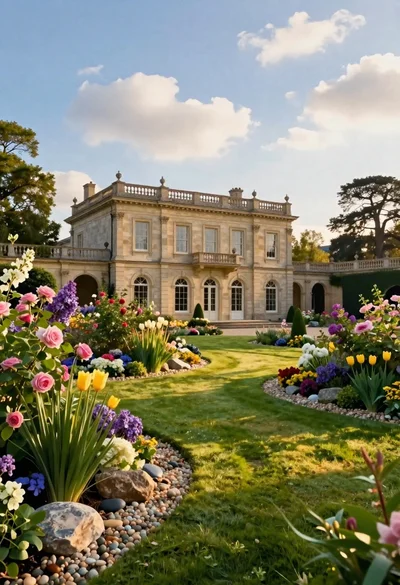
Classical villa in lush garden under golden hour sunlight

Exhilarated tourist man at christ the redeemer statue in rio
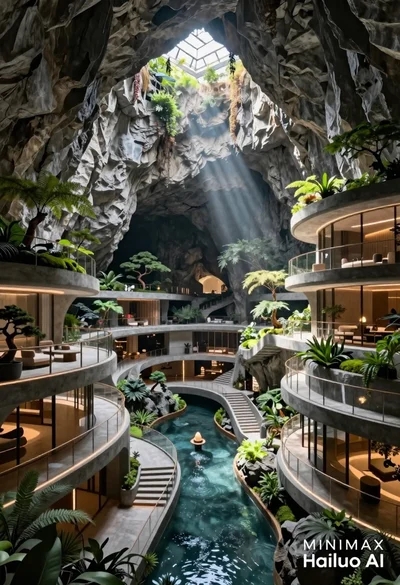
Futuristic luxury resort carved into a massive limestone cave with skylight

Silhouette of india gate monument at sunset viewed from a low angle

Solitary white house by reflective water under vibrant sunset sky
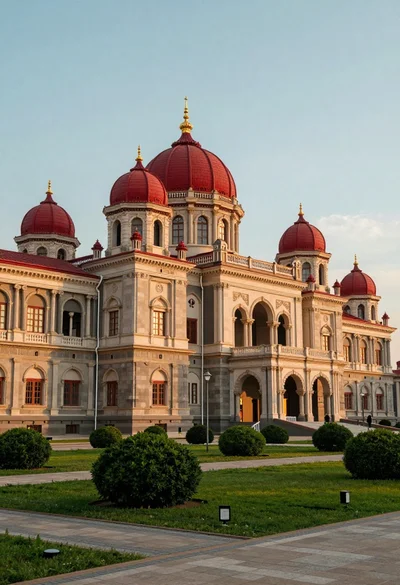
Majestic palace complex with red domes and golden spires under soft sky

Traditional wooden windmill reflected in calm lake under vibrant sunset sky
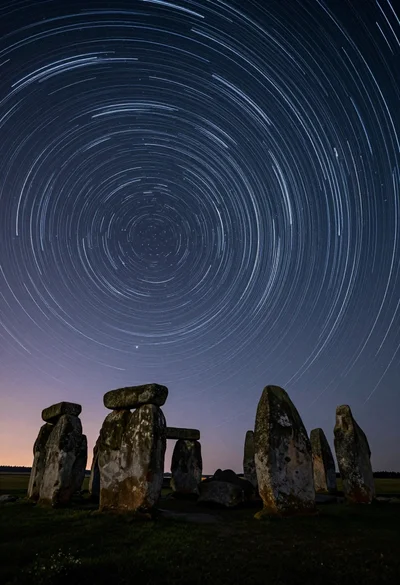
Majestic ancient stone circle dolmen silhouetted against swirling star trails at night
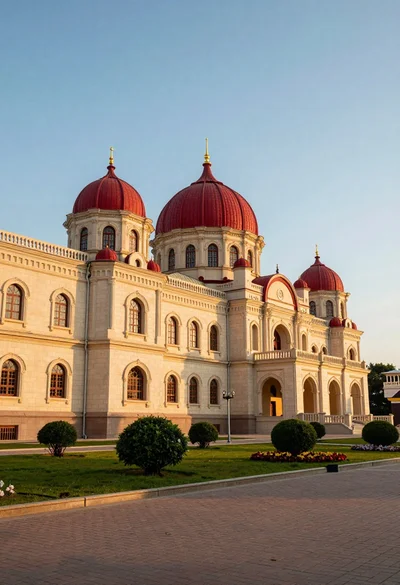
Majestic palace complex architecture with red domes and golden spires at sunset