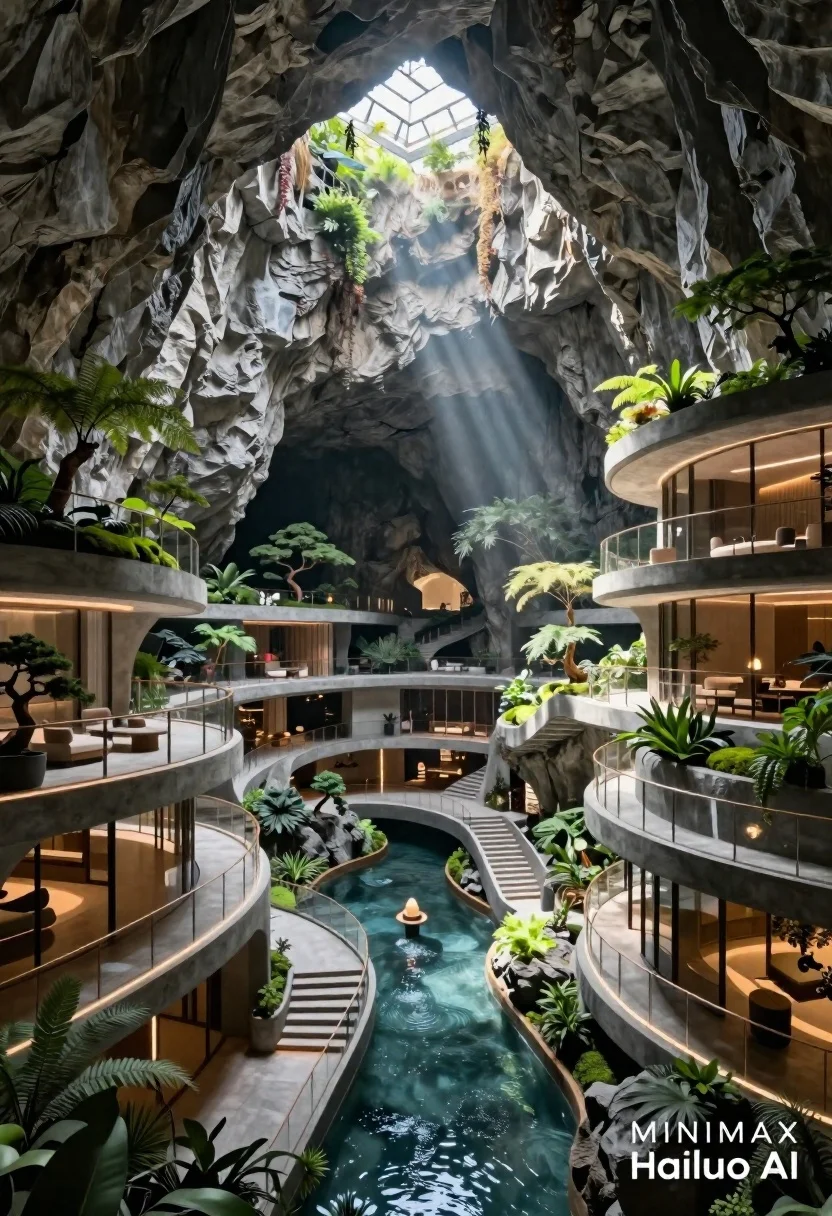
Futuristic luxury resort carved into a massive limestone cave with skylight
Prompt
A futuristic luxury resort carved directly into the interior of a massive natural limestone cave with a skylight opening at the top.

Subject: A modern architectural complex featuring multi-level concrete villas and balconies integrated seamlessly into the rugged rock walls.

Clothing: No people are visible in the scene.

Action: The architecture features sweeping curved walkways, glass railings, and illuminated staircases leading down a central water channel.

Environment: The setting is a vast cavern with rough grey stone textures on the ceiling and walls, featuring lush green landscaping including ferns, moss, and potted bonsai trees placed on balconies.

Camera: A wide-angle perspective looking up towards the skylight, emphasizing the scale of the cave and the depth of the structure.

Lighting: Dramatic volumetric god rays stream down from the natural light source at the top of the cave, creating high contrast between the bright beams and the shadowed interior.
Second

Subject: None.

Objects: Glass balustrades, modern lounge furniture on balconies, a central water feature channel, and integrated LED strip lighting along the pathways.

Interaction: The built environment interacts with nature through terraced gardens and planters that soften the concrete structures against the raw rock face.

Text/Graphics: Watermark text in the bottom right corner reading MINIMAX and Hailuo AI.

Style Details: Photorealistic architectural visualization, hyper-detailed textures, cinematic lighting, 8k resolution, ultra-realistic rendering.
Description
This prompt is useful for creating concept art for sci-fi movie sets, high-end architectural visualizations, and immersive video game environment backdrops. The combination of 'dramatic volumetric god rays' streaming down from the skylight against the 'rough grey stone textures' establishes a high contrast that emphasizes both the raw scale of the cave and the sleek integration of the modern concrete structures.
Suggestions
- Change 'concrete villas' to 'polished obsidian villas' for a darker, more dramatic feel.
- Add 'mist rising from the water channel' to enhance the volumetric lighting effect.
- Adjust 'wide-angle perspective' to 'aerial drone shot' for a different sense of scale.
Category
Tags
NatureOutdoorsRealisticWide Shot
Date added
June 26, 2026
Added by
PromptDexter Team
Related Prompts
More prompts with similar categories and tags.
Traditional wooden windmill reflected in calm lake under vibrant sunset sky
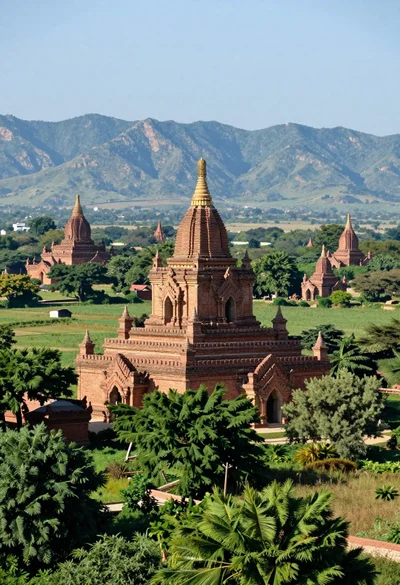
Panoramic view of ancient brick pagodas in a lush green valley with
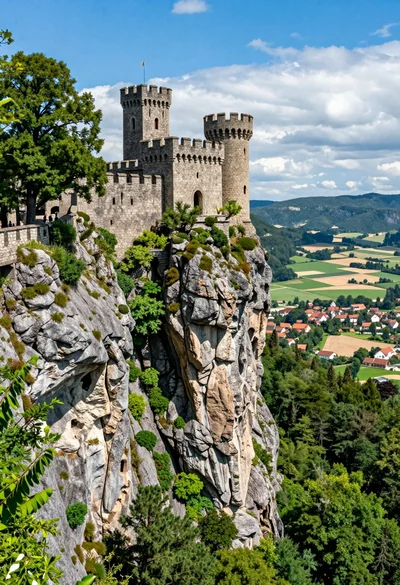
Majestic medieval castle on rocky cliff overlooking vast valley landscape
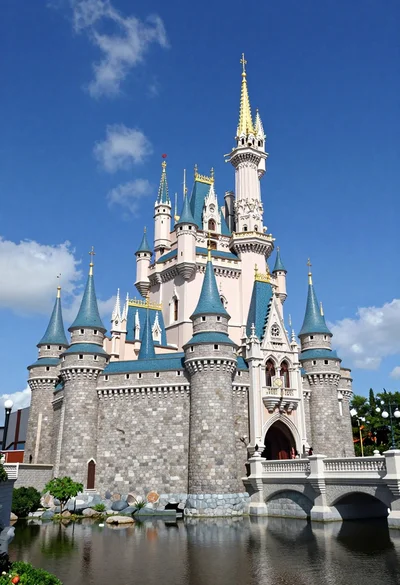
Majestic fairytale castle with blue roofs standing by a moat under bright
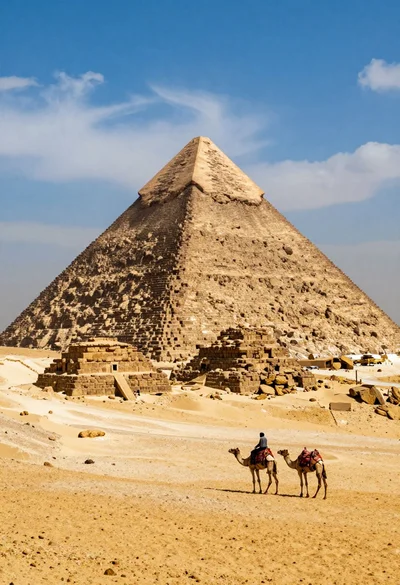
Lone figure riding camel before massive ancient pyramid in vast desert
Rustic wooden cabin glowing beside calm lake under snowy winter night sky
Panoramic view of colorful mountain town beneath majestic snow capped peak at
Detailed architectural model of dubai skyline with skyscraper and tiny cars