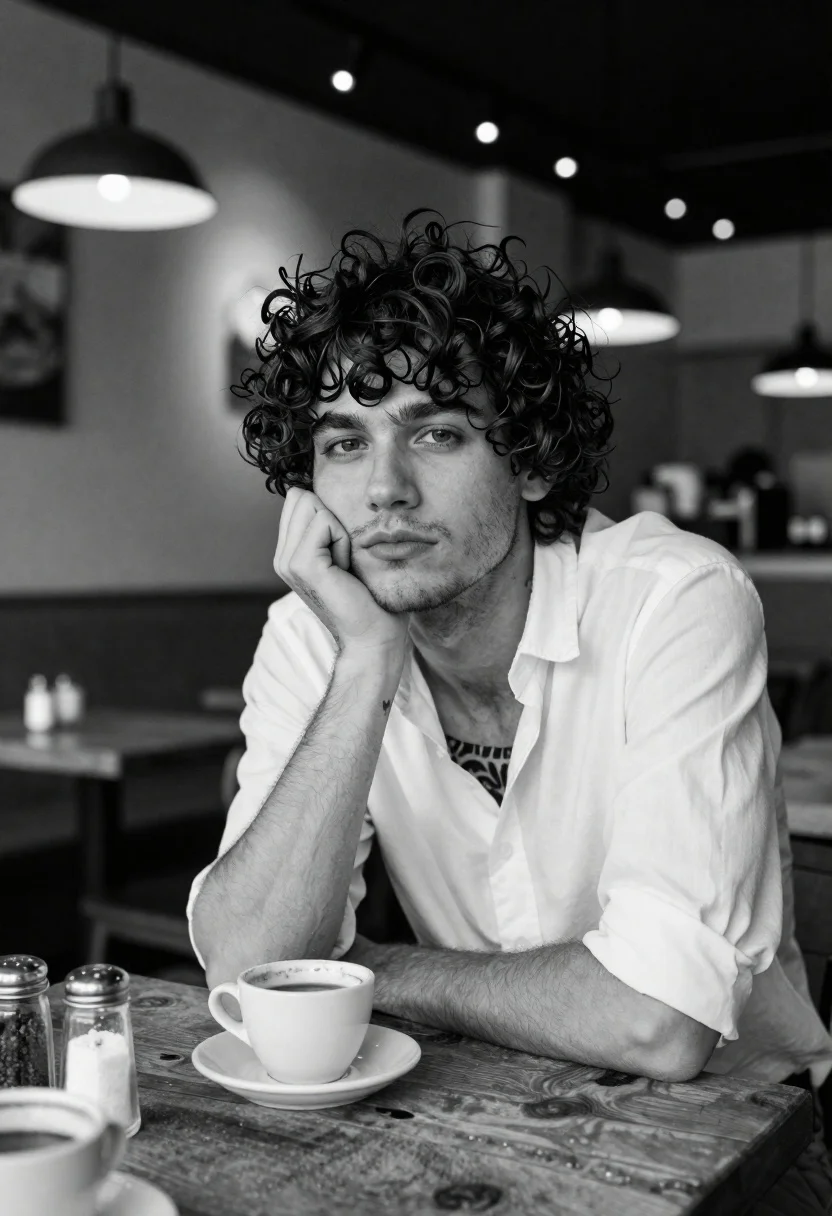
Pensive young man in cafe setting with coffee cup foreground
Prompt
A contemplative young man with tousled dark curly hair rests his chin on his hand while gazing directly at the camera in a cozy cafe setting.

Subject: A young man with messy, voluminous dark curly hair and light stubble on his face, looking pensive and serious.

Clothing: He wears an unbuttoned white button-down shirt with the sleeves rolled up to the elbows, revealing tattoos on his chest and a small tattoo on his left forearm.

Action: The subject is leaning forward with his left elbow on the table and his hand supporting his head in a thoughtful pose, while his right arm rests flat on the surface.

Environment: An indoor cafe or restaurant interior featuring a rustic wooden table in the foreground, blurred pendant lights hanging from the ceiling, and string lights visible in the background.

Objects: A coffee cup sits on a saucer directly in front of him, alongside glass shakers containing sugar or salt and another cup partially visible in the lower left corner.

Lighting: The scene is captured in black and white with soft ambient lighting that highlights his face against a slightly darker, out-of-focus background.

Camera: Shot with a shallow depth of field to keep the subject sharp while blurring the cafe interior, using a medium close-up framing angle.

Style Details: High-contrast black and white photography with a cinematic, moody aesthetic and natural film grain texture.
Description
This prompt is useful for creating editorial portraiture, character studies for film scripts, and mood pieces for lifestyle branding. The combination of 'shallow depth of field' and 'soft ambient lighting' ensures the subject remains sharply focused against a deliberately blurred background, which isolates his pensive expression while allowing environmental context like the 'rustic wooden table' to suggest narrative without distracting from the central figure.
Suggestions
- Change 'tousled dark curly hair' to 'slicked back dark hair' for a more formal look.
- Swap 'white button-down shirt' for 'charcoal turtleneck' to deepen the contrast.
- Adjust 'medium close-up framing angle' to 'head and shoulders shot' to emphasize the gaze.
Category
Tags
CafeCasual WearIndoorsMalePortrait ShotRealistic
Date added
June 19, 2026
Added by
PromptDexter Team
Related Prompts
More prompts with similar categories and tags.
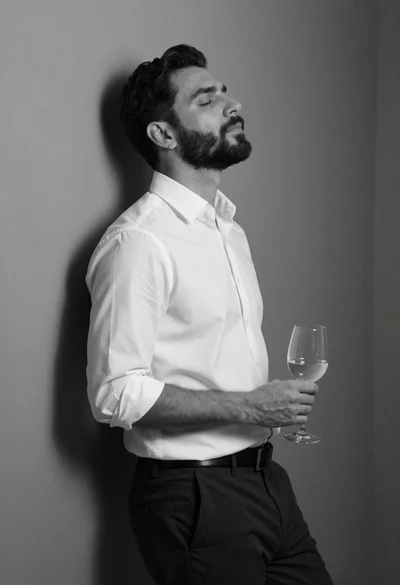
Black and white portrait of man leaning against corner wall
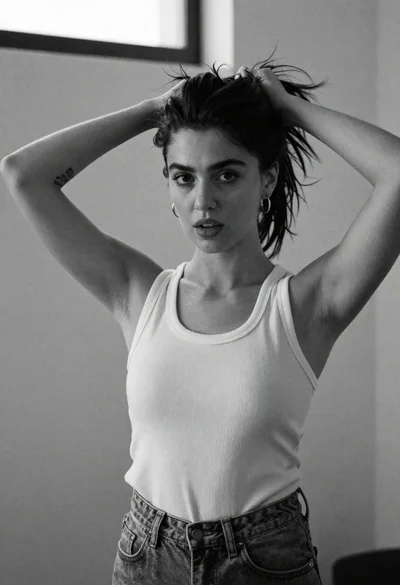
Monochrome portrait of woman adjusting dark hair indoors with natural light

Black and white portrait of man with beard studio shot
Monochrome portrait of asian man in profile
Black and white portrait of man in polo shirt
Black and white portrait of man in city night
Middleaged man looking out window in black and white
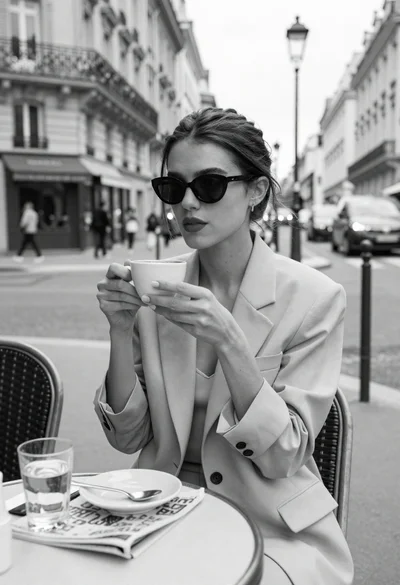
Stylish woman at outdoor cafe table in paris
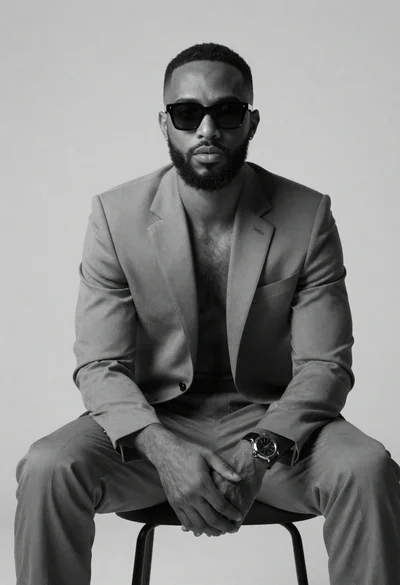
Black and white portrait of confident man in studio
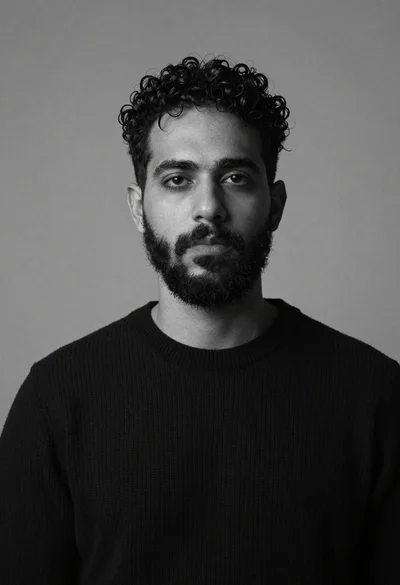
Monochrome studio portrait of bearded man in black sweater
