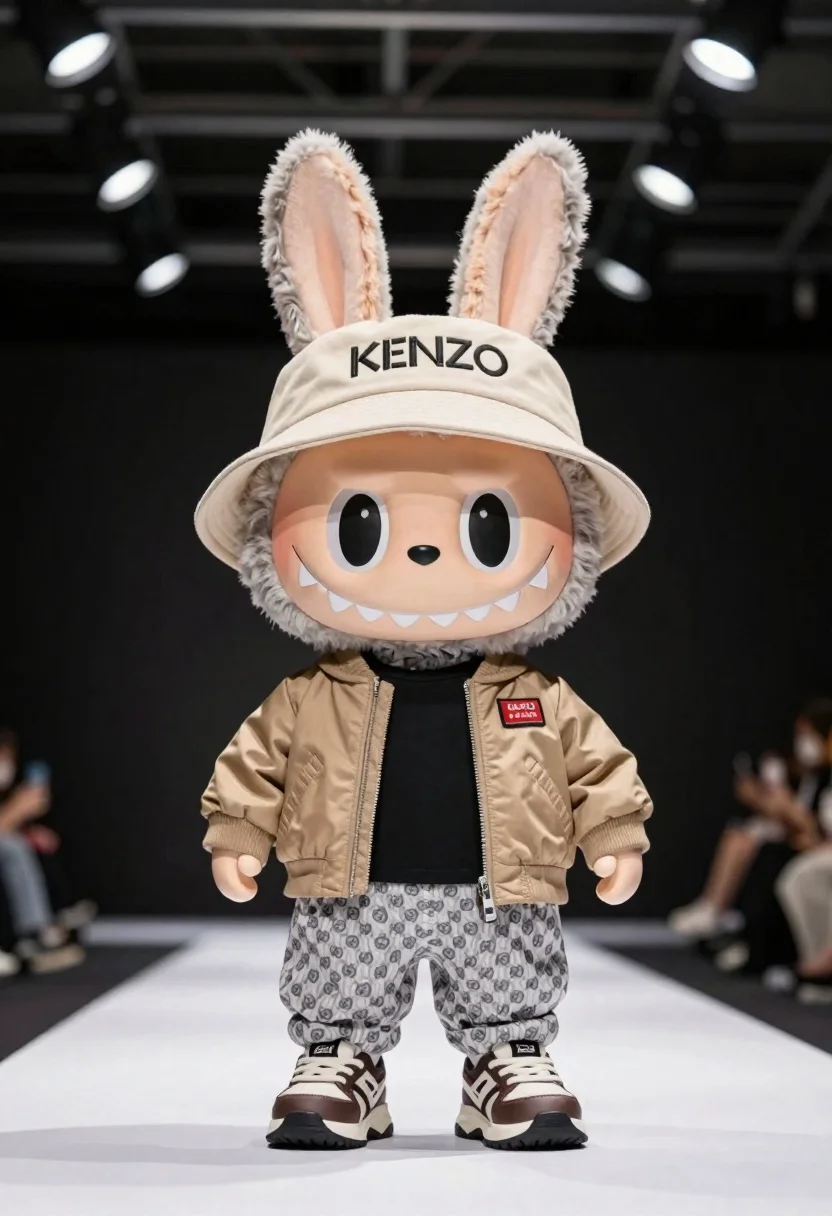
Plush rabbit character on white runway in studio
Prompt
A stylized plush toy rabbit character standing on a white runway-like surface inside an industrial studio setting.

Subject: plush toy character resembling a rabbit with large floppy ears and wide cartoon eyes.

Clothing: beige KENZO-branded bucket hat, tan bomber jacket over a black shirt, patterned grey-and-white pants, chunky sneakers.

Environment: indoor studio with industrial-style ceiling lights and a dark background.

Lighting: soft directional lighting highlighting fabric and plush textures while casting subtle shadows for depth.

Camera: slight low-angle composition emphasizing the character’s scale against the dark surroundings.

Style Details: designer toy aesthetic, stylized fashion character design, modern streetwear-inspired presentation.
Description
This prompt is useful for creating product mockups for collectible toys, editorial advertising featuring anthropomorphic characters, and mood boards for streetwear branding. The combination of 'soft directional lighting' and the 'low-angle composition' ensures that the plush textures are visible while simultaneously making the character appear larger and more imposing against the dark background.
Suggestions
- Change 'beige KENZO-branded bucket hat' to a specific color like 'electric blue' for contrast.
- Add 'bokeh effect' to the lighting description for a softer backdrop.
- Swap 'industrial studio setting' for 'minimalist concrete void' to simplify the environment.
Category
Tags
3dAnimalsFictional CharacterFull BodyLow AngleStudio
Date added
June 19, 2026
Added by
PromptDexter Team
Related Prompts
More prompts with similar categories and tags.
Woman in futuristic crystal bodysuit on glowing stage
Blonde woman leaning on wooden cart in industrial studio setting
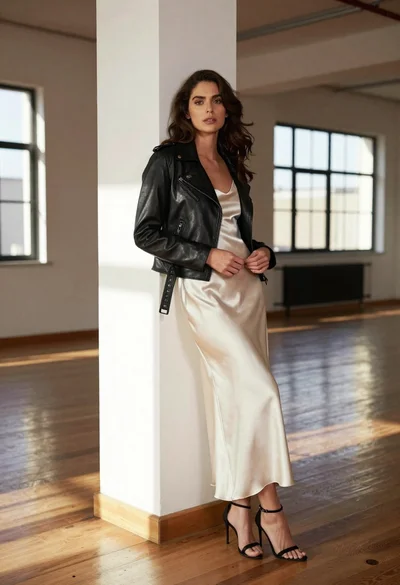
Woman in black moto jacket and cream slip dress against white pillar
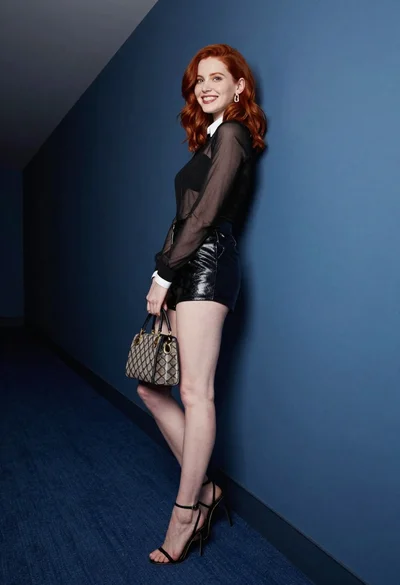
Red haired woman in black top and shorts leaning against blue wall
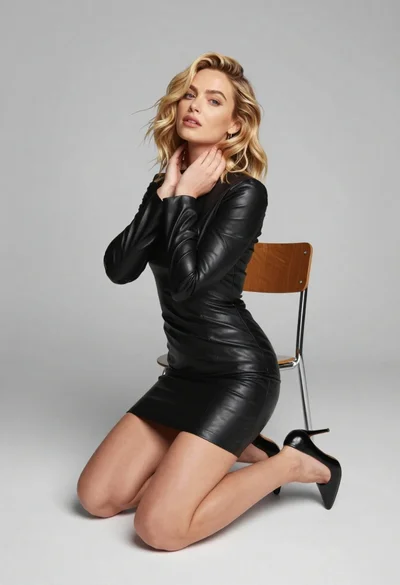
Blonde woman kneeling in black leather dress studio portrait
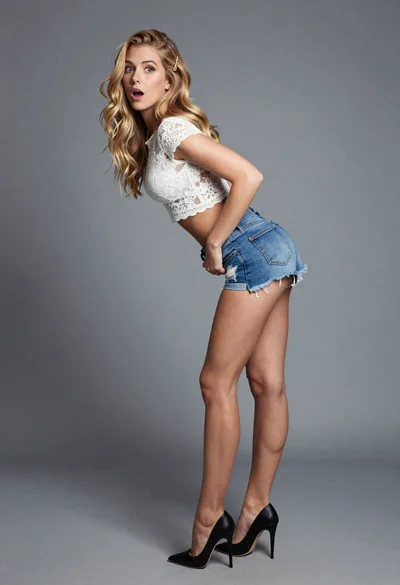
Blonde woman leaning forward looking back over shoulder in studio
Fair blonde woman in black latex outfit posed indoors against white wall
Fashion model leaning on wooden ladder in studio setting