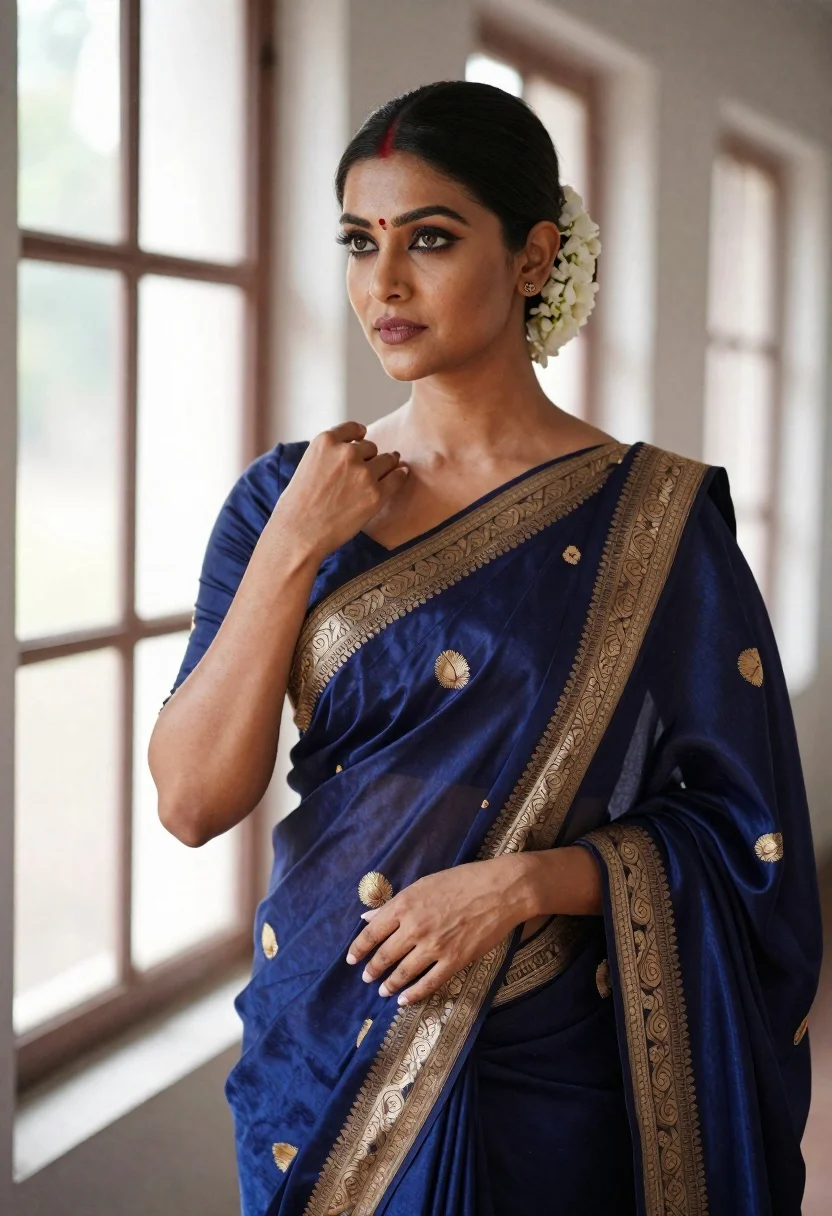
Poised woman in navy blue silk saree with gold embroidery indoors
Prompt
A graceful woman in a traditional Indian pose wearing an elegant navy blue silk saree with intricate gold embroidery and motifs.

Subject: A poised woman with dark hair pulled back into a neat bun adorned with white flowers, featuring a red bindi on her forehead and expressive eyes looking slightly to the side.

Clothing: She wears a deep navy blue silk saree with a rich sheen, detailed with elaborate gold zari work along the border and scattered gold motifs across the fabric, paired with a matching blouse that has three-quarter sleeves and gold embroidery at the cuffs.

Action: Her right hand is raised gently near her shoulder in a delicate gesture while her left hand rests lower, exuding confidence and poise.

Environment: The setting appears to be indoors near a large window with soft natural light streaming in, creating a bright and airy atmosphere with blurred architectural lines in the background.

Camera: Shot from a medium close-up angle that captures her upper body and facial expression clearly, with a shallow depth of field that softly blurs the background to emphasize the subject.

Lighting: Soft, diffused natural light illuminates her face and saree from the side, highlighting the texture of the fabric and casting gentle shadows that enhance the contours of her features.

Style Details: The image has a polished, high-fashion editorial quality with rich color saturation, smooth skin tones, and a focus on traditional elegance and cultural aesthetics.
Description
This prompt is useful for creating bridal portraiture concepts, luxury textile advertisements, and cultural magazine editorials requiring deep, saturated tones. The combination of 'deep navy blue silk saree' with 'gold zari work' under 'soft, diffused natural light' ensures the fabric's rich sheen is visible without harsh reflections, while the 'medium close-up angle' keeps focus tightly on the subject's expression and the intricate details.
Suggestions
- Change 'white flowers' to 'jasmine garland' for a more traditional look.
- Adjust 'deep navy blue silk saree' to 'midnight blue velvet saree' for a different texture.
- Swap 'soft, diffused natural light' for 'rim lighting from one side' to create more drama.
Category
Tags
BrunetteFemaleIndoorsPortrait ShotRealisticTraditional Wear
Date added
June 19, 2026
Added by
PromptDexter Team
Related Prompts
More prompts with similar categories and tags.
Close up portrait of young woman in pink embroidered robe indoors
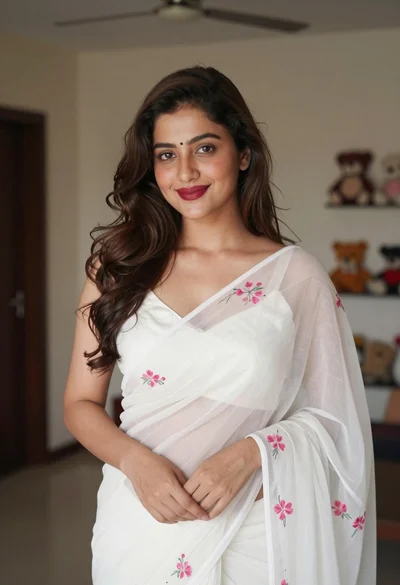
Young woman in white embroidered saree smiling indoors with soft natural light
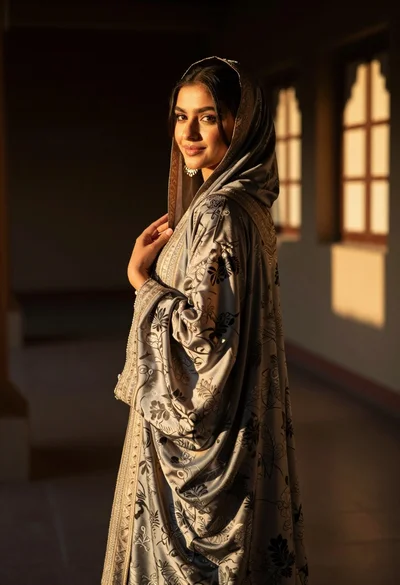
Woman in traditional attire looking back indoors with golden sunlight glow
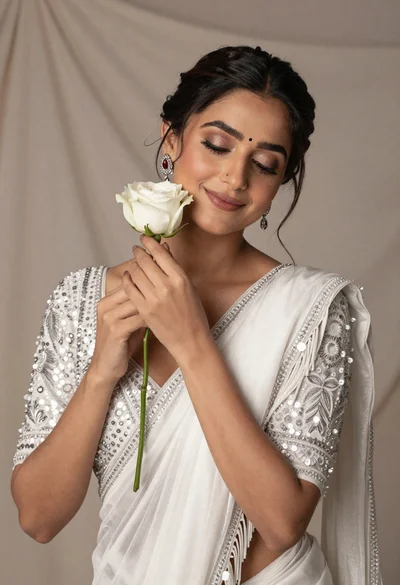
Beautiful woman with dark hair holding white rose in shimmering saree
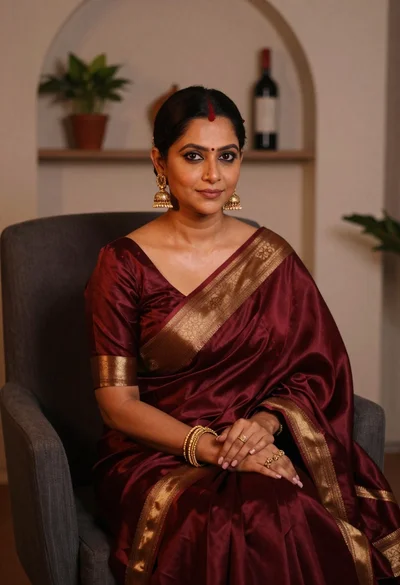
Woman in maroon silk saree seated indoors with gold jewelry
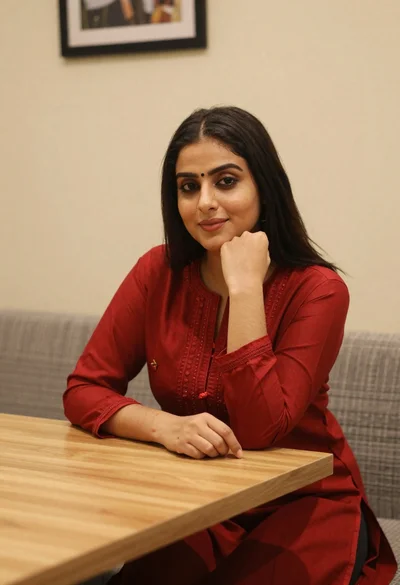
Young woman in red salwar kameez resting chin on hand indoors
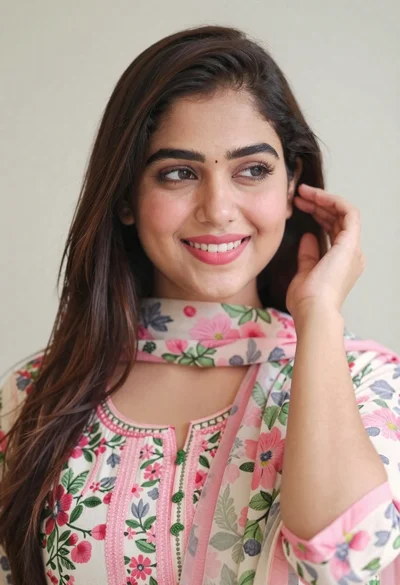
Close up portrait of smiling woman with dark hair and floral traditional
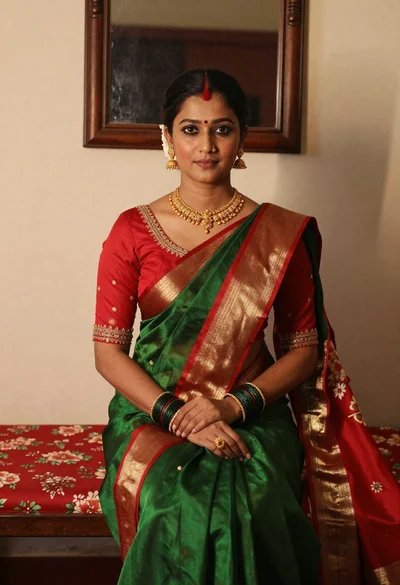
Portrait of woman in green saree and red blouse indoors
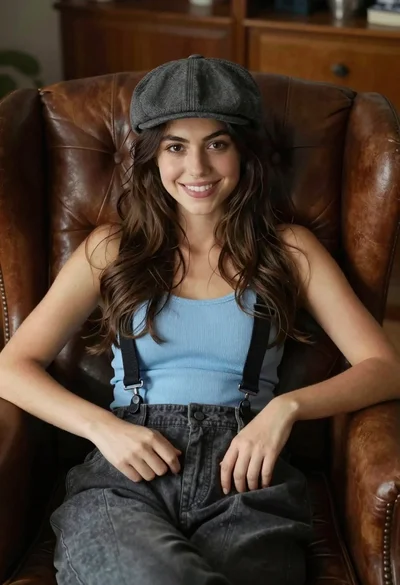
Young woman with brown hair sitting in a leather armchair indoors

Young woman in white camisole top against blue wall indoors