
Profile view of dark textured humanoid figure with glowing purple eyes
Prompt
A profile view of a dark, textured humanoid figure with glowing purple eyes and energy radiating from the head.

Subject: A dark, textured humanoid figure shown in profile facing left, featuring a rough, stone-like skin surface that is covered in small, glowing purple specks resembling stars or embers. The head is the focal point, appearing to be composed of or surrounded by a chaotic burst of thin, spiky tendrils and bright light particles.

Lighting: Dramatic backlighting with intense violet and magenta hues, creating a silhouette effect where the figure is dark against a luminous background. The light source appears to emanate from behind and within the subject's head, casting a soft glow on the shoulder while leaving the face in deep shadow except for the glowing eyes.

Environment: A digital or abstract void filled with vertical streaks of pink and blue light that resemble falling rain or data streams, creating a sense of depth and motion behind the figure.

Style Details: High-fidelity 3D render with a cyberpunk aesthetic, featuring volumetric lighting, particle effects, and a color palette dominated by deep purples, neon pinks, and electric blues.
Description
This prompt is useful for creating album art for synthwave or dark electronic music, concept art for sci-fi villain profiles, and dramatic character splash pages. The combination of 'dramatic backlighting' with intense violet and magenta hues ensures the figure remains a striking silhouette against the luminous background, while specifying 'small, glowing purple specks' on the stone-like skin provides necessary visual detail to prevent the texture from becoming uniformly flat in shadow.
Suggestions
- Change 'stone-like skin surface' to 'obsidian carapace' for a harder material feel.
- Add 'octane render, unreal engine 5' to boost the photorealism of the glow.
- Swap 'pink and blue light' for 'cyan and deep indigo' to shift the overall mood.
Category
Tags
Digital ArtFemaleFictional Character
Date added
July 12, 2026
Added by
PromptDexter Team
Related Prompts
More prompts with similar categories and tags.

Cybernetic android portrait in red scifi setting
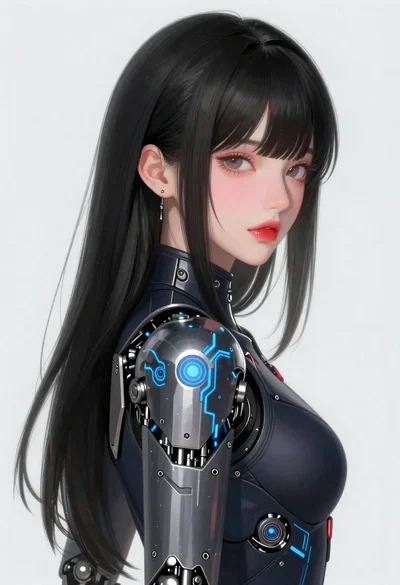
Young woman in futuristic bodysuit with mechanical armor
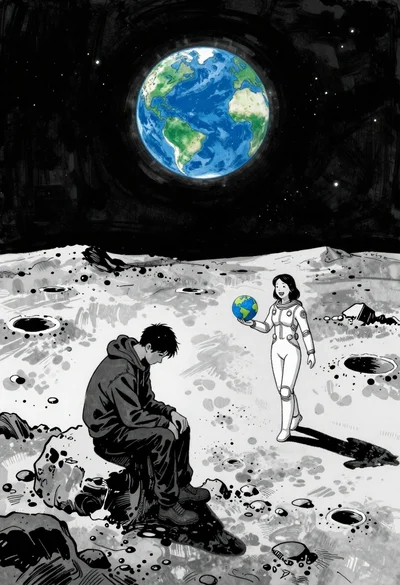
Man and woman on moonscape under starry sky

Bluehaired cyborg warrior in futuristic tactical gear

Woman with lightsaber in dusty marketplace alleyway
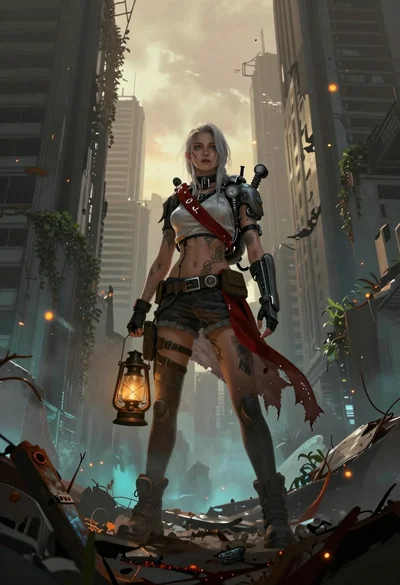
Female survivor in ruined cityscape with glowing embers
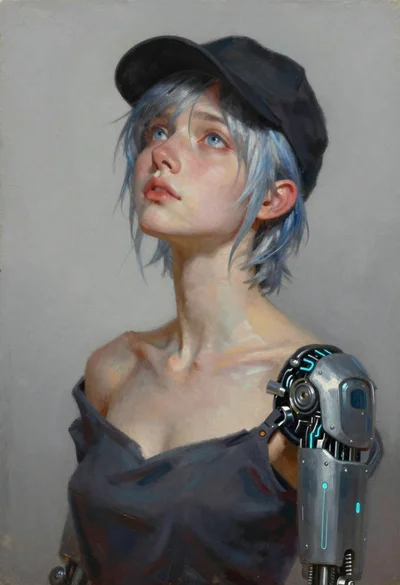
Oil painting portrait of woman with cybernetic arm

Child looking up at massive koi fish in cosmic nebula digital art
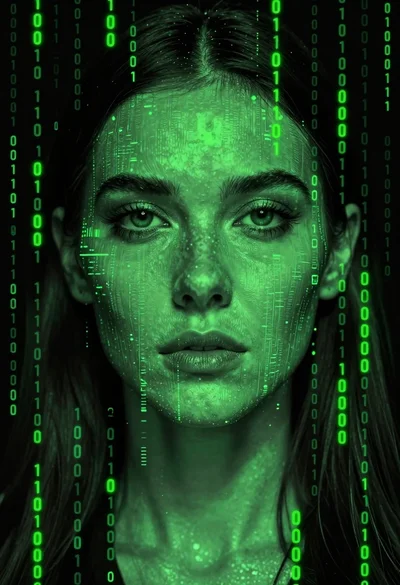
Close up portrait of womans face made of cascading green digital code
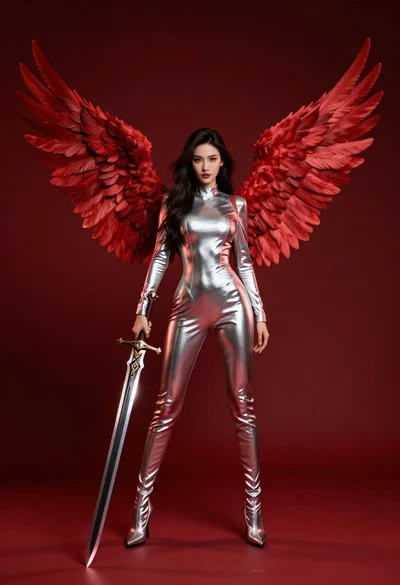
Female figure with red wings holding glowing sword against deep red background