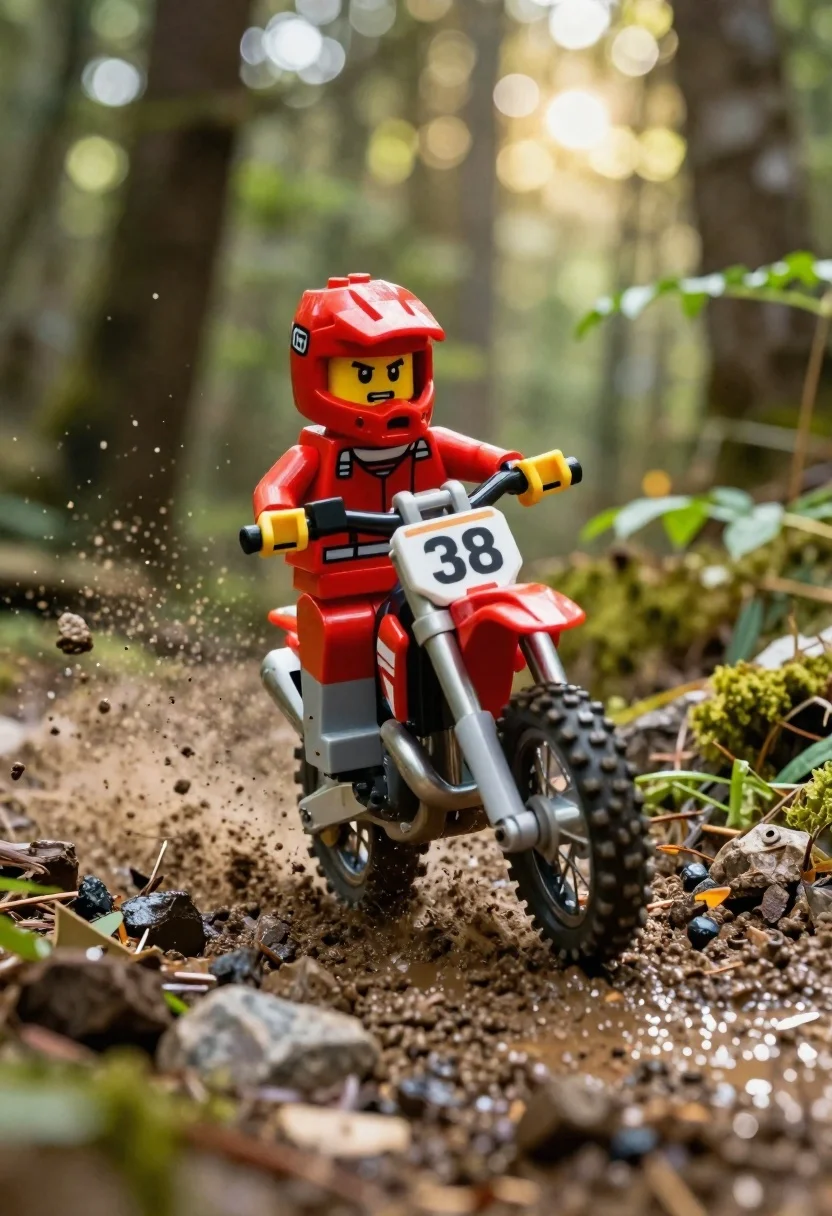
Red lego minifigure motocross rider speeding through muddy forest trail
Prompt
A dynamic low-angle shot of a red LEGO minifigure motocross rider speeding through a muddy forest trail.

Subject: A determined red LEGO minifigure wearing a full-face helmet with yellow goggles and an angry expression, gripping the handlebars of a dirt bike.

Clothing: The rider wears a red torso piece and grey leg pieces, typical of standard LEGO construction.

Action: The figure is leaning forward aggressively on the motorcycle, kicking up a spray of mud and water from the front tire as it navigates a rocky path.

Environment: A dense forest setting with blurred green foliage in the background and a muddy, rock-strewn foreground.

Camera: Shot from a low angle looking up at the rider to emphasize speed and height, with a shallow depth of field blurring the background trees.

Lighting: Bright sunlight streams down through the canopy creating strong backlighting and lens flares that illuminate the dust and water droplets in the air.

Objects: A dirt bike with knobby tires and a white number plate displaying the number 38 on the front fork.
Description
This prompt is useful for creating dynamic action dioramas, miniature adventure photography, and concept art for toy lines. The combination of 'low angle looking up' with 'strong backlighting and lens flares' exaggerates the speed and drama inherent in the 'kicking up a spray of mud and water,' making the small figure feel monumental against the blurred forest backdrop.
Suggestions
- Change 'red LEGO minifigure' to 'custom-painted red action figure' for more detail.
- Swap 'muddy, rock-strewn foreground' for 'wet mossy roots' for varied texture.
- Add 'macro photography style' to enhance the sense of scale.
Category
Tags
Casual WearForestLow AngleMaleOutdoorsRealisticRed Hair
Date added
June 26, 2026
Added by
PromptDexter Team
Related Prompts
More prompts with similar categories and tags.
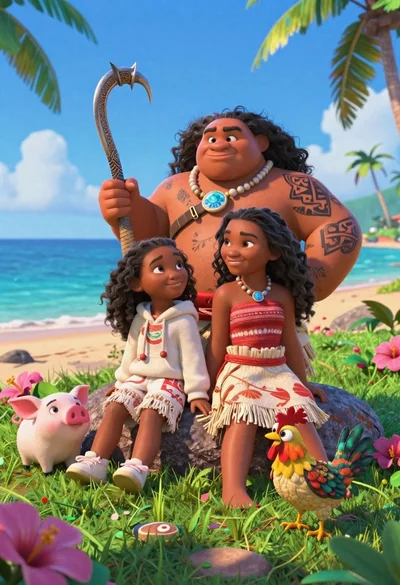
Three disney characters on a tropical grassy rock
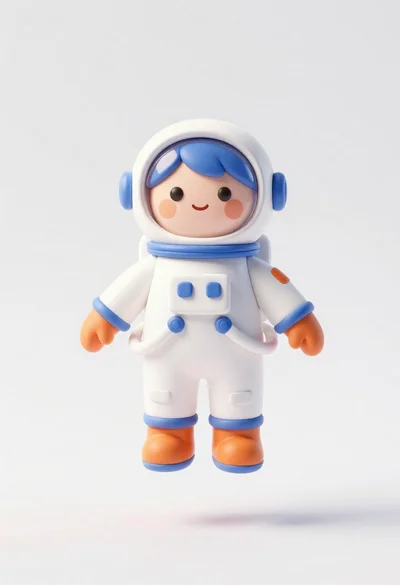
Cute astronaut figure floating in midair against plain white background

Cheerful chibi pirate character standing on treasure chest in studio
Young man in black puffer jacket sits on grass in minecraft style
Large headed cartoon caricature standing in front of real life man in
Two men standing side by side in front of a purple door
Cheerful young boy in blue france soccer jersey standing on a colorful
Young man in white shirt sitting on grass in forest clearing at