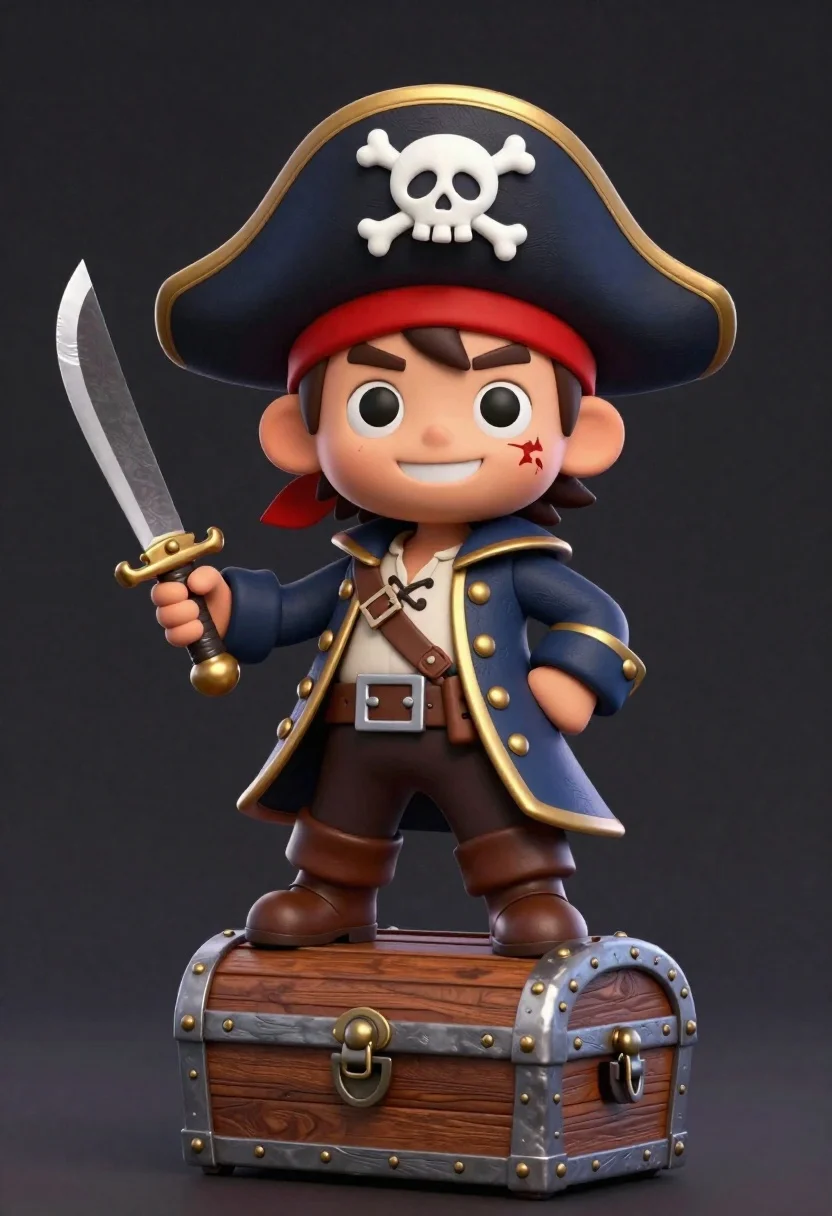
Cheerful chibi pirate character standing on treasure chest in studio
Prompt
A cheerful cartoon pirate character with a chibi build stands confidently on top of a wooden treasure chest against a dark background.

Subject: A cute, chibi-style male pirate with brown hair, thick eyebrows, and a friendly smile showing teeth. He has a small scar near his left eye and wears a large black tricorn hat featuring a white skull and crossbones emblem.

Clothing: He wears a dark blue coat with gold trim and brass buttons over a cream-colored shirt with lace-up detailing at the chest. A red bandana is tied around his head, and he wears brown trousers tucked into tall brown boots secured with buckles.

Action: The character strikes a dynamic pose with one knee raised on the chest, holding a curved cutlass in his right hand while his left hand rests near his hip. He looks directly at the viewer with wide, expressive eyes.

Environment: The setting is a simple studio environment with a solid dark grey background that fades to black at the edges, isolating the figure.

Camera: A medium shot captures the character from the knees up, utilizing a slight low angle to emphasize his height and confidence.

Lighting: Soft studio lighting illuminates the subject from the front-left, creating gentle highlights on his face and coat while casting soft shadows that define his rounded form.

Objects: A wooden treasure chest with brass studs and a latch sits beneath him as a platform. He holds an ornate cutlass with a gold hilt in his right hand.

Style Details: The image features a 3D rendered aesthetic with smooth textures, vibrant colors, and a polished finish reminiscent of high-quality character design renders.
Description
This prompt is useful for creating merchandise mockups, animated character concept art, and stylized promotional materials for children's media. The combination of 'chibi build,' 'soft studio lighting,' and a 'dark grey background that fades to black at the edges' ensures the vibrant colors and polished finish remain the absolute focus, preventing any distracting environmental clutter from pulling attention away from the character design.
Suggestions
- Change 'dark blue coat' to 'deep emerald coat' for a richer color pop.
- Swap 'wooden treasure chest' for 'glowing magical chest' to enhance fantasy elements.
- Adjust 'low angle' to 'eye-level shot' if you want a more direct, less imposing feel.
Category
Tags
3dBrown HairCasual WearDark SkinFull BodyLow AngleMaleMedium ShotOutdoorsStudio
Date added
June 26, 2026
Added by
PromptDexter Team
Related Prompts
More prompts with similar categories and tags.
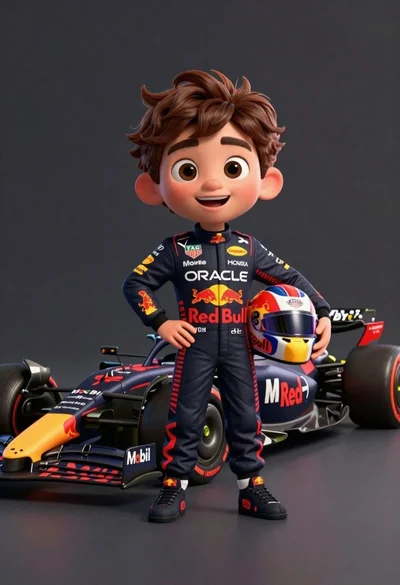
Cheerful cartoon boy in racing suit standing next to formula one car
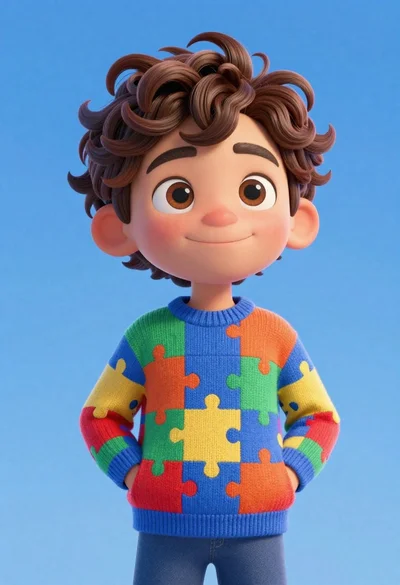
Cheerful young boy in colorful puzzle sweater standing against blue background
Full body shot of cartoonish bobblehead football player in real madrid kit
Cheerful cartoon astronaut boy holding helmet in dark blue studio
Large headed cartoon caricature standing in front of real life man in
Cheerful young boy in blue france soccer jersey standing on a colorful
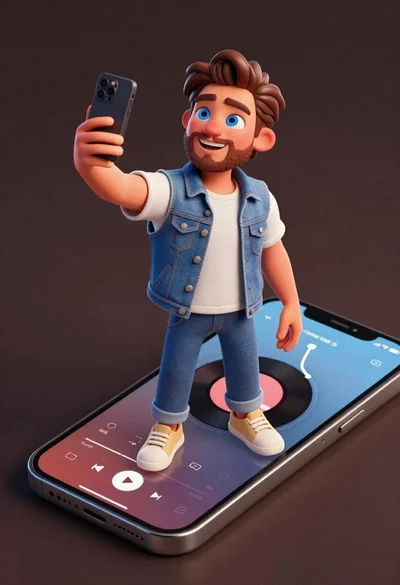
Cheerful young man taking selfie while standing on giant smartphone screen

Model walking down rainy city street at night
