
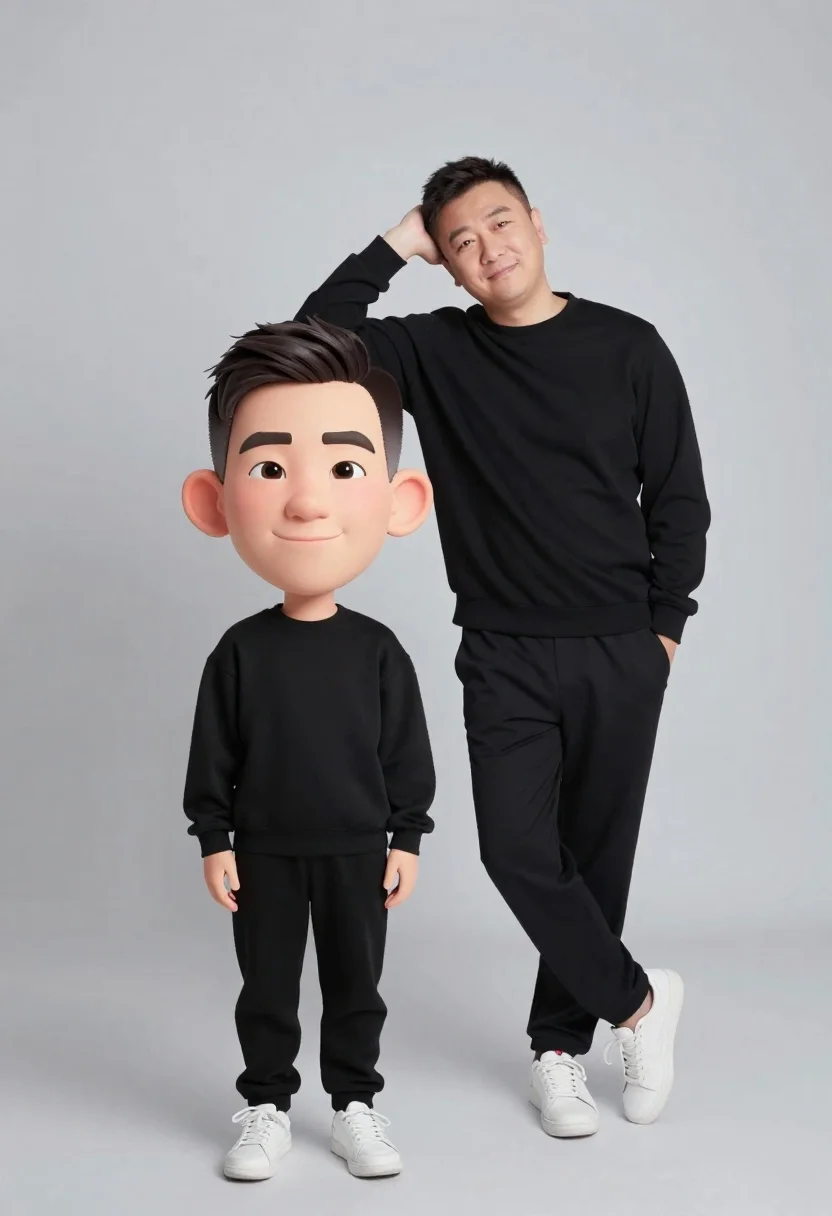
Large headed cartoon caricature standing in front of real life man in
Prompt
A stylized studio portrait featuring a large-headed cartoon caricature standing in front of a real-life man leaning casually against the wall.

Subject: A large-headed cartoon caricature with exaggerated facial features and a confident smile stands in the foreground, while a real-life man leans casually behind him with one arm resting on his head.

Clothing: Both figures are dressed in matching all-black casual attire consisting of long-sleeved sweatshirts and track pants, paired with white sneakers.

Action: The cartoon figure stands upright with hands at its sides, while the real-life man leans back against an invisible surface with a relaxed posture and a slight smile.

Environment: A clean, minimalist studio setting with a seamless light gray background that provides a neutral backdrop for the subjects.

Camera: Eye-level medium shot capturing both figures from the knees up, utilizing soft studio lighting to create gentle shadows and highlight textures.

Lighting: Soft, diffused studio lighting illuminates the scene evenly, minimizing harsh contrasts while maintaining depth through subtle shading on clothing folds and facial features.

Style Details: A blend of photorealistic rendering for the adult figure and 3D animated caricature style for the foreground character, creating a surreal juxtaposition between reality and stylized animation.
Description
This prompt is useful for creating promotional merchandise mockups, conceptual advertising campaigns, or humorous editorial illustrations. The deliberate 'blend of photorealistic rendering for the adult figure and 3D animated caricature style' establishes a surreal juxtaposition that immediately signals to the viewer that the image is intentionally artificial, which is key for both comedic effect and high-concept branding.
Suggestions
- Change 'all-black casual attire' to 'matching navy blue streetwear' for a different color palette.
- Replace 'seamless light gray background' with 'exposed concrete wall' for more texture.
- Adjust 'soft studio lighting' to 'rim lighting' to separate the figures more dramatically.
Category
Tags
3dCasual WearFull BodyMaleMedium ShotOutdoorsRealisticStudio
Date added
June 26, 2026
Added by
PromptDexter Team
Related Prompts
More prompts with similar categories and tags.

Full body studio shot of woman standing between large mario and luigi

Full body studio shot of woman and anthropomorphic fox character
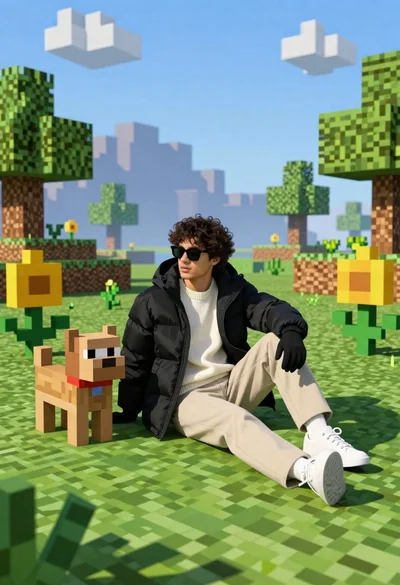
Young man in black puffer jacket sits on grass in minecraft style
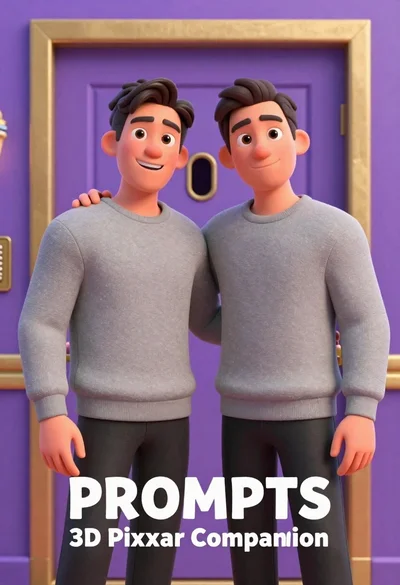
Two men standing side by side in front of a purple door
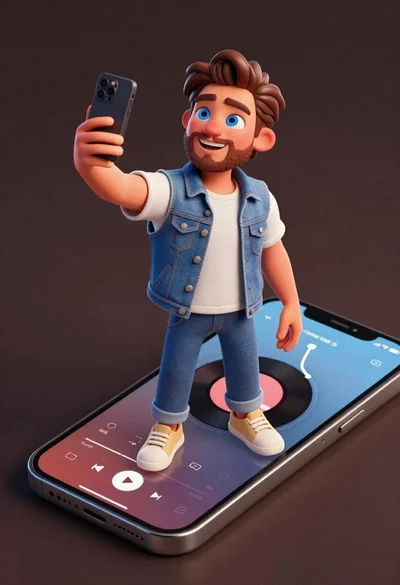
Cheerful young man taking selfie while standing on giant smartphone screen
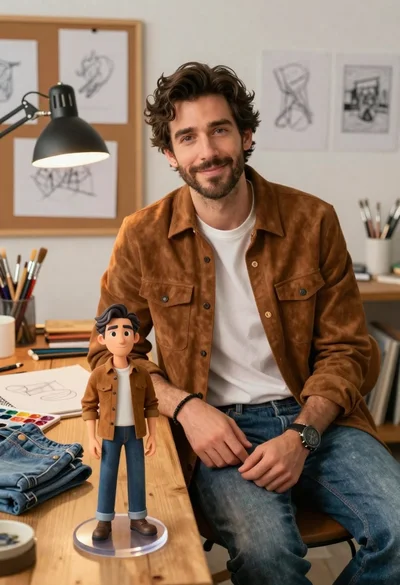
Handsome man in suede shirt sitting at desk in art studio
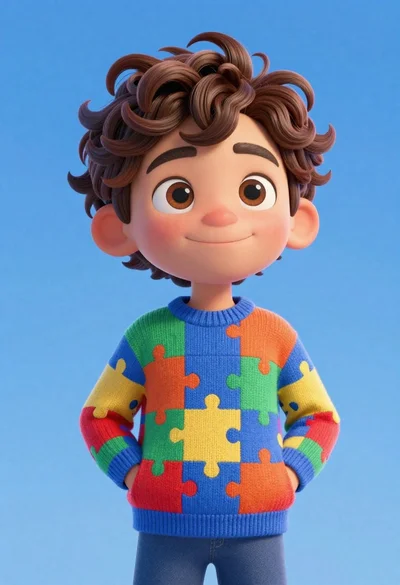
Cheerful young boy in colorful puzzle sweater standing against blue background

Model walking down rainy city street at night
