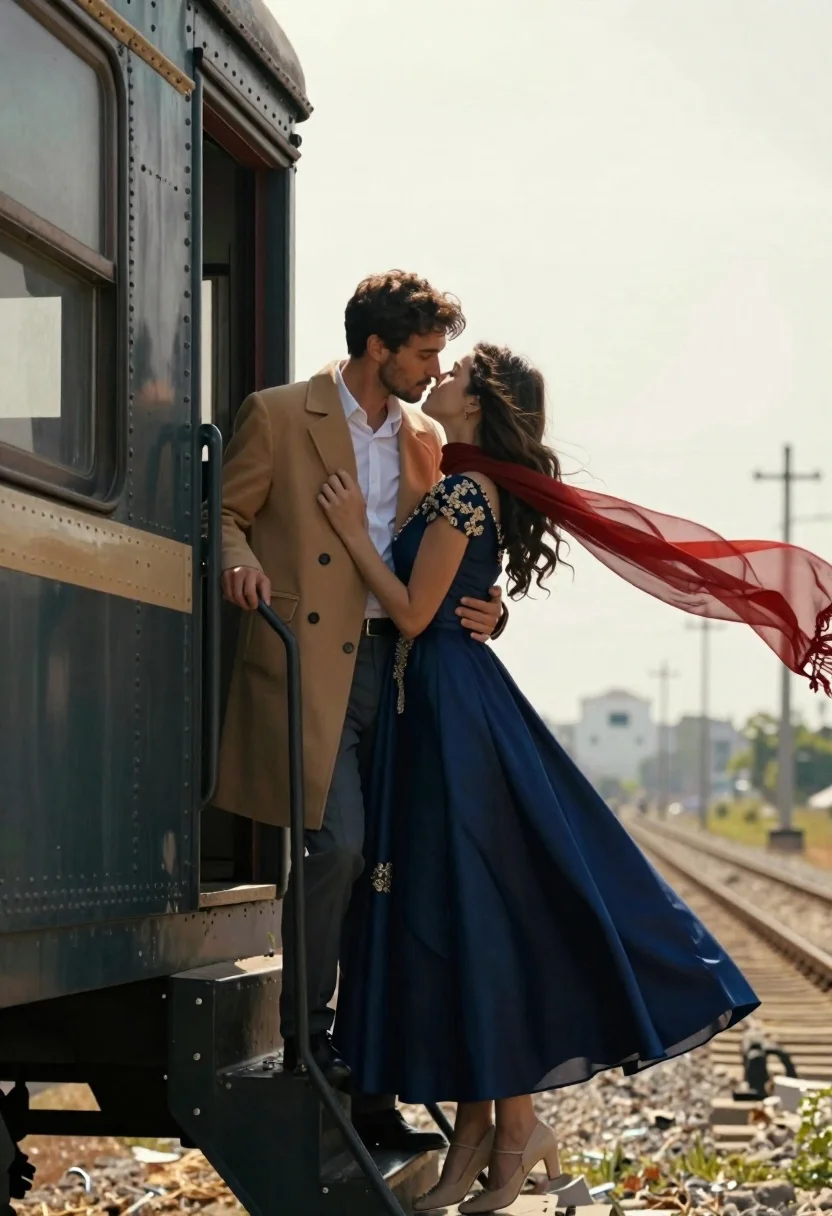
Romantic couple embracing on the steps of a vintage train car
Prompt
A romantic couple embracing intimately on the steps of a vintage train car.

Subject: A man and a woman standing close together in an affectionate embrace. The man has dark hair and stubble, while the woman has long flowing brown hair.

Clothing: The man wears a tan overcoat over a white button-down shirt and grey trousers with black shoes. The woman wears a floor-length navy blue gown with gold embroidery on the bodice and skirt, paired with beige heels. She holds a sheer red scarf that is blowing in the wind behind her.

Action: The couple are locked in a tender embrace, gazing into each other's eyes as if about to kiss. The man stands on the train steps holding onto the railing, while the woman leans back slightly into his arms, her dress flaring out around them.

Environment: They are positioned at the open door of an old-fashioned passenger train car with riveted metal siding and dark windows. Below them are railway tracks stretching into a hazy, sunlit landscape with distant fields and utility poles.

Camera: The shot is taken from a medium distance at eye level, capturing the full height of the couple and the train car, with a shallow depth of field that blurs the background slightly to emphasize the subjects.

Lighting: Soft, natural daylight illuminates the scene from above and behind, creating a dreamy atmosphere with gentle highlights on their faces and clothing while casting soft shadows.

Style Details: The image has a cinematic, romantic aesthetic with rich colors and smooth textures, resembling a high-quality film still or a polished digital illustration.
Description
This prompt is useful for creating movie poster concepts, historical romance editorials, and narrative scene visualizations. The combination of 'vintage train car' siding and the 'sheer red scarf that is blowing in the wind' grounds the intimate embrace within a specific, dramatic setting, while the 'soft, natural daylight' ensures the rich colors and smooth textures remain visible without harsh contrast.
Suggestions
- Change 'tan overcoat' to 'charcoal wool coat' for a more dramatic look.
- Swap 'navy blue gown' for 'emerald velvet gown' to increase color saturation.
- Add 'Kodak Portra 400 film grain' to the style details.
Category
Tags
Black HairBrown HairFemaleFormal WearFull BodyMaleMedium ShotRealistic
Date added
June 21, 2026
Added by
PromptDexter Team
Related Prompts
More prompts with similar categories and tags.

Romantic couple dancing intimately on cobblestone street at dusk
Bride and groom kissing under fireworks in a dark garden at night
Romantic couple embracing between birch trees in a sunlit forest

Romantic couple embracing under a large firework display at night

Romantic couple embracing on a tree lined path at twilight
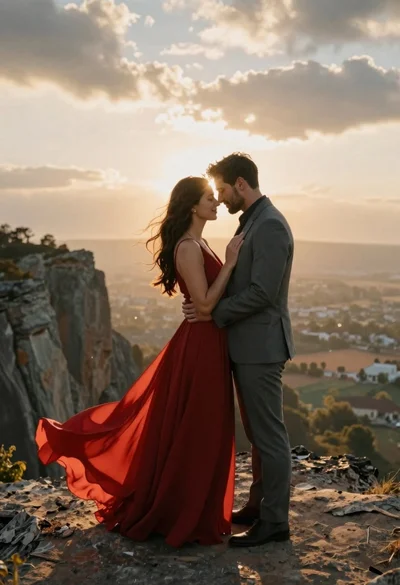
Romantic couple embracing on a rocky cliff at sunset with golden light

Romantic couple embracing on a rooftop balcony at twilight

Romantic couple walking on beach with white horse at golden hour