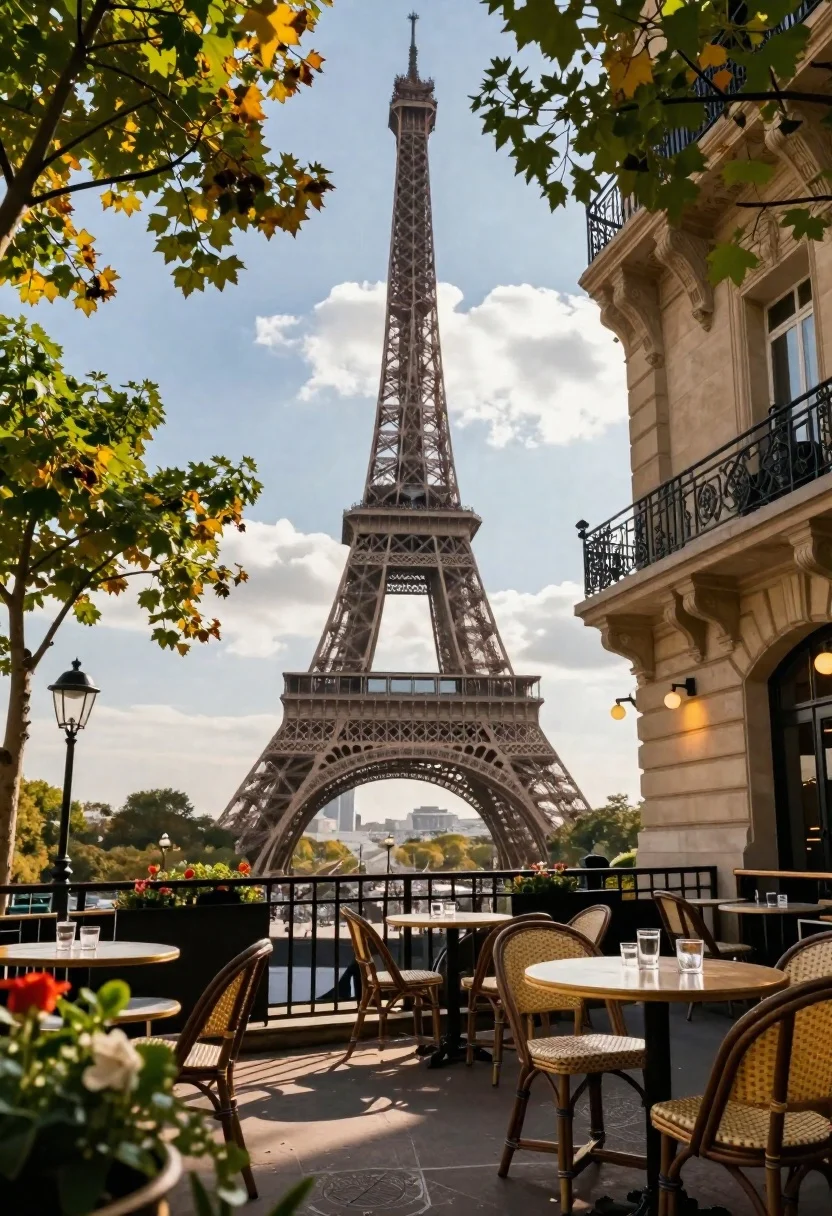
Romantic outdoor cafe terrace with eiffel tower in background under dramatic sky
Prompt
A romantic outdoor café terrace with the Eiffel Tower rising majestically in the background under a dramatic sky.

Subject: The iconic Eiffel Tower stands tall and intricate in the distance, framed by lush green trees with hints of autumnal yellow foliage.

Clothing: No people are visible to describe attire or accessories.

Action: The scene is static, capturing a peaceful moment at an empty café terrace.

Environment: A paved outdoor patio area lined with black metal railings and wicker chairs around round wooden tables set with glassware.

Camera: Shot from a low angle looking up toward the tower, utilizing a shallow depth of field that blurs the foreground flowers while keeping the mid-ground sharp.

Lighting: Bright daylight with soft shadows, suggesting late afternoon or early evening, casting a warm glow on the building facade and trees.
Second

Subject: None.

Objects: Wicker chairs, round wooden tables, glassware, black metal railings, and vintage-style wall lamps.

Interaction: No interaction between subjects as no people are present.

Text/Graphics: No readable text or logos are visible.

Style Details: High-resolution, photorealistic rendering with vibrant colors, sharp architectural details on the tower, and a cinematic composition emphasizing depth and atmosphere.
Description
This prompt is useful for creating travel magazine spreads, architectural concept art, and atmospheric location mood boards. The combination of 'low angle looking up toward the tower' with 'bright daylight with soft shadows' ensures the Eiffel Tower appears monumental while preventing harsh contrast that would flatten its intricate details, allowing the 'wicker chairs' and 'round wooden tables' to feel grounded in a believable setting.
Suggestions
- Change 'autumnal yellow foliage' to 'deep burgundy leaves' for richer color contrast.
- Adjust 'bright daylight with soft shadows' to 'overcast diffused light' for more uniform illumination.
- Swap 'black metal railings' for 'wrought iron railings' to enhance the Parisian aesthetic.
Category
Tags
CafeLow AngleOutdoorsRealistic
Date added
June 26, 2026
Added by
PromptDexter Team
Related Prompts
More prompts with similar categories and tags.
Low angle view of india gate war memorial under golden sunlight
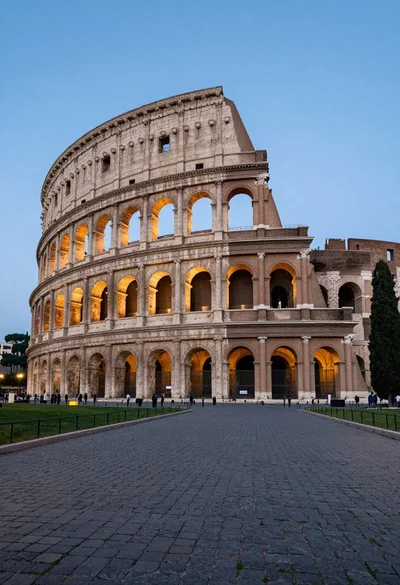
Majestic view of colosseum in rome at twilight with cypress trees
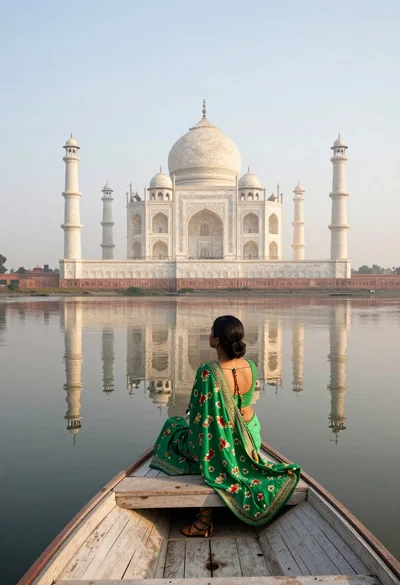
Woman in green sari sitting on boat facing taj mahal across calm

Triumphant man summiting christ the redeemer statue at sunset
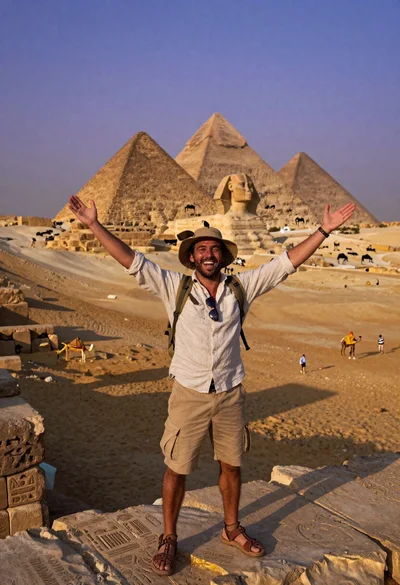
Exhilarated man taking selfie at giza pyramids during twilight
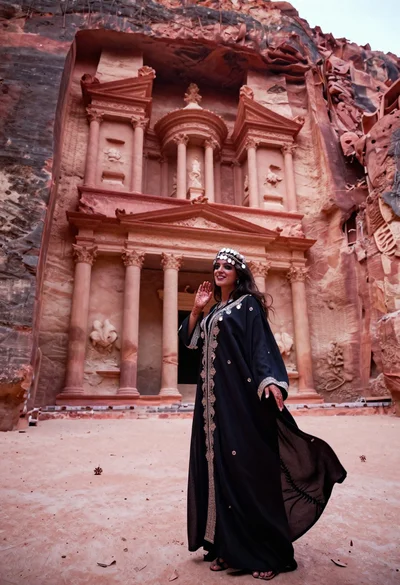
Veiled nomadic woman at petra treasury facade during rose gold dawn
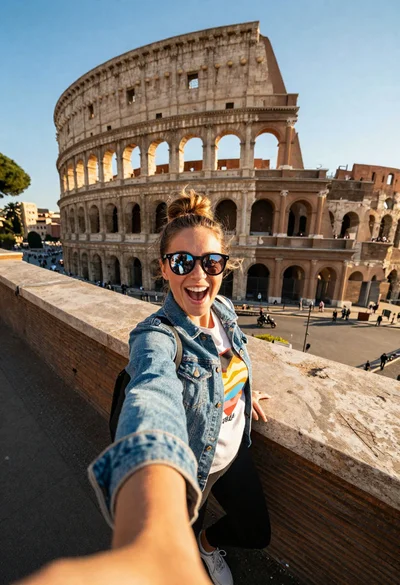
Excited tourist taking selfie at the colosseum during golden hour

Blonde woman on towel aboard boat near sunny marina setting