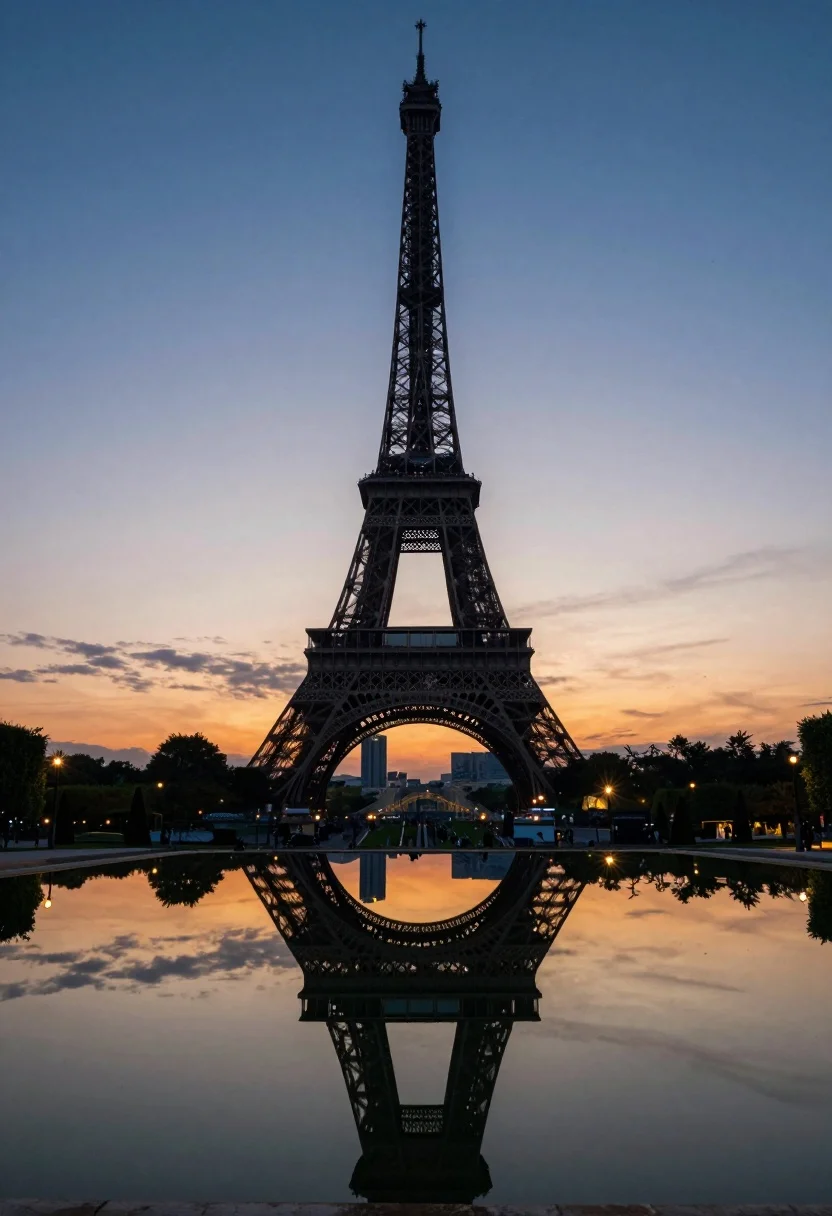
Eiffel tower silhouette reflected in water at twilight against blue orange sky
Prompt
A majestic view of the Eiffel Tower silhouetted against a twilight sky with its reflection perfectly mirrored in a tranquil pool of water below.

Subject: The iconic iron lattice structure of the Eiffel Tower stands tall and centered, appearing as a dark silhouette against the vibrant background.

Action: The scene is static, capturing a serene moment with no visible movement or people.

Environment: The tower rises from a park setting featuring manicured lawns, rows of conical trees, and illuminated streetlamps that cast starburst effects. A large body of water in the foreground creates a symmetrical reflection of the monument and lights.

Camera: The image is captured with a wide-angle perspective to encompass the full height of the tower and its surroundings, utilizing a low angle to emphasize the structure's grandeur against the horizon.

Lighting: The scene is lit by the soft, fading light of dusk, transitioning from deep blue at the top to warm orange and yellow hues near the horizon, with artificial lights glowing warmly from the streetlamps.

Style Details: High contrast between the dark silhouette and the colorful sky, featuring a smooth, almost painterly color grading that enhances the twilight atmosphere.
Description
This prompt is useful for creating architectural concept art, travel poster designs, and dramatic landscape visualizations of urban landmarks. The combination of 'low angle' perspective with the high contrast between the dark silhouette and the 'deep blue at the top to warm orange and yellow hues' gradient ensures that the structure feels monumental while the color grading prevents the scene from looking flat, making it ideal for evocative destination marketing.
Suggestions
- Change 'manicured lawns' to 'wet cobblestones' for more foreground interest.
- Add 'long exposure' to smooth out any water ripples.
- Swap 'conical trees' for 'willow branches' to soften the silhouette.
Category
Tags
Low AngleRealisticRooftopUrbanWide Shot
Date added
July 12, 2026
Added by
PromptDexter Team
Related Prompts
More prompts with similar categories and tags.

Majestic illuminated historic building facade under deep blue night sky
Illuminated twin skyscrapers at night reflecting blue and purple lights on waterfront
Wide view of palace westminster big ben tower at sunset with stone
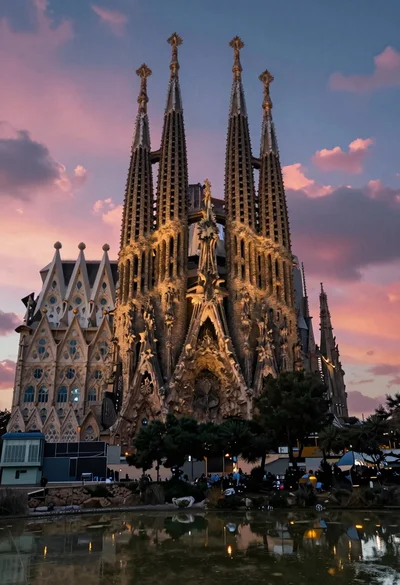
Illuminated sagrada familia cathedral facade reflecting on dark water at twilight
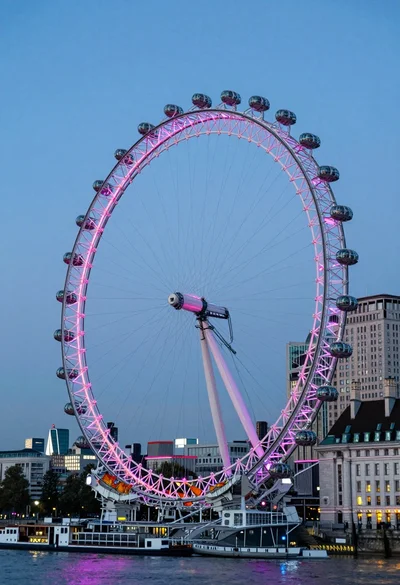
Wide view of london eye ferris wheel against twilight blue sky backdrop
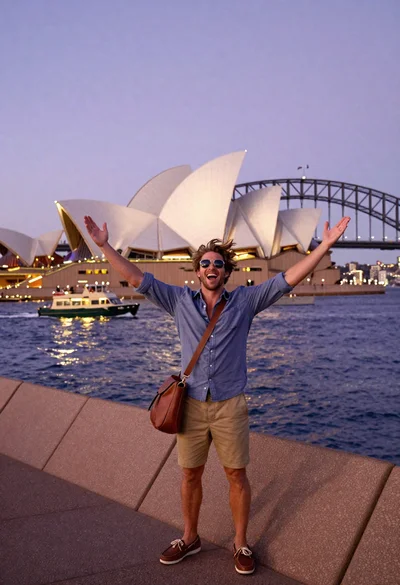
Exhilarated tourist man taking selfie near sydney opera house and bridge
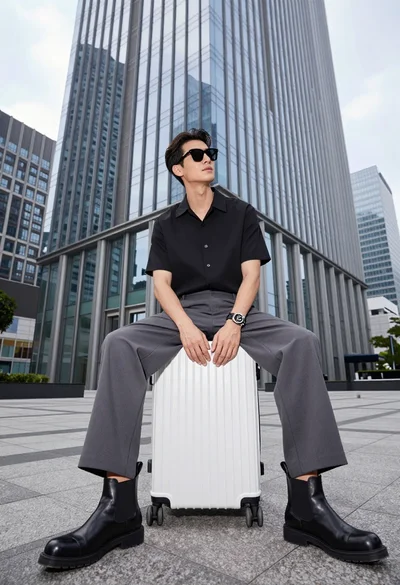
Handsome man sitting on suitcase before modern glass skyscraper in urban plaza
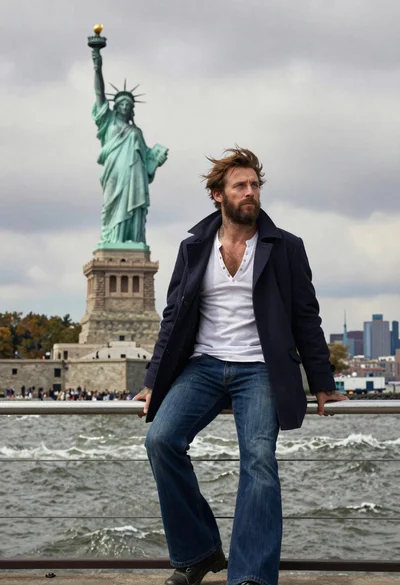
Seafaring man leaning against statue of liberty torch on island
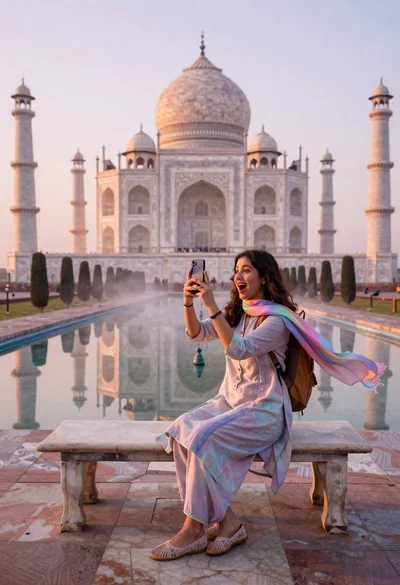
Woman capturing taj mahal reflection in infinity mirror at sunrise
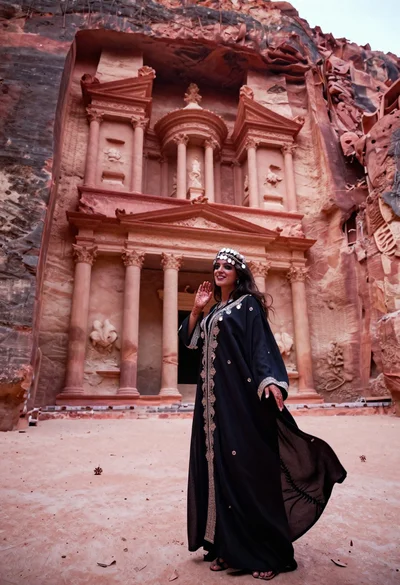
Veiled nomadic woman at petra treasury facade during rose gold dawn