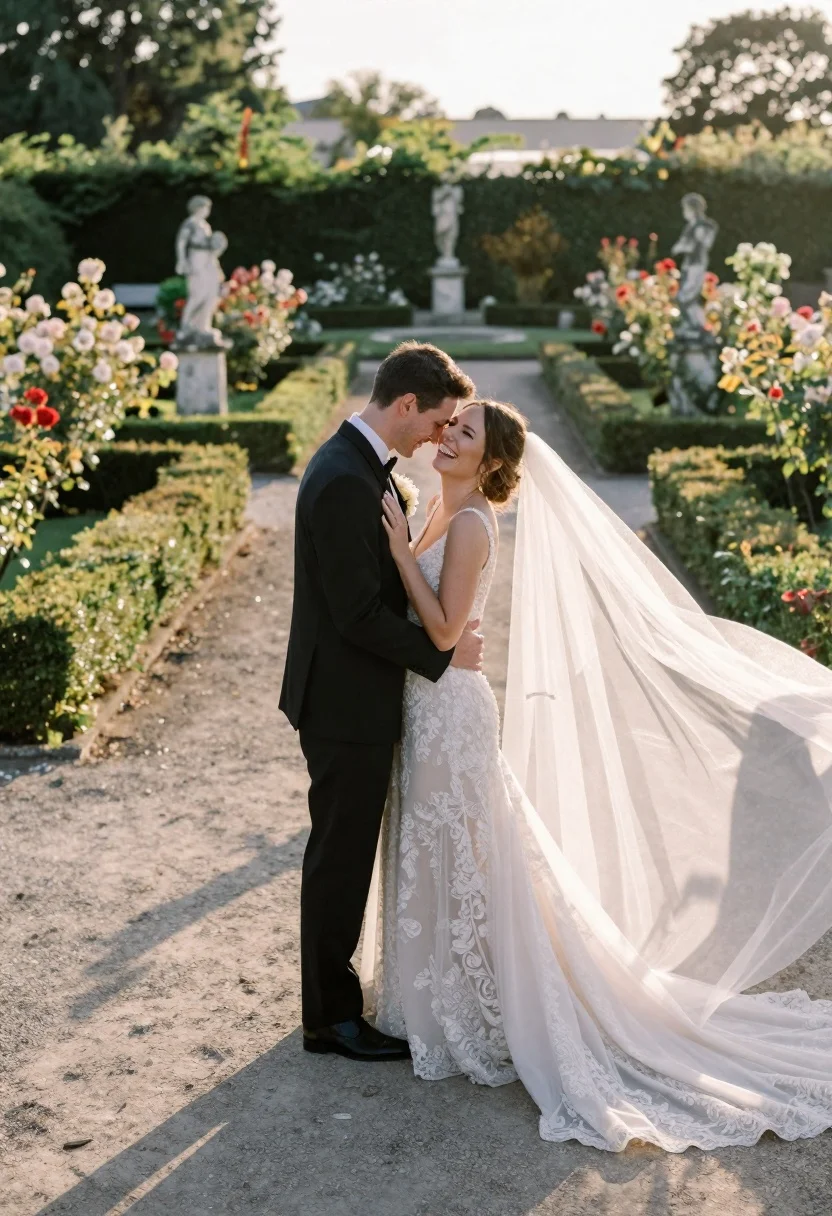
Wedding couple embracing in formal garden at golden hour
Prompt
A romantic wedding portrait of a couple embracing in a formal garden at golden hour.

Subject: A groom and bride standing close together on a gravel path, the man leaning his forehead against hers while she laughs joyfully with her eyes closed.

Clothing: The groom wears a classic black suit with a white shirt and bow tie, while the bride is dressed in an elegant, sleeveless lace wedding gown with a long, flowing veil that billows dramatically behind her.

Action: The couple shares an intimate embrace, their foreheads touching, capturing a moment of pure happiness and connection.

Environment: A manicured formal garden featuring neatly trimmed boxwood hedges lining the path, surrounded by lush rose bushes and classical stone statues on pedestals in the background.

Camera: Shot with a wide-angle lens to capture the expansive garden setting, utilizing a shallow depth of field that keeps the couple sharp while softly blurring the distant greenery and statues.

Lighting: Warm, golden sunlight filters through from the side, casting long shadows across the gravel path and creating a soft, glowing backlight on the bride's veil.

Style Details: The image features a film photography aesthetic with natural color grading, soft focus, and a dreamy atmosphere reminiscent of high-end editorial wedding photography.
Description
This prompt is useful for creating romantic wedding album spreads, fine art portraiture, and luxury stationery mockups. The combination of 'warm, golden sunlight' casting long shadows across the gravel path and the 'shallow depth of field' ensures that while the expansive garden setting is visible via the wide-angle lens, the focus remains intimately sharp on the couple's connection against a softly blurred backdrop.
Suggestions
- Change 'black suit' to 'charcoal grey suit' for a slightly softer contrast.
- Swap 'lush rose bushes' for 'hydrangea clusters' to vary the floral texture.
- Adjust 'wide-angle lens' to '85mm portrait lens' for a more compressed, intimate feel.
Category
Tags
Black HairFemaleFormal WearLight SkinMaleOutdoorsRealisticWide Shot
Date added
June 23, 2026
Added by
PromptDexter Team
Related Prompts
More prompts with similar categories and tags.
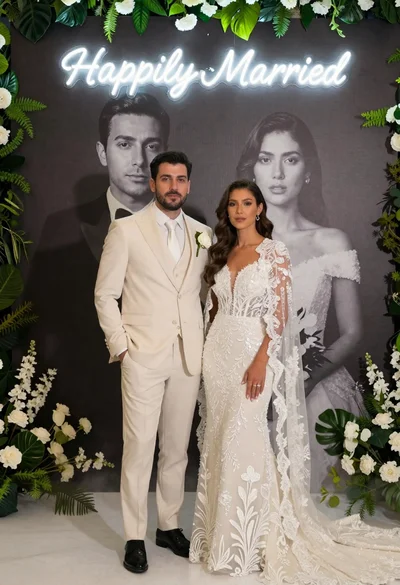
Bride and groom in wedding attire standing before large portrait wall
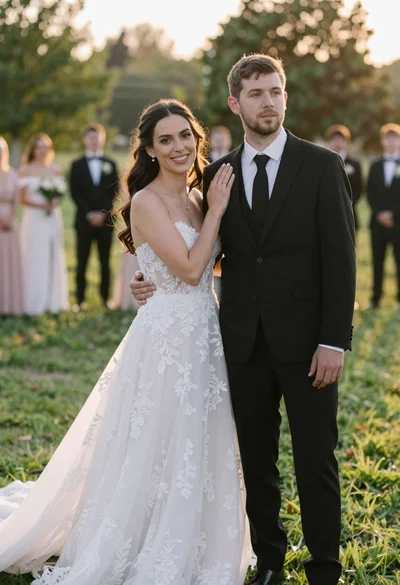
Romantic outdoor wedding portrait of bride and groom in grassy field
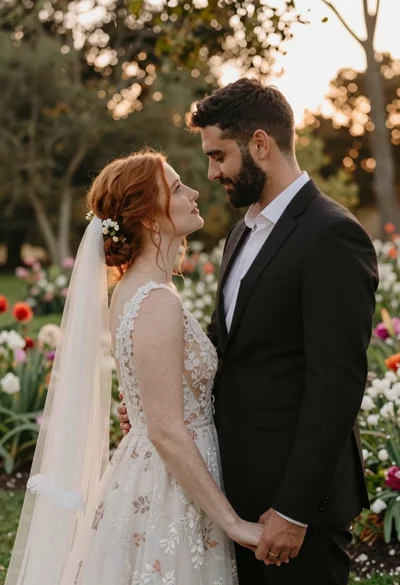
Redhaired bride and groom embracing in garden at golden hour
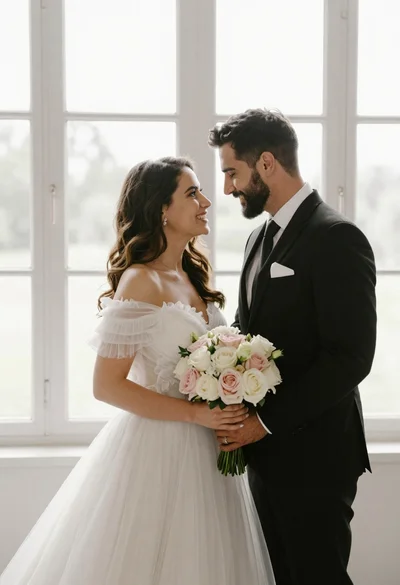
Bride and groom holding rose bouquet together in front of large window
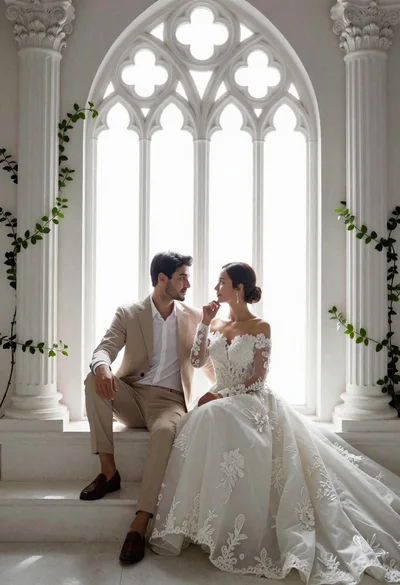
Romantic couple in wedding attire sitting before large gothic window
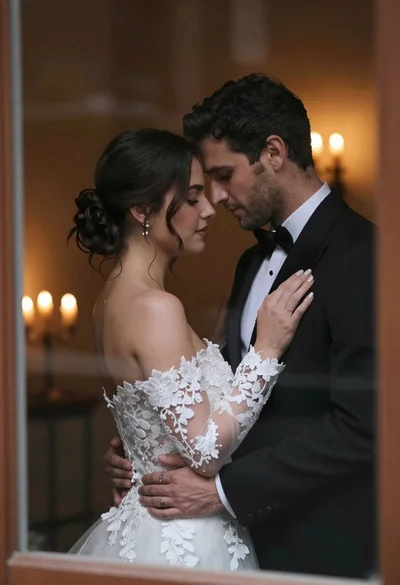
Bride and groom embracing intimately behind a glass window pane
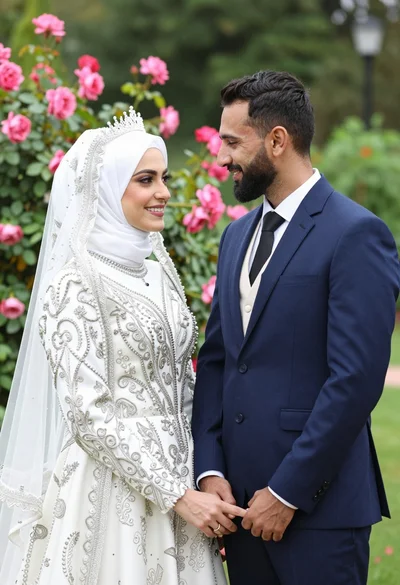
Smiling bride in white hijab and groom in navy suit holding hands
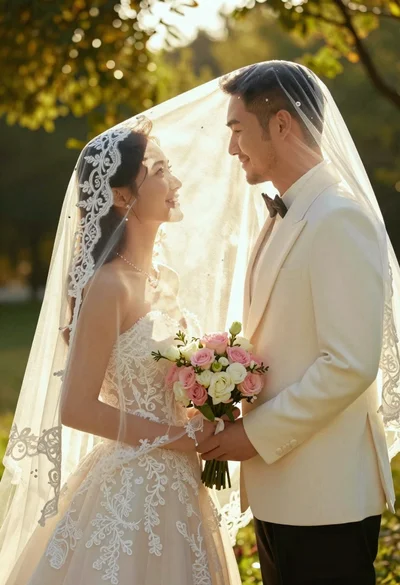
Bride and groom under lace veil in sunlit garden holding roses