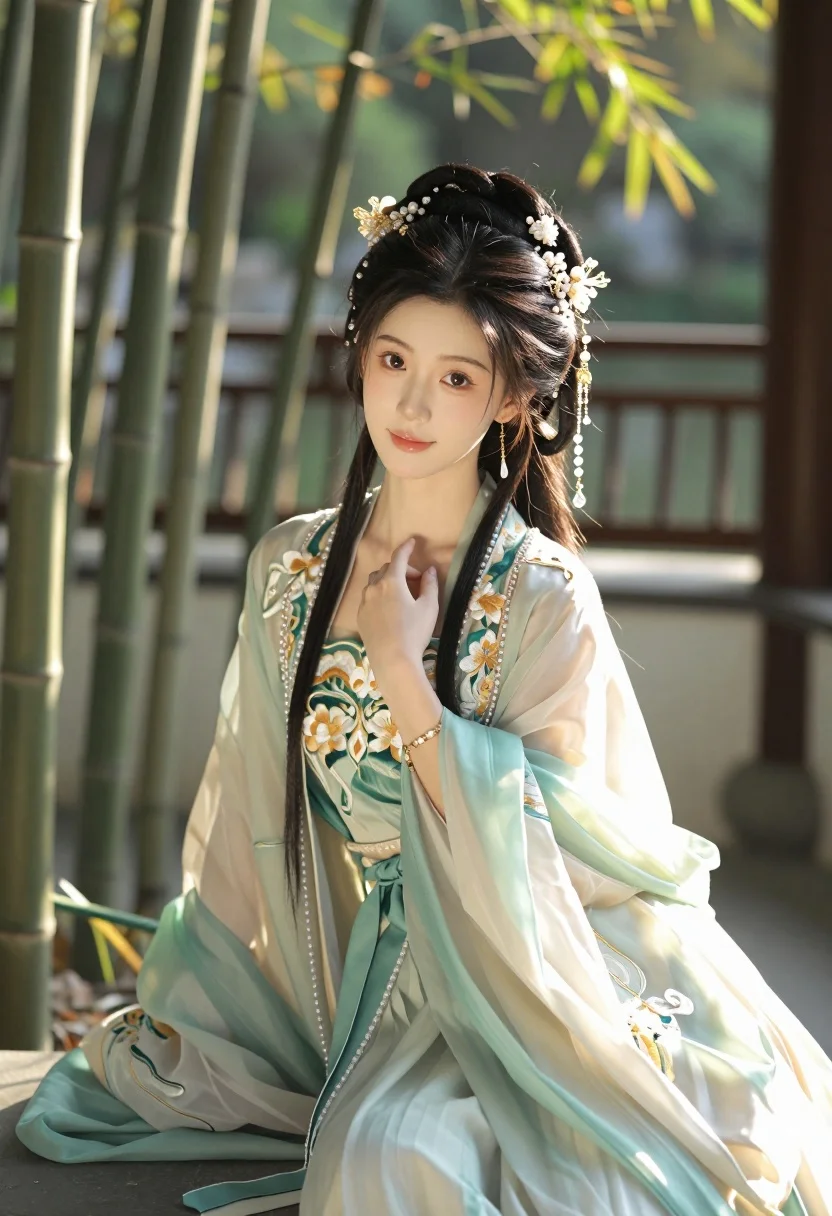
Serene young east asian woman in hanfu sitting in sunlit garden setting
Prompt
A serene young woman in traditional Chinese attire sits gracefully amidst a sunlit garden setting.

Subject: A beautiful young East Asian woman with long, dark hair styled in an elaborate updo adorned with intricate golden and pearl headpieces featuring dangling crystal beads. She has soft, fair skin, delicate features, and large expressive eyes gazing directly at the viewer. Her expression is calm and gentle with a subtle, polite smile.

Clothing: She wears a flowing Hanfu-style robe in pale mint green and cream silk, featuring intricate gold embroidery of floral patterns along the sleeves and bodice. The garment includes layered translucent fabric, pearl necklaces, and ornate golden jewelry including earrings and bracelets.

Action: She sits with her body angled slightly to the side while facing forward, her right hand gently touching the collar of her robe in a poised gesture. Her posture is relaxed yet elegant.

Environment: A lush garden setting with tall bamboo stalks visible on the left and blurred green foliage in the background suggesting a wooden pavilion or balcony structure.

Lighting: Warm golden sunlight filters through the trees, creating a soft glow on her face and highlighting the delicate textures of her clothing. The lighting is directional from the upper right, casting gentle shadows and enhancing the ethereal atmosphere.

Style Details: Photorealistic with high detail, soft focus background, cinematic color grading with warm tones, and a dreamy, romantic aesthetic reminiscent of classical Chinese painting aesthetics rendered in modern photography style.
Description
This prompt is useful for creating editorial fashion moodboards, historical costume concept art, and serene portraiture for cultural publications. The combination of 'warm golden sunlight' filtering through the trees and the 'soft focus background' ensures that the intricate details of the 'pale mint green and cream silk' Hanfu remain visible while preventing harsh distractions, perfectly framing the subject in an ethereal manner.
Suggestions
- Change 'pale mint green' to 'deep sapphire blue' for a more dramatic contrast.
- Add 'bokeh effect' to enhance the background blur further.
- Swap 'golden and pearl headpieces' for 'jade and mother-of-pearl accents' for a different material feel.
Category
Tags
Fair SkinFemaleFull BodyOutdoorsPortrait ShotRealisticTraditional Wear
Date added
July 3, 2026
Added by
PromptDexter Team
Related Prompts
More prompts with similar categories and tags.
Woman in emerald green gown standing on an outdoor balcony overlooking trees
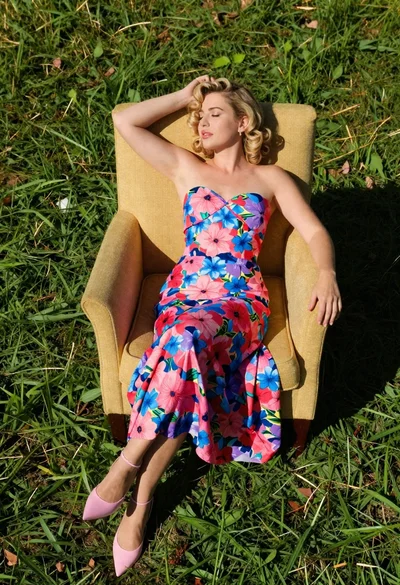
Blonde woman in floral dress reclining on green grass under bright sun
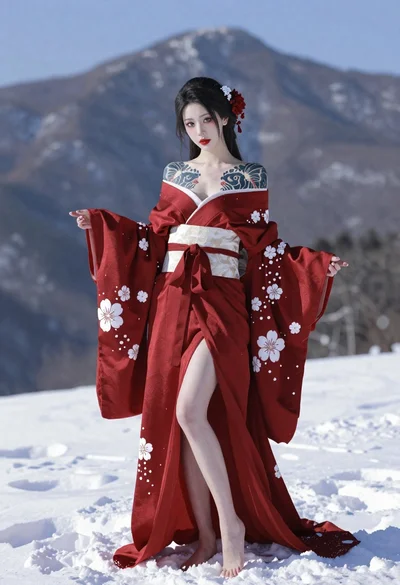
East asian woman in kimono standing in snowy mountains

Woman in peach swimsuit standing under large tree branch against soft background
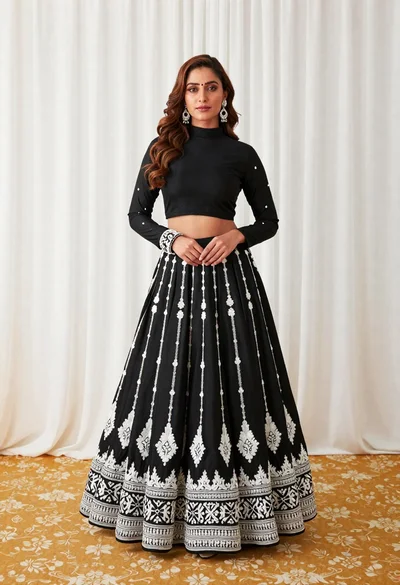
Full length portrait of woman in black traditional outfit indoors
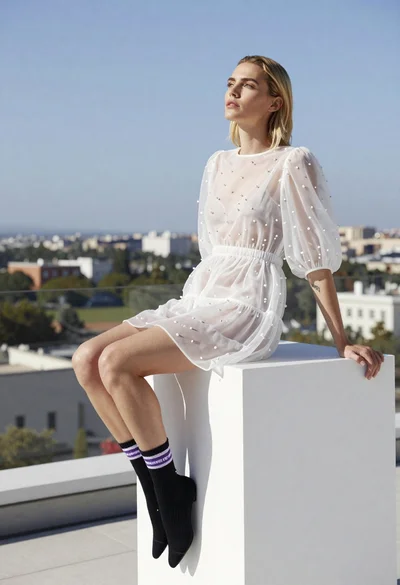
Blonde woman in white embroidered mini dress on rooftop overlooking city
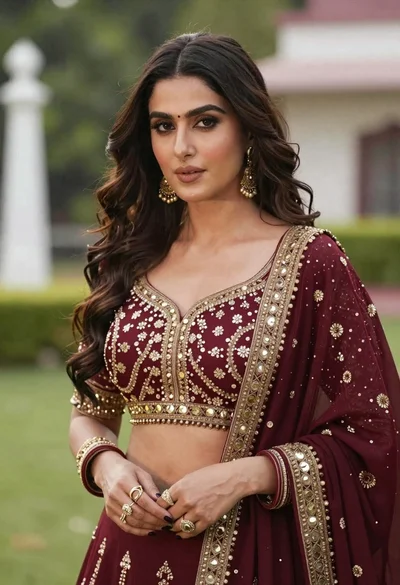
Poised woman in maroon lehenga choli amidst soft green foliage bokeh
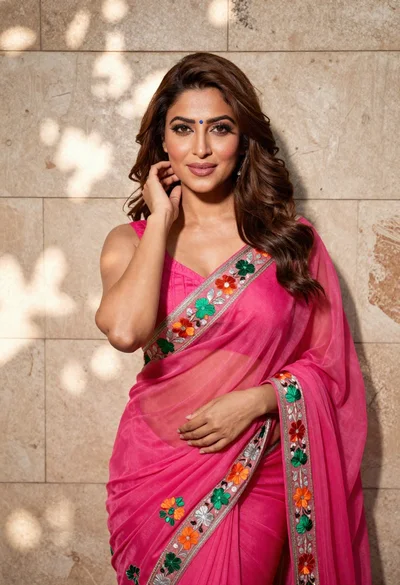
Woman in fuchsia saree posing against textured beige stone wall
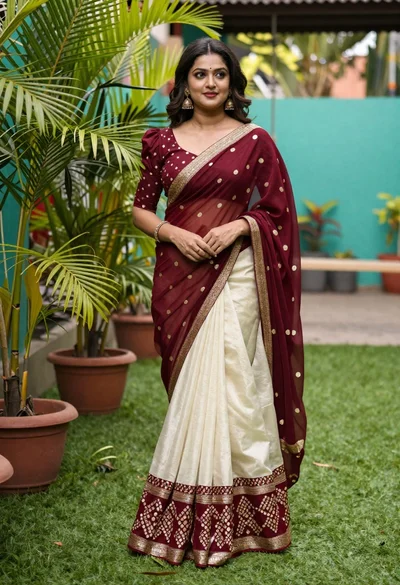
Young woman in maroon and cream saree standing in lush garden setting

Young woman with braided hair in misty woodland setting