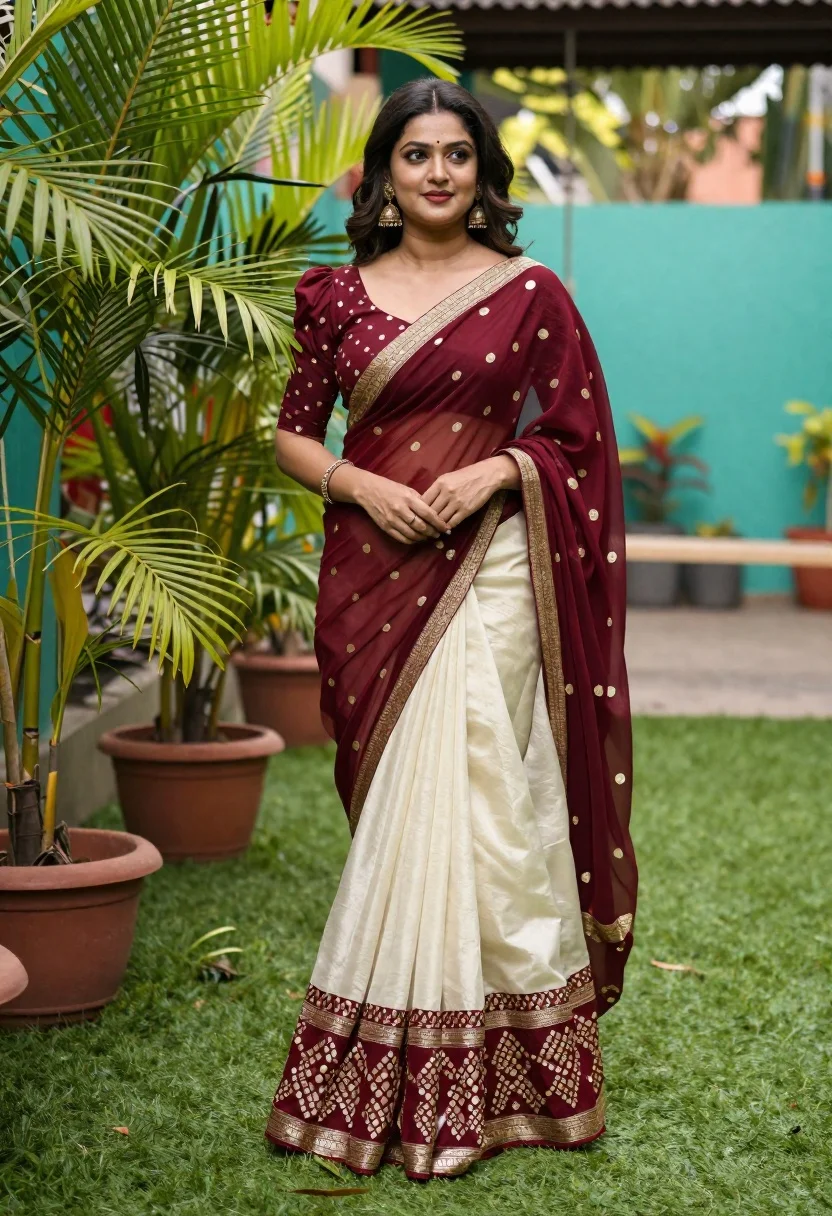
Young woman in maroon and cream saree standing in lush garden setting
Prompt
A woman stands in a lush garden wearing an elegant maroon and cream saree with gold embroidery.

Subject: A young woman with long dark wavy hair, fair skin, and a gentle smile looking off to the side.

Clothing: She wears a traditional Indian saree featuring a deep maroon blouse with short sleeves and gold polka dots, paired with a flowing cream skirt that has intricate maroon geometric patterns at the hemline. The saree is draped over her shoulder with a sheer maroon pallu edged in gold trim. She accessorizes with large ornate gold earrings, a gold bangle on her wrist, and a ring.

Action: She stands in a relaxed pose with her hands gently clasped near her waist, showcasing the drape of the fabric.

Environment: The setting is an outdoor garden or patio area with vibrant green artificial turf ground cover. Lush potted palm plants frame the left side of the shot, and a blurred teal wall and wooden swing structure are visible in the background.

Lighting: Bright natural daylight illuminates the scene from above, casting soft shadows and highlighting the rich colors of her attire against the green surroundings.

Camera: The image is captured with a medium shot that focuses on the subject's full figure, utilizing a shallow depth of field to blur the background elements while keeping the woman sharp.

Style Details: High-resolution photography with vibrant color saturation and a polished, portrait-oriented aesthetic.
Description
This prompt is useful for creating cultural editorial spreads, bridal lookbooks, and high-end lifestyle catalog imagery. The combination of 'bright natural daylight' casting soft shadows ensures the rich colors of the maroon and cream saree remain vibrant while the 'shallow depth of field' isolates the subject against the blurred background elements, preventing visual competition with the intricate gold embroidery.
Suggestions
- Change 'gold polka dots' to 'zari work' for a more traditional look.
- Swap 'lush potted palm plants' for 'blooming jasmine vines' to enhance fragrance association.
- Adjust 'medium shot' to 'full body shot' to better showcase the saree drape.
Category
Tags
Fair SkinFemaleFull BodyMedium ShotOutdoorsRealisticTraditional Wear
Date added
June 19, 2026
Added by
PromptDexter Team
Related Prompts
More prompts with similar categories and tags.
Indian woman in pink and peach traditional dress in sunlit courtyard
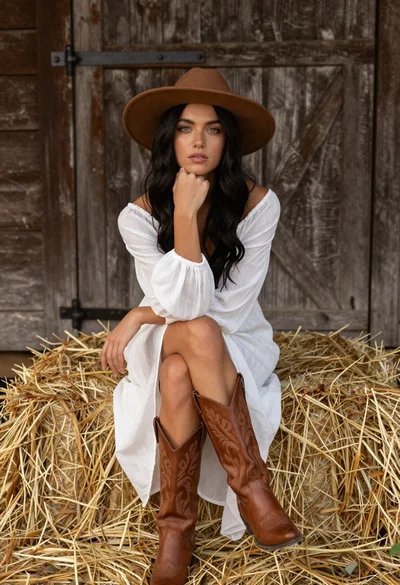
Young woman in white dress and cowboy boots sitting on hay bale
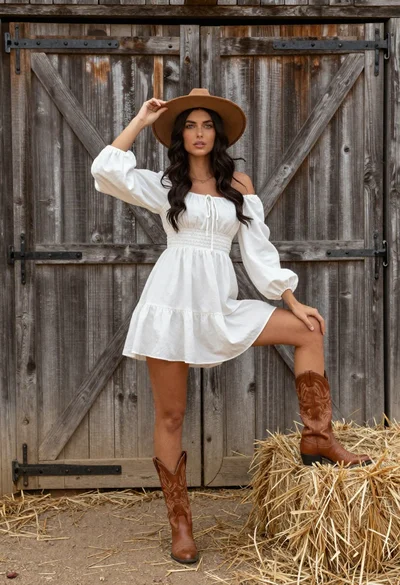
Woman in white dress and brown hat posing by rustic barn door
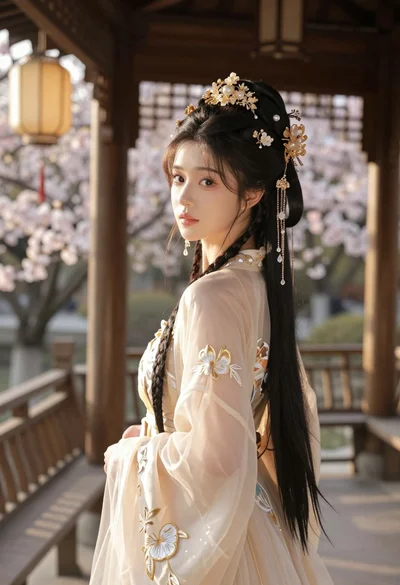
Young woman in cream gown looking back over shoulder at wooden pavilion
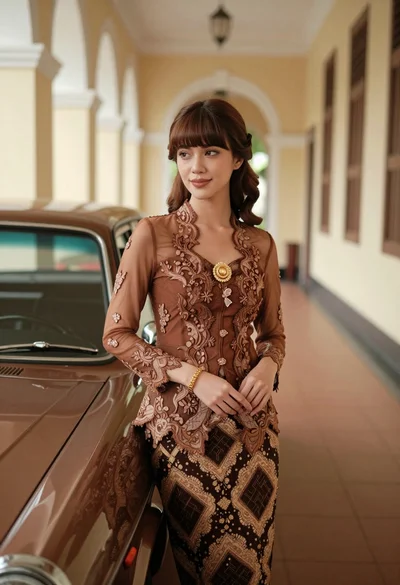
Young woman in kebaya beside vintage car in sunlit architectural corridor

Woman standing barefoot in dry autumn field at golden hour
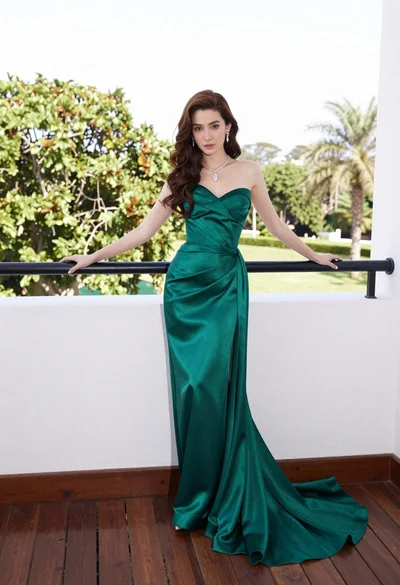
Woman in emerald green gown standing on an outdoor balcony overlooking trees
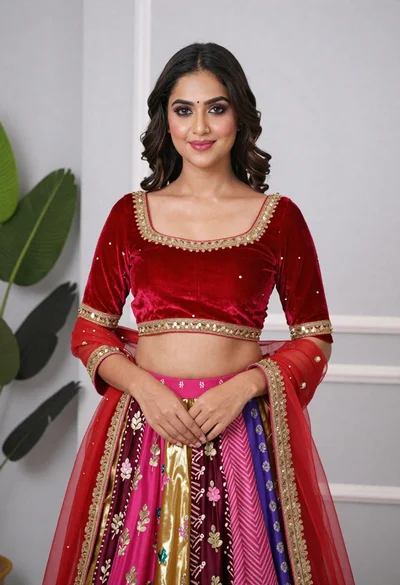
Young woman in elaborate red and pink traditional indian attire indoors
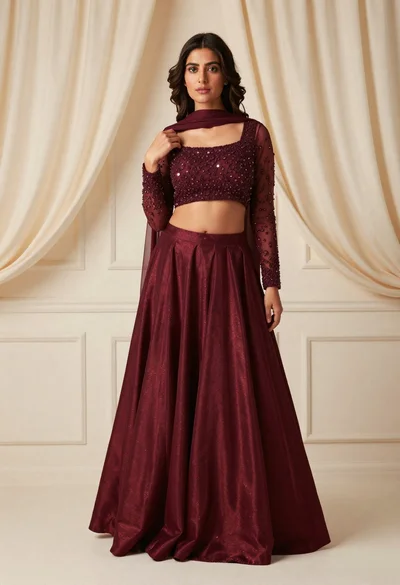
Young woman in maroon lehenga choli standing in an elegant studio setting
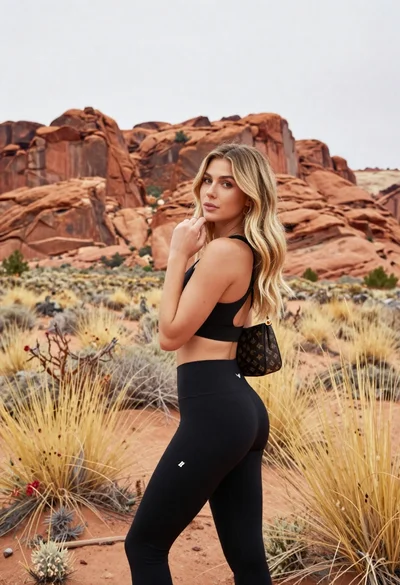
Blonde woman in sports bra standing before red rock desert formations